
TV Cast - Screen Mirroring +


The simplest way to cast photos, videos, and apps to Roku, Samsung, Chromecast, and more. No cables or Apple TV required—just tap to mirror instantly.
Publisher
Category
UtilitiesDownloads
965K+User Rating
Total Ratings
16K+Locales
7Discover the interface used by 965K+ users.
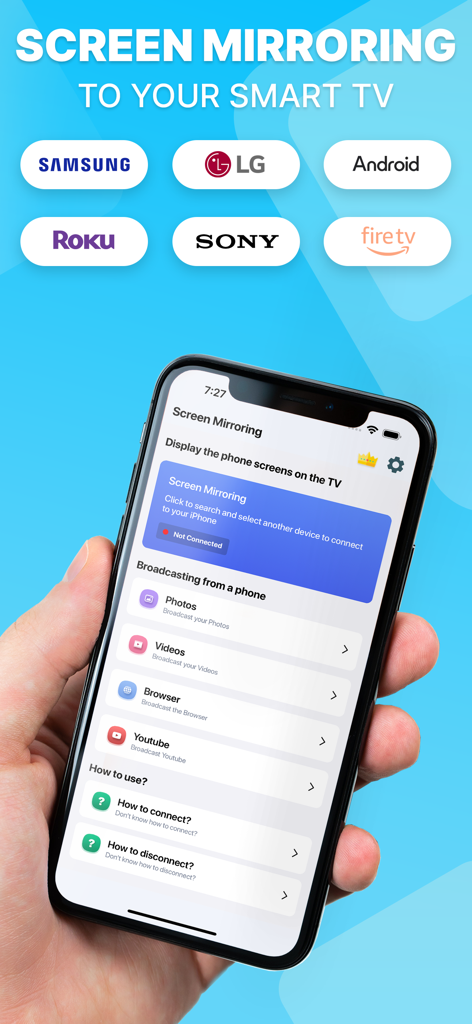
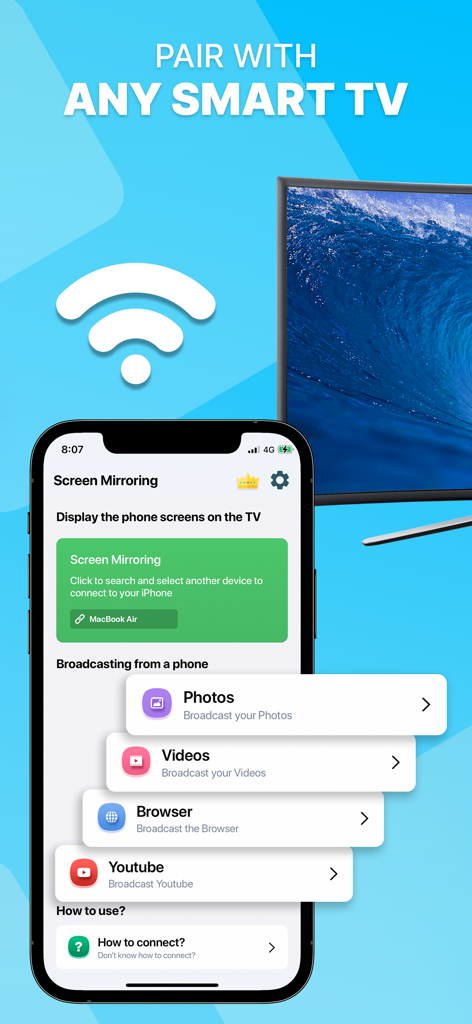
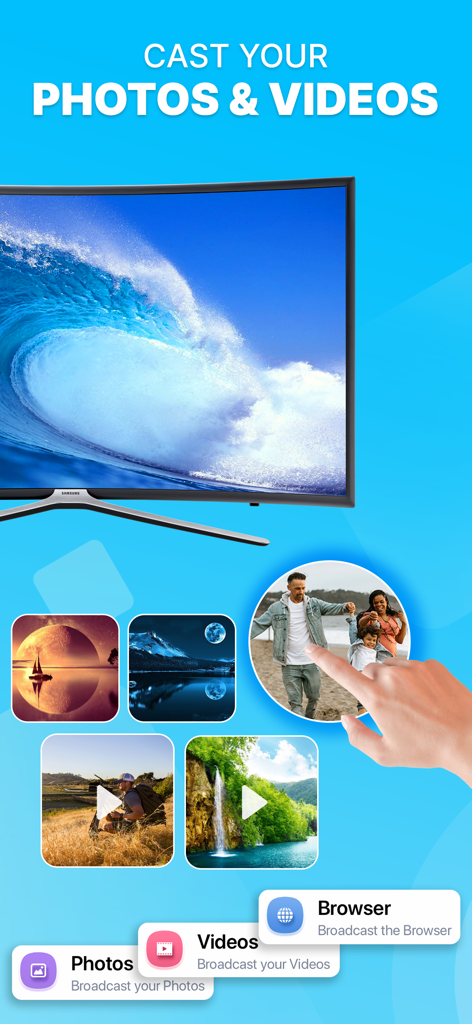
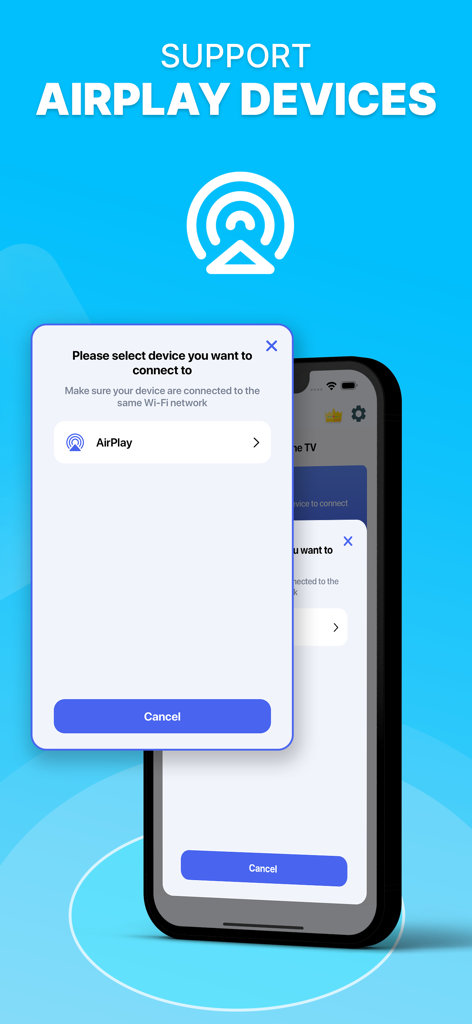
The tools that make this app stand out, trusted by 965K+ users.
No Apple TV? No problem. Seamlessly connect your iPhone to Roku, Samsung, LG, Vizio, and Chromecast with a single tap over Wi-Fi.
Stop passing your phone around. Cast your high-resolution photos and home videos to the big screen for the perfect family viewing experience.
Experience real-time mirroring for everything from fitness apps and mobile games to social media feeds on your living room television.
Everything you need to know about TV Cast - Screen Mirroring +.
Description
Latest Version
1.0.5
Size
16.8 MB
First Released
Oct 24, 2023
Join over 965,000 users who have ditched the small screen. Download TV Cast now and start mirroring your favorite content to any Smart TV instantly.
Everything you need to know about TV Cast - Screen Mirroring +
TV Cast - Screen Mirroring + facilitates screencasting, screen sharing, and mirroring from an iPhone to various Smart TV brands. It connects wirelessly via Wi-Fi and supports devices like Roku, Samsung, and Chromecast.
TV Cast - Screen Mirroring + is compatible with Roku, Samsung, Chromecast, Sony, LG, Philips, Toshiba, and Panasonic Smart TVs. It supports devices with DLNA/UPNP and AirPlay functionality for screen mirroring.
TV Cast - Screen Mirroring + connects to a TV via Wi-Fi. Both the iPhone and the Smart TV must be connected to the same Wi-Fi network for the app to establish a connection.
Yes, "TV Cast - Screen Mirroring +" enables sharing photos and videos from your iPhone to your Smart TV. The app provides direct options for broadcasting both photo and video media.
Yes, "TV Cast - Screen Mirroring +" supports AirPlay devices. Users can select AirPlay from the connection options within the app, provided their device is on the same Wi-Fi network.
TV Cast - Screen Mirroring + offers premium features via an auto-renewing weekly subscription. Payment is charged to the iTunes Account upon confirmation of the purchase.
You manage "TV Cast - Screen Mirroring +" subscriptions through Apple Account Settings. Auto-renewal can be disabled there. Free trial cancellations require action 24 hours before the period ends.
No, "TV Cast - Screen Mirroring +" is not an official application. The app explicitly states that its developers are not affiliated with any mentioned brands, including Roku or Samsung.
The legal policies for "TV Cast - Screen Mirroring +", including Terms of Use, Privacy Policy, and EULA, are available via direct links in the app description. These links are hosted on screenmirroring.addonsmcpe.website.
Apps with similar features and user experience

InstantBits Inc

Sichuan FalconAI Technology Co., Ltd.

Mihkel Pikk

Ozuna Limited

TOGGLE APPS SP Z O O

AER SOFTWARE COMPANY LIMITED

SAND STUDIO CORPORATION LIMITED

Hainan Delta Software Co., Ltd

Dalma Innovation Solutions d.o.o.
App information, icons, screenshots, and descriptions displayed on this page are sourced from the Apple App Store and are the property of their respective developers. Download estimates and rankings are based on MWM's proprietary models and may not reflect actual figures. This page is provided for informational and analytical purposes only.
Believe this page infringes your intellectual property? File a dispute