
Screen Share - 4 Chromecast TV

Instantly stream movies, photos, and games to your Chromecast, Roku, or Smart TV. Experience high-quality casting with no TV apps required and one-tap QR connection.
Publisher
Category
UtilitiesDownloads
175K+User Rating
Total Ratings
7K+Locales
9Discover the interface used by 175K+ users.
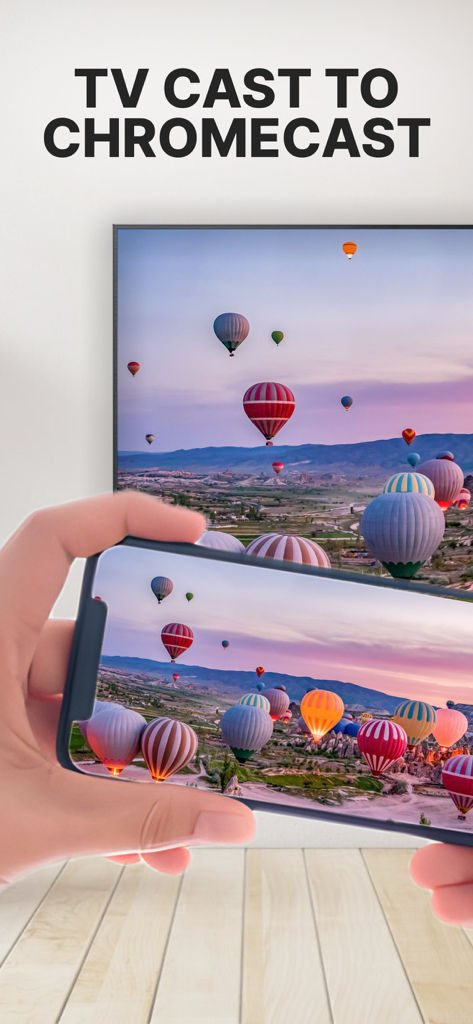
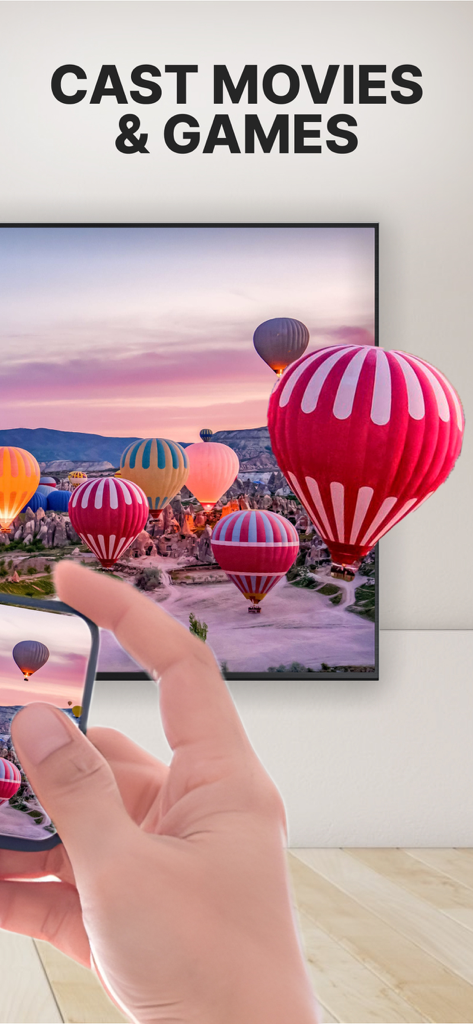
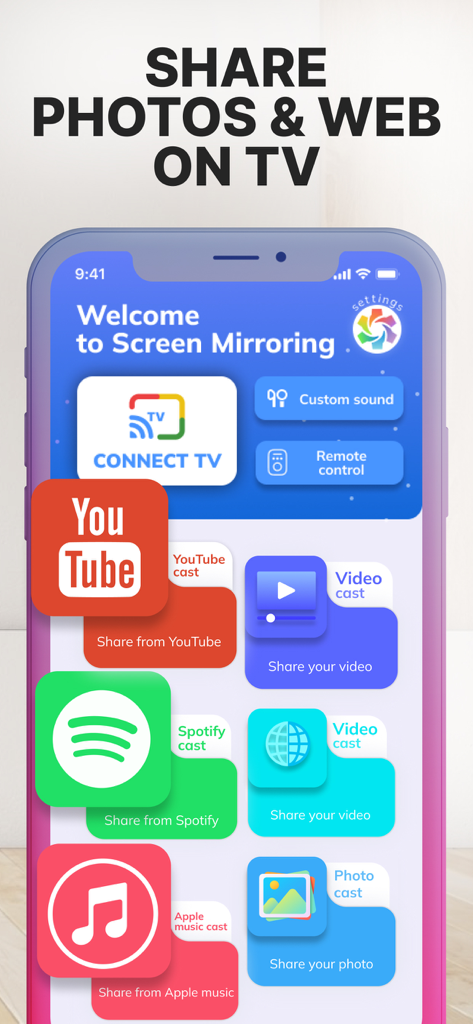
The tools that make this app stand out, trusted by 175K+ users.
Skip the complex setups. Mirror your iPhone, iPad, or Mac to your TV in seconds with a simple QR code scan and no additional TV apps required.
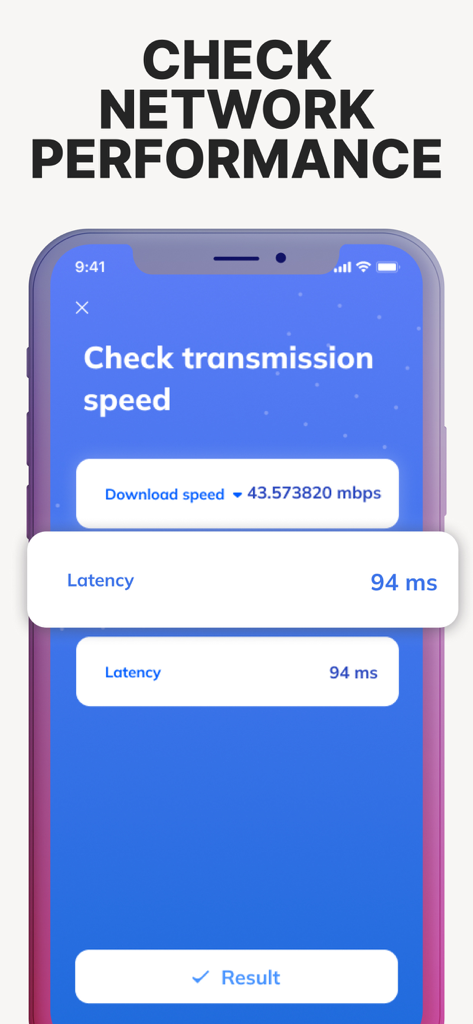
Experience smooth gaming and HD streaming. Use the built-in network speed test to ensure your connection is always optimized for breathtaking quality.
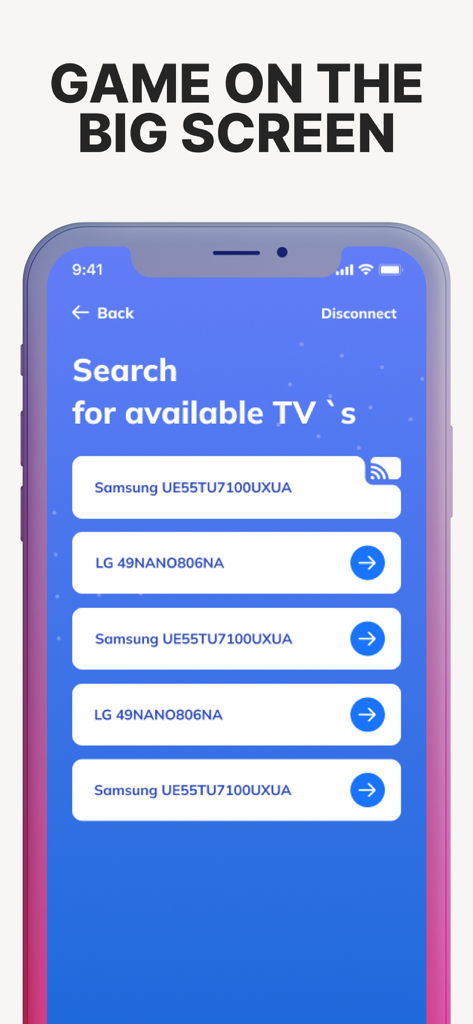
The perfect bridge for your smart home. Effortlessly connect your iOS devices to Chromecast, Roku, Fire TV, and major brands like Samsung, LG, or Vizio.
Everything you need to know about Screen Share - 4 Chromecast TV.
Description
Latest Version
1.15
Size
118.1 MB
First Released
Jul 21, 2022
Join 175K+ users bridging the gap between iOS and any TV. No extra apps, no lag—just instant, high-quality mirroring at your fingertips.
Everything you need to know about Screen Share - 4 Chromecast TV
Screen Share - 4 Chromecast TV supports mirroring from iPhone, iPad, and Mac. It connects to Google Cast-enabled TVs, Chromecast devices, and TVs/consoles with web browser compatibility.
Yes, Screen Share - 4 Chromecast TV is compatible with Samsung, Roku, Fire TV, and LG smart TVs, allowing for easy connection and streaming.
No, Screen Share - 4 Chromecast TV does not require a dedicated TV app. Users quickly mirror their phone screen to their TV with just one tap.
Yes, Screen Share - 4 Chromecast TV allows users to cast movies, shows, music, and photos from their iPhone, iPad, or Mac to the big screen.
Yes, Screen Share - 4 Chromecast TV displays epic gameplay and breathtaking gaming visuals on a larger canvas, enhancing the gaming experience on TV.
Screen Share - 4 Chromecast TV facilitates instant broadcasting via a QR code. Users quickly connect to their TV by scanning the QR code for instant casting.
Yes, Screen Share - 4 Chromecast TV includes a built-in network speed testing tool. This feature helps ensure smooth streaming by eliminating lag.
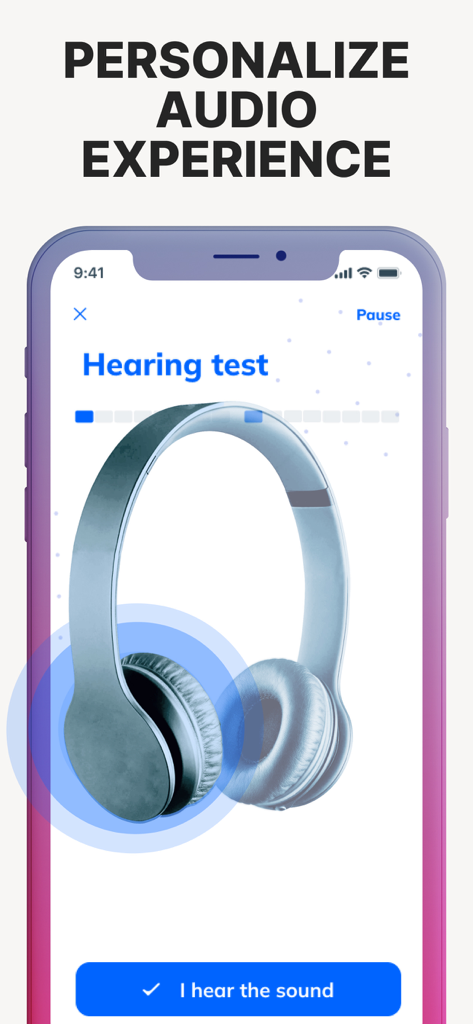
Yes, Screen Share - 4 Chromecast TV allows users to enjoy personalized audio. It provides high-quality audio to complement the visual experience.
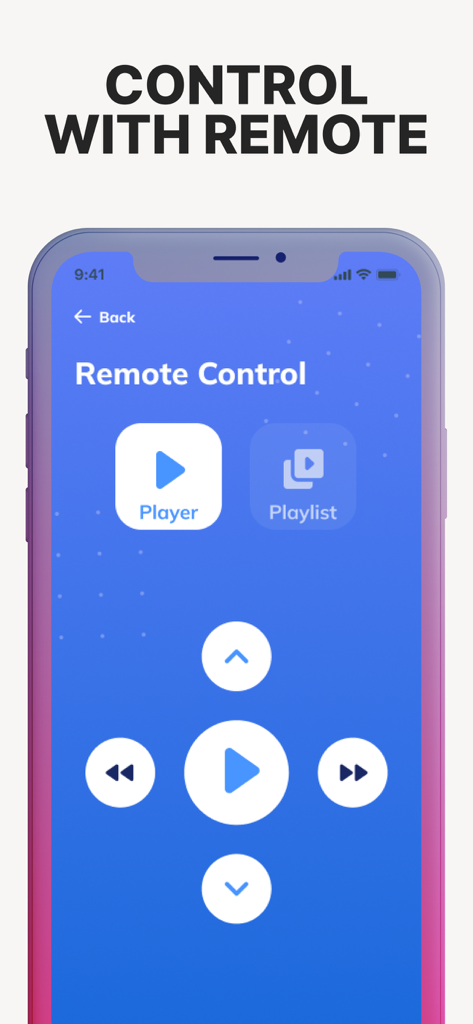
Yes, Screen Share - 4 Chromecast TV offers a remote control feature. This allows users to manage playback, including player and playlist controls, directly from their device.
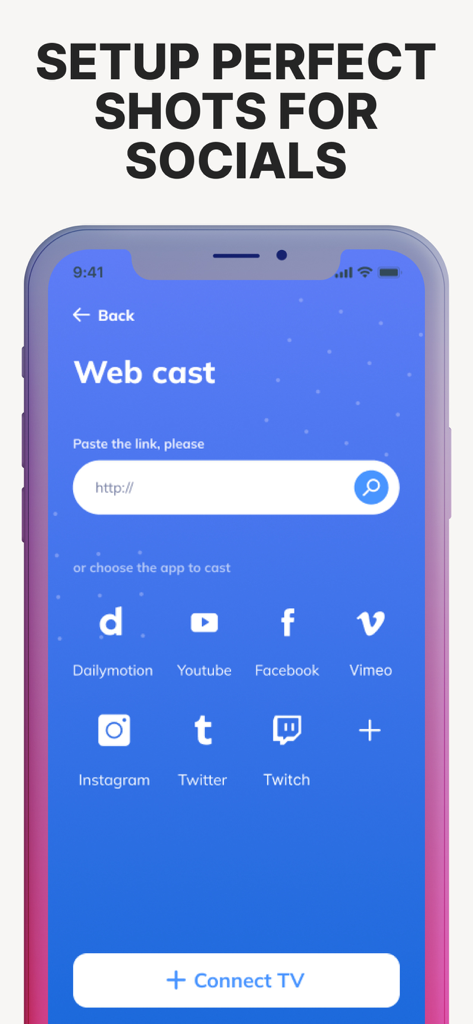
Yes, Screen Share - 4 Chromecast TV supports web casting. Users can paste links or choose apps like YouTube, Facebook, Instagram, Twitter, and Twitch to cast content.
Apps with similar features and user experience

InstantBits Inc

Sichuan FalconAI Technology Co., Ltd.

Mihkel Pikk

Ozuna Limited

TOGGLE APPS SP Z O O

AER SOFTWARE COMPANY LIMITED

SAND STUDIO CORPORATION LIMITED

Hainan Delta Software Co., Ltd

Dalma Innovation Solutions d.o.o.
App information, icons, screenshots, and descriptions displayed on this page are sourced from the Apple App Store and are the property of their respective developers. Download estimates and rankings are based on MWM's proprietary models and may not reflect actual figures. This page is provided for informational and analytical purposes only.
Believe this page infringes your intellectual property? File a dispute