Screenia

Screenia

Download on App Store
Logo of Screenia

Screenia: Capture, Edit, and Share Professional Screenshots Instantly

The ultimate cross-platform workflow for tech professionals. Annotate with precision, sync seamlessly between macOS and iOS, and replace desktop clutter with instant, secure cloud links.

Download on App Store

Publisher

FRESH DYZAIN, TOV

Category

Developer Tools

Downloads

3K+

User Rating

4.3/5

Total Ratings

100

Locales

1

Precision in Every Pixel

Discover the interface used by 3K+ users.
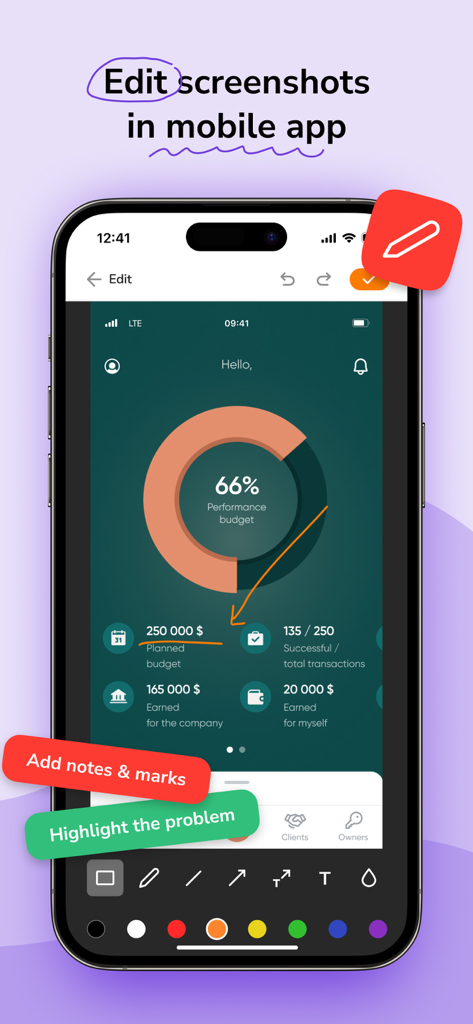
Mobile interface of the Screenia app showing screenshot editing and annotation tools

Mobile interface of the Screenia app showing screenshot editing and annotation tools

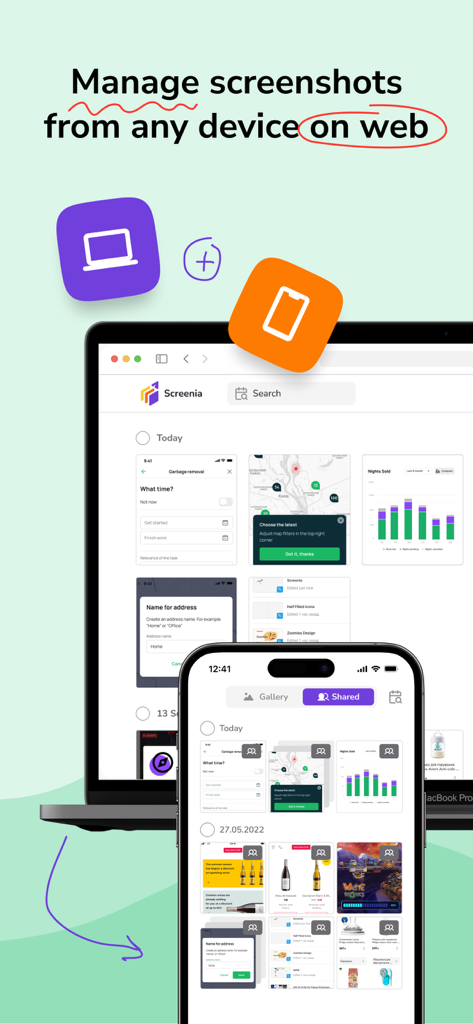
Screenia app interface showing screenshot management synchronized across a laptop and a mobile phone

Screenia app interface showing screenshot management synchronized across a laptop and a mobile phone

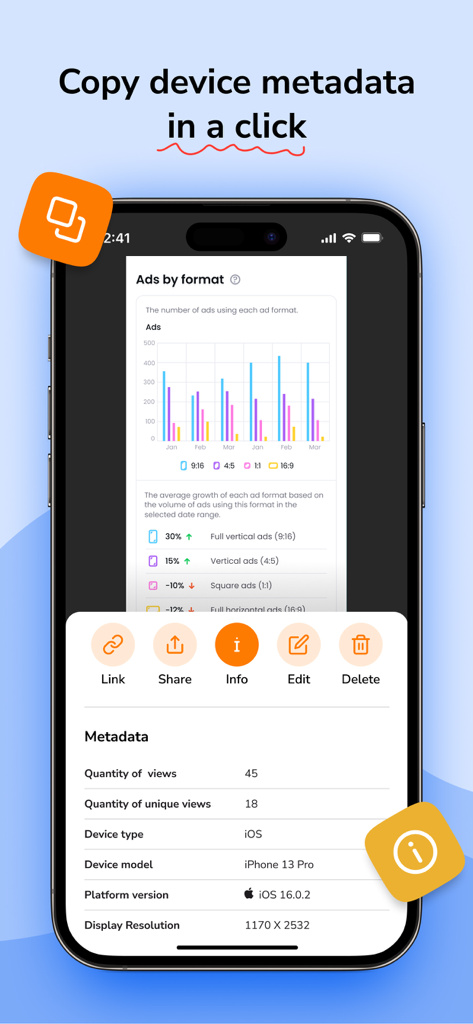
Screenia mobile app displaying device metadata including device model and OS version for a screenshot

Screenia mobile app displaying device metadata including device model and OS version for a screenshot

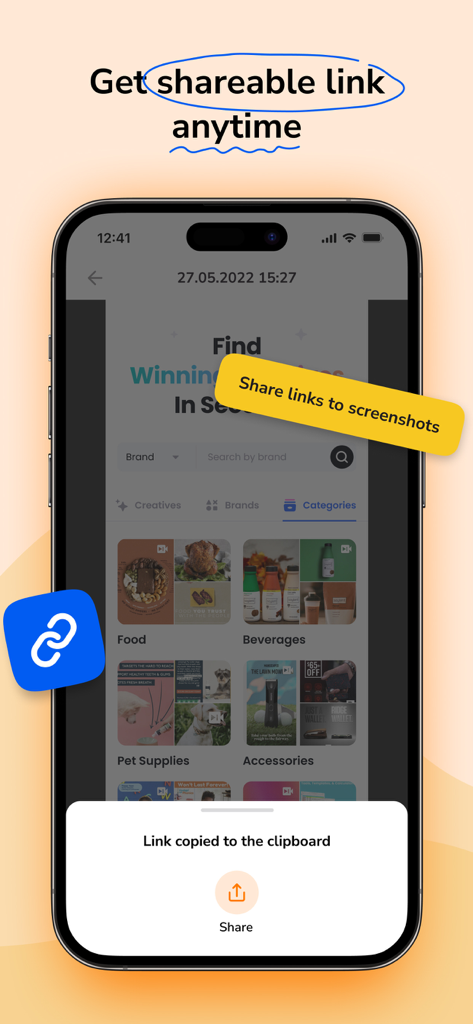
Smartphone screen showing Screenia app with a link copied to clipboard notification

Smartphone screen showing Screenia app with a link copied to clipboard notification

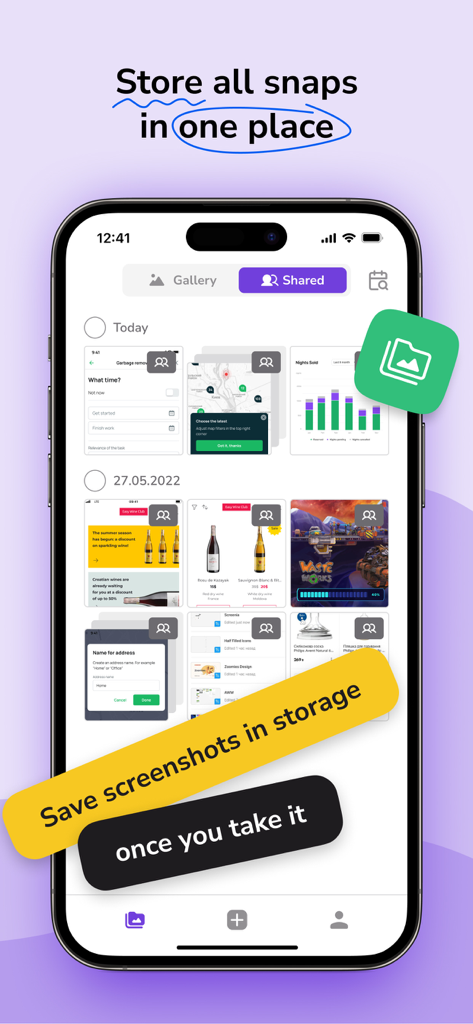
Screenia app interface showing a gallery of stored screenshots on an iPhone with cloud storage promotional text.

Screenia app interface showing a gallery of stored screenshots on an iPhone with cloud storage promotional text.

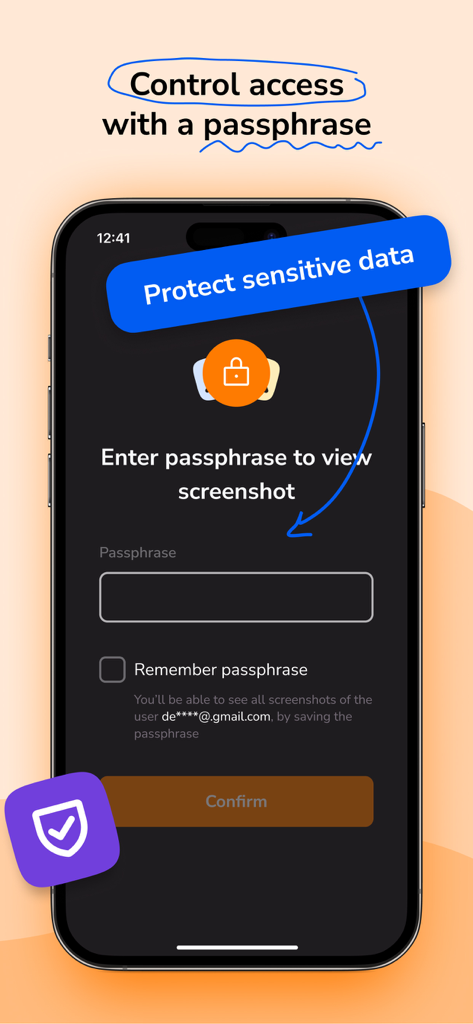
Screenia mobile app interface showing passphrase protection for secure screenshot sharing

Screenia mobile app interface showing passphrase protection for secure screenshot sharing

Master Your Visual Workflow

The tools that make this app stand out, trusted by 3K+ users.

☁️

Unified Cloud Experience

Stop hunting for files. Access your entire screenshot history instantly across macOS and iOS with seamless cloud synchronization and organized collections.

✏️

Precision Editing Suite

Deliver professional-grade feedback with crisp arrows, shapes, and text. Replace messy drawings with polished annotations that command authority.

🔗

Instant Sharing & Security

Generate sharable links in a click to eliminate friction. Protect sensitive company data with passphrase encryption and device metadata control.

About the app

Everything you need to know about Screenia.

Description

Screenia is a cross-platform tool for taking and editing screenshots. It also provides cloud storage and allows you to share links to your screenshots. Available for macOS, iOS, web, and other platforms. Free version: • Capture fullscreen or fragment • Edit screenshots with pencil, text, arrows, and shapes • Save 100 screenshots on the cloud • Customize hotkeys • Sharable screenshot links • Original screenshot quality • 14-day screenshot storing period • Screenshot collection • Shared with me history Premium version: • Capture fullscreen or fragment • Edit screenshots with pencil, text, arrows, and shapes • Save unlimited screenshot amount on the cloud • Customize hotkeys • Sharable screenshot links • Original screenshot quality • Unlimited screenshot storing period • Screenshot collection • Shared with me history • Device metadata • Screenshot passphrase protection ____________ Screenia can be used without an activated subscription, with limited features. Premium version can be enabled with paid: • Monthly subscription $7.99 • Seasonal subscription $6.99 / per month ($20.99 total cost) • Yearly subscription $4.99 / per month ($59.99 total cost) Subscription will be charged to your credit card through your App Store account. Your subscription will automatically renew unless canceled at least 24 hours before the end of the current period. Manage your subscription in the Account Settings on the App Store after purchase. Follow us: Facebook: https://www.facebook.com/screeniaapp Twitter: https://twitter.com/ScreeniaAPP LinkedIn: https://www.linkedin.com/company/screeniaapp Contact us: hello@screenia.app Legal: Privacy Policy: https://screenia.app/privacy-policy Terms of Use: https://screenia.app/terms-and-conditions

Latest Version

1.7.0

Size

82.5 MB

First Released

Nov 1, 2022

Ready to Streamline Your Professional Workflow?

Ditch the desktop clutter. Join thousands of developers, designers, and remote teams who use Screenia to capture, annotate, and share ideas instantly across all devices.

Download on App Store

App information, icons, screenshots, and descriptions displayed on this page are sourced from the Apple App Store and are the property of their respective developers. Download estimates and rankings are based on MWM's proprietary models and may not reflect actual figures. This page is provided for informational and analytical purposes only.

Believe this page infringes your intellectual property? File a dispute