
This page is not an official page of the app or its developer, but an independent editorial publication created for informational and commentary purposes. Unless expressly stated otherwise, neither the app nor its developer is affiliated with, endorsed by, sponsored by, authorized by, or otherwise officially connected with MWM, Apple, Google Play, the app publisher, or the app's developer, and nothing on this page implies that the app was developed using MWM's services. Any trademarks, logos, screenshots, and other content remain the property of their respective owners.

Screenshot Editor - SnapIt
Transform raw captures into polished visuals with gradient backgrounds, smart annotations, and instant redaction. Elevate your personal brand and share directly to LinkedIn with a single tap.
Downloads
0User Rating
Total Ratings
0Publisher
Category
Graphics & DesignLocales
1Latest Version
1.1.4Size
89.9 MBFirst Released
Feb 22, 2025Elevate Your Professional Presence
Transform raw screenshots into high-impact visuals for LinkedIn and beyond in seconds.
SaaS-Ready Aesthetics
Add studio-quality backgrounds, shadows, and rounded corners to make your work look designer-made.
Smart Redaction & Privacy
Instantly blur sensitive data or API keys before sharing. Protect your security without slowing down.
The following screenshots and description are sourced directly from the app's official store listing and are the property of the app developer.
App Store
Screenshots
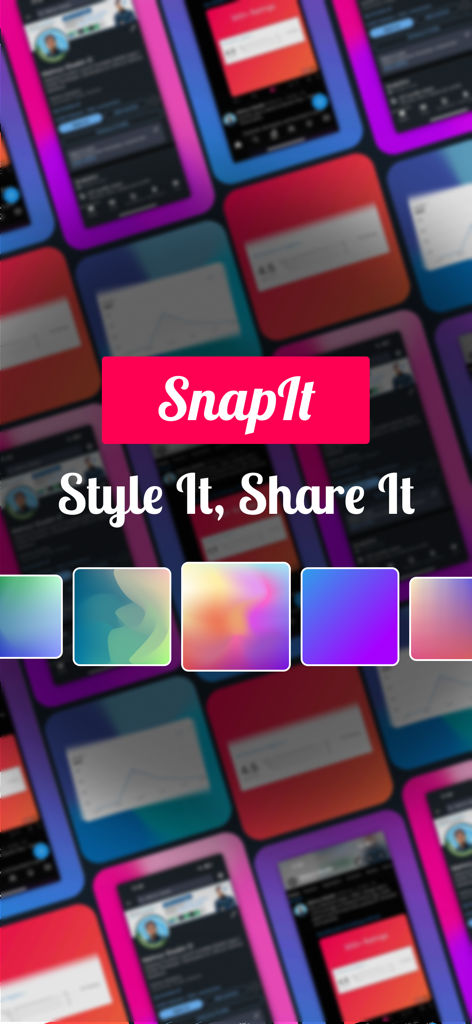
SnapIt app promotional screen featuring various colorful background styles for screenshots and the tagline Style It Share It
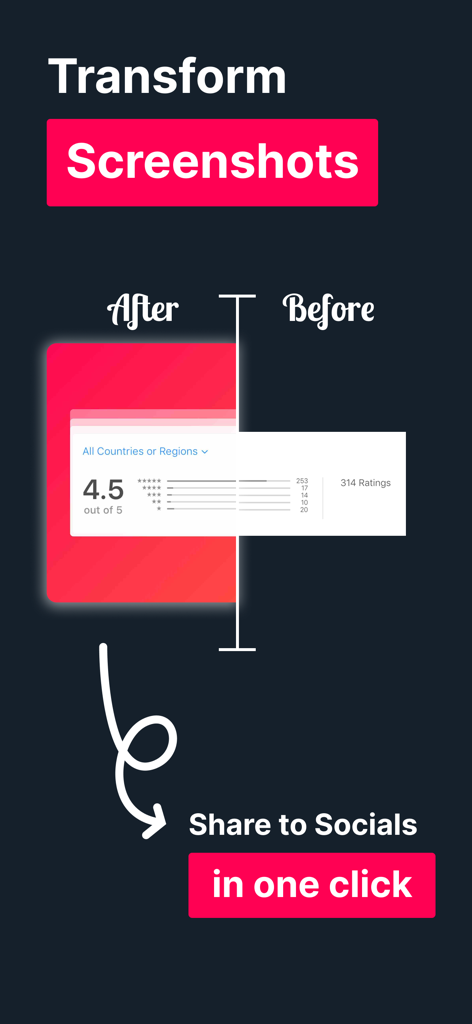
A comparison showing a raw screenshot before and after being edited with a professional pink gradient background and rounded corners for social media sharing.
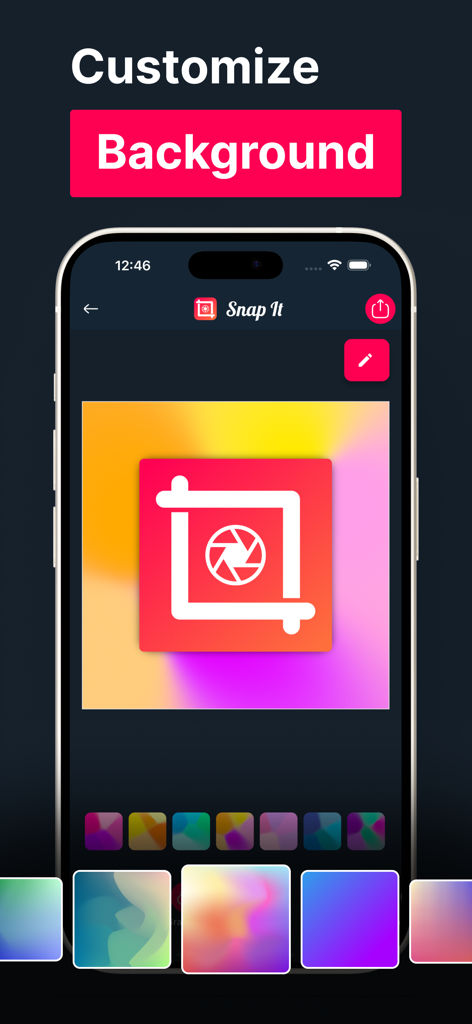
The SnapIt app interface displaying various vibrant gradient background options to enhance a screenshot's aesthetic.
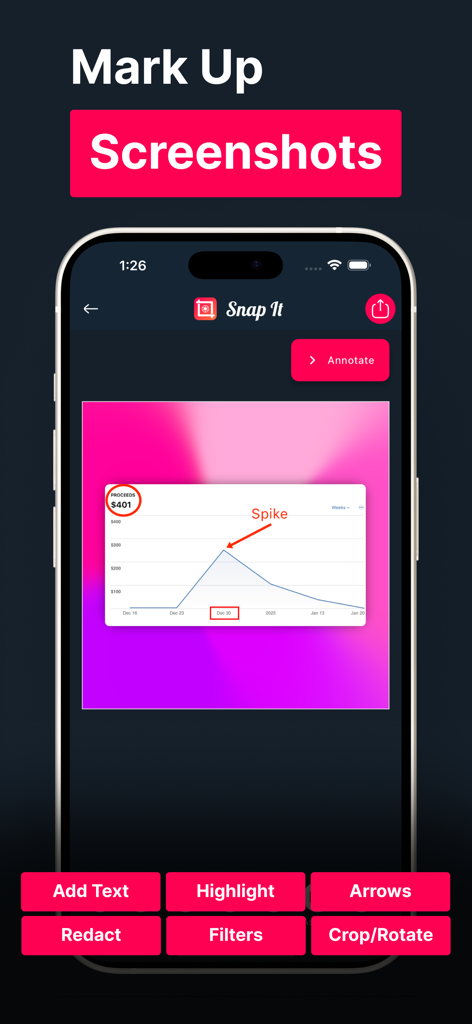
SnapIt app interface showing a financial graph with red arrow and text annotations
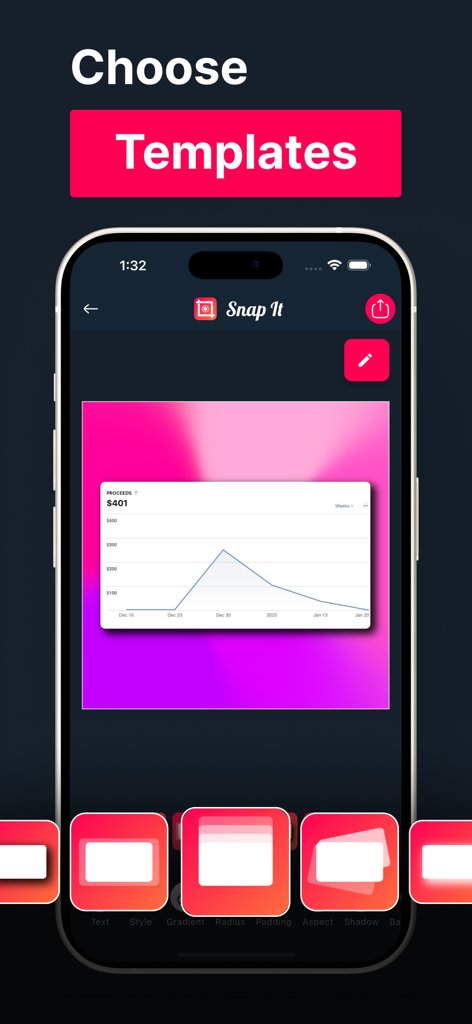
SnapIt app interface showing a selection of professional screenshot templates with a pink gradient background
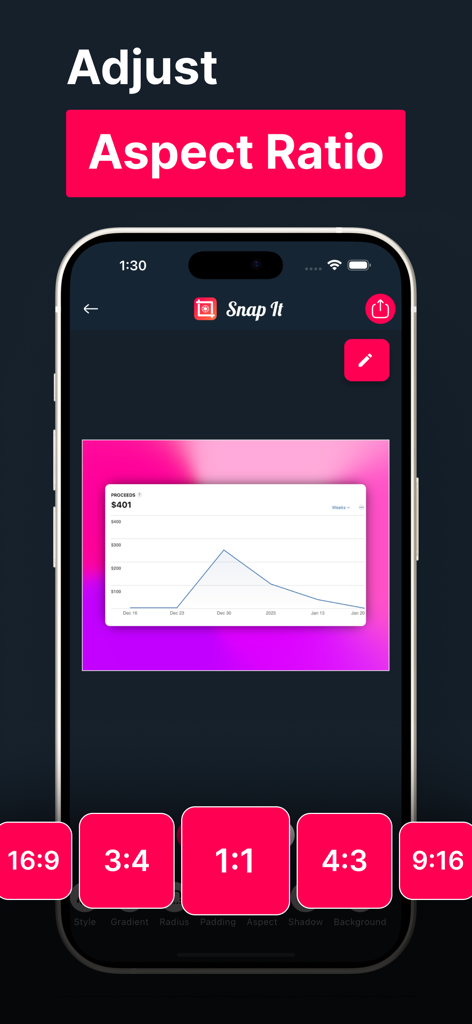
SnapIt app interface demonstrating how to adjust the aspect ratio of a screenshot with various presets.
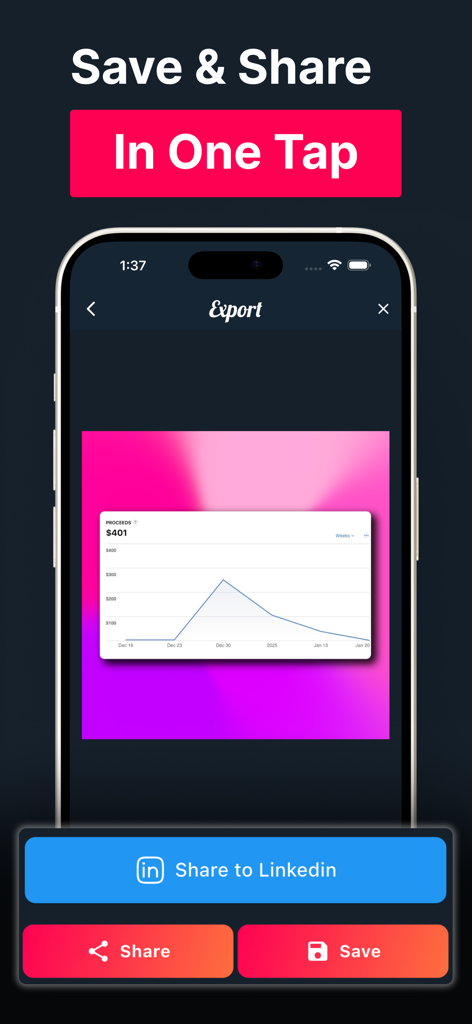
Mobile app interface showing a polished screenshot with a gradient background and a button to share directly to LinkedIn
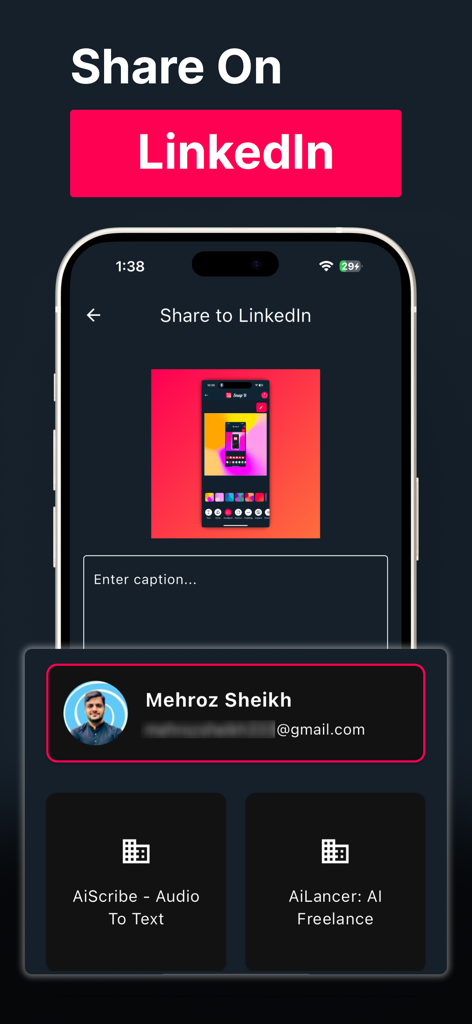
SnapIt mobile app interface showing how to share a styled screenshot directly to LinkedIn with a custom caption.
Description
Download
More Like This
Top-ranked apps in the same category

iScreen - Widgets & Wallpaper
Xiamen ShenZhuo Information Technology Co., Ltd.

Kling AI: AI Image&Video Maker
LOHAS GAMES PTE. LTD.

Home AI - AI Interior Design
HUBX YAZILIM HIZMETLERI ANONIM SIRKETI

ibis Paint X
ibis inc.

AR Drawing: Sketch & Paint
Digital Solutions Technologies Limited

Layout - Photo Collage Maker
Fitness Labs SRL

Themify - Widget & Icon Themes
AIBY Incorporated

Sketchbook®
Sketchbook, Inc.

Adobe Express: Create Anything
Adobe Inc.
This page is not an official page of the app or its developer, but an independent editorial publication created for informational and commentary purposes. Unless expressly stated otherwise, neither the app nor its developer is affiliated with, endorsed by, sponsored by, authorized by, or otherwise officially connected with MWM, Apple, Google Play, the app publisher, or the app's developer, and nothing on this page implies that the app was developed using MWM's services. Any trademarks, logos, screenshots, and other content remain the property of their respective owners.