Screenshot To PDF

Screenshot To PDF

Download on App Store
Logo of Screenshot To PDF

Screenshot To PDF: Securely Convert Images to Professional PDFs

The fastest, watermark-free way to turn photos into organized documents. No size limits, no cloud uploads—just secure, offline conversion for students and professionals.

Download on App Store

Publisher

Riadh Daoued

Category

Photo & Video

Downloads

200

User Rating

1.0/5

Total Ratings

0

Locales

1

A Glimpse Inside

Discover the interface used by 200 users.
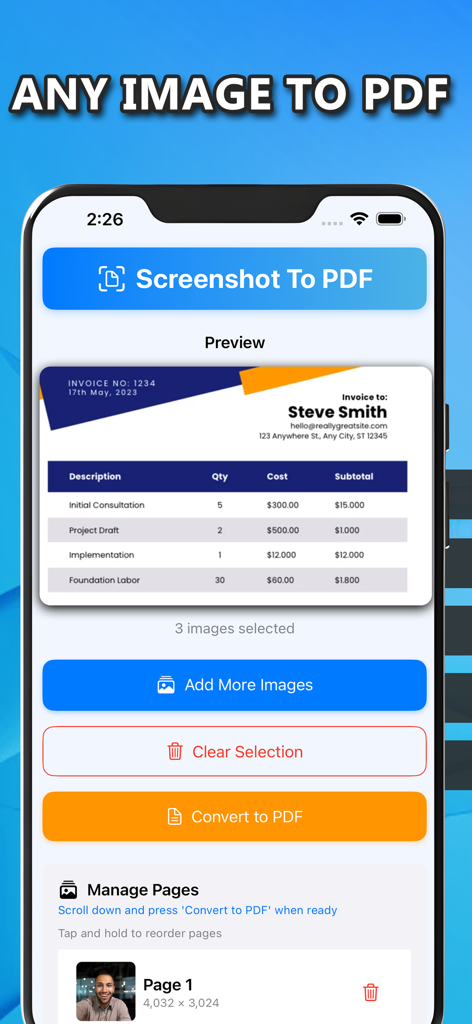
Mobile app interface showing a preview of an invoice and buttons to add more images or convert to PDF.

Mobile app interface showing a preview of an invoice and buttons to add more images or convert to PDF.

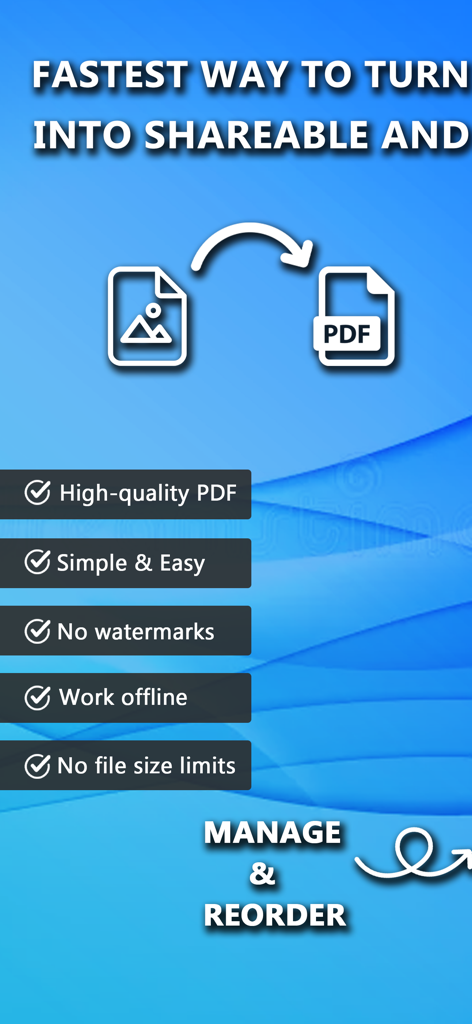
Promotional screen for Screenshot To PDF app highlighting key features like offline work and no watermarks

Promotional screen for Screenshot To PDF app highlighting key features like offline work and no watermarks

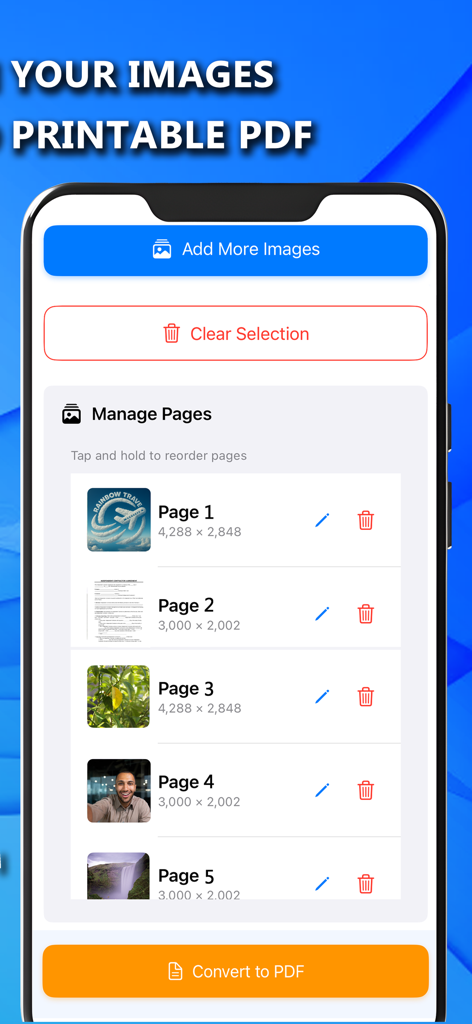
Mobile app screen showing a list of selected images with options to reorder edit or delete pages before converting to PDF

Mobile app screen showing a list of selected images with options to reorder edit or delete pages before converting to PDF

Everything You Need to Go Paperless

The tools that make this app stand out, trusted by 200 users.

🔒

Private Offline Conversion

Process your sensitive IDs and documents entirely on-device. No internet required and no data ever leaves your phone, ensuring complete privacy.

📄

No Watermarks or Limits

Generate clean, high-quality PDFs without annoying watermarks or file size restrictions. Perfect for professional invoices and academic submissions.

Fast Multi-Page Merging

Quickly combine multiple images into a single, organized PDF. Save time whether you are compiling lecture notes or organizing travel receipts.

About the app

Everything you need to know about Screenshot To PDF.

Description

Screenshot To PDF is the fastest way to turn your images into shareable and printable PDF documents. Whether you're a student, professional, or traveler, this app helps you stay organized and productive by transforming your images into neat, single or multi-page PDFs. Turn your images into high-quality PDF documents with ease! Screenshot To PDF Converter is a fast, secure, and offline tool. Why Use Screenshot To PDF Converter? - No watermarks: Get clean, professional PDF files. - No file size limits – Convert images without restrictions. - Lightweight & Fast – Designed for efficiency without compromising quality. - Completely Private – All conversions happen on your device, keeping your files secure. Use Cases: - Personal Documents: Digitize and store your ID, passport, insurance card, or birth certificate securely. - For Students: Combine notes, diagrams, or assignments into a single PDF for exams and submissions. - Professional Use: Save and send invoices, contracts, meeting notes, or receipts in organized PDF format. - Travel Essentials: Keep your flight tickets, hotel bookings, visas, and other travel documents in one PDF. - Applications & Forms: Take photos of official forms, certificates, or tax documents and convert them into shareable PDFs. - Creative Projects: Turn your artwork, collages, or photo collections into portable PDF files.

Latest Version

1.0

Size

4.3 MB

First Released

Apr 29, 2025

Start Converting Your Images to Professional PDFs Now

Join the students and professionals who choose speed and privacy. Get watermark-free, high-quality documents with our 100% offline and secure converter.

Download on App Store

App information, icons, screenshots, and descriptions displayed on this page are sourced from the Apple App Store and are the property of their respective developers. Download estimates and rankings are based on MWM's proprietary models and may not reflect actual figures. This page is provided for informational and analytical purposes only.

Believe this page infringes your intellectual property? File a dispute