
This page is not an official page of the app or its developer, but an independent editorial publication created for informational and commentary purposes. Unless expressly stated otherwise, neither the app nor its developer is affiliated with, endorsed by, sponsored by, authorized by, or otherwise officially connected with MWM, Apple, Google Play, the app publisher, or the app's developer, and nothing on this page implies that the app was developed using MWM's services. Any trademarks, logos, screenshots, and other content remain the property of their respective owners.

Secret Key Lock Album
Protect your most personal memories with local-only storage and Face ID. Experience the secure, subscription-free way to keep your private content safe without ever uploading to the cloud.
Downloads
2M+User Rating
Total Ratings
236K+Publisher
Category
Photo & VideoLocales
2Latest Version
2.9.1Size
87.5 MBFirst Released
Mar 31, 2015Your Private Digital Vault
The safest way to protect your photos and videos. Built for those who value total privacy and hate monthly subscriptions.
100% Local Security
Your media stays only on your device and is never uploaded to the cloud. Enjoy total protection against hacks and unauthorized access.
Zero Subscription Fees
Stop paying every month. Access all core features for free, or upgrade with a simple one-time purchase that lasts a lifetime.
Frequently Asked Questions
Everything you need to know about Secret Key Lock Album
Is Secret Key Lock Album safe for private photos?
Yes, Secret Key Lock Album stores your private photos and videos exclusively on your iPhone. It never uploads them anywhere, ensuring your privacy is protected securely.
How can I unlock the Secret Key Lock Album app?
You can unlock Secret Key Lock Album using your designated passcode or by employing Face ID. These options provide secure and convenient access to your hidden media.
What media file types does Secret Key Lock Album support?
Secret Key Lock Album supports various media types, including videos, GIFs, Live Photos, Slo-mo, and Time-lapse. It also features a built-in video player for these formats.
Are there free features in Secret Key Lock Album?
Yes, Secret Key Lock Album offers all its core features completely free of charge. Users only pay a one-time fee for additional storage via an in-app purchase.
Does Secret Key Lock Album require a subscription?
No, Secret Key Lock Album does not require any monthly fees or subscriptions. Any in-app purchases, such as for additional storage, are solely one-time payments.
Can I export photos from Secret Key Lock Album to my iPhone?
Yes, Secret Key Lock Album allows you to restore photos and videos directly back to your iPhone Photos app. This ensures easy management of your media.
Does Secret Key Lock Album automatically delete original photos?
Yes, Secret Key Lock Album includes an auto-delete function. After moving data into the app, it allows you to delete the original items from your device's photo app.
How does Secret Key Lock Album transfer data wirelessly?
Secret Key Lock Album supports wireless data transfer via Dropbox. This feature allows users to conveniently move their protected photos and videos.
Does Secret Key Lock Album save high-resolution photos?
Yes, Secret Key Lock Album saves all photos in high resolution. This preserves the sharpness and quality of your captured memories within the app.
Does Secret Key Lock Album offer a slideshow feature?
Yes, Secret Key Lock Album incorporates a built-in slideshow feature. This allows you to effortlessly view and enjoy your hidden memories within the application.
The following screenshots and description are sourced directly from the app's official store listing and are the property of the app developer.
App Store
Screenshots
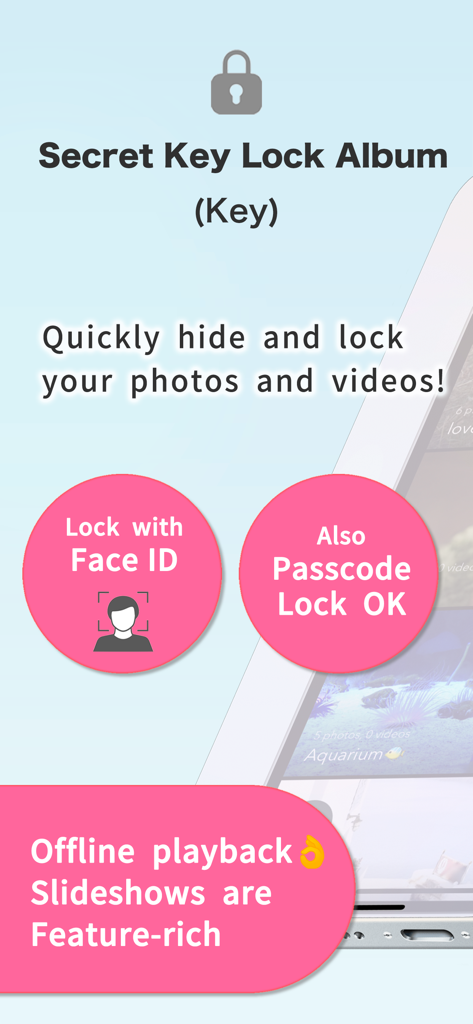
Secret Key Lock Album app interface highlighting Face ID and passcode security for private photos and videos
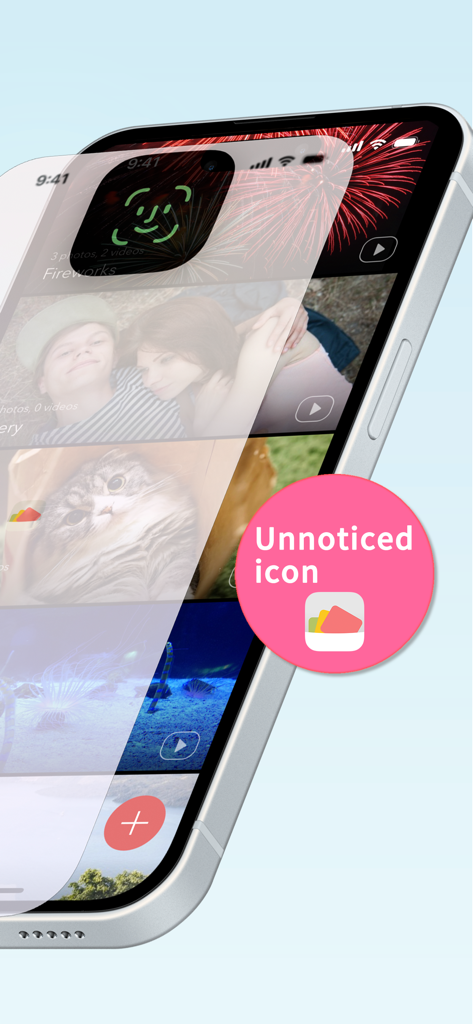
iPhone screen showing a secure photo vault with Face ID lock and a discreet app icon
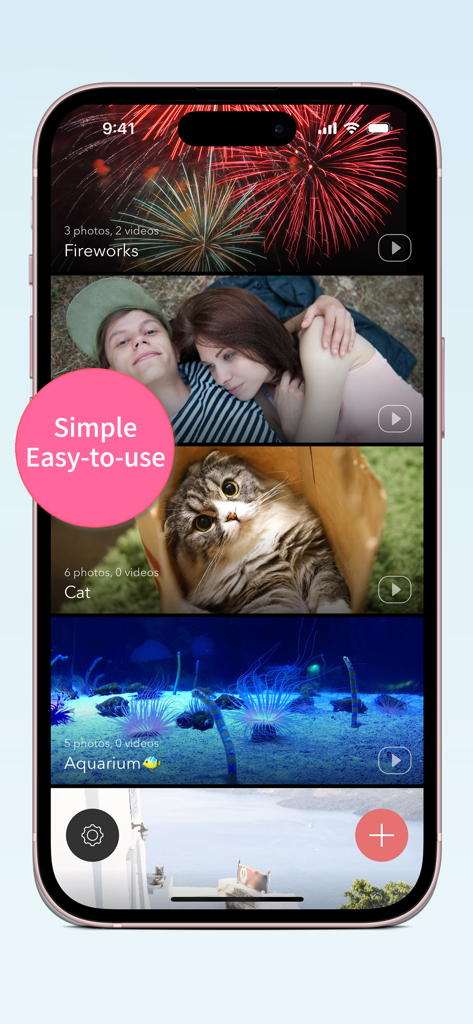
Secret Key Lock Album app interface on iPhone showing multiple private photo and video folders
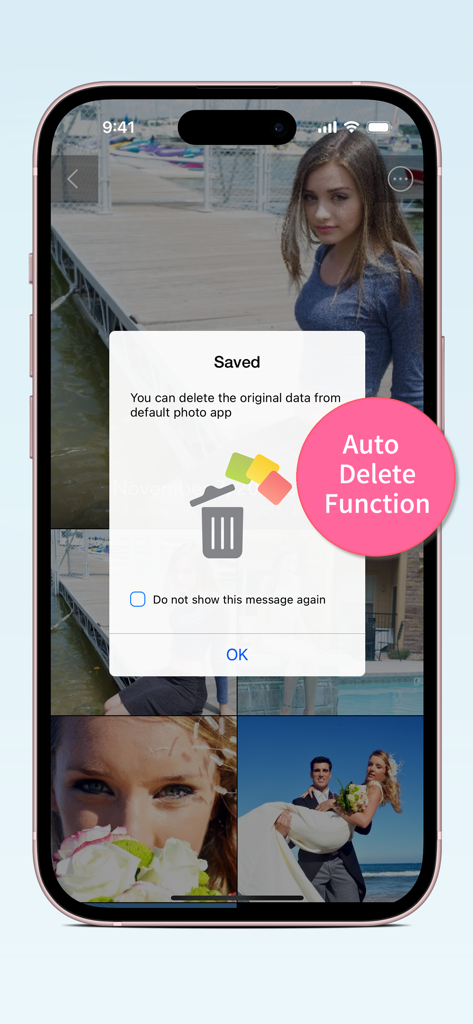
Secret Key Lock Album app interface showing the auto delete function popup to remove original photos from the device library
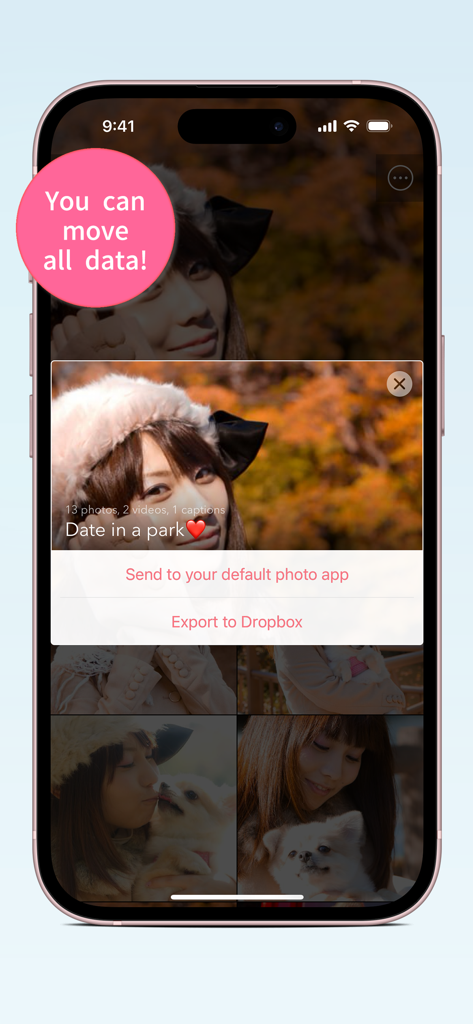
Secret Key Lock Album app interface showing options to send photos to the default app or export to Dropbox
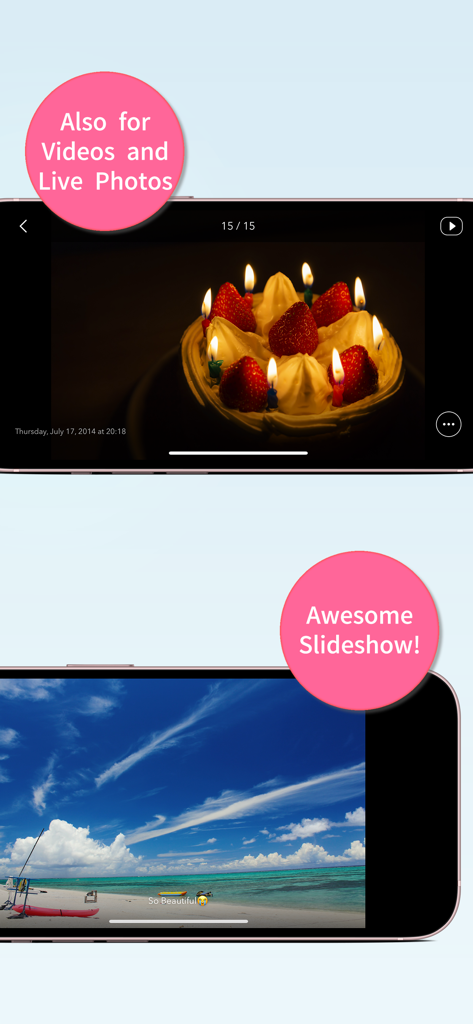
Secret Key Lock Album app interface showcasing video support and slideshow features on iPhone
Description
Download
More Like This
Apps with similar features and user experience

Private Photo Vault - Pic Safe
Legendary Software Labs LLC

PBox-Private Photo Vault
宇 刘

PV - Secret Photo Album
Haibin Jiao

Safe Lock - Hidden Photo Vault
Katerina Akhlebinina

SV - Private Photo Vault PRO
Legendary Software Labs LLC

Converter: Hidden Photo Vault
Dmitry Petrov

Calculator Lock - Secure Vault
MacyMind

Secret Photo Vault: Keepsafe
KeepSafe Software, Inc

Digiposte: secure storage
la poste
This page is not an official page of the app or its developer, but an independent editorial publication created for informational and commentary purposes. Unless expressly stated otherwise, neither the app nor its developer is affiliated with, endorsed by, sponsored by, authorized by, or otherwise officially connected with MWM, Apple, Google Play, the app publisher, or the app's developer, and nothing on this page implies that the app was developed using MWM's services. Any trademarks, logos, screenshots, and other content remain the property of their respective owners.