
This page is not an official page of the app or its developer, but an independent editorial publication created for informational and commentary purposes. Unless expressly stated otherwise, neither the app nor its developer is affiliated with, endorsed by, sponsored by, authorized by, or otherwise officially connected with MWM, Apple, Google Play, the app publisher, or the app's developer, and nothing on this page implies that the app was developed using MWM's services. Any trademarks, logos, screenshots, and other content remain the property of their respective owners.

Secret Photo Vault - Hide Pics
Secure your personal photos and videos with Face ID, custom passcodes, and instant intruder alerts. Keep snoops away and your memories safe with the vault built for total peace of mind.
Downloads
167K+User Rating
Total Ratings
100Publisher
Category
Photo & VideoLocales
33Latest Version
2.76Size
94.0 MBFirst Released
Aug 2, 2023Your Personal Privacy Shield
Secure your sensitive photos and videos with elite-grade protection designed for your digital lifestyle.
Intruder Catching
Automatically capture a photo of anyone trying to peek into your vault so you know exactly who is snooping.
Total Biometric Control
Unlock your secret files instantly using FaceID, TouchID, or unique PINs for every individual album.
Frequently Asked Questions
Everything you need to know about Secret Photo Vault - Hide Pics
How does Secret Photo Vault hide photos and videos?
Secret Photo Vault uses advanced passcode protection to safeguard private photos and videos. Users create multiple albums and add unique passwords to each for security.
Is Secret Photo Vault secure for private files?
Yes, Secret Photo Vault is secure. It offers advanced passcode protection, privacy screens, Intruder Alerts, and secure lockscreen options including PIN, Face ID, or Touch ID.
Does Secret Photo Vault offer a free version?
Yes, Secret Photo Vault offers a basic free version. To access it, sign up for an account and tap the 'X' in the upper left-hand corner during the premium subscription prompt.
How does the premium subscription for Secret Photo Vault work?
Secret Photo Vault offers weekly or yearly subscriptions with a 3-day free trial. Subscriptions automatically renew unless turned off 24 hours before the term ends. Charges occur via iTunes account.
What are Intruder Alerts in Secret Photo Vault?
Intruder Alerts in Secret Photo Vault capture a snapshot and record the date and time if anyone attempts unauthorized access. This allows users to review attempted breaches later.
Can I import and export photos in Secret Photo Vault?
Yes, Secret Photo Vault allows effortless importing of photos and videos into any album. It also makes it easy to export and share files from albums back to your device.
What lockscreen options does Secret Photo Vault provide?
Secret Photo Vault provides a secure lockscreen. Users can choose between a PIN or enable Face ID or Touch ID for swift and secure access to the app.
Does Secret Photo Vault support multi-device backup?
Yes, Secret Photo Vault supports multi-device backup. This feature keeps your files backed up and accessible on multiple devices, ensuring you never lose your precious memories.
Can I take photos directly within Secret Photo Vault?
Yes, Secret Photo Vault has a built-in camera. Users can capture new moments directly within the app by tapping the '+' button and selecting the Camera option.
What happens to deleted files in Secret Photo Vault?
Secret Photo Vault includes a Safety Net with Trash. Deleted files move to the trash, allowing users the flexibility to restore them to any album or permanently delete them.
The following screenshots and description are sourced directly from the app's official store listing and are the property of the app developer.
App Store
Screenshots
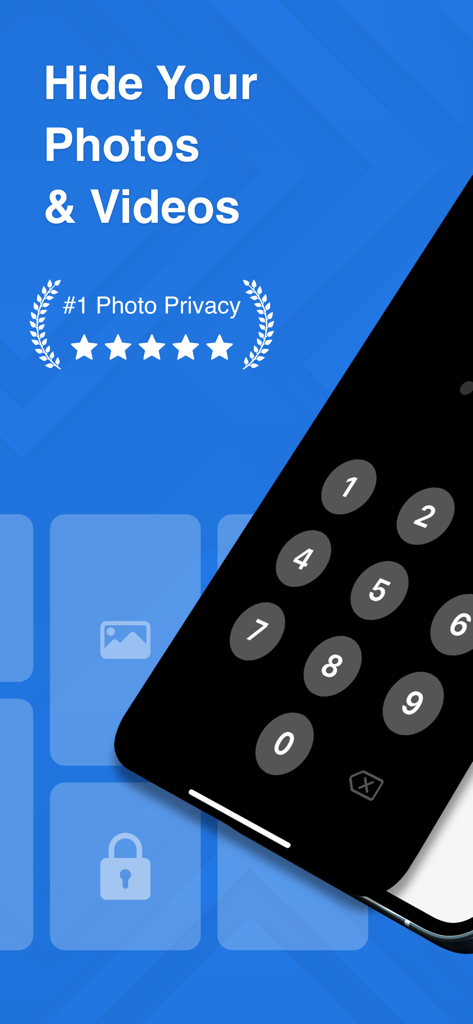
Secret Photo Vault app screen featuring a passcode lock for private photos and videos.
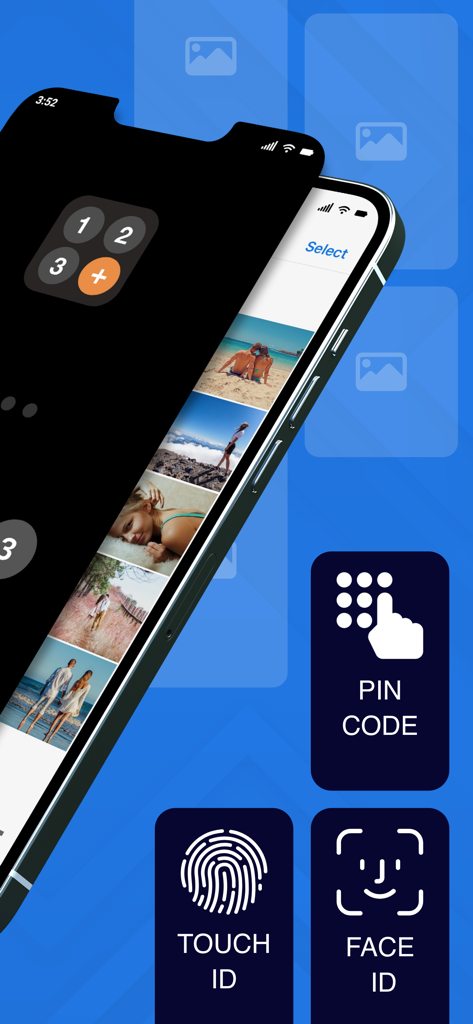
Secret Photo Vault app interface showing PIN code, Touch ID, and Face ID security lock options over a private photo gallery.
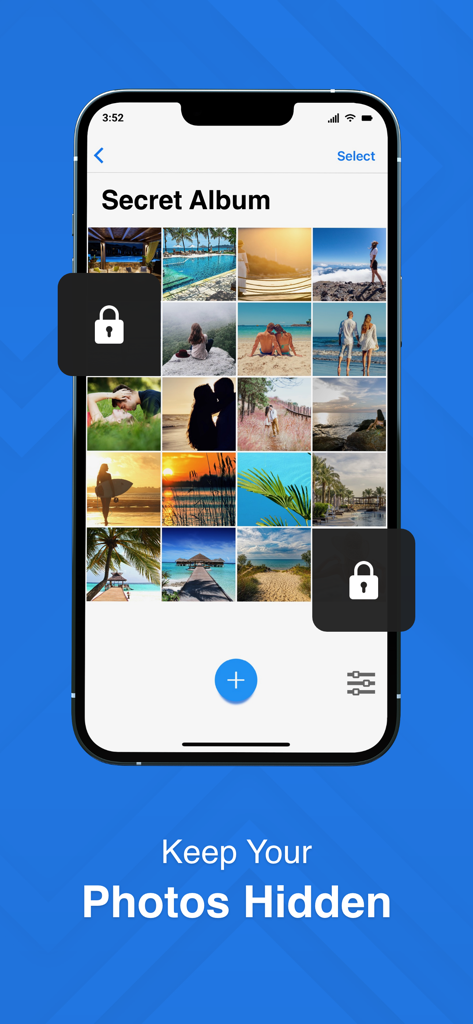
iPhone screen displaying a secret photo album with lock icons and a keep your photos hidden caption
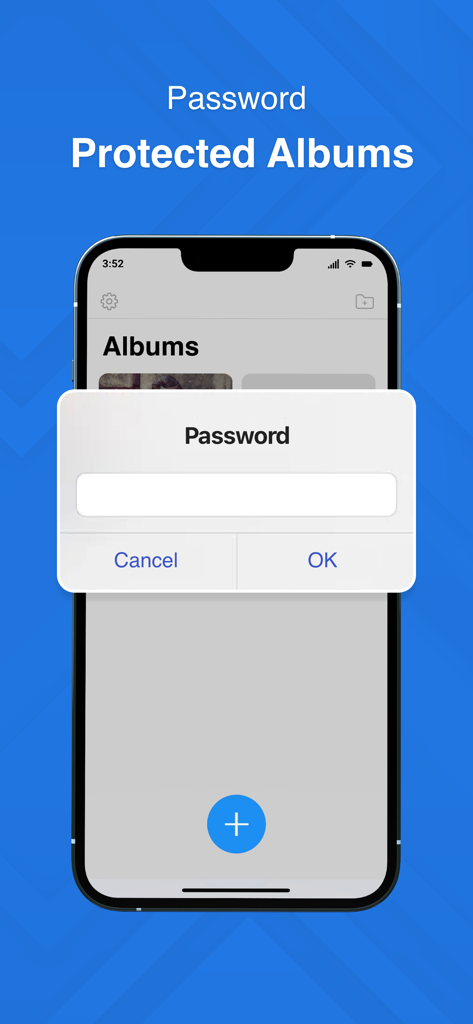
A smartphone screen showing a password prompt for secure and private photo albums in the Secret Photo Vault app.
Description
Download
More Like This
Apps with similar features and user experience

Private Photo Vault - Pic Safe
Legendary Software Labs LLC

PBox-Private Photo Vault
宇 刘

Safe Lock - Hidden Photo Vault
Katerina Akhlebinina

SV - Private Photo Vault PRO
Legendary Software Labs LLC

PV - Secret Photo Album
Haibin Jiao

Converter: Hidden Photo Vault
Dmitry Petrov

Calculator Lock - Secure Vault
MacyMind

Secret Photo Vault: Keepsafe
KeepSafe Software, Inc

Digiposte: secure storage
la poste
This page is not an official page of the app or its developer, but an independent editorial publication created for informational and commentary purposes. Unless expressly stated otherwise, neither the app nor its developer is affiliated with, endorsed by, sponsored by, authorized by, or otherwise officially connected with MWM, Apple, Google Play, the app publisher, or the app's developer, and nothing on this page implies that the app was developed using MWM's services. Any trademarks, logos, screenshots, and other content remain the property of their respective owners.