
This page is not an official page of the app or its developer, but an independent editorial publication created for informational and commentary purposes. Unless expressly stated otherwise, neither the app nor its developer is affiliated with, endorsed by, sponsored by, authorized by, or otherwise officially connected with MWM, Apple, Google Play, the app publisher, or the app's developer, and nothing on this page implies that the app was developed using MWM's services. Any trademarks, logos, screenshots, and other content remain the property of their respective owners.


SECU
Manage your accounts, deposit checks, and handle loans with ease. Experience reliable mobile banking designed specifically for the members and families of the State Employees' Credit Union.
Downloads
1M+User Rating
Total Ratings
262K+Publisher
Category
FinanceLocales
3Latest Version
6.7.2Size
114.8 MBFirst Released
Apr 23, 2019Banking Built for North Carolina
Designed specifically for state employees and their families, our app provides the secure, local, and efficient financial tools you need to manage your life on the go.
Uncompromised Security
Protect your hard-earned money with Face ID, Touch ID, and the ability to instantly lock your debit cards to prevent unauthorized use.
All-in-One Management
Seamlessly transfer funds, pay bills, deposit checks, and request loan advances without ever needing to visit a branch.
Frequently Asked Questions
Everything you need to know about SECU
How do I register for the SECU Mobile App?
Yes, you can register for the SECU Mobile App using your existing Member Access User ID and password. The process involves answering a security question or entering a One-Time Passcode, setting a new device passcode, and optionally setting up Touch ID or Face ID.
Can I view my account balances with the SECU app?
Yes, the SECU Mobile App allows you to view your account balances and transaction details directly from your mobile device. This includes deposit accounts, savings, credit cards, and loans.
How do I lock my debit card using the SECU app?
Yes, you can lock your debit card(s) using the SECU Mobile App to prevent unauthorized transactions. The app provides a 'Card Lock' toggle for this functionality.
Can I pay bills with the SECU mobile app?
Yes, the SECU Mobile App includes BillPay functionality. You can schedule or modify one-time payments, view payment history, and manage payees by adding, editing, or deleting them. Recurring payments can also be set up and modified.
Does the SECU app allow mobile check deposit?
Yes, the SECU Mobile App supports mobile check deposits. You can deposit checks quickly and easily by capturing images of the front and back of the check using your mobile device.
Can I transfer funds between my SECU accounts using the app?
Yes, the SECU Mobile App enables money transfers. You can transfer funds between your own SECU accounts and make payments to your SECU loans or credit cards.
Can I request a loan advance through the SECU app?
Yes, the SECU Mobile App offers a Loan Advances feature. You can request an advance from any of your eligible loans or credit cards directly through the application.
How does the SECU app secure my account?
Yes, the SECU Mobile App secures your account using a unique device passcode, in addition to supporting Touch ID or Face ID for enhanced security. This protects access to the application.
Can I find ATM locations using the SECU app?
Yes, the SECU Mobile App includes a 'Locate Us' feature. This allows you to find nearby Branch & CashPoints ATM locations quickly and efficiently.
Can I monitor my FICO score in the SECU app?
Yes, the SECU Mobile App allows you to monitor your FICO® Score. The app displays your FICO® Score 8, which is retrieved monthly from Equifax for eligible members.
Can I send secure messages to SECU through the app?
Yes, the SECU Mobile App provides a Secure Messaging feature. You can view, send, and receive secure messages directly within the app to communicate with SECU.
The following screenshots and description are sourced directly from the app's official store listing and are the property of the app developer.
App Store
Screenshots
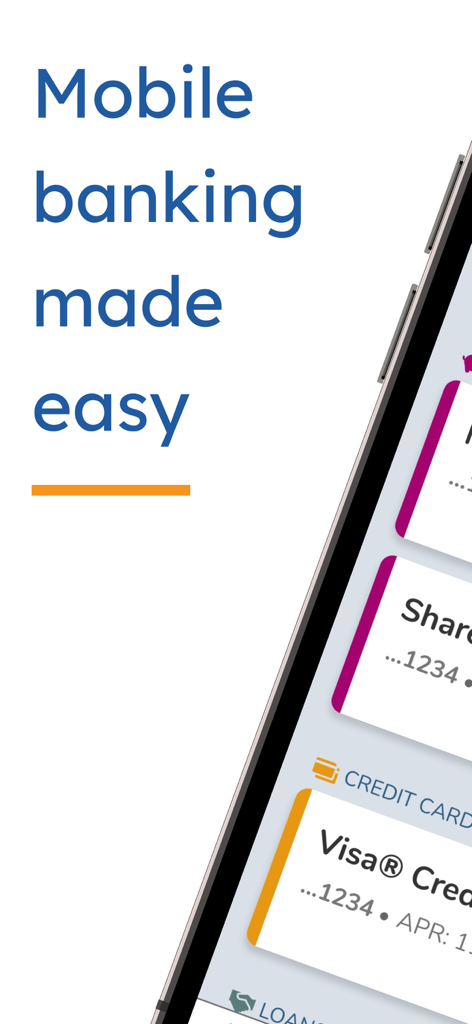
A promotional screenshot of the SECU mobile banking app with the text Mobile banking made easy.
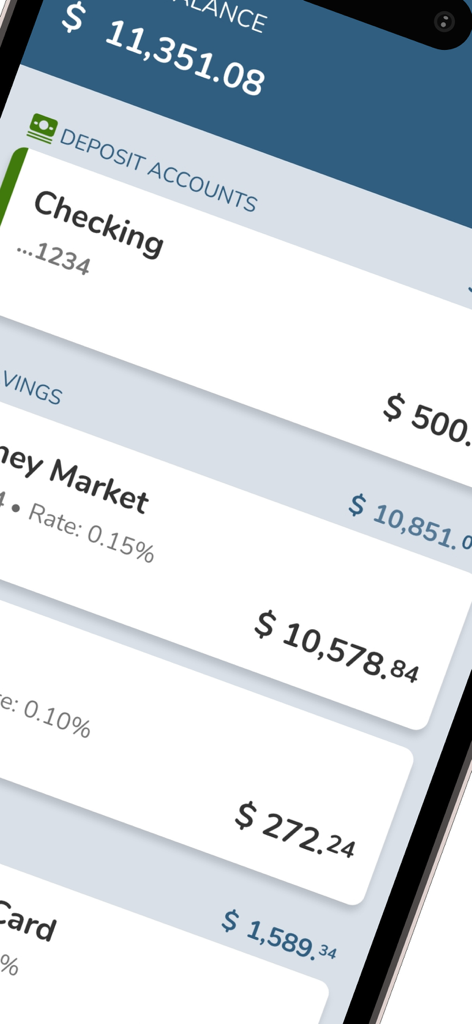
Mobile app interface of SECU showing account balances for checking and savings accounts
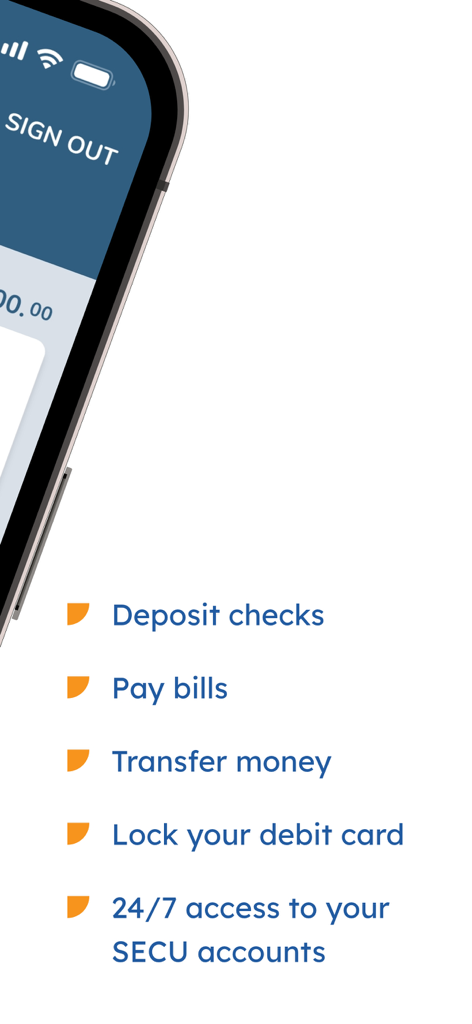
SECU mobile app interface showing banking features like mobile check deposit and bill pay
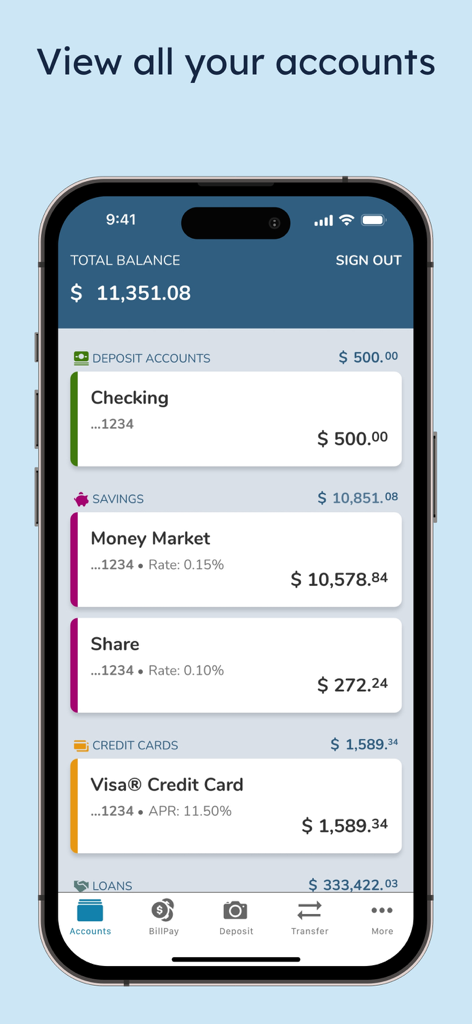
SECU mobile app dashboard showing account balances for checking savings and credit cards
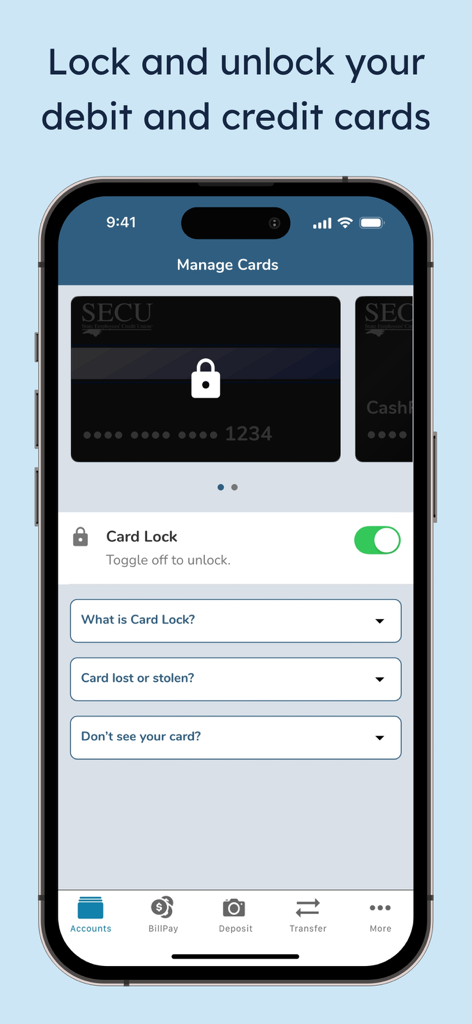
SECU mobile app screen showing the manage cards feature with a toggle to lock and unlock debit or credit cards
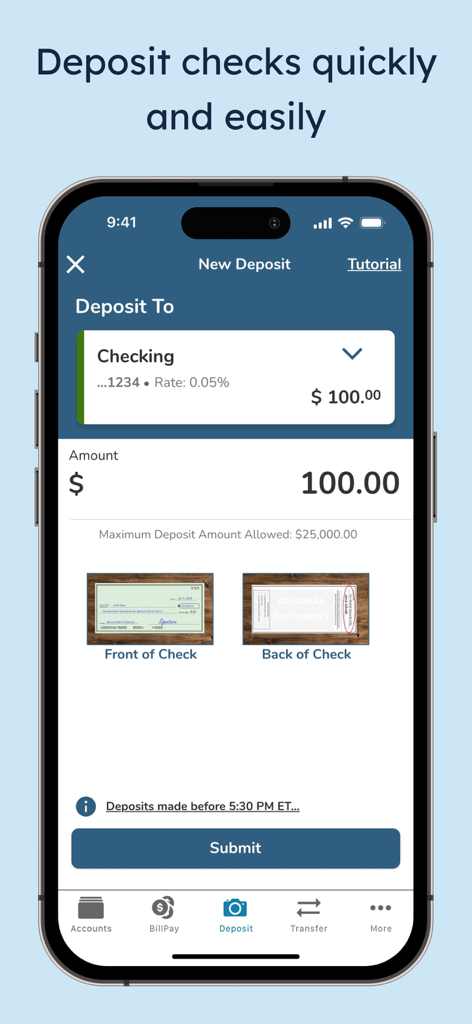
The SECU mobile app interface for depositing checks showing checking account selection and check capture areas.
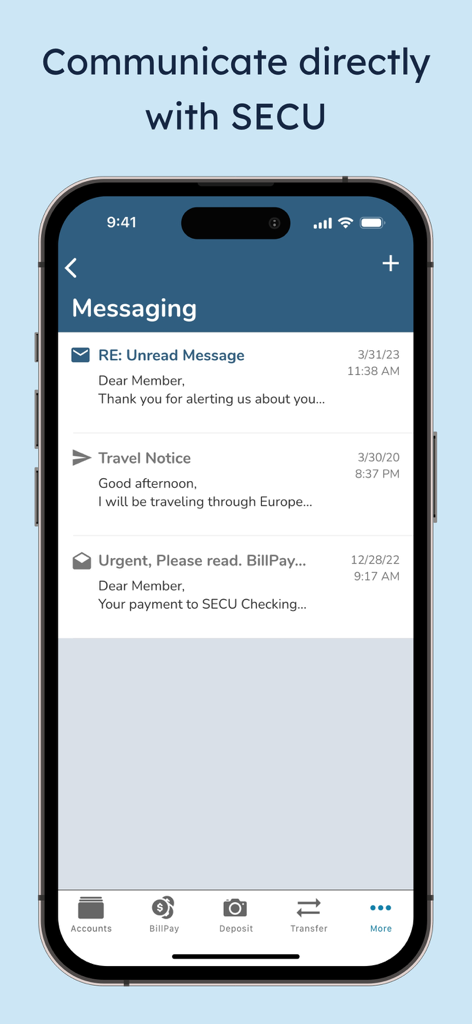
Screenshot of the SECU mobile app messaging interface showing an inbox with secure messages and notifications.
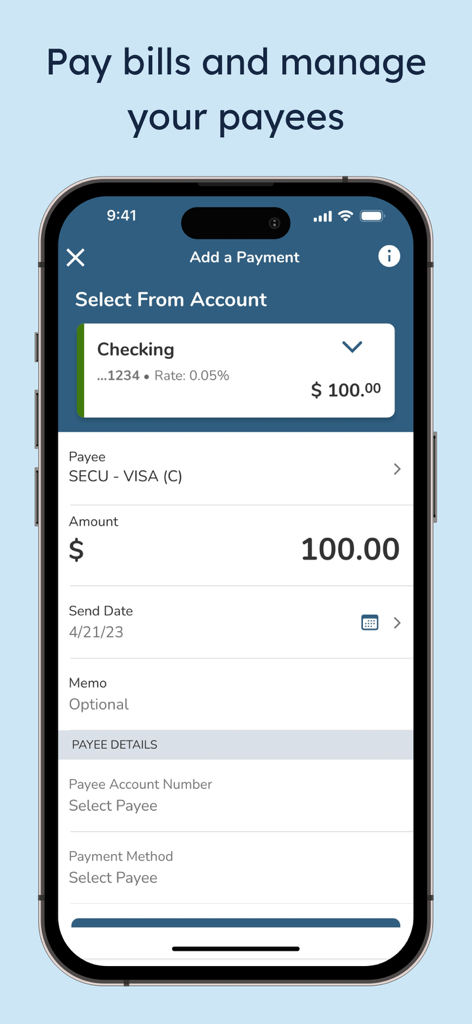
The SECU mobile app interface for paying bills and managing payees on a smartphone.
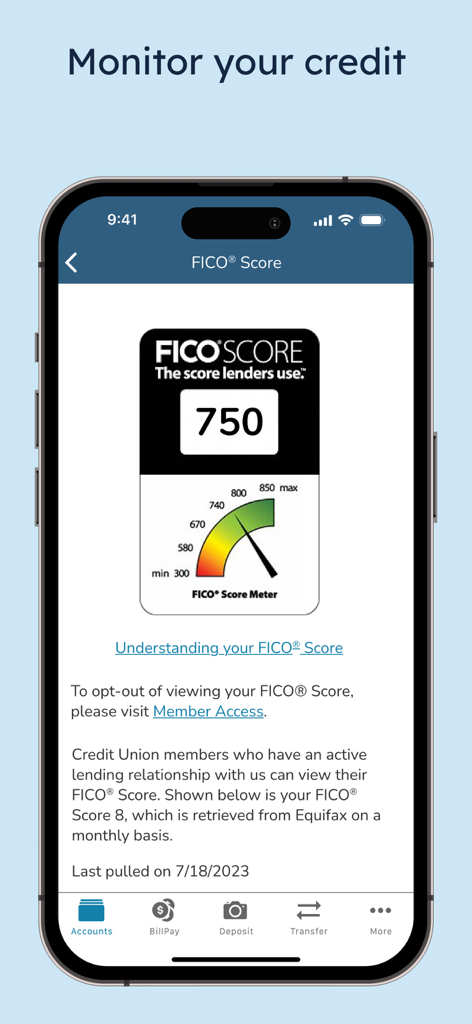
SECU mobile app displaying a FICO credit score of 750
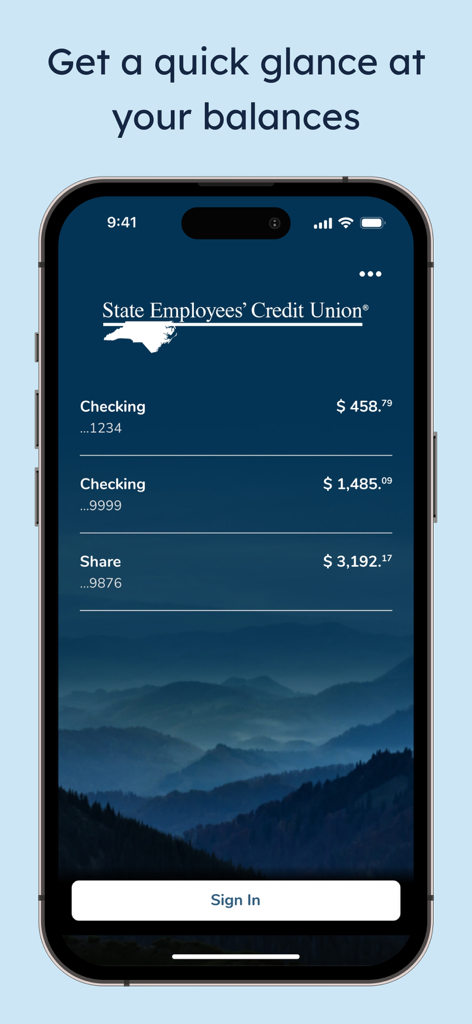
SECU mobile app screen displaying checking and share account balances with a Sign In button
Description
Download
More Like This
Apps with similar features and user experience

Sicoob
Sicoob Confederacao

Sicredi para smartphone
Confederacao interestadual das cooperativas ligadas ao Sicredi

SchoolsFirst FCU Mobile
SchoolsFirst FCU

Ruralvía - Banca digital
Rural Servicios Informaticos, S.C.

Mercantil Banco
MERCANTIL, C.A., Banco Universal.

Asakabank
Asaka Joint Stock Commercal Bank

America First Credit Union
America First Credit Union

CBNA Mobile Banking
Community Bank NA

PenFed Mobile
pentagon federal credit union
This page is not an official page of the app or its developer, but an independent editorial publication created for informational and commentary purposes. Unless expressly stated otherwise, neither the app nor its developer is affiliated with, endorsed by, sponsored by, authorized by, or otherwise officially connected with MWM, Apple, Google Play, the app publisher, or the app's developer, and nothing on this page implies that the app was developed using MWM's services. Any trademarks, logos, screenshots, and other content remain the property of their respective owners.