Secure Folder - Private Vault™
Download on App Store

This page is not an official page of the app or its developer, but an independent editorial publication created for informational and commentary purposes. Unless expressly stated otherwise, neither the app nor its developer is affiliated with, endorsed by, sponsored by, authorized by, or otherwise officially connected with MWM, Apple, Google Play, the app publisher, or the app's developer, and nothing on this page implies that the app was developed using MWM's services. Any trademarks, logos, screenshots, and other content remain the property of their respective owners.

Logo of Secure Folder - Private Vault™
Download on App Store

Secure Folder - Private Vault™

Protect your sensitive photos, videos, and files from prying eyes. With decoy PINs, intruder alerts, and stealth mode, you can hand over your phone without ever worrying about someone swiping too far.

Key Figures

Downloads

38K+

User Rating

4.4/5

Total Ratings

1K+

Publisher

Khushal Vasani

Category

Productivity

Locales

20

Latest Version

17.0

Size

76.4 MB

First Released

Nov 7, 2023
Features

Your Private Digital Sanctuary

Protect your photos, documents, and personal life with advanced encryption and stealth features designed for absolute discretion.

Total Stealth & Decoy Access

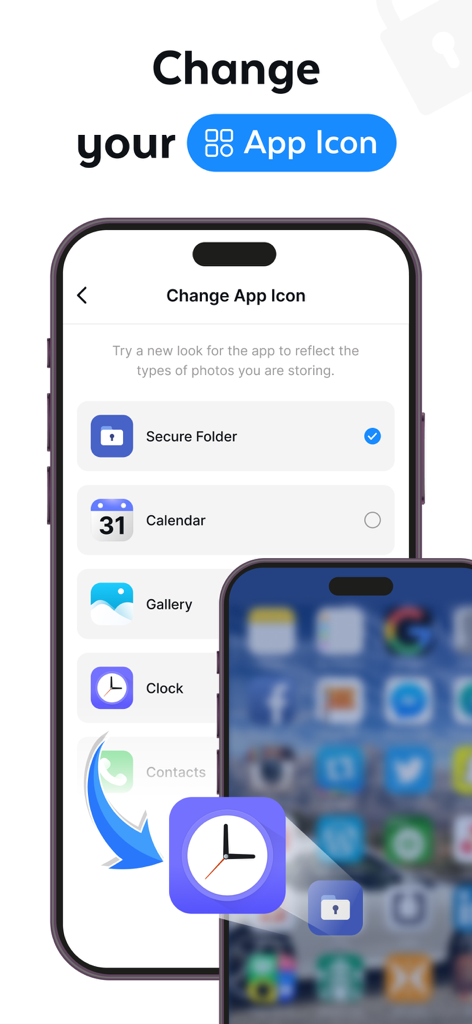
Hide the app icon entirely or set a Fake PIN to show a decoy gallery if anyone asks to see your vault.

Intruder Alert System

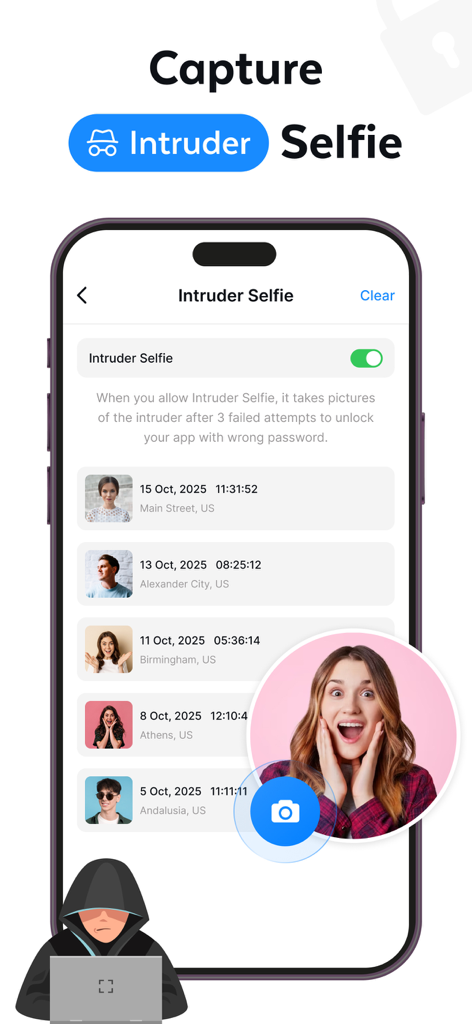
Get notified immediately with a secret photo of anyone who tries to break into your secure files using the wrong code.

The following screenshots and description are sourced directly from the app's official store listing and are the property of the app developer.

App Store

Screenshots
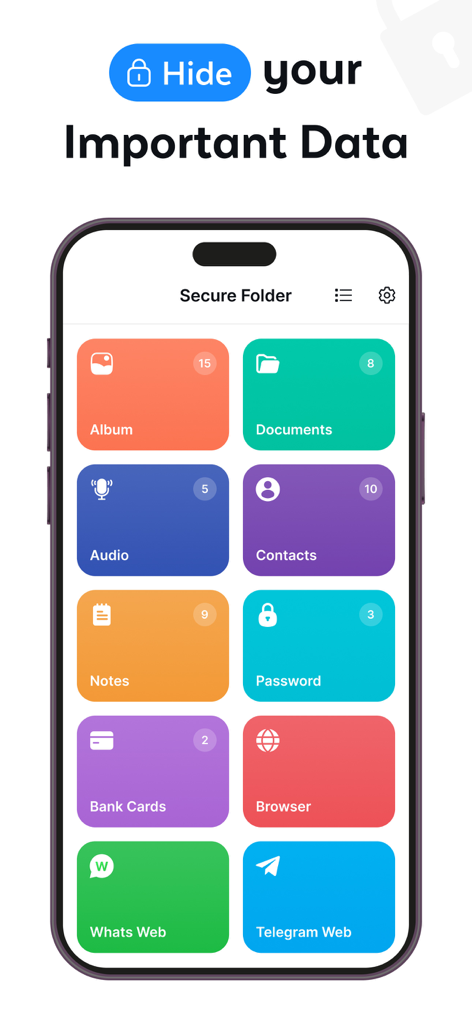
Secure Folder - Private Vault™ - Secure Folder app dashboard showing protected categories for albums documents contacts and private web browsing
Secure Folder app dashboard showing protected categories for albums documents contacts and private web browsing

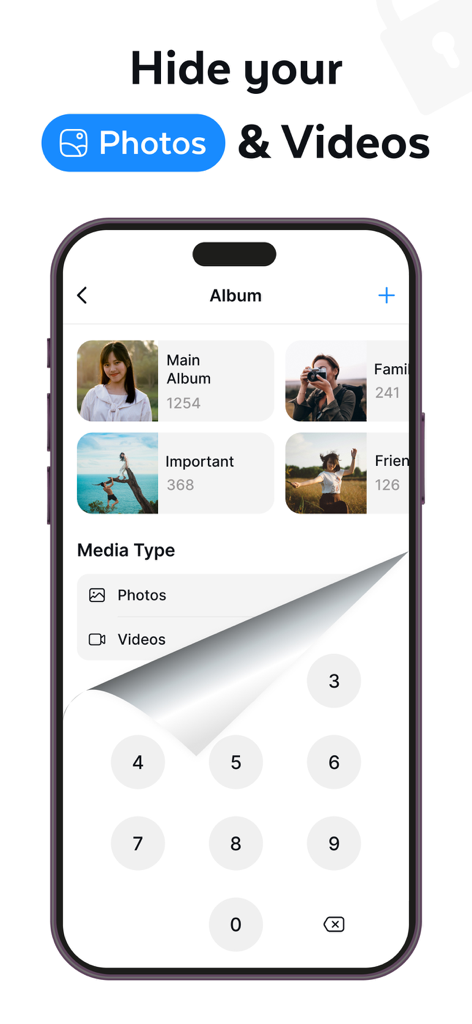
Secure Folder - Private Vault™ - Secure Folder app interface showing photo albums protected by a numeric passcode keypad
Secure Folder app interface showing photo albums protected by a numeric passcode keypad

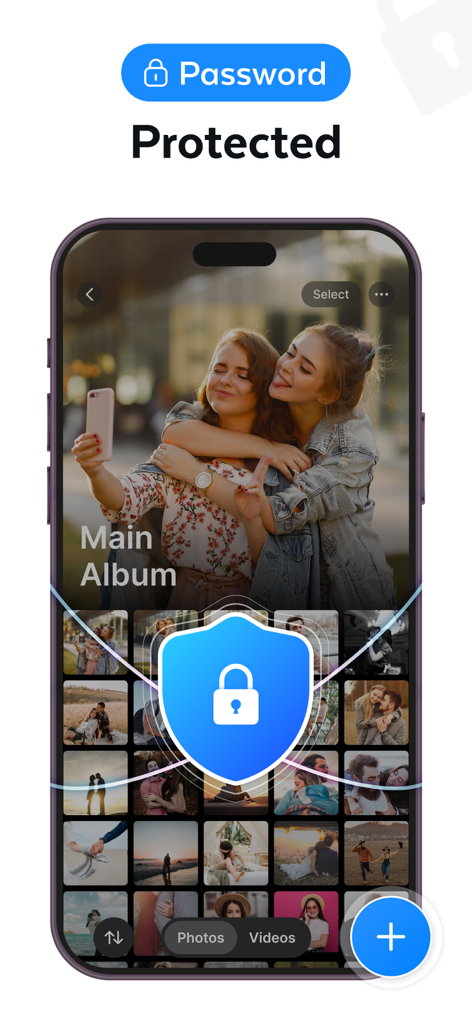
Secure Folder - Private Vault™ - Interface of Secure Folder app showing a password protected photo album
Interface of Secure Folder app showing a password protected photo album

Secure Folder - Private Vault™ - Interface showing options to change the app icon to disguise the private vault as a clock or calendar
Interface showing options to change the app icon to disguise the private vault as a clock or calendar

Secure Folder - Private Vault™ - Smartphone screen showing the intruder selfie feature in the Secure Folder app which captures photos of unauthorized access attempts.
Smartphone screen showing the intruder selfie feature in the Secure Folder app which captures photos of unauthorized access attempts.

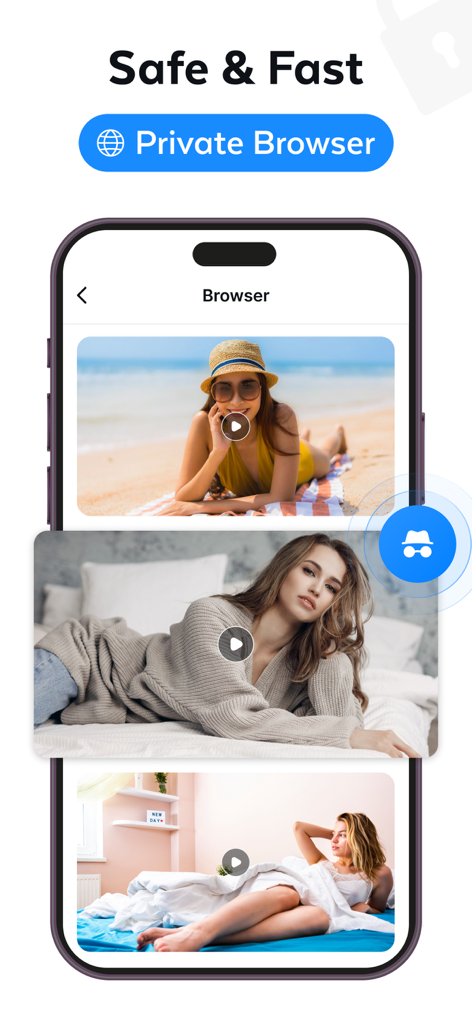
Secure Folder - Private Vault™ - Secure Folder app interface displaying its private browser feature with incognito mode and protected video content
Secure Folder app interface displaying its private browser feature with incognito mode and protected video content

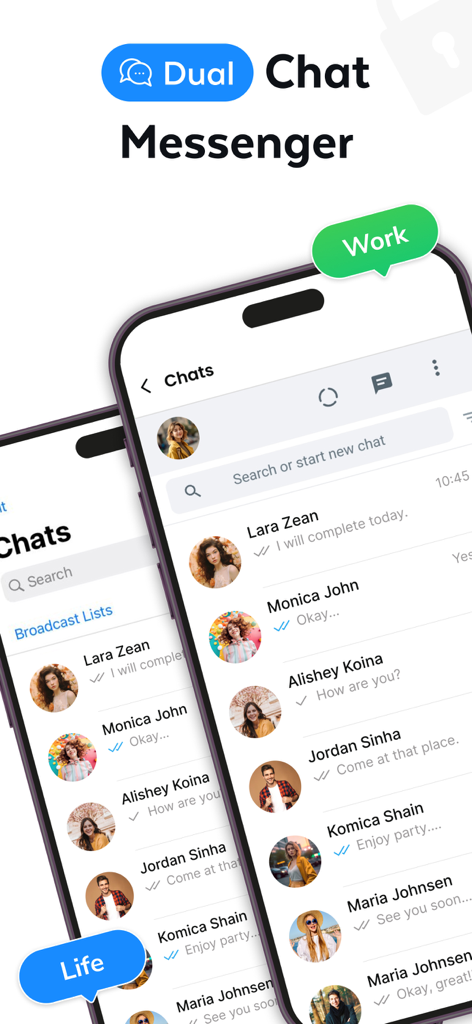
Secure Folder - Private Vault™ - Interface of Secure Folder app showcasing dual messenger for work and personal life chats
Interface of Secure Folder app showcasing dual messenger for work and personal life chats

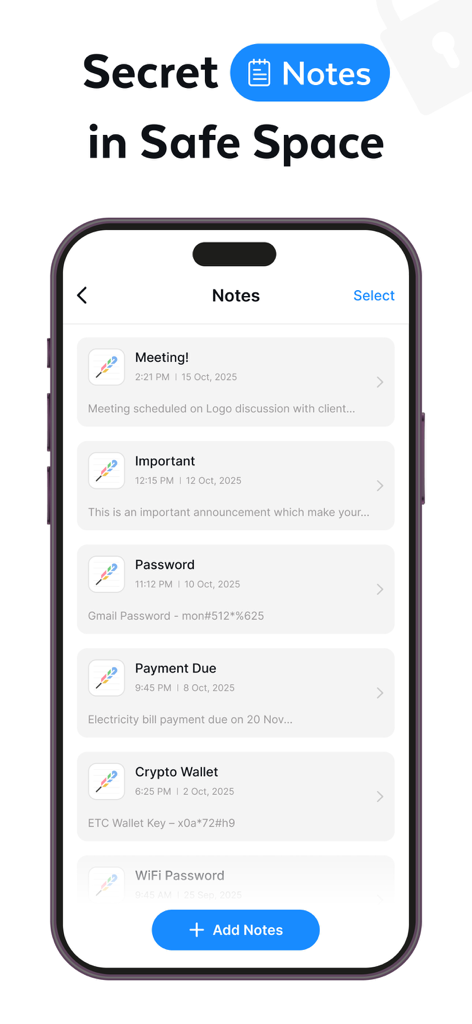
Secure Folder - Private Vault™ - A smartphone display showing a list of private notes including passwords and crypto wallet keys within the Secure Folder app.

A smartphone display showing a list of private notes including passwords and crypto wallet keys within the Secure Folder app.

Description

Private Photo Vault is the perfect place to store all the photos, videos, files, private app and data you want to keep private. Secure Folder - Safe files is an app developed for the secure app that lets you protect any private folder on your smartphone quickly and easily. With Secure Folder upload, you can create a PIN or password to stand between your files and prying eyes. Secret Folder in which you can add the video from your library or record directly thru the app & the app is password protected, so no one will be able to access your videos/photos. View the videos/photos in easy-to-view albums and you can even group your video and later view them in a grid view or list view. With Secure folder, how to enhance the files security? - Add data to Secure folder upload (carpeta segura) - Private app effectively manage secrets data in secret folder - Confidential data encryption - Vault protect with intruder selfie - Password protection - PIN, pattern, or biometric - Apps lock - App Photo Video Gallery Lock - Hide Pictures & Videos - Vaulty - Secure folder with 2-step verification - Secure folders sync - Secure folders store - Cloud-based backup and restore Key Feature: Private Photo Vault - SafeFile Personalize Secure Folder Private App keep safe everything on your phone, including private information and potentially embarrassing photos & personal data, using a unique passcode. Manage secret folder Secure & private cloud - Large storage space for data in Keepsafe. Space Saver secret folder - Compresses photos and saves originals to the cloud drives. Secure Folder upload to store your private contacts, photos and more in a separate account. Allows you have two profiles on a device so you can manage your data more effectively. Pro security folder Secret folder fake Pin - Creates a decoy Keepsafe with a separate PIN code. Album Lock - Assign unique PIN codes to access particular albums. Break-In Alerts - secret folder takes photos of intruders and tracks break-in attempts. Secret folder, private photo vault is keep picture safe from unknown. Intruder Selfie & Alert Picture Safe Folder Lock capture selfie photos secretly when the password is entered incorrectly. Unknown tries to break into a private photo Vault at a time safety feature will send you an alert to protect your hide photos and videos. Encrypted File Sharing Security folder to quick offline file sharing is secured with WPA2 encryption, providing a more secure docs files transfer. Safe & secure files shared with encrypted security so that you can safely transfer videos or photos to your friends. Password recovery Don't worry about forgetting your password because you can set a security email in Vault so you can retrieve it by unique features of Secure Folder (carpeta segura). Cloud Backup - Safe files Secure Folder in trash recovery - Safe retrieves photos you’ve mistakenly deleted. Secure folder upload files in vault & keep safe data in secret folder By using cloud backup, users can take backup of their data (For ex., images, video, audio, notes, contacts). Hide the Secure Folder When you don't want anyone even to know the Secure Folder lock exists on your phone, you can hide Secure Folder App from your phone home screen & make your photos or videos data safe. Privacy Policy - https://privatephotovault.blogspot.com/2023/11/privacy-policy.html Terms & Coditions - https://privatephotovault.blogspot.com/2023/11/terms-conditions.html EULA - https://privatephotovault.blogspot.com/2023/11/end-user-license-agreement-eula-of.html

Download

Download on App Store

This page is not an official page of the app or its developer, but an independent editorial publication created for informational and commentary purposes. Unless expressly stated otherwise, neither the app nor its developer is affiliated with, endorsed by, sponsored by, authorized by, or otherwise officially connected with MWM, Apple, Google Play, the app publisher, or the app's developer, and nothing on this page implies that the app was developed using MWM's services. Any trademarks, logos, screenshots, and other content remain the property of their respective owners.







