Secure Notepad

Secure Notepad

Download on App Store
Logo of Secure Notepad

Secure Notepad: The Private Vault for Your Most Sensitive Information

Keep your passwords, contacts, and personal notes hidden from prying eyes. Experience seamless protection with Face ID and Touch ID in a clean, ad-free environment designed for your privacy.

Download on App Store

Publisher

Dmytro Vynokurov

Category

Productivity

Downloads

400K+

User Rating

4.7/5

Total Ratings

17K+

Locales

1

Your Privacy in Focus

Discover the interface used by 400K+ users.
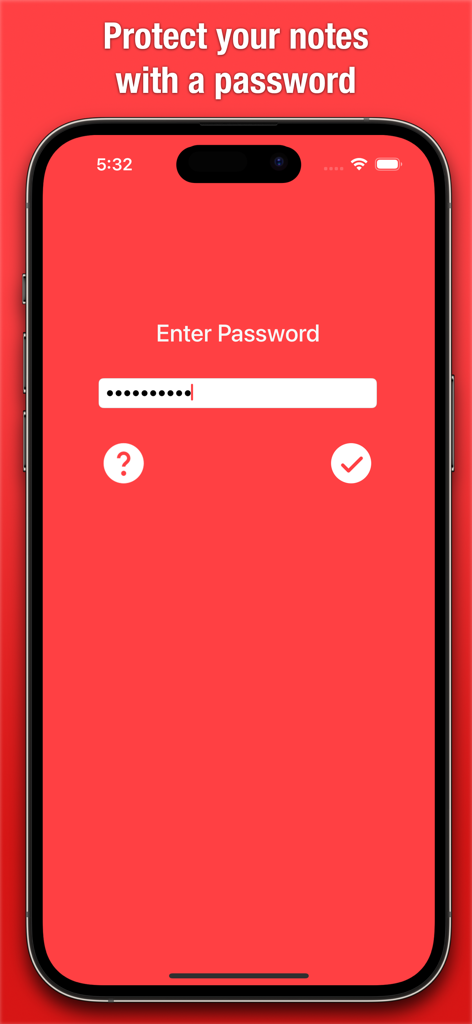
Secure Notepad app password entry screen with minimalist red interface.

Secure Notepad app password entry screen with minimalist red interface.

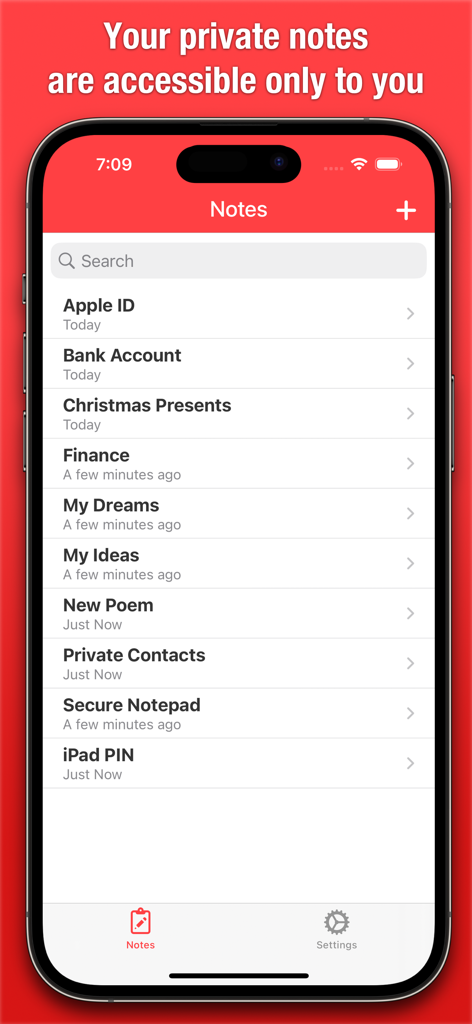
Secure Notepad app interface showing a list of private notes including passwords and financial information

Secure Notepad app interface showing a list of private notes including passwords and financial information

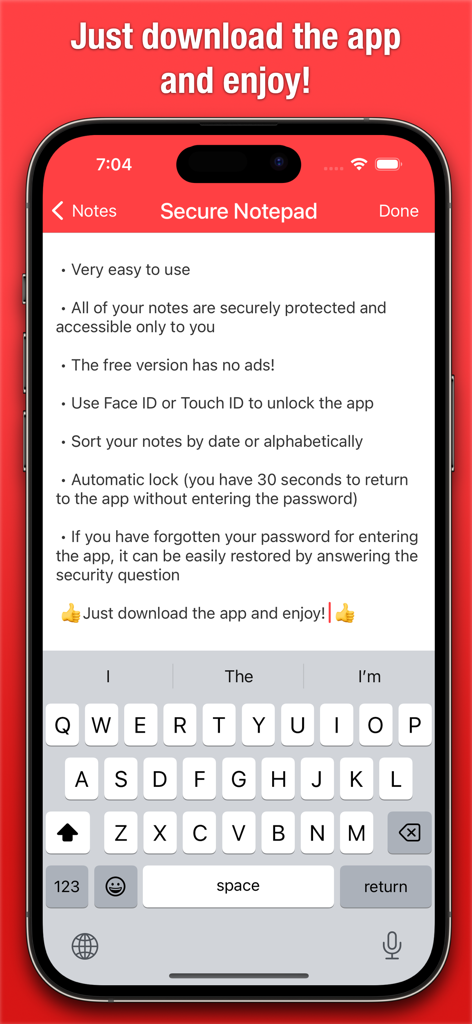
Secure Notepad app interface on iPhone listing privacy features and biometric login options

Secure Notepad app interface on iPhone listing privacy features and biometric login options

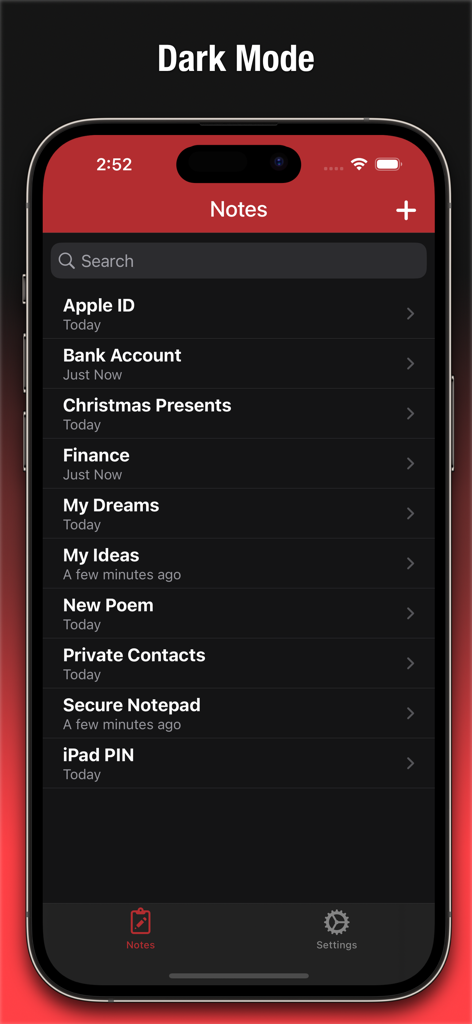
Secure Notepad app main screen displaying a list of private notes in dark mode

Secure Notepad app main screen displaying a list of private notes in dark mode

Your Private Digital Vault

The tools that make this app stand out, trusted by 400K+ users.

🆔

Instant Biometric Access

Unlock your secrets in a flash using Face ID or Touch ID. Get professional-grade security without the friction of typing manual passwords every time.

Ad-Free Productivity

Focus on what matters in a clean, minimalist environment. Unlike other apps, our free version contains zero intrusive ads to distract your workflow.

🔒

Smart Auto-Lock Privacy

Switch between apps with confidence. Your vault automatically re-locks after 30 seconds of inactivity to keep your private information hidden from prying eyes.

About the app

Everything you need to know about Secure Notepad.

Description

This app will let you save personal notes, contacts, and passwords as well as any other personal or secret information which will be hidden from strangers' eyes and securely protected by a password. The free version has no ads! Another great feature of Secure Notepad is its simplicity and ease of use. The app has a clean and user-friendly interface, allowing you to quickly and easily create and edit notes. If you have forgotten your password for entering the app, it can be easily restored by answering the security question. Key features: • Very easy to use. • All of your notes are securely protected and accessible only to you. • Use Face ID or Touch ID to unlock the app. • Sort your notes by date or alphabetically. • Automatic lock (you have 30 seconds to return to the app without entering the password). • Restore password by answering the security question. • Ability to recover recently deleted notes. Whether you're taking notes in class, brainstorming ideas for a project, or just jotting down your thoughts, Secure Notepad is a great choice for keeping your information secure and organized. With its strong password protection and advanced security features, you can be sure that your notes will always be safe and secure.

Latest Version

3.5.1

Size

2.7 MB

First Released

Sep 25, 2013

Take Control of Your Privacy Today

Join over 400,000 professionals and students who trust Secure Notepad for ad-free, biometric-protected storage. Your secrets are safe with us.

Download on App Store

App information, icons, screenshots, and descriptions displayed on this page are sourced from the Apple App Store and are the property of their respective developers. Download estimates and rankings are based on MWM's proprietary models and may not reflect actual figures. This page is provided for informational and analytical purposes only.

Believe this page infringes your intellectual property? File a dispute