
This page is not an official page of the app or its developer, but an independent editorial publication created for informational and commentary purposes. Unless expressly stated otherwise, neither the app nor its developer is affiliated with, endorsed by, sponsored by, authorized by, or otherwise officially connected with MWM, Apple, Google Play, the app publisher, or the app's developer, and nothing on this page implies that the app was developed using MWM's services. Any trademarks, logos, screenshots, and other content remain the property of their respective owners.


Sentence Maker App
Master early literacy with our distraction-free, scaffolded iPad program designed to help Pre-K through 1st Grade students and neurodiverse learners build sight words and sentence structure with confidence.
Downloads
0User Rating
Total Ratings
0Publisher
Category
EducationLocales
1Latest Version
1.1Size
100.0 MBFirst Released
Sep 15, 2016Master Early Literacy Through Structured Play
Designed for iPad, our research-backed scaffolding method helps children with diverse learning needs transition from recognizing letters to building their first complete sentences.
Proven Scaffolding Method
Our 3-step learning cycle uses guided repetition—starting with letter placement and moving to scrambled words with distractors—to build genuine mastery.
Distraction-Free Environment
Tailored for neurodiverse learners, our low-stimulus interface removes flashy UI to focus entirely on foundational literacy and fine motor skill development.
The following screenshots and description are sourced directly from the app's official store listing and are the property of the app developer.
App Store
Screenshots
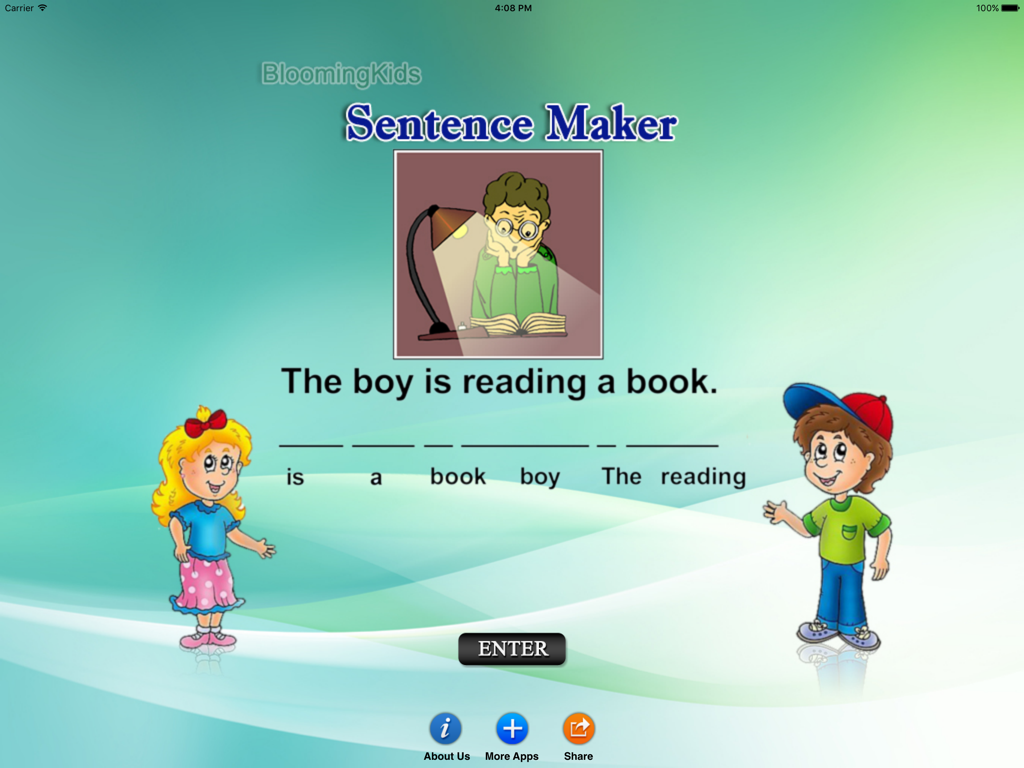
Sentence Maker app interface showing a scrambled word activity for children.
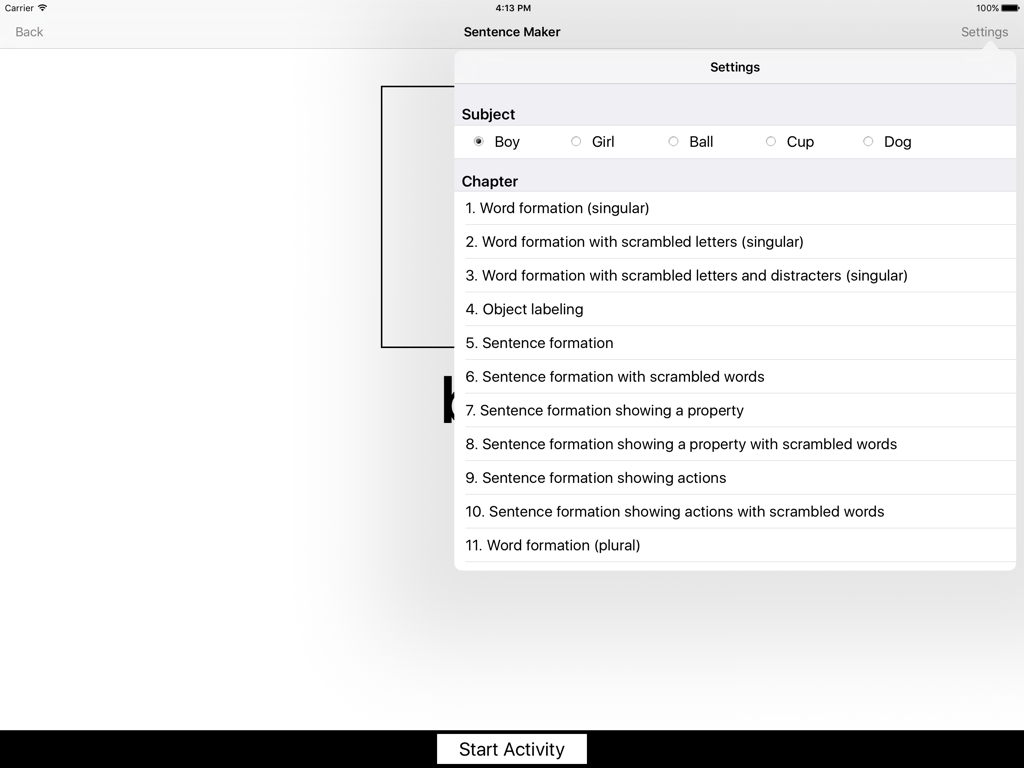
Settings menu in the Sentence Maker App displaying subject choices and a list of lesson chapters for word and sentence formation.
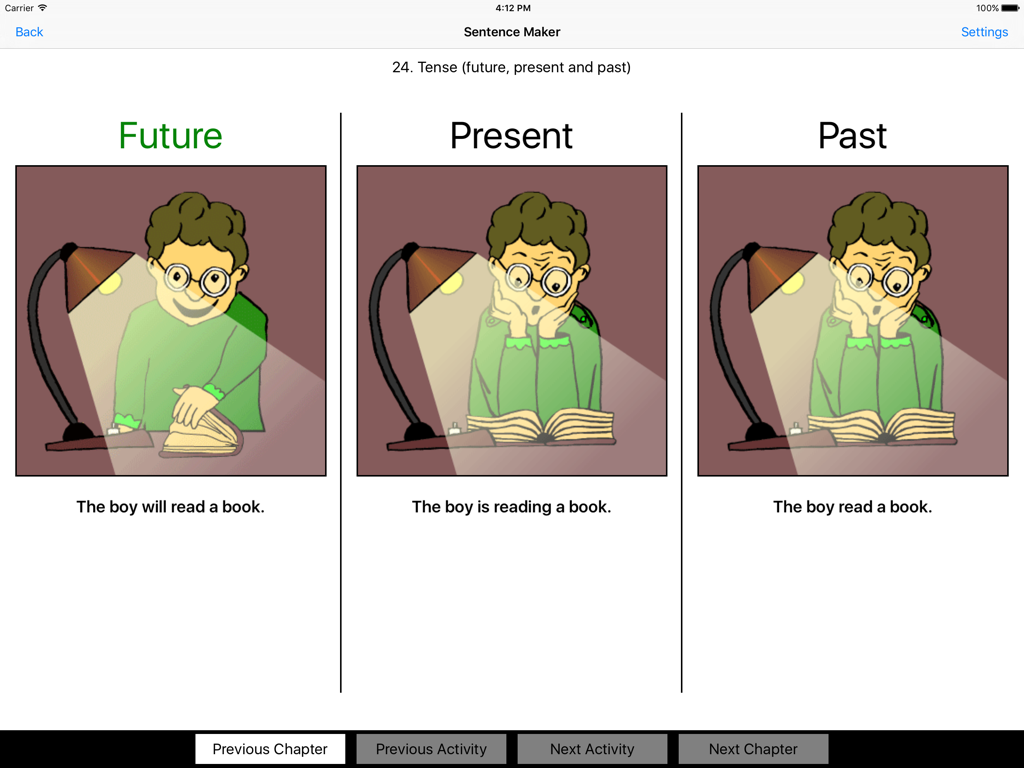
Educational screen from the Sentence Maker App teaching future present and past verb tenses through a boy reading a book
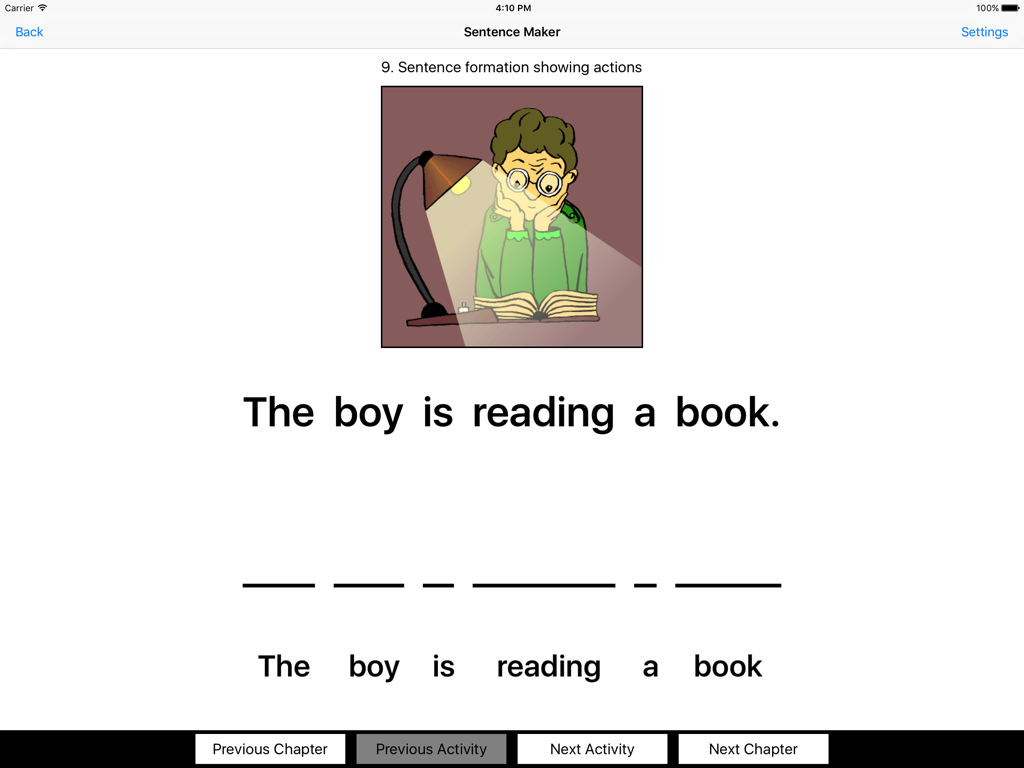
Educational app screen showing a sentence building exercise with the phrase The boy is reading a book and a matching illustration
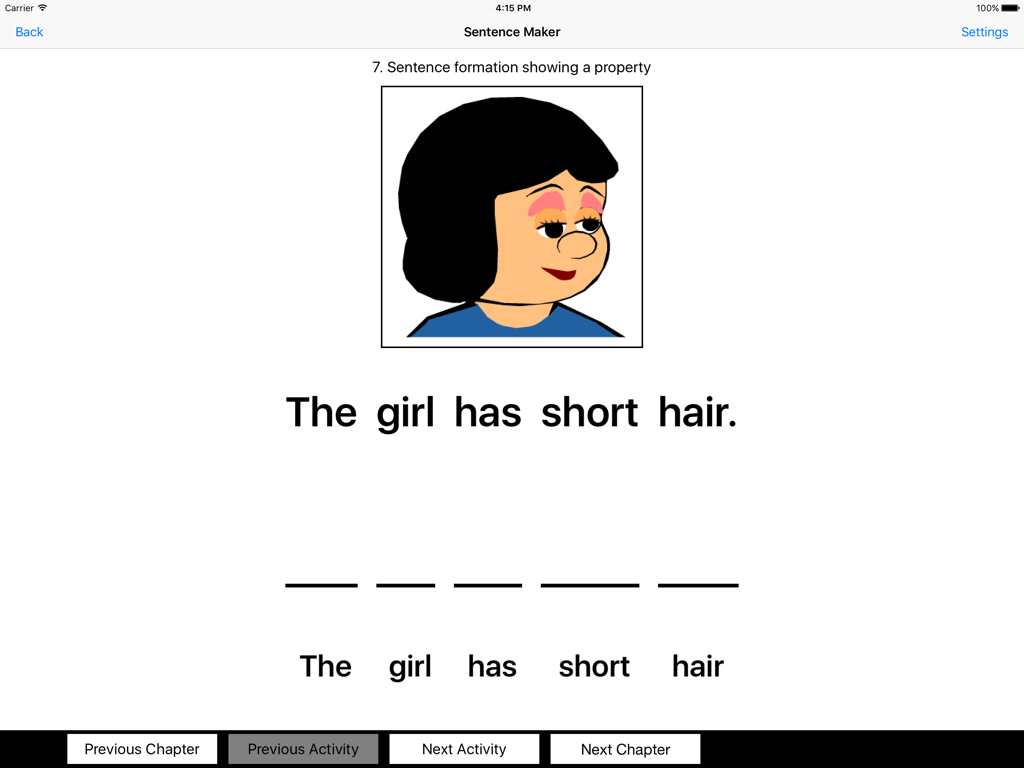
Educational app screen showing a sentence building exercise for the phrase The girl has short hair.
Description
Download
More Like This
Top-ranked apps in the same category

Duolingo - Language Lessons
Duolingo, Inc

Speak & Learn English: Learna
DEEP FLOW SOFTWARE SERVICES - FZCO

驾考宝典-科一科四驾驶证考试驾考通
Wuhan Jiakaobaodian Information Service Co., Ltd.

Toca Boca World
Toca Boca AB

Google Classroom
Google LLC

作业帮-中小学家长作业检查和辅导工具
Guangzhou Polar Future Culture Technology Co., Ltd

学信网
Student Information Consultation Service Co., Ltd.

Gauth: AI Study Companion
GAUTHTECH PTE. LTD.

Nail Salon Games for Kids 2-5
Brainytrainee Ltd
This page is not an official page of the app or its developer, but an independent editorial publication created for informational and commentary purposes. Unless expressly stated otherwise, neither the app nor its developer is affiliated with, endorsed by, sponsored by, authorized by, or otherwise officially connected with MWM, Apple, Google Play, the app publisher, or the app's developer, and nothing on this page implies that the app was developed using MWM's services. Any trademarks, logos, screenshots, and other content remain the property of their respective owners.