
ShareMe - File sharing


Break free from file size limits and cables. Send 4K videos, photos, and docs instantly with end-to-end encryption and zero data loss—no cloud required.
Publisher
Category
UtilitiesDownloads
644K+User Rating
Total Ratings
7K+Locales
6Discover the interface used by 644K+ users.
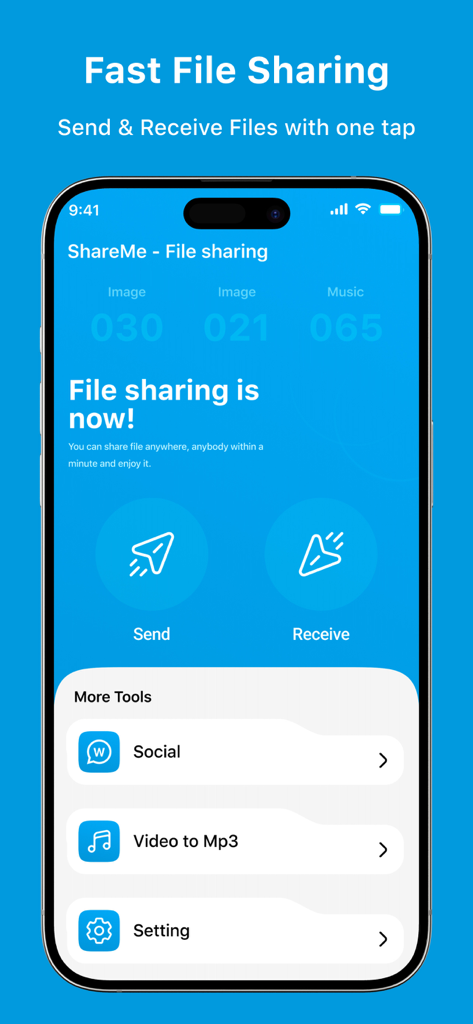
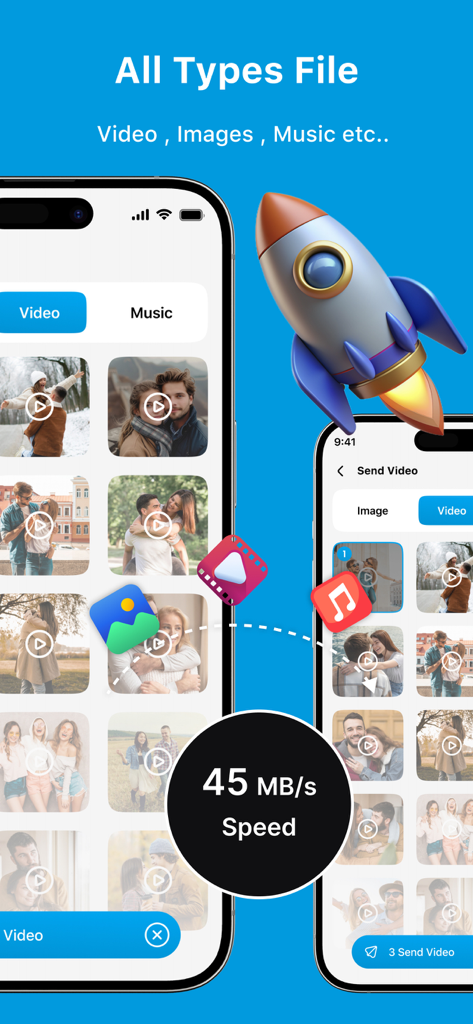
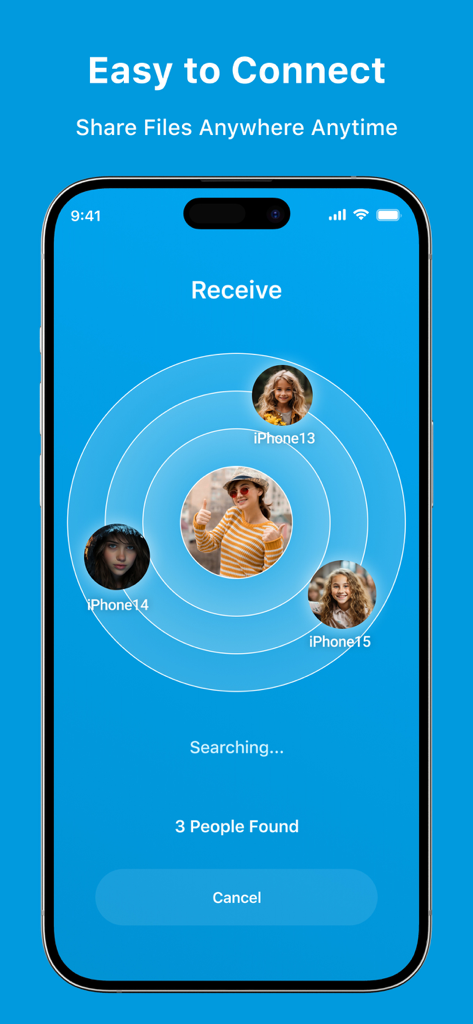
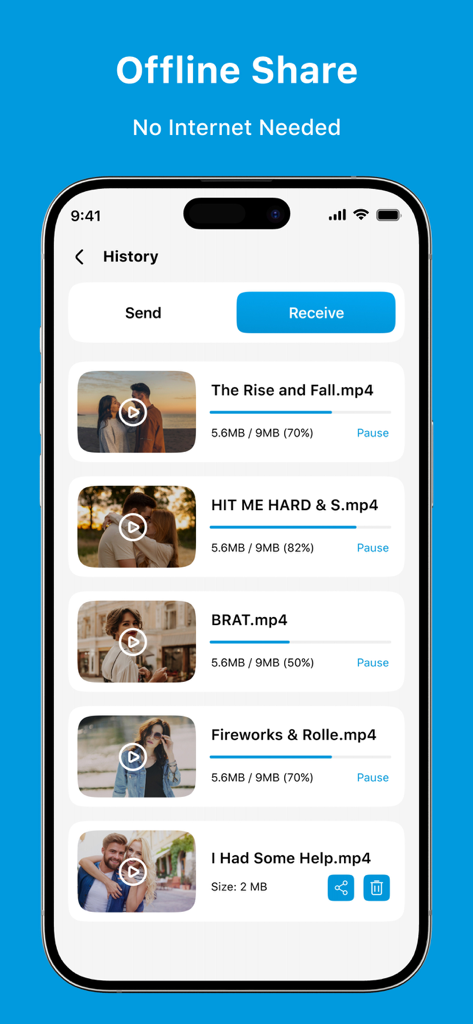
The tools that make this app stand out, trusted by 644K+ users.
Skip the upload wait. Send massive videos and high-res files at speeds that leave email and standard cloud storage in the dust.
Break out of the walled garden. Effortlessly share files from your iPhone to Windows, Android, or tablets without needing any cables.
Protect your data with end-to-end encryption. Your sensitive files are transferred directly between devices, never stored on a public server.
Everything you need to know about ShareMe - File sharing.
Description
Latest Version
6.0
Size
24.3 MB
First Released
Aug 10, 2024
Join 644,000+ users who share 4K videos and large docs instantly. No cables, no cloud subscriptions—just lightning-fast, encrypted transfers across all your devices.
Everything you need to know about ShareMe - File sharing
ShareMe - File sharing is an app designed for seamless and fast file transfers of any size and type. It enables users to send documents, photos, and videos without cables, offering secure sharing and easy file management.
Yes, ShareMe - File sharing supports all file types. Users can share documents, photos, videos, and more. This ensures versatile file transfer capabilities.
Yes, file transfer with ShareMe - File sharing is secure. The app features secure sharing with end-to-end encryption to protect user data during transfers.
Yes, you can share files offline using ShareMe - File sharing. The app provides offline access to shared files and does not require an internet connection for sharing.
ShareMe - File sharing offers lightning-fast file transfers. The app is designed for high-speed sharing, with screenshot examples showing speeds up to 45 MB/s.
The Privacy Policy for ShareMe - File sharing is available via a direct link. It can be found in the app's store description.
Yes, ShareMe - File sharing allows both sending and receiving files. Users can initiate file transfers with one tap using the dedicated Send and Receive functions.
Apps with similar features and user experience

Wetransfer B.V.

Rakuten Symphony Korea, Inc.

Blip Studio Inc.

Lindong Network Technology(Beijing) Co.,Ltd.

梦洋 崔

Best Free and Fun Games, LLC

军甫 贺

Mobileware Studio SL

SHAREit Technologies Co. Ltd
App information, icons, screenshots, and descriptions displayed on this page are sourced from the Apple App Store and are the property of their respective developers. Download estimates and rankings are based on MWM's proprietary models and may not reflect actual figures. This page is provided for informational and analytical purposes only.
Believe this page infringes your intellectual property? File a dispute