
Shopping List: Grocery To Do


The fastest, most intuitive way to manage groceries and daily tasks. Designed for busy lives with one-tap entry, seamless family sharing, and powerful home-screen widgets.
Publisher
Category
ShoppingDownloads
1M+User Rating
Total Ratings
88K+Locales
35Discover the interface used by 1M+ users.
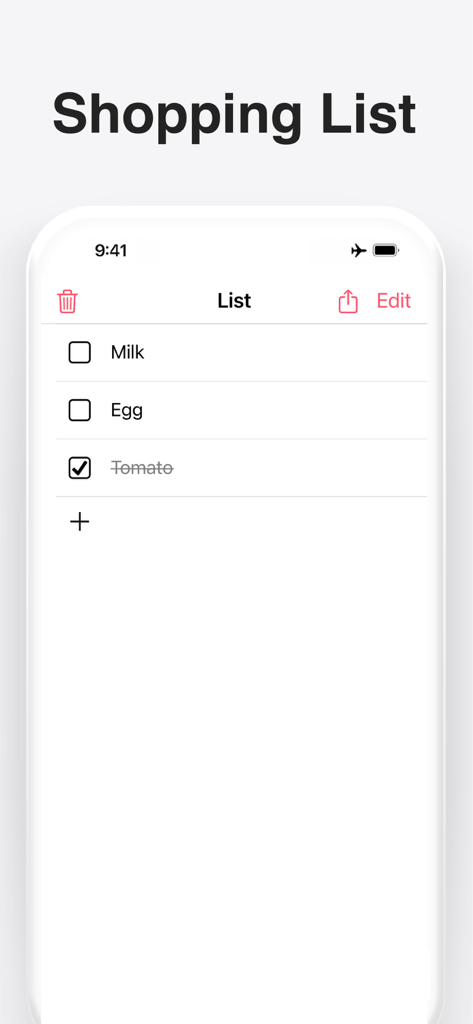
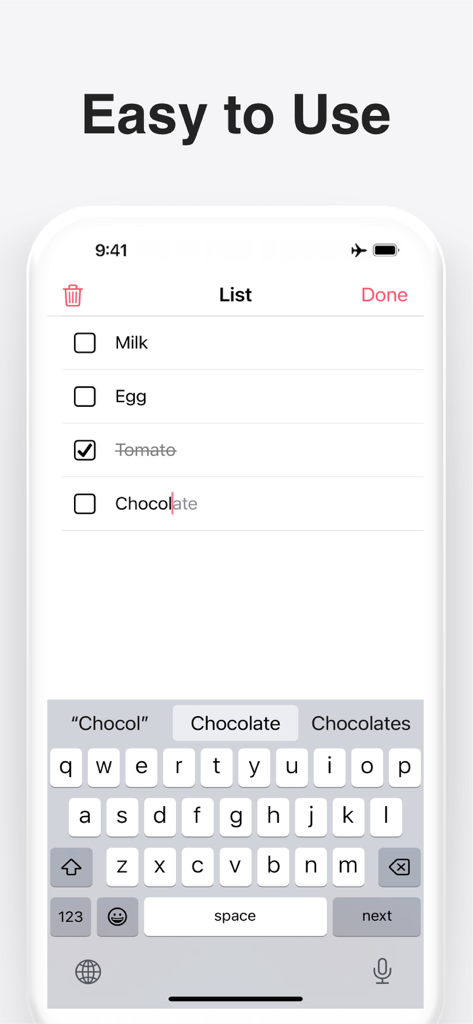
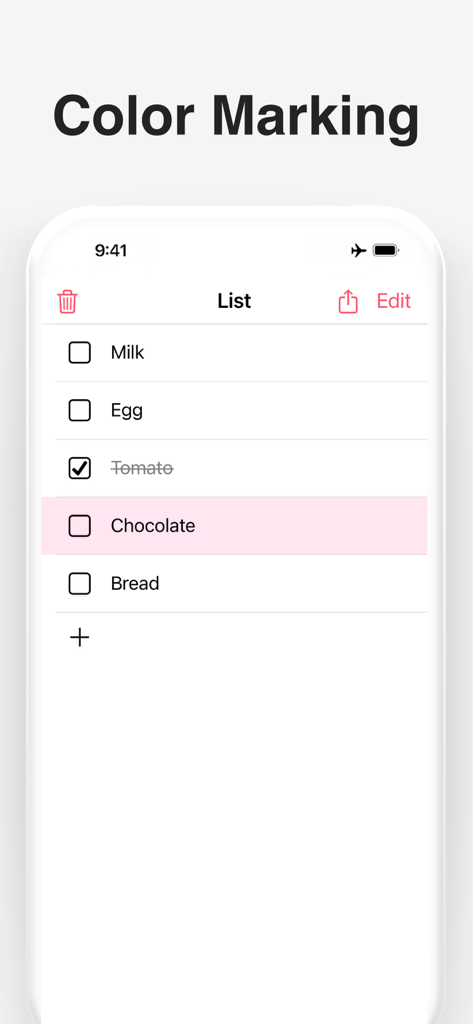
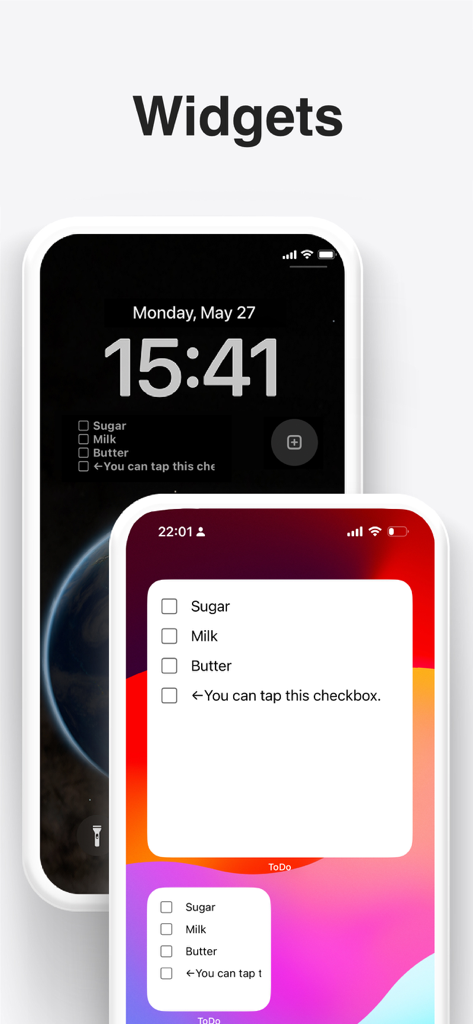
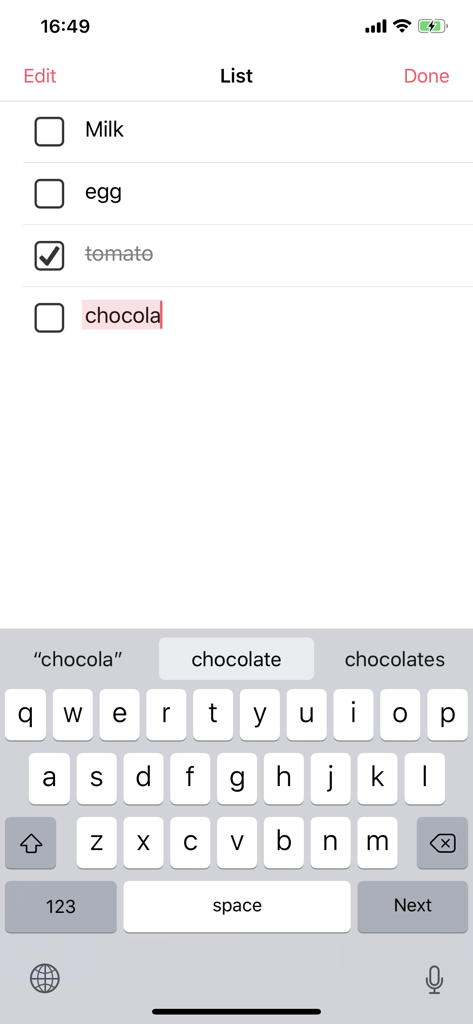
The tools that make this app stand out, trusted by 1M+ users.
Add items in seconds as you think of them. Our one-tap entry is built for the busy shopper who needs to update lists while on the move.
Check your list without even opening the app. Keep your grocery needs front-and-center on your home screen for maximum visibility.
Keep everyone in the household on the same page. Share your lists instantly with partners or roommates to ensure nothing is forgotten.
Everything you need to know about Shopping List: Grocery To Do.
Description
Latest Version
5.0.0
Size
38.1 MB
First Released
Jun 9, 2016
Join over 1 million busy households who have ended the "forgotten item" stress. Download the minimalist, one-tap list designed to save you time and mental energy today.
Everything you need to know about Shopping List: Grocery To Do
Yes, the Shopping List: Grocery To Do app supports widgets. Users can add widgets to their device's lock screen and home screen for quick access to their lists.
Users can add new tasks to the Shopping List: Grocery To Do app with one-tap task entry. Simply tap the add button and type the item.
Yes, the Shopping List: Grocery To Do app allows users to share their list with others directly from the application interface.
The Shopping List: Grocery To Do app includes a sorting feature. Users can long-press an item to rearrange its position within the list.
Yes, the Shopping List: Grocery To Do app allows users to clear all tasks with a single button, providing a quick way to empty the list.
Yes, the Shopping List: Grocery To Do app features automatic saving. All changes and entries are saved automatically without requiring manual action.
The Shopping List: Grocery To Do app serves as a simple tool for managing tasks. It is ideal for creating shopping lists or quick To-Do reminders efficiently.
Yes, the Shopping List: Grocery To Do app provides a color-marking feature. Users can highlight specific items on their list for better visual organization.
Yes, the Shopping List: Grocery To Do app allows users to manage all their tasks on a single screen, ensuring a straightforward and efficient user experience.
Apps with similar features and user experience

BeomJoon Kim

EMMO Corp.

Markus Liebschner

Thomas Tsopanakis

TAPUNIVERSE LLC

Konstantin Bolgar

SEOLHEE LEE
WEBDIA INC.

App Palette LLC
App information, icons, screenshots, and descriptions displayed on this page are sourced from the Apple App Store and are the property of their respective developers. Download estimates and rankings are based on MWM's proprietary models and may not reflect actual figures. This page is provided for informational and analytical purposes only.
Believe this page infringes your intellectual property? File a dispute
