
This page is not an official page of the app or its developer, but an independent editorial publication created for informational and commentary purposes. Unless expressly stated otherwise, neither the app nor its developer is affiliated with, endorsed by, sponsored by, authorized by, or otherwise officially connected with MWM, Apple, Google Play, the app publisher, or the app's developer, and nothing on this page implies that the app was developed using MWM's services. Any trademarks, logos, screenshots, and other content remain the property of their respective owners.

That Shopping List
Stop backtracking through aisles. Organize your shopping with intelligent sorting, instant family syncing, and total privacy—no account or registration required.
Downloads
981K+User Rating
Total Ratings
15K+Publisher
Category
ShoppingLocales
17Latest Version
15.04.00Size
32.5 MBFirst Released
Feb 16, 2016Shop Smarter, Not Longer
Eliminate the mental load of grocery shopping with a tool designed for speed, organization, and complete household coordination.
Aisle-Optimized Sorting
Stop backtracking across the store. Your list automatically groups items by category, mapping to the grocery layout so you can get in and out in record time.
Instant Family Sync
Keep everyone on the same page. Share lists with your partner or roommates instantly without creating an account or providing any personal data.
Frequently Asked Questions
Everything you need to know about That Shopping List
How can I quickly add items to my list in "That Shopping List"?
That Shopping List facilitates quick item addition through voice input, selecting from a collection of nearly 1000 categorized articles, or using an intelligent search function with auto-completion.
Can "That Shopping List" be used for sharing shopping lists?
Yes, That Shopping List supports uncomplicated sharing. Users connect their shopping lists with others without providing personal data, registration, or costs. The app notifies users of list changes.
Does "That Shopping List" offer voice input functionality?
Yes, That Shopping List offers voice input. Users can quickly add items, with the app automatically recognizing quantities, units, and categories from voice commands.
Does "That Shopping List" protect user privacy?
Yes, That Shopping List protects user privacy. It requires no personal data and no questionable app permissions for its operation. Sharing features also maintain this standard.
Can I manage recipes within the "That Shopping List" app?
Yes, That Shopping List includes recipe management. Users can manage their recipes, share them with family or friends, and import ingredients directly into their shopping lists.
Is an internet connection required to use "That Shopping List"?
No, an internet connection is not required. That Shopping List operates offline, allowing users to work with their shopping list even without a data connection.
How does "That Shopping List" organize items for shopping?
That Shopping List organizes items with 17 colored categories and icons. It also features intelligent sorting functions and allows users to create custom categories, ensuring optimal overview and fast processing.
Does "That Shopping List" allow tracking of item prices?
Yes, That Shopping List allows price tracking. Users can enter prices for entries on their shopping list to monitor and keep an eye on overall costs.
The following screenshots and description are sourced directly from the app's official store listing and are the property of the app developer.
App Store
Screenshots
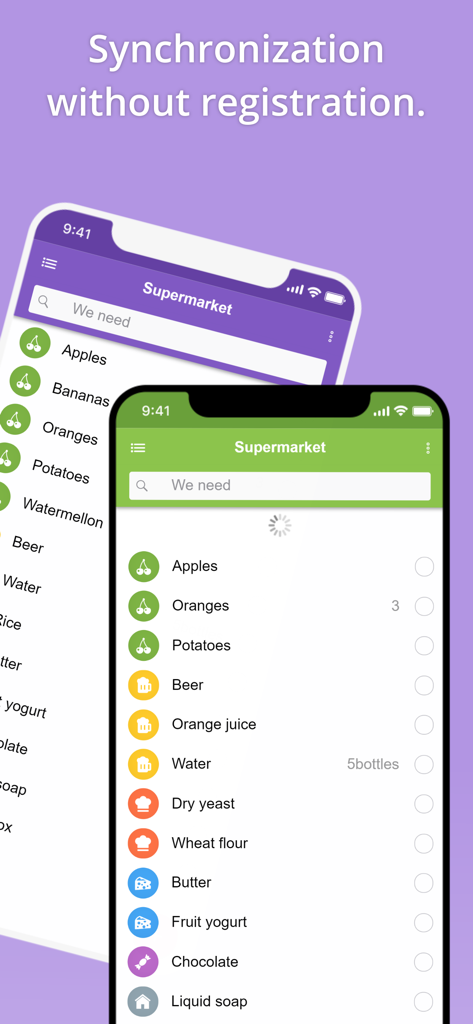
Two smartphones showing synchronized grocery lists in That Shopping List app
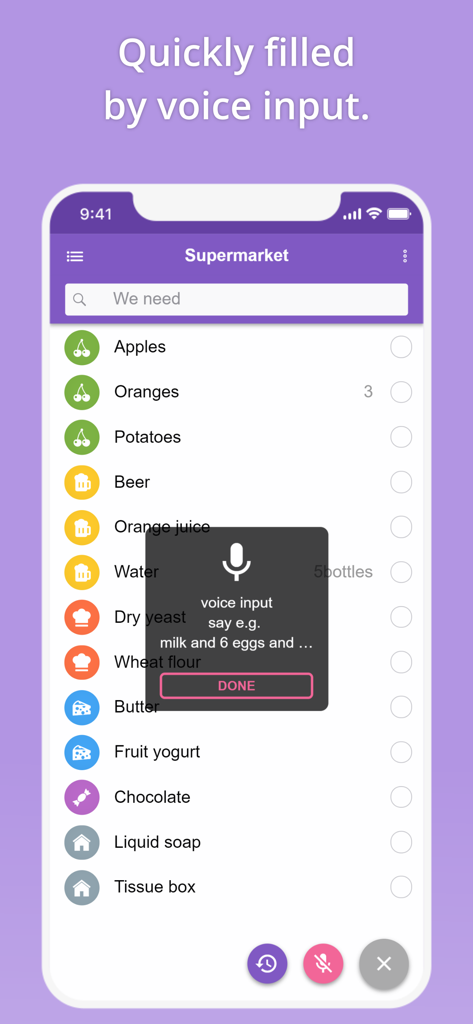
Interface of the That Shopping List app showing how to add grocery items quickly using voice input commands
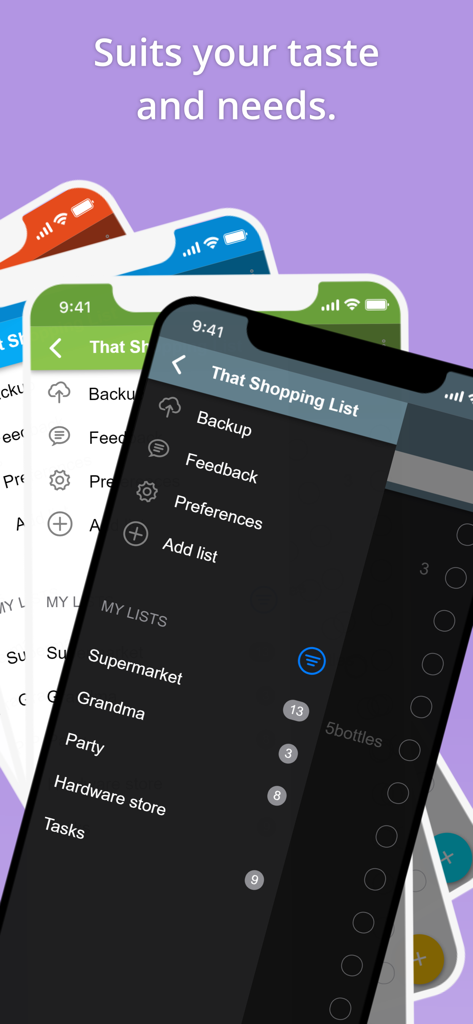
That Shopping List app interface showing multiple list categories and dark mode theme options
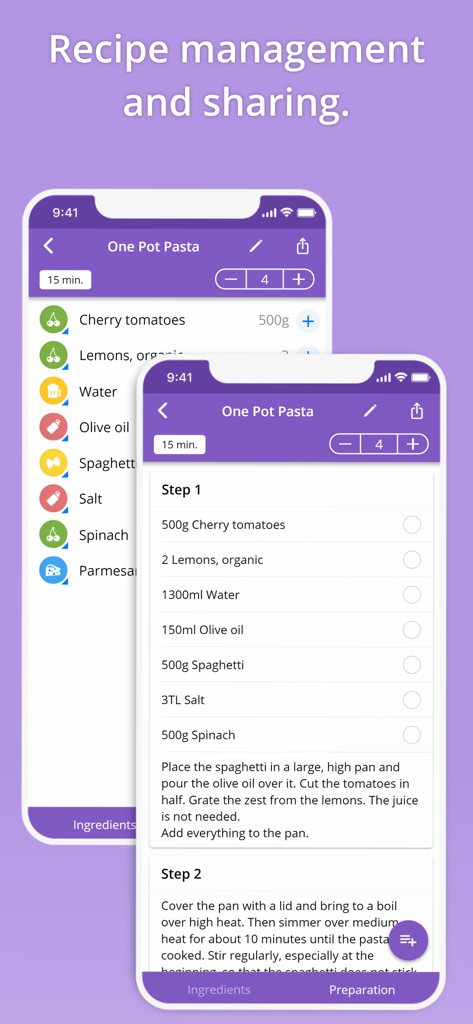
Mobile app interface for recipe management and sharing showing ingredients and preparation steps for a pasta dish
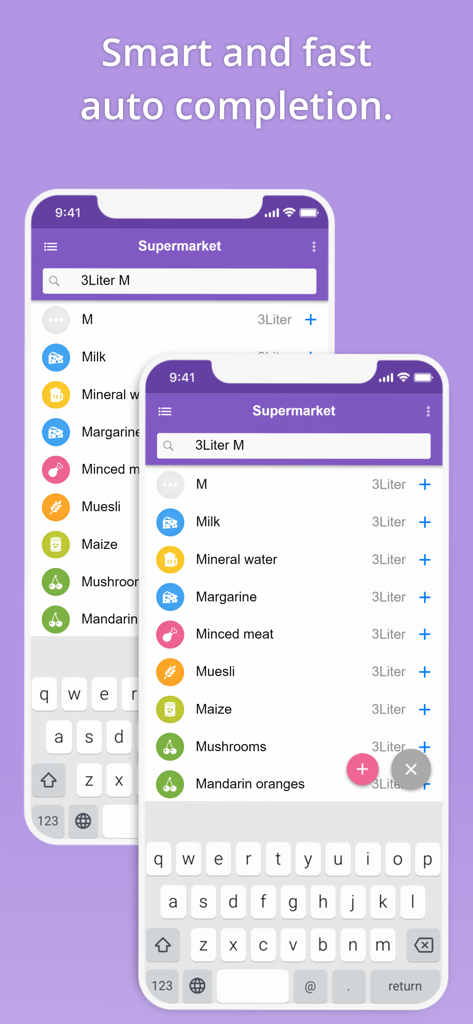
Interface of the grocery list app showing smart autocomplete suggestions for items like milk and mineral water
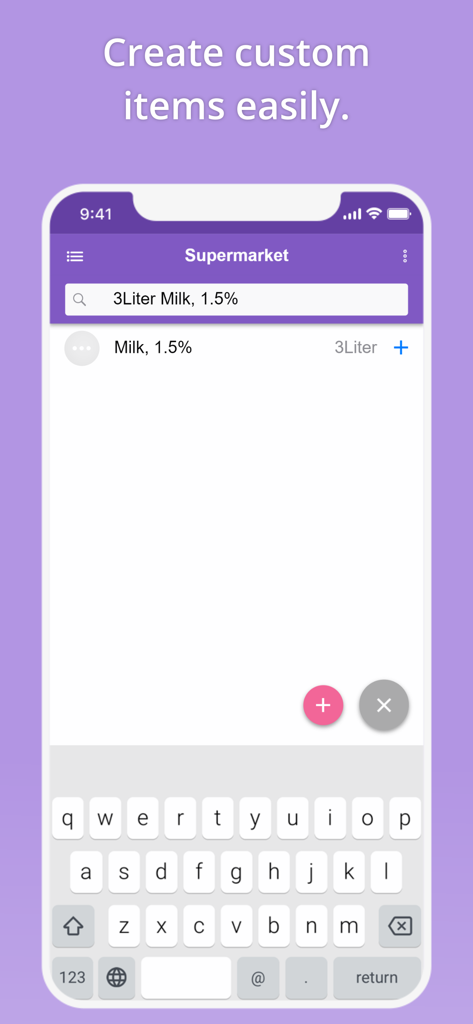
Interface of That Shopping List app showing how to create and add custom grocery items easily.
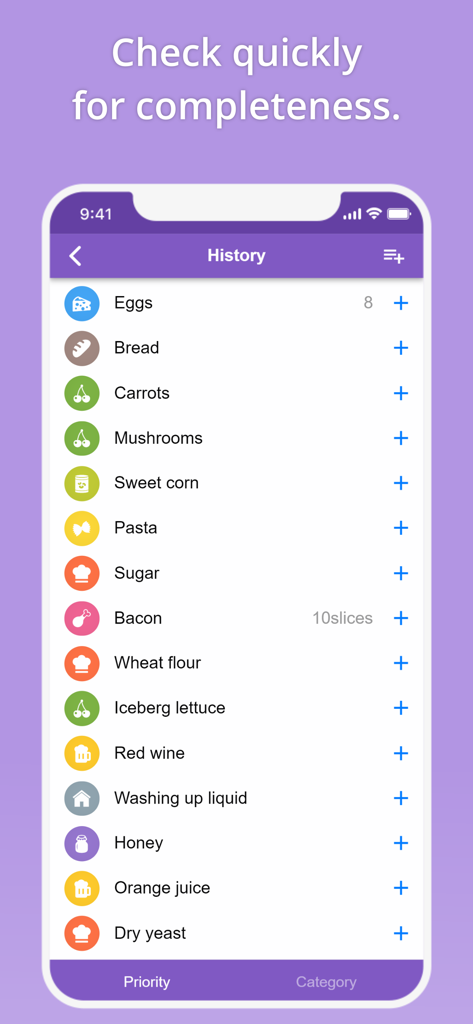
A mobile screen showing a history of grocery items with icons and add buttons for quick list making
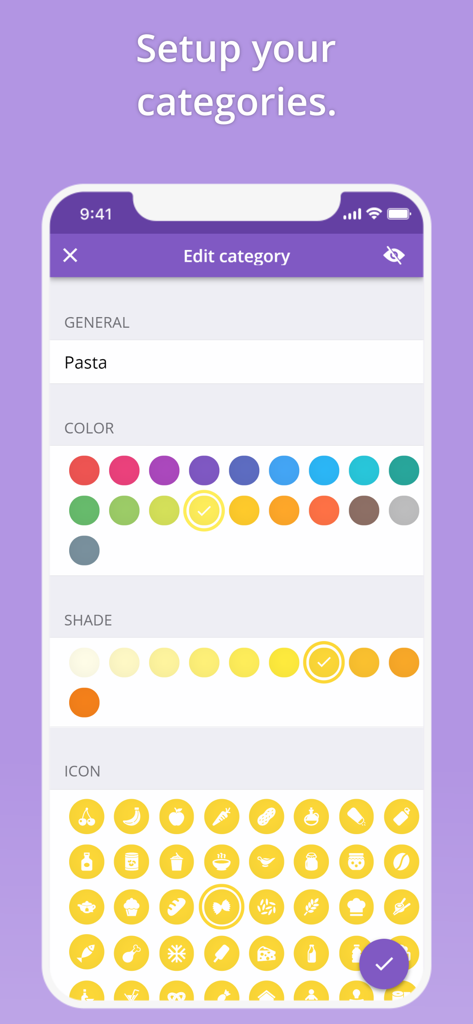
Screen of the That Shopping List app showing how to customize a category with colors and icons
Description
Download
More Like This
Apps with similar features and user experience

Planit - To-Do List & Calendar
BeomJoon Kim

Smile Todo - Time Management
EMMO Corp.

Lists To do
Thomas Tsopanakis

To Do List Widget
TAPUNIVERSE LLC

Daily Planner & Task Manager
Konstantin Bolgar

DailyTodo - To-Do List & Tasks
SEOLHEE LEE
Table Notes Spreadsheet maker
WEBDIA INC.

Minimal Tabbed ToDo List
App Palette LLC

Do! - Simple To Do List
SIMPLERION Co., Ltd
This page is not an official page of the app or its developer, but an independent editorial publication created for informational and commentary purposes. Unless expressly stated otherwise, neither the app nor its developer is affiliated with, endorsed by, sponsored by, authorized by, or otherwise officially connected with MWM, Apple, Google Play, the app publisher, or the app's developer, and nothing on this page implies that the app was developed using MWM's services. Any trademarks, logos, screenshots, and other content remain the property of their respective owners.