ShotBOT

ShotBOT

Download on App Store
Logo of ShotBOT

ShotBOT: The Professional Standard for On-Set VFX Data Management

Eliminate costly post-production errors with precise tracking, Teradek integration, and comprehensive reporting. Designed by industry veterans to meet the high-pressure demands of modern film and TV sets.

Download on App Store

Publisher

Todd Freese

Category

Photo & Video

Downloads

2K+

User Rating

1.0/5

Total Ratings

0

Locales

1

Precision on Set

Discover the interface used by 2K+ users.
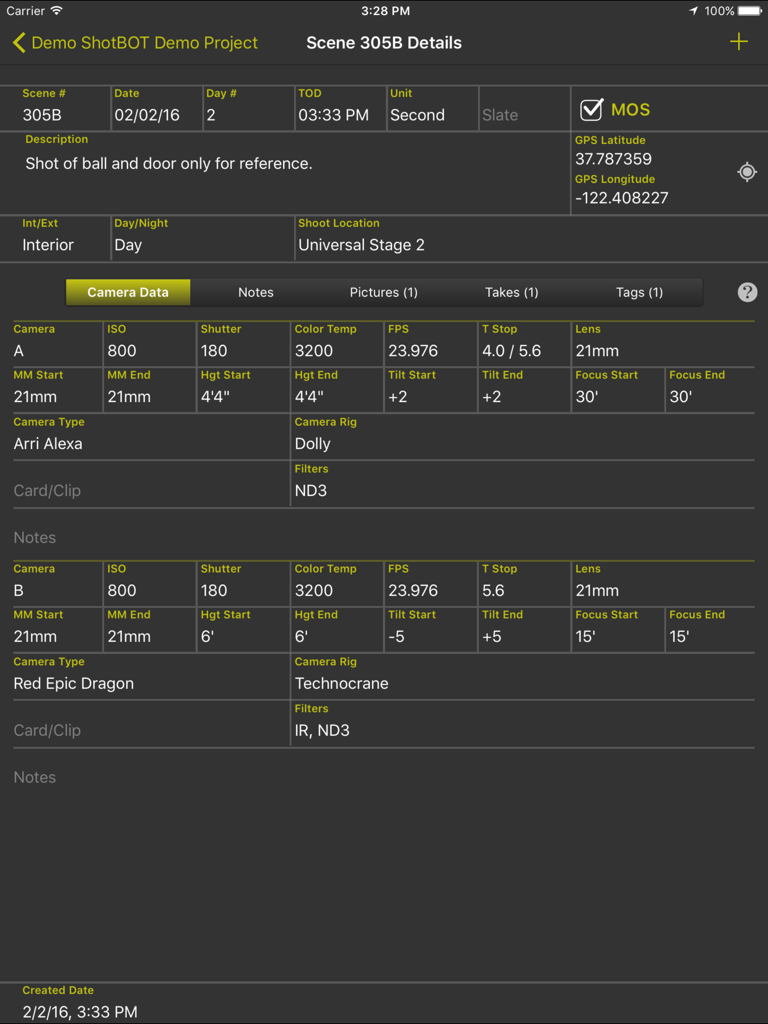
ShotBOT app interface displaying detailed camera metadata and scene info on an iPad

ShotBOT app interface displaying detailed camera metadata and scene info on an iPad

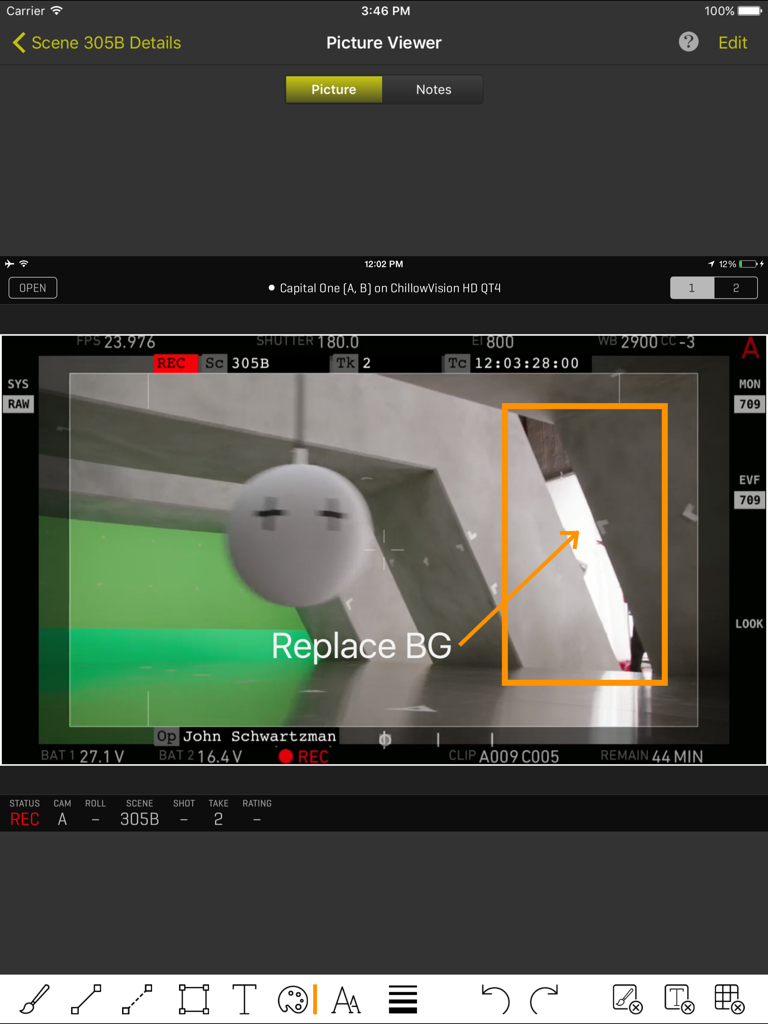
ShotBOT iPad interface showing a camera frame grab with professional VFX annotations and scene metadata.

ShotBOT iPad interface showing a camera frame grab with professional VFX annotations and scene metadata.

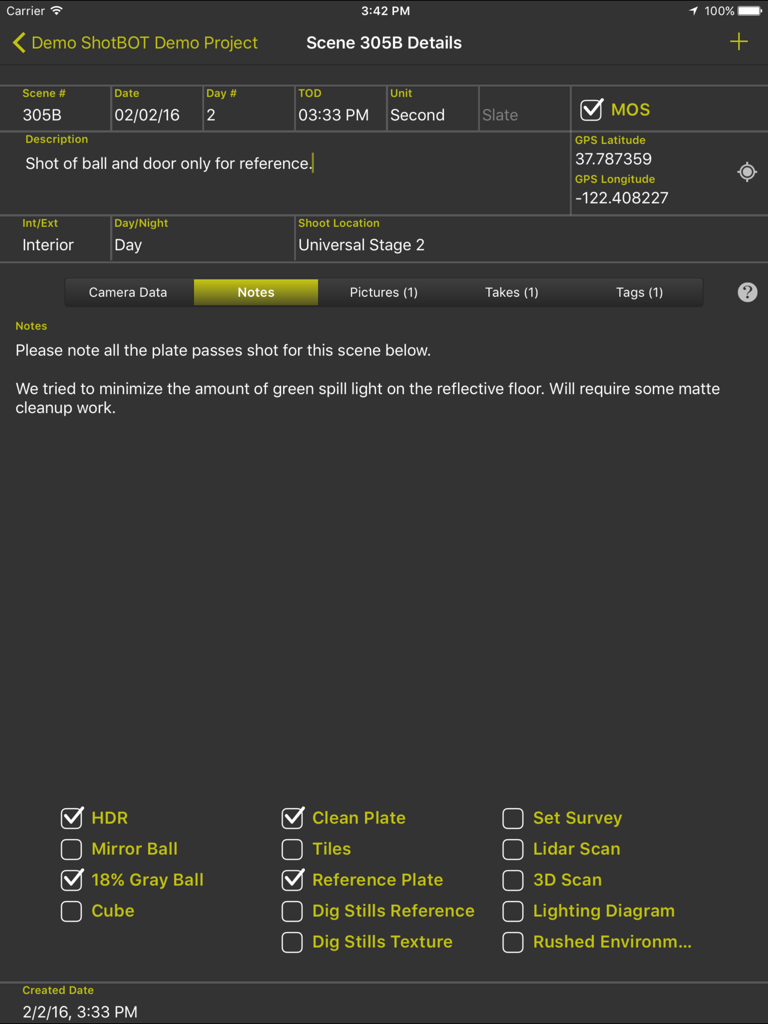
ShotBOT app interface on iPad showing VFX scene details, notes, and technical checkboxes for film production.

ShotBOT app interface on iPad showing VFX scene details, notes, and technical checkboxes for film production.

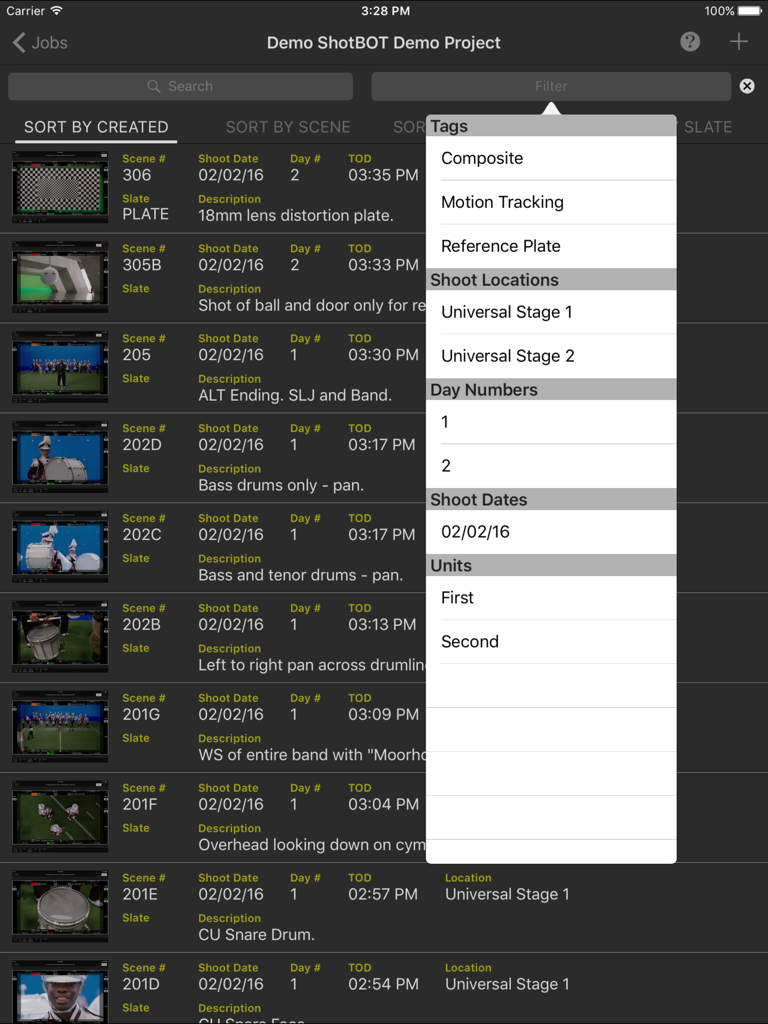
ShotBOT iPad app interface showing a list of VFX scenes and an open filter menu with tags and shoot locations

ShotBOT iPad app interface showing a list of VFX scenes and an open filter menu with tags and shoot locations

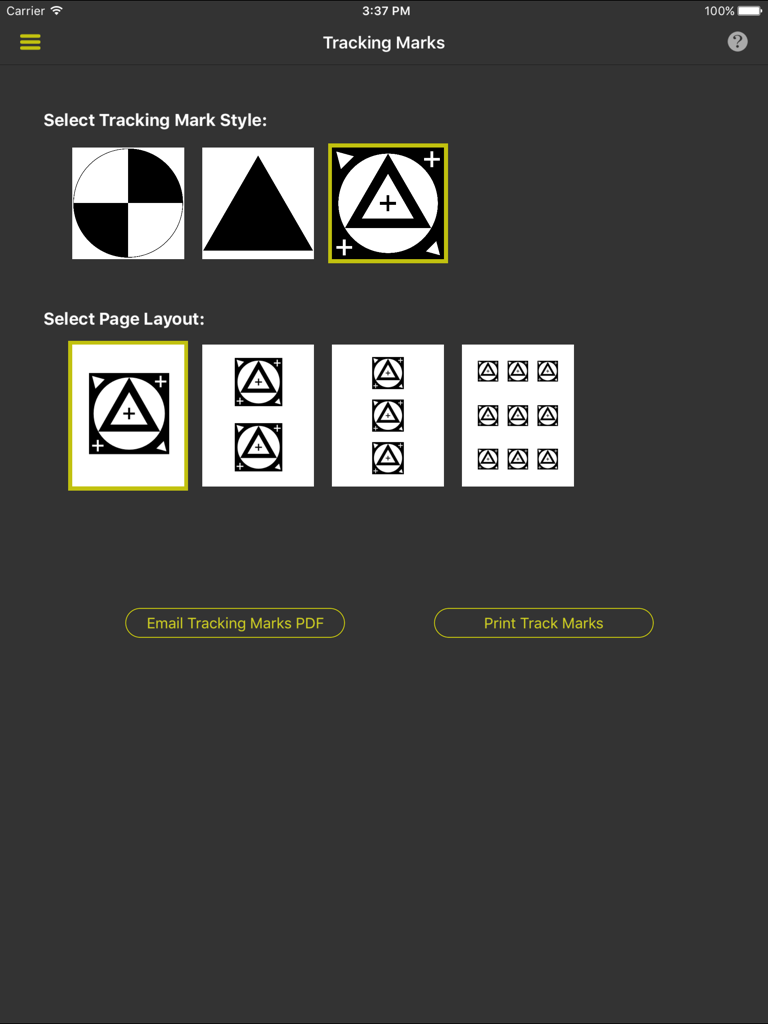
Interface for choosing VFX tracking mark styles and print layouts in ShotBOT

Interface for choosing VFX tracking mark styles and print layouts in ShotBOT

Built for the Rigors of Production

The tools that make this app stand out, trusted by 2K+ users.

🎯

Industry-Standard Data Fields

Stop using generic note apps. Track everything from T-Stops and lens heights to HDR flags and Gray Ball references with specialized, rapid-entry fields.

🎬

Wireless Video Integration

Connect directly to Teradek encoders to grab reference frames and view live video feeds, ensuring your visual notes match the camera's perspective perfectly.

📄

Automated Professional Reporting

Instantly generate comprehensive VFX shooting reports or export structured data to bridge the gap between physical production and post-production software.

About the app

Everything you need to know about ShotBOT.

Description

ShotBOT is designed for professional visual effects supervisors, to use during production, to take all the necessary production notes when shooting visual effects scenes. It tracks all the VFX needs for film, TV, documentaries, music videos and commercial production. This app is designed by someone who has spent 20 years shooting visual effects. All advanced features are sold via in-app purchases so you only need to buy what you need. For more detailed information on ShotBOT, please check out our web site for demo screencasts and a comprehensive FAQ page. FEATURES -ShotBOT has all the fields you would expect. A full list of fields is at the bottom of this page. -Track general scenes or individual takes. -Print or email a comprehensive shooting report to your VFX artists after the shoot. -Built in drawing feature to create diagrams or annotate pictures. -App-wide built in help screens to explain every feature. -Supports multi-camera shoots. -Full support for user defined presets for all commonly used fields. Includes default set of presets for professional production. Entering the data for a scene is very fast! -Scenes can be tagged to group sets of scenes together for complete organization of the scenes. -Take pictures or import existing images for scene reference. -View and grab frames from a wireless, live video feed from the camera. (Requires Teradek wireless encoder and in-app purchase) -Print a variety of different style tracking marks in a variety of sizes. (Requires in-app purchase) -Two different interface styles. Dark for indoor, Light for outdoor. You will always be able to view screen content without blinding your eyes. -Export your data so you can import it into your own post production tracking software. (Require in-app purchase) -Optional ShotBOT Cloud option to backup your data in realtime and sync between multiple devices. (Require in-app purchase) JOB FIELDS -Job Number -Episode Name and Number -Working Title -Agency and Client Name -Product Description -Production Company Name -Default FPS -Job Description SCENE FIELDS -Scene Number -Scene Description -Slate -Shot Date, Day Number, Time of day. -Unit (First unit, second unit, plate unit) -MOS or Sync sound. -Interior/Exterior -Day, Night, or Day For Night -Shoot Location -Scene Notes -Flags for: HDR, Mirror Ball, 18% Gray Ball, Cube, Clean Plate, Tiles, Ref Plates, Dig Stills Ref, Dig Stills Texture, Set Survey, Lidar Scan, 3D Scan, Lighting Diagram, Rushed Enviroment. CAMERA FIELDS -Camera ID -Camera Type -Camera Rig -Card/Clip Info -Filters -ISO -Shutter -Color Temp -FPS -T Stop -Lens -MM Start & End -Camera Height Start & End -Camera Tilt Start & End -Camera Focus Start & End -Camera Notes TAKE FIELDS -Take Number -Hero or Circled Take Flag -Take Notes

Latest Version

1.62

Size

60.0 MB

First Released

Jun 25, 2015

Ready to Streamline Your On-Set VFX Workflow?

Join the industry professionals and data wranglers who trust ShotBOT for high-precision tracking. Download now and start delivering professional-grade VFX reports directly from your iPad.

Download on App Store

App information, icons, screenshots, and descriptions displayed on this page are sourced from the Apple App Store and are the property of their respective developers. Download estimates and rankings are based on MWM's proprietary models and may not reflect actual figures. This page is provided for informational and analytical purposes only.

Believe this page infringes your intellectual property? File a dispute