
This page is not an official page of the app or its developer, but an independent editorial publication created for informational and commentary purposes. Unless expressly stated otherwise, neither the app nor its developer is affiliated with, endorsed by, sponsored by, authorized by, or otherwise officially connected with MWM, Apple, Google Play, the app publisher, or the app's developer, and nothing on this page implies that the app was developed using MWM's services. Any trademarks, logos, screenshots, and other content remain the property of their respective owners.

SignalScope Basic 2022
Equip yourself with a versatile toolkit of precision instruments including an FFT analyzer, oscilloscope, and spectrogram. Built for engineers, researchers, and consultants who demand calibrated accuracy, high-resolution data export, and seamless integration with lab-grade hardware.
Downloads
0User Rating
Total Ratings
0Publisher
Category
EducationLocales
1Latest Version
12.7.3Size
10.3 MBFirst Released
Sep 26, 2022Professional-Grade Signal Analysis
Transform your iPhone, iPad, or Mac into a portable laboratory with high-precision tools designed for acoustics, electronics, and rigorous research.
Lab-Grade Calibration
Assign engineering units and calibrate external transducers for precise measurements that meet professional standards.
High-Resolution Visuals
Analyze signals in real-time with a pro-level FFT Analyzer, Oscilloscope, and Spectrogram at sample rates up to 768 kHz.
The following screenshots and description are sourced directly from the app's official store listing and are the property of the app developer.
App Store
Screenshots
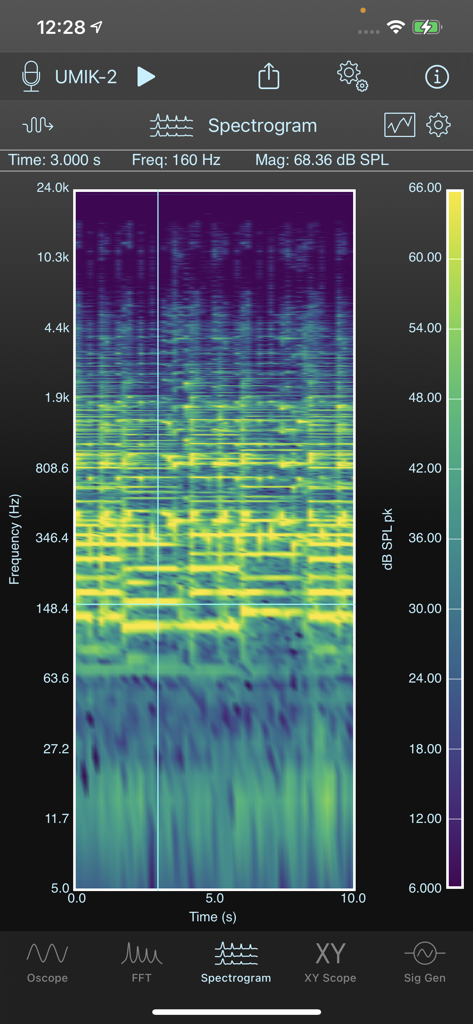
Real-time spectrogram analyzer display showing frequency and sound pressure level magnitude on SignalScope Basic 2022
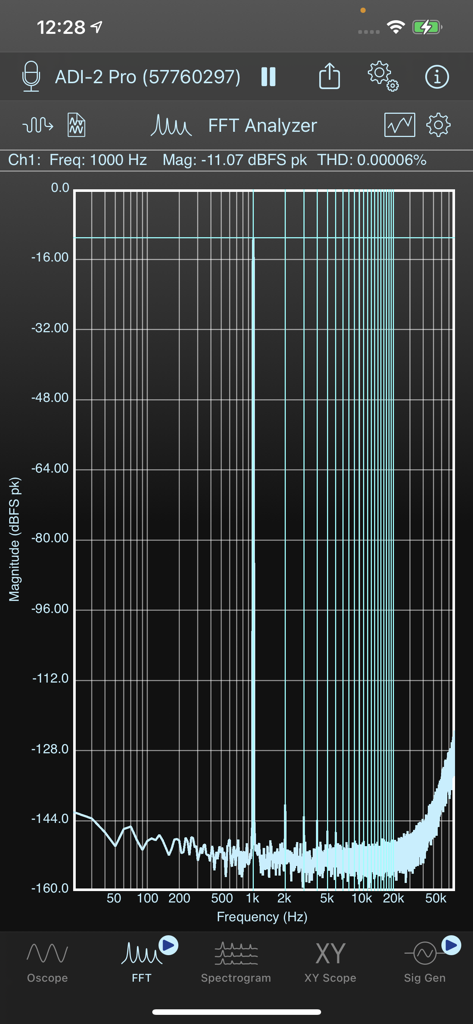
FFT Analyzer screen in SignalScope Basic 2022 showing frequency spectrum analysis
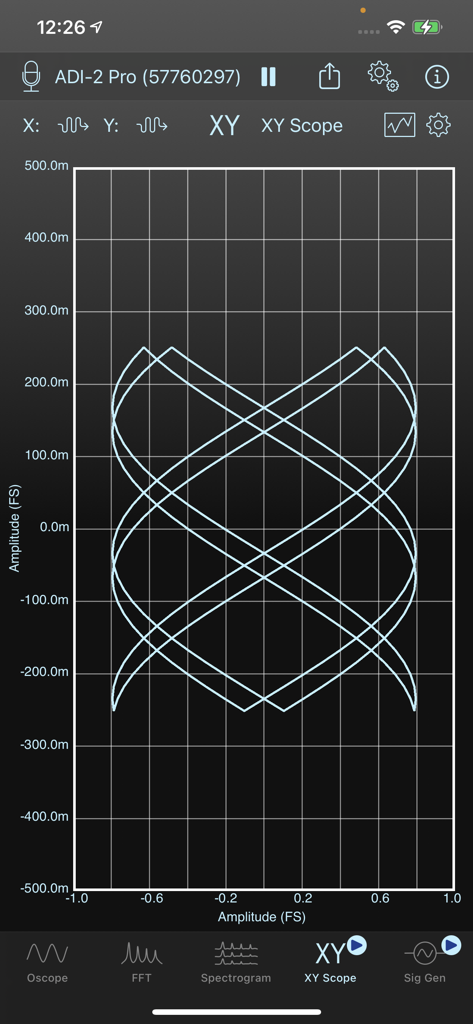
SignalScope Basic 2022 app XY Scope interface showing complex Lissajous curves
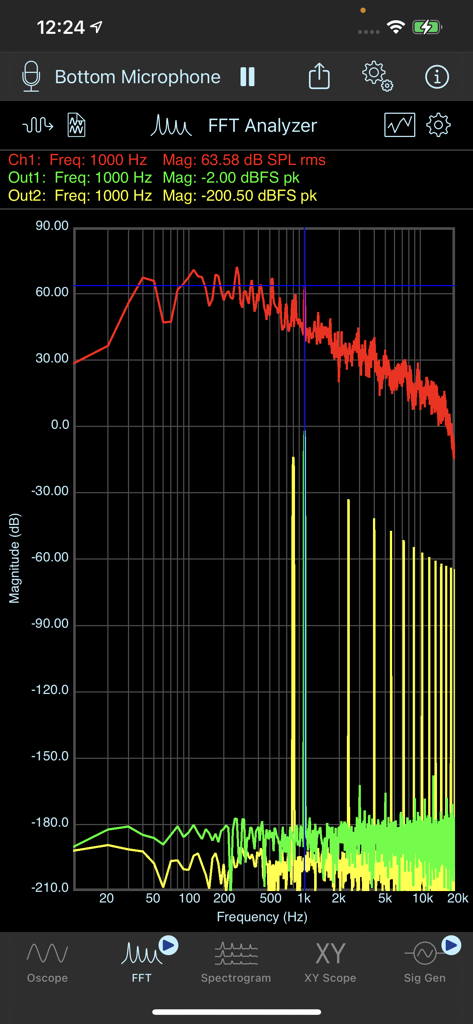
SignalScope Basic 2022 FFT Analyzer displaying frequency magnitude and spectrum data
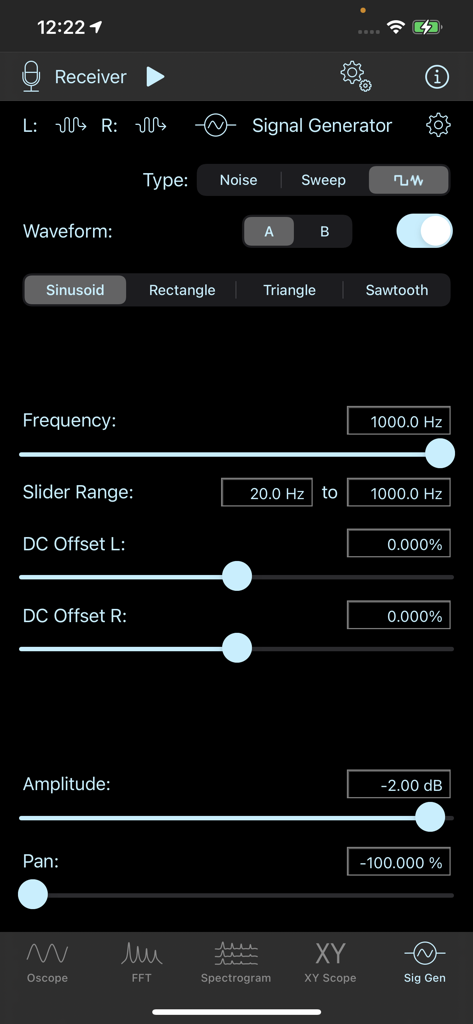
Signal generator interface in the SignalScope Basic 2022 app showing frequency, waveform, and amplitude controls.
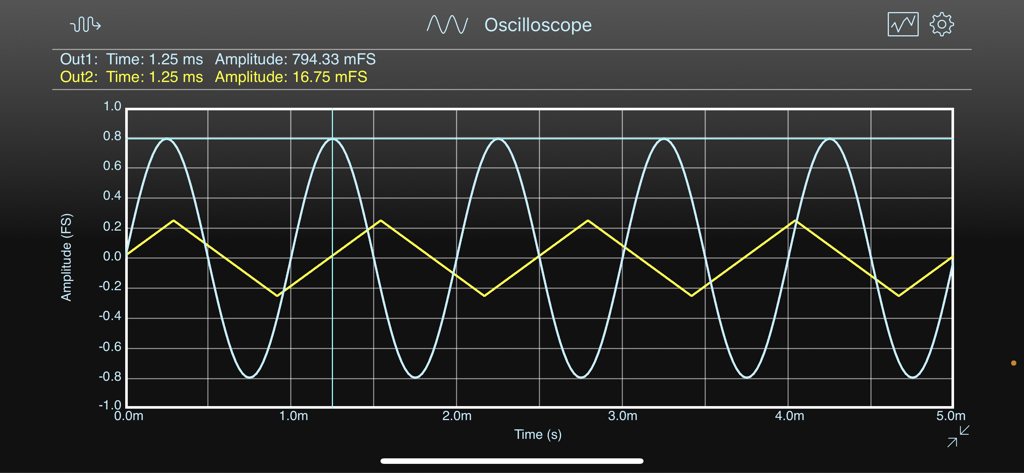
Oscilloscope view in SignalScope Basic 2022 showing two real-time signal waveforms
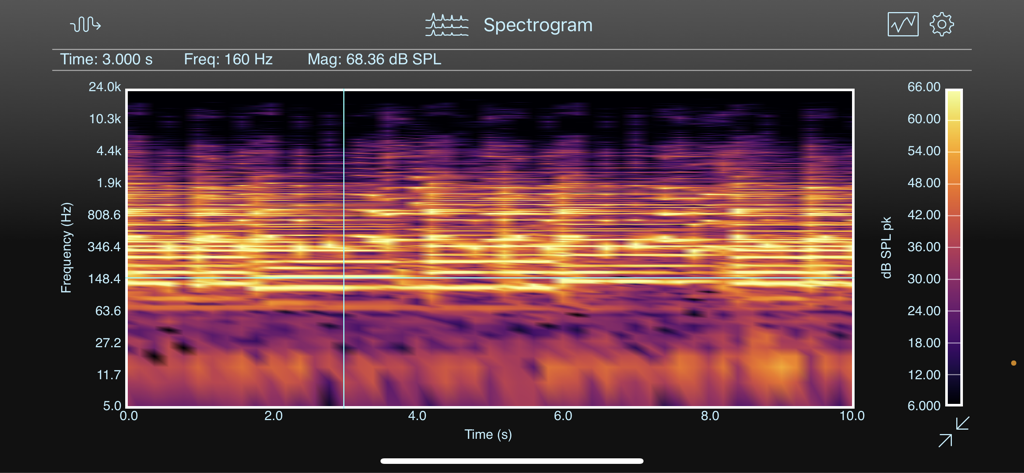
SignalScope Basic spectrogram display showing frequency and sound pressure level over time.
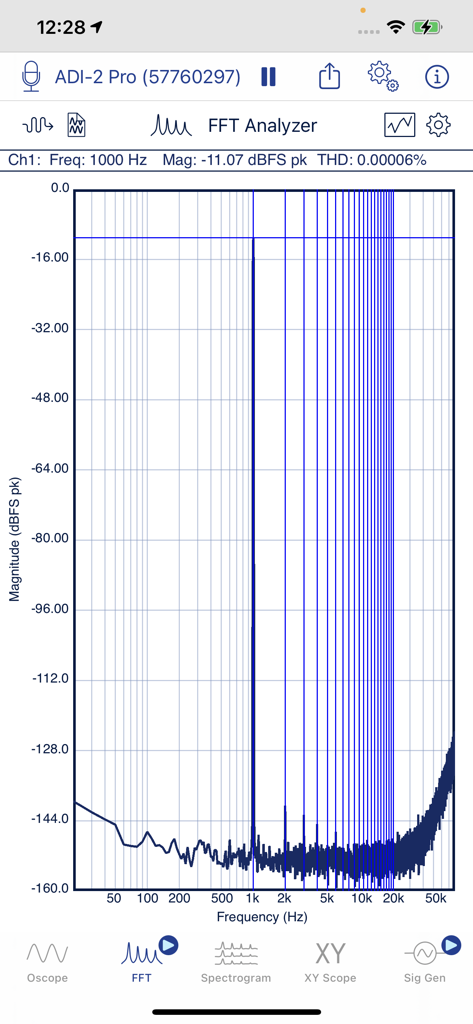
SignalScope Basic 2022 FFT Analyzer displaying a frequency spectrum magnitude graph on iPhone
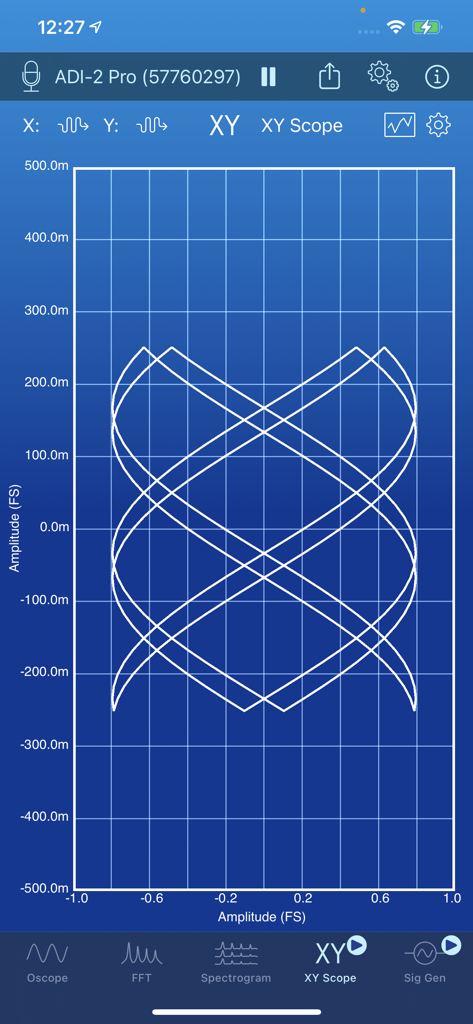
XY Scope analyzer interface in SignalScope Basic showing a complex Lissajous pattern
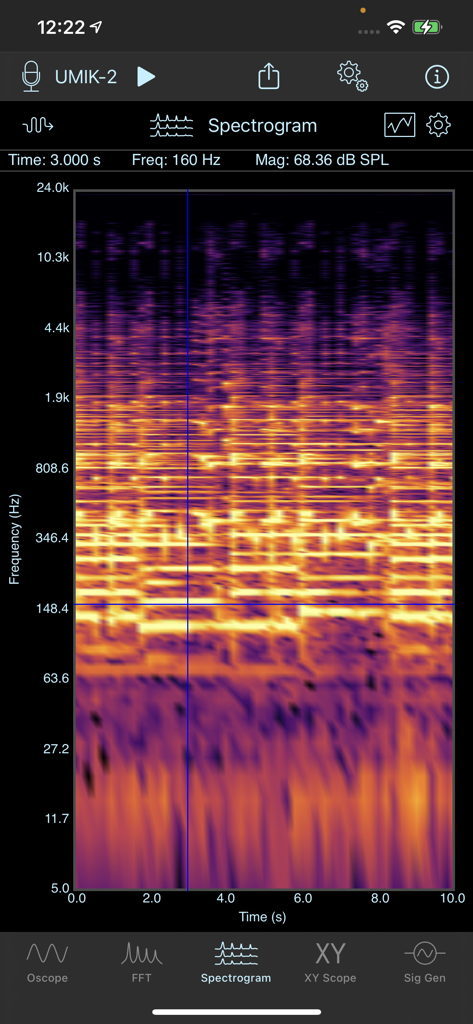
SignalScope Basic 2022 app displaying a real-time spectrogram for audio frequency and magnitude analysis.
Description
Download
More Like This
Top-ranked apps in the same category

Duolingo - Language Lessons
Duolingo, Inc

Speak & Learn English: Learna
DEEP FLOW SOFTWARE SERVICES - FZCO

Toca Boca World
Toca Boca AB

驾考宝典-科一科四驾驶证考试驾考通
Wuhan Jiakaobaodian Information Service Co., Ltd.

Google Classroom
Google LLC

作业帮-中小学家长作业检查和辅导工具
Guangzhou Polar Future Culture Technology Co., Ltd

Gauth: AI Study Companion
GAUTHTECH PTE. LTD.

Nail Salon Games for Kids 2-5
Brainytrainee Ltd

Quizlet: More than Flashcards
Quizlet Inc
This page is not an official page of the app or its developer, but an independent editorial publication created for informational and commentary purposes. Unless expressly stated otherwise, neither the app nor its developer is affiliated with, endorsed by, sponsored by, authorized by, or otherwise officially connected with MWM, Apple, Google Play, the app publisher, or the app's developer, and nothing on this page implies that the app was developed using MWM's services. Any trademarks, logos, screenshots, and other content remain the property of their respective owners.