
This page is not an official page of the app or its developer, but an independent editorial publication created for informational and commentary purposes. Unless expressly stated otherwise, neither the app nor its developer is affiliated with, endorsed by, sponsored by, authorized by, or otherwise officially connected with MWM, Apple, Google Play, the app publisher, or the app's developer, and nothing on this page implies that the app was developed using MWM's services. Any trademarks, logos, screenshots, and other content remain the property of their respective owners.


SketchCut Lite
Stop wasting expensive material. Automatically calculate optimized cutting diagrams for wood, MDF, and glass with the pro-tool designed for contractors and DIYers.
Downloads
365K+User Rating
Total Ratings
400Publisher
Category
BusinessLocales
1Latest Version
3.94Size
78.7 MBFirst Released
Jun 23, 2016Precision Cutting, Simplified
Stop wasting expensive materials with manual planning. SketchCut Lite uses smart optimization to create the perfect cutting layout for your next project in seconds.
Minimize Material Waste
Our optimization algorithms squeeze every inch out of your sheets, saving you significant money on plywood, MDF, and glass.
Shop-Ready PDF Reports
Generate professional cutting diagrams instantly. Export to PDF to print or share with your team directly from your iPhone or iPad.
The following screenshots and description are sourced directly from the app's official store listing and are the property of the app developer.
App Store
Screenshots
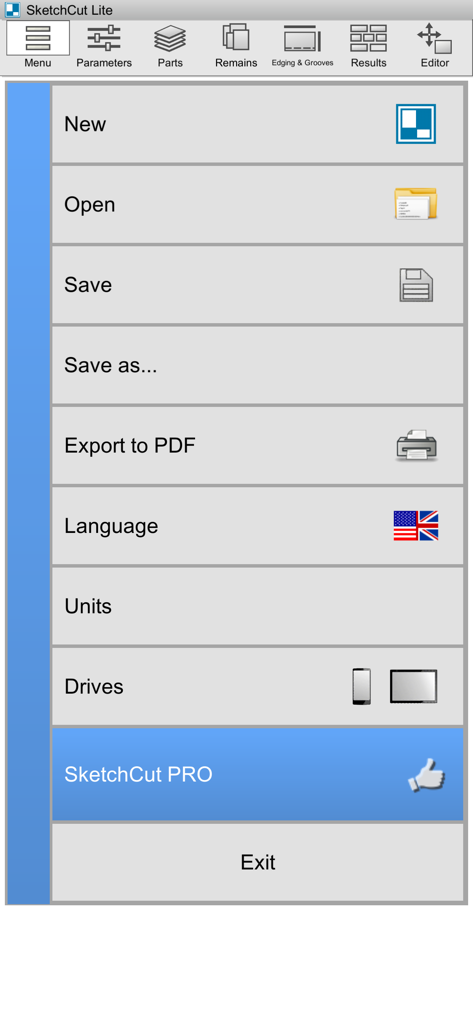
Main menu screen of SketchCut Lite app featuring project management and settings options for cutting optimization.
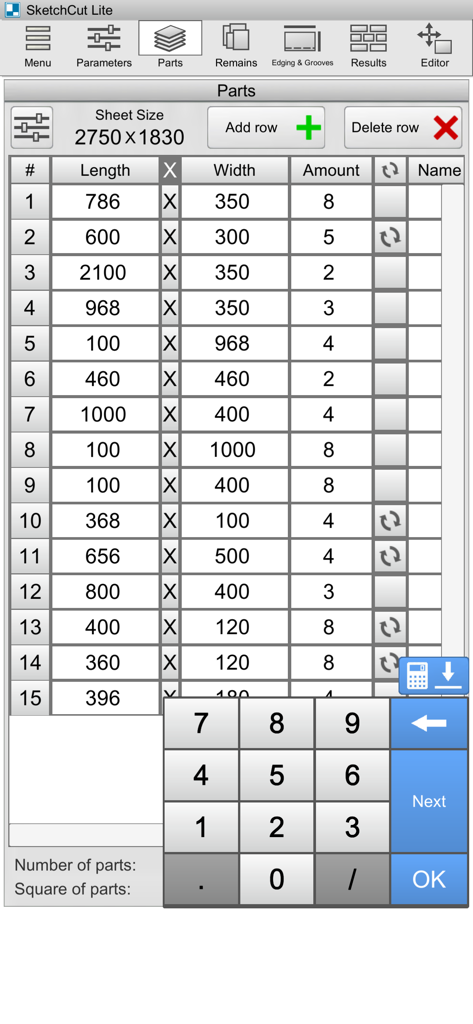
SketchCut Lite app interface showing a table for entering dimensions and quantities of parts to be cut from sheet material.
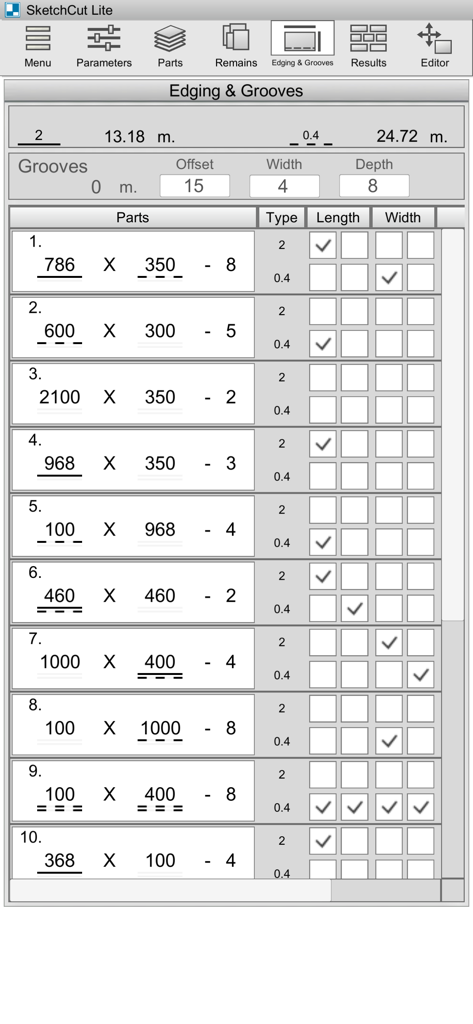
The edging and grooves settings interface in the SketchCut Lite app showing a table of parts with dimensions and edge banding specifications
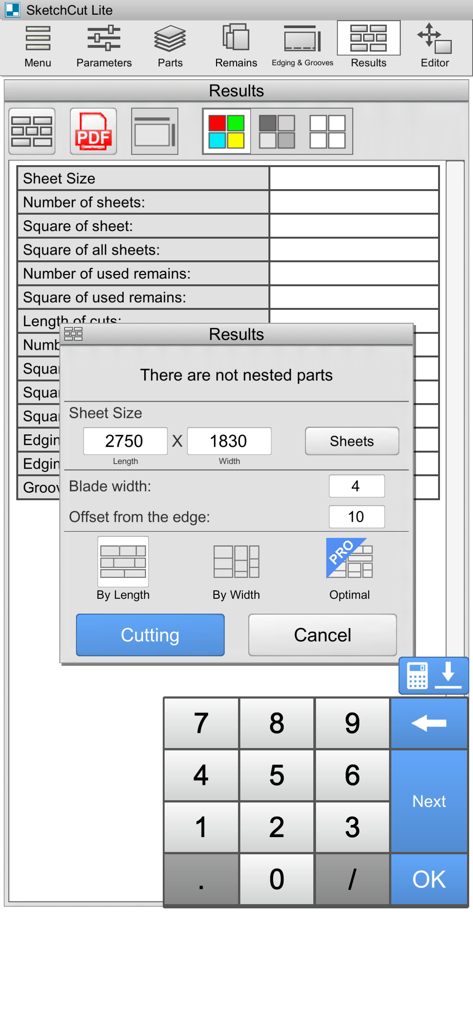
SketchCut Lite app interface displaying sheet size parameters and cutting optimization options.
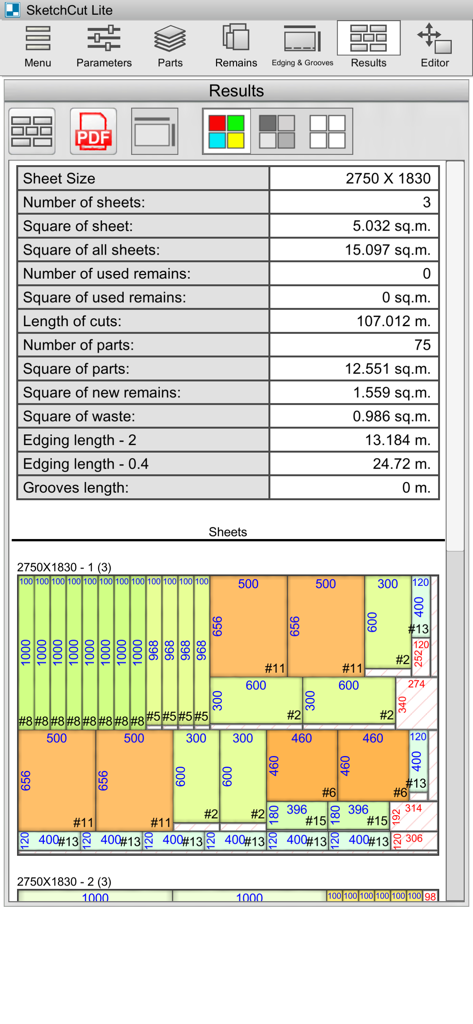
SketchCut Lite results screen showing a sheet cutting layout and calculation statistics
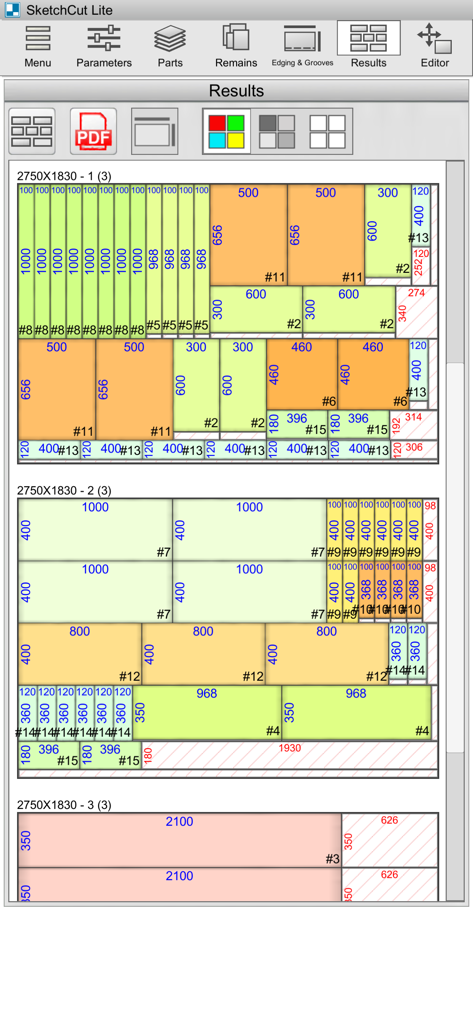
Optimized cutting layout diagrams on sheet materials in SketchCut Lite app
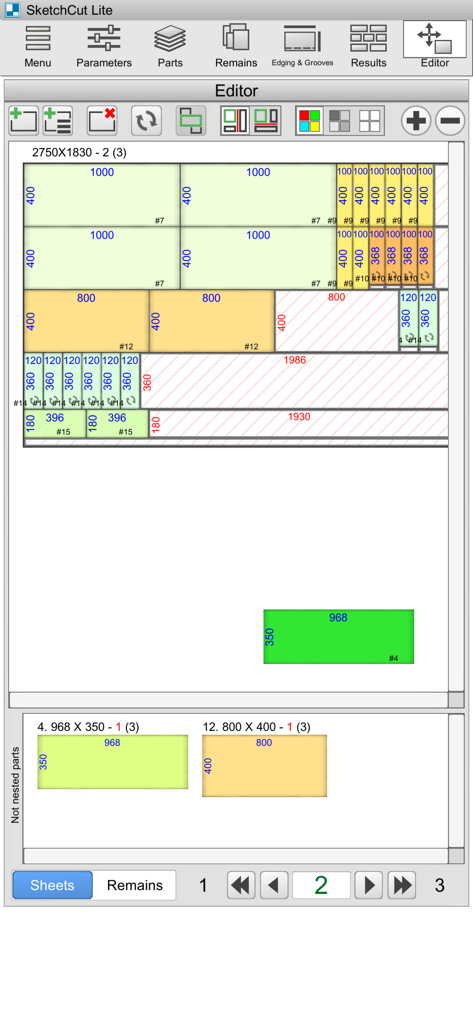
SketchCut Lite app showing an optimized cutting diagram for sheet materials with part dimensions
Description
Download
More Like This
Apps with similar features and user experience
BA Financial Calculator
Angel Montana

Astrology Master
ibrahim veli

Sporty's E6B Flight Computer
Sporty's Pilot Shop
BA Financial Calculator (PRO)
Angel Montana
Construction Master Pro Calc
Calculated Industries, Inc.
Construction Master 5 Calc
Calculated Industries, Inc.
Pipe Trades Pro Calc
Calculated Industries, Inc.

Qualifier Plus IIIx/fx
Calculated Industries, Inc.

Resolutioner
Sun Apps, LLC
This page is not an official page of the app or its developer, but an independent editorial publication created for informational and commentary purposes. Unless expressly stated otherwise, neither the app nor its developer is affiliated with, endorsed by, sponsored by, authorized by, or otherwise officially connected with MWM, Apple, Google Play, the app publisher, or the app's developer, and nothing on this page implies that the app was developed using MWM's services. Any trademarks, logos, screenshots, and other content remain the property of their respective owners.