SketchMee

SketchMee

Download on App Store
Logo of SketchMee

SketchMee: Turn Your Photos into Stunning, Hand-Drawn Masterpieces

Go beyond simple filters with the app the New York Times calls "remarkable." Create professional, vector-sharp pencil sketches that look hand-drawn and stay crisp at any zoom level—perfect for 4K printing and personalized gifts.

Publisher

Studio Mee

Category

Photo & Video

Downloads

222K+

User Rating

3.9/5

Total Ratings

2K+

Locales

1

Artistry in Action

Discover the interface used by 222K+ users.
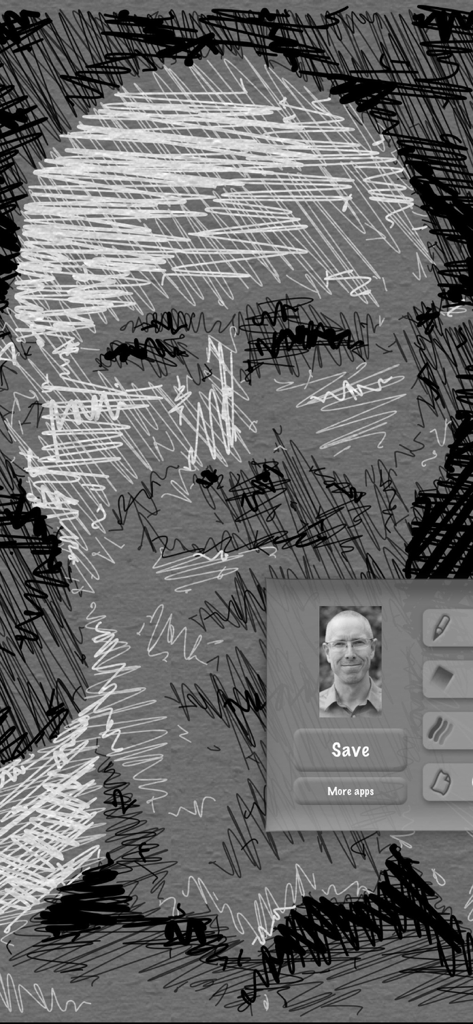
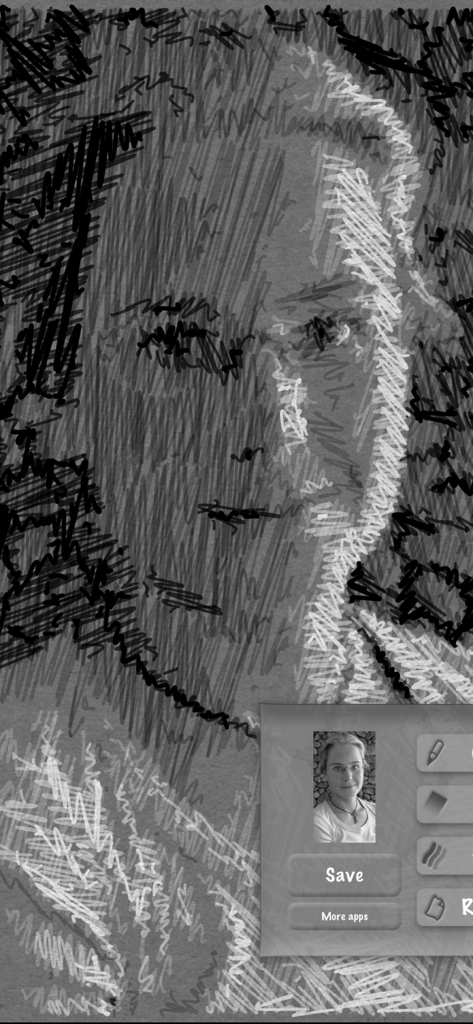
A portrait of a man edited into a black and white scribble art sketch.

A portrait of a man edited into a black and white scribble art sketch.

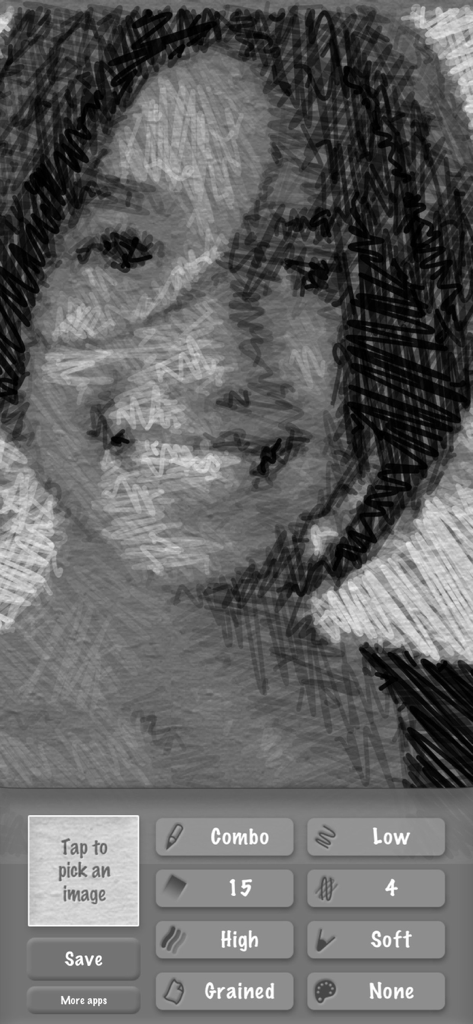
Screenshot of SketchMee app showing a portrait transformed into a pencil sketch with various texture and stroke adjustment controls.

Screenshot of SketchMee app showing a portrait transformed into a pencil sketch with various texture and stroke adjustment controls.

A detailed digital pencil sketch of a womans face created with the SketchMee app

A detailed digital pencil sketch of a womans face created with the SketchMee app

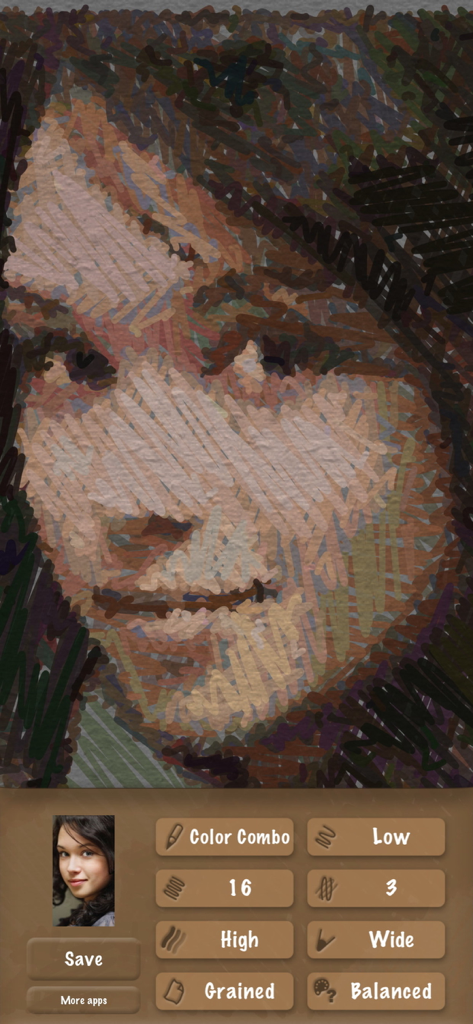
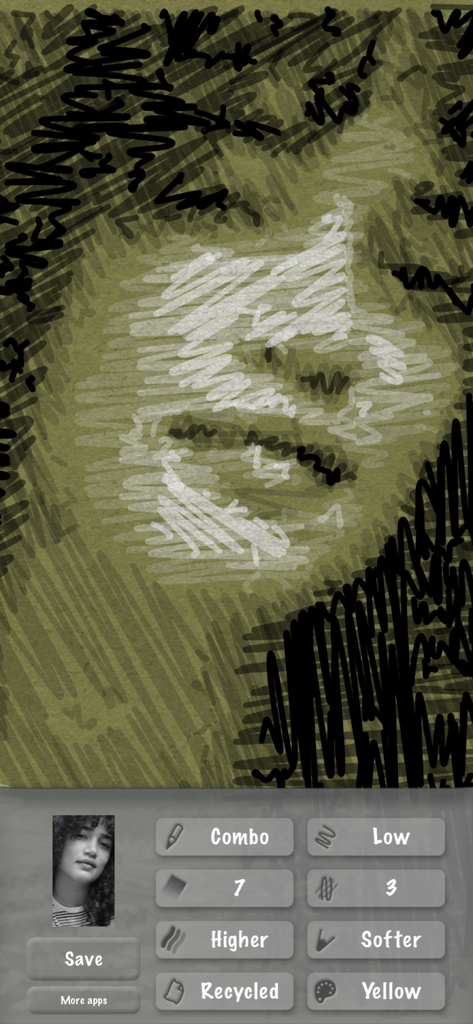
Screenshot of SketchMee app showing a woman's portrait being transformed into a textured digital sketch with various editing controls at the bottom.

Screenshot of SketchMee app showing a woman's portrait being transformed into a textured digital sketch with various editing controls at the bottom.

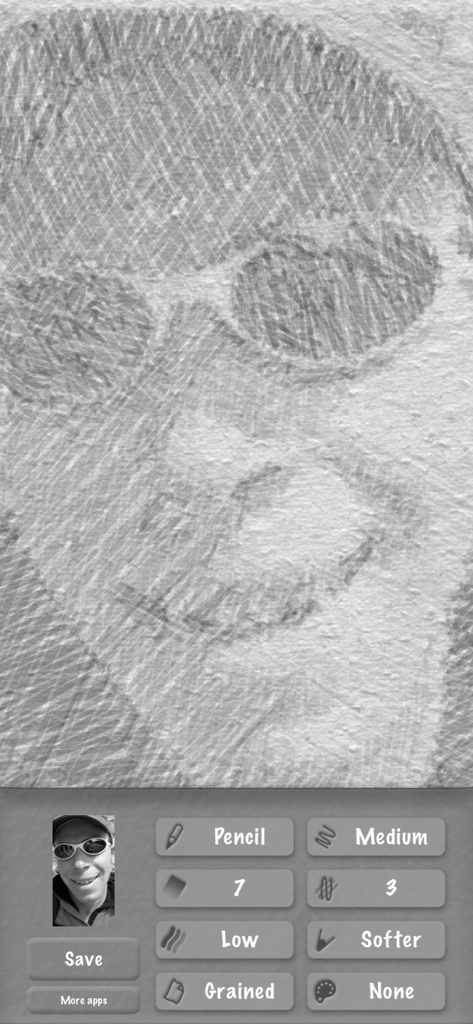
Interface of the SketchMee app showing a photo converted into a high-quality black and white pencil sketch with custom drawing settings

Interface of the SketchMee app showing a photo converted into a high-quality black and white pencil sketch with custom drawing settings

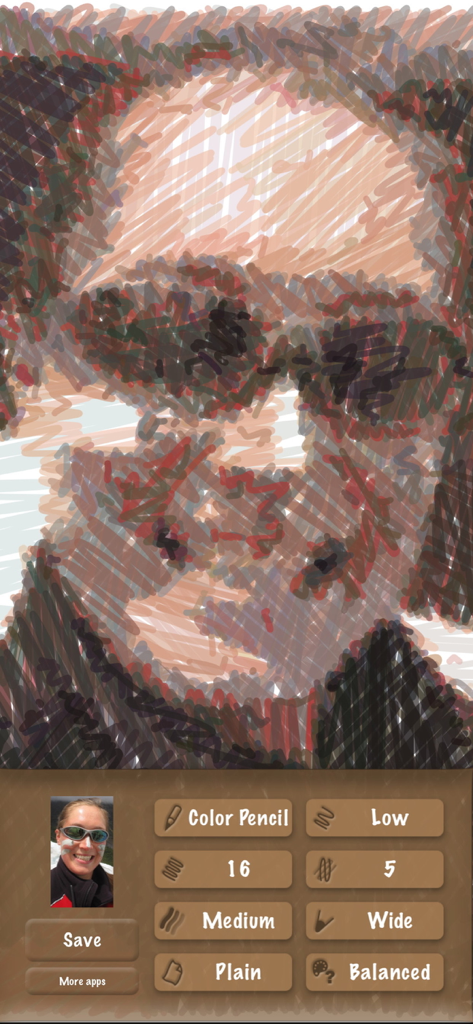
SketchMee app interface displaying a portrait transformed into a color pencil sketch with editing options

SketchMee app interface displaying a portrait transformed into a color pencil sketch with editing options

A woman portrait transformed into a detailed artistic sketch using the SketchMee app interface

A woman portrait transformed into a detailed artistic sketch using the SketchMee app interface

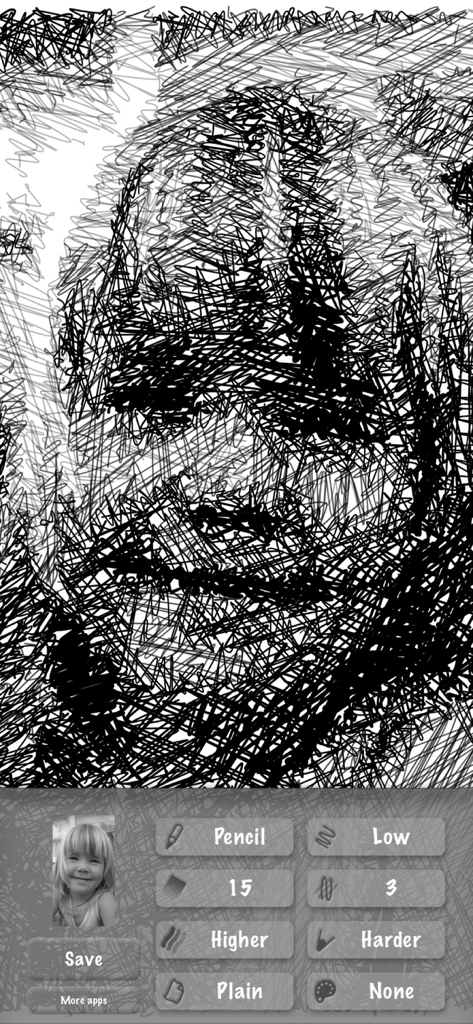
Interface of the SketchMee app showing a detailed pencil sketch of a man and editing controls

Interface of the SketchMee app showing a detailed pencil sketch of a man and editing controls

Elevate Your Photos into Professional Art

The tools that make this app stand out, trusted by 222K+ users.

🖊️

Infinite Vector Sharpness

Forget pixelation. Our vector-based strokes stay perfectly crisp at any zoom level, ensuring your art looks professional from screen to print.

🧠

True Artistic Analysis

Our engine interprets your photo and redraws it from scratch, delivering the authentic depth and soul of a hand-drawn pencil masterpiece.

🖼️

Print-Ready 4K Output

Save your sketches in ultra-high 4K resolution, perfect for creating personalized canvas prints, framed gifts, or high-end stationery.

About the app

Everything you need to know about SketchMee.

Description

The photo-to-sketch app that stands out from the rest! SketchMee analyses, interprets and redraws your photo from scratch, instead of the simple edge filtering other apps do. New York Times sums it up: "This app turns your photos into pencil sketches of remarkable quality." Long time feature under "Staff Favorites / Impress Your Friends" in the US App Store. Just pick an image from your photo library, and watch it being sketched into a beautiful piece of art. Have endless fun playing around with settings, exploring a vast world of art possibilities. Extremely easy to use. A handful of simple but powerful controls make you the artist in charge, enabling a wide range of different sketch art styles. Unparalleled art quality. Not even desktop computer programs come close. Save your creations in 4K resolution. Zoom as deep as you like into the finished sketches to inspect the strokes. Your art will appear perfectly sharp at any zoom level. This is because sketches are built using vector curves, not from blocky pixel data.

Latest Version

4.7

Size

8.9 MB

First Released

Jun 17, 2009

Ready to See Your Photos in a New Light?

Join over 222,000 creators using the only app that redraws your memories with vector precision. Download SketchMee and start creating 4K-quality art today.

Download on App Store
FAQ

Frequently Asked Questions

Everything you need to know about SketchMee

What is SketchMee?

SketchMee is a photo-to-sketch app that transforms images into unique art. It reinterprets photos from scratch using vector curves, delivering unparalleled quality and sharpness without simple edge filtering.

How does SketchMee convert photos to sketches?

SketchMee converts photos by analyzing, interpreting, and redrawing them completely from scratch. This process creates a high-quality, vector-based sketch, distinguishing it from apps that use basic edge filtering.

Can SketchMee save sketches in high resolution?

Yes, SketchMee saves creations in 4K resolution. The app builds sketches using vector curves, ensuring they appear perfectly sharp and detailed at any zoom level, avoiding blocky pixel data.

Does SketchMee offer different sketch styles?

Yes, SketchMee offers a wide range of different sketch art styles. Users command powerful controls to explore various artistic possibilities and customize their creations effectively.

How do I pick an image to sketch in SketchMee?

To pick an image in SketchMee, simply select it directly from your device's photo library. The app then automatically processes the chosen image to begin sketching.

What makes SketchMee's art quality unique?

SketchMee's art quality is unique because it generates sketches from vector curves, not pixel data. This ensures creations remain perfectly sharp at any zoom level, outperforming even desktop computer programs.

Can users adjust settings to modify the sketch appearance in SketchMee?

Yes, SketchMee allows users to adjust various settings to modify sketch appearance. Simple yet powerful controls enable diverse sketch art styles, offering endless creative exploration.

App information, icons, screenshots, and descriptions displayed on this page are sourced from the Apple App Store and are the property of their respective developers. Download estimates and rankings are based on MWM's proprietary models and may not reflect actual figures. This page is provided for informational and analytical purposes only.

Believe this page infringes your intellectual property? File a dispute