
This page is not an official page of the app or its developer, but an independent editorial publication created for informational and commentary purposes. Unless expressly stated otherwise, neither the app nor its developer is affiliated with, endorsed by, sponsored by, authorized by, or otherwise officially connected with MWM, Apple, Google Play, the app publisher, or the app's developer, and nothing on this page implies that the app was developed using MWM's services. Any trademarks, logos, screenshots, and other content remain the property of their respective owners.

Skin Tone Booth - Face & Body
The ultimate photo editor to seamlessly adjust your tan, smooth skin, and remove shadows. Achieve a flawless, natural look with precision selective tools designed for your best social media aesthetic.
Downloads
0User Rating
Total Ratings
0Publisher
Category
Photo & VideoLocales
1Latest Version
1.5Size
20.4 MBFirst Released
Dec 30, 2019The Ultimate Glow-Up Toolkit
Achieve a flawless, sun-kissed look in seconds. Our precision tools help you master your aesthetic and fix lighting issues with professional-grade accuracy.
Precision Sunless Tan
Target specific areas with our custom selection brush to get a natural bronze glow without affecting your photo's background.
Master the Lighting
Eliminate harsh shadows and brighten sallow skin to rescue every photo, making you look vacation-ready regardless of the actual weather.
The following screenshots and description are sourced directly from the app's official store listing and are the property of the app developer.
App Store
Screenshots
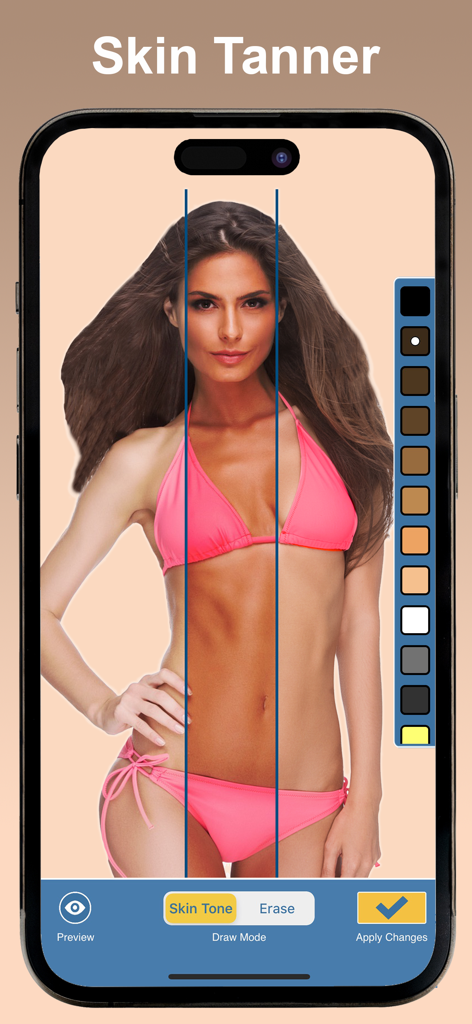
A smartphone screen displaying the Skin Tone Booth app being used to apply a virtual tan to a photo of a woman in a bikini.
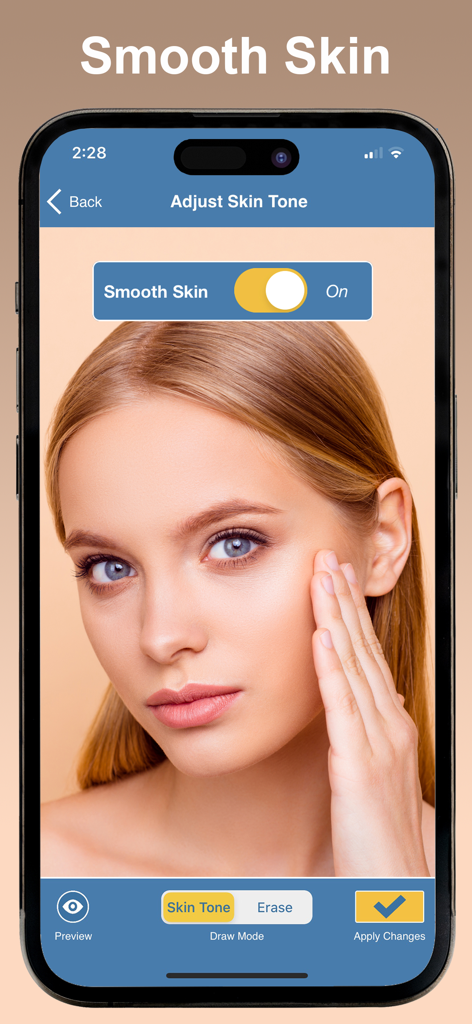
Interface of Skin Tone Booth app showing the smooth skin toggle turned on over a portrait of a woman
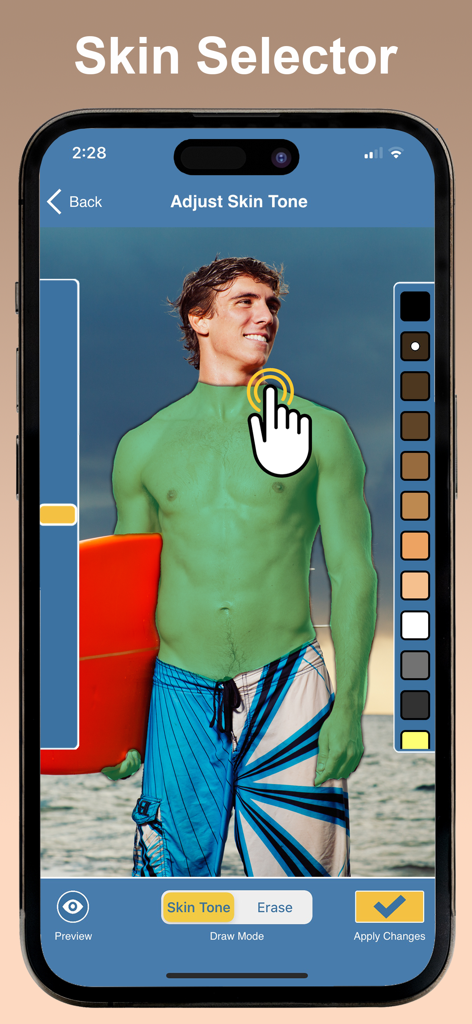
Screenshot of Skin Tone Booth app showing the manual skin selection tool on a shirtless man at the beach
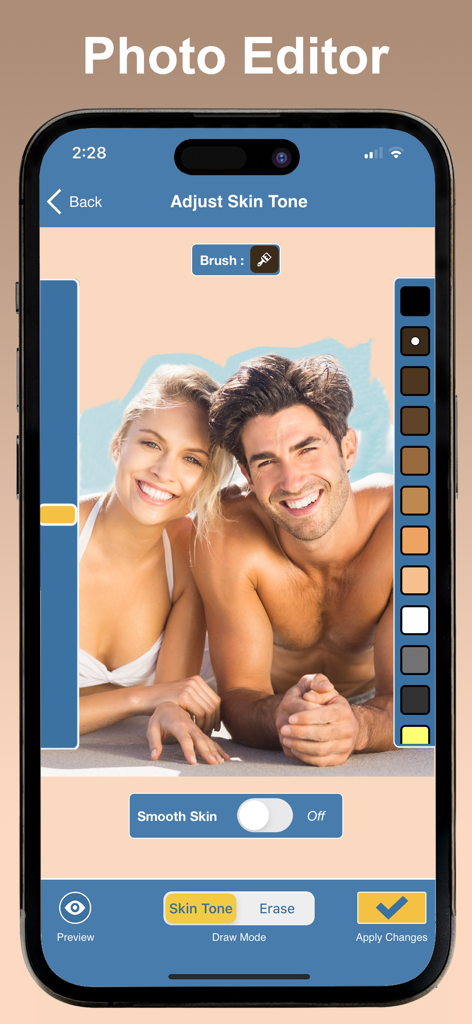
Interface of the Skin Tone Booth app showing a photo of a couple on a beach with tools to adjust and smooth skin tone
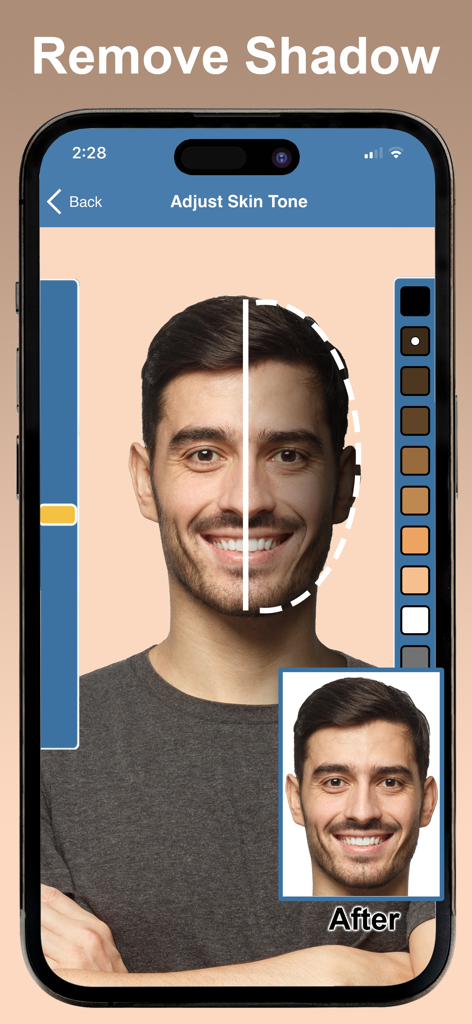
The Skin Tone Booth app interface showing a split view of a man's face before and after removing facial shadows
Description
Download
More Like This
Top-ranked apps in the same category

CapCut: Photo & Video Editor
BYTEDANCE PTE. LTD.

Instagram, Inc.

YouTube
Google LLC

Canva: AI Photo & Video Editor
Canva Pty Ltd

Snapchat
Snap, Inc.

快手
Beijing Kwai Technology Co., Ltd.

Edits: Video Editor
Instagram, Inc.

Meta AI - Vibes & AI Glasses
Meta Platforms, Inc.

Google Photos: Backup & Edit
Google LLC
This page is not an official page of the app or its developer, but an independent editorial publication created for informational and commentary purposes. Unless expressly stated otherwise, neither the app nor its developer is affiliated with, endorsed by, sponsored by, authorized by, or otherwise officially connected with MWM, Apple, Google Play, the app publisher, or the app's developer, and nothing on this page implies that the app was developed using MWM's services. Any trademarks, logos, screenshots, and other content remain the property of their respective owners.