Slick - Shade: Find Your Perfect Sunglasses Style Instantly
Elevate your look with the power of AI. Explore 100+ frame combinations and lens colors with high-definition virtual try-on that respects your privacy by processing every photo right on your device.
Publisher
Guangzhou Leweibang Technology Co., Ltd
Category
Developer Tools
Downloads
1K+
User Rating
4.4/5
Total Ratings
0
Locales
1
Your Digital Fitting Room
Discover the interface used by 1K+ users.
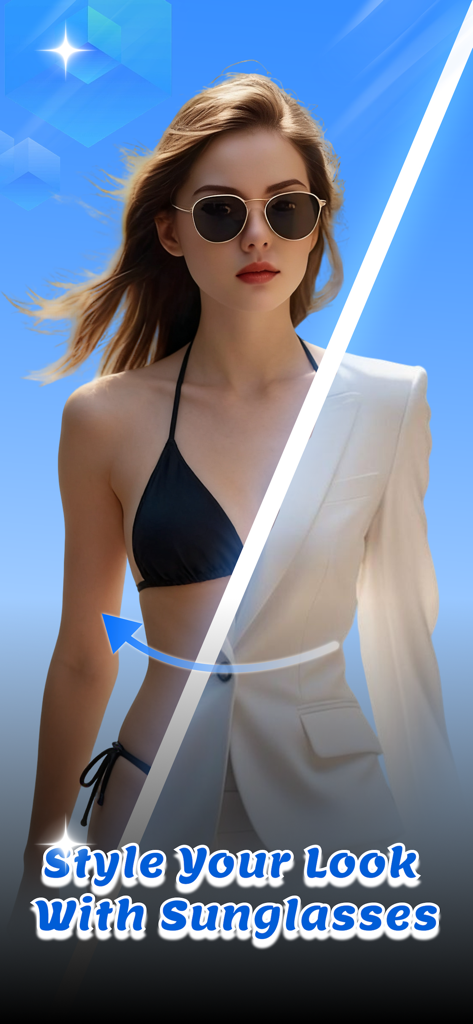
A woman wearing sunglasses using the Slick - Shade virtual try-on app with a style comparison
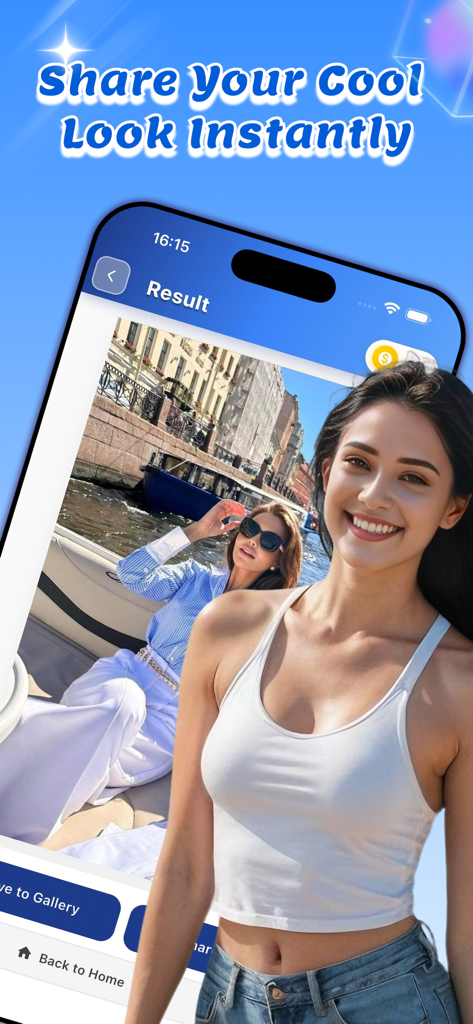
A mobile app interface for Slick Shade showing a virtual sunglasses try-on result with sharing and saving options
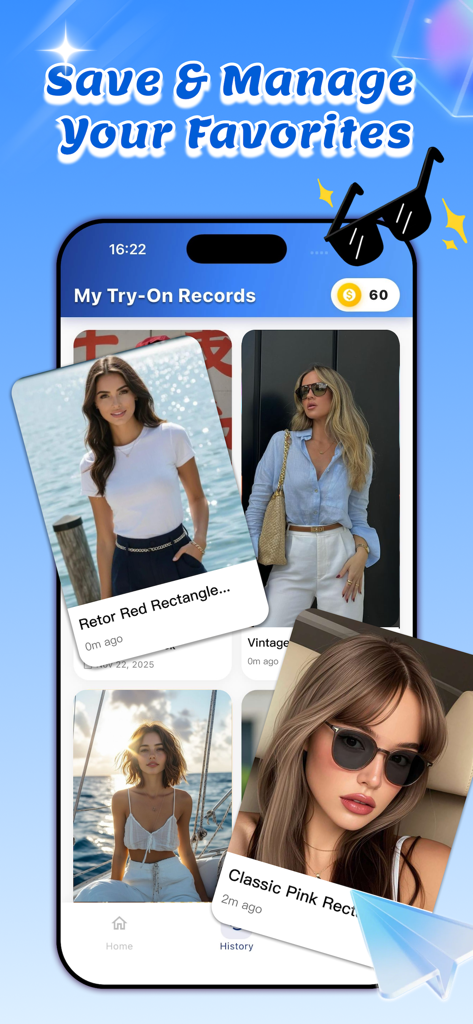
A smartphone display showing the My Try-On Records gallery within the Slick Shade app, featuring various saved virtual sunglasses styles on user photos.
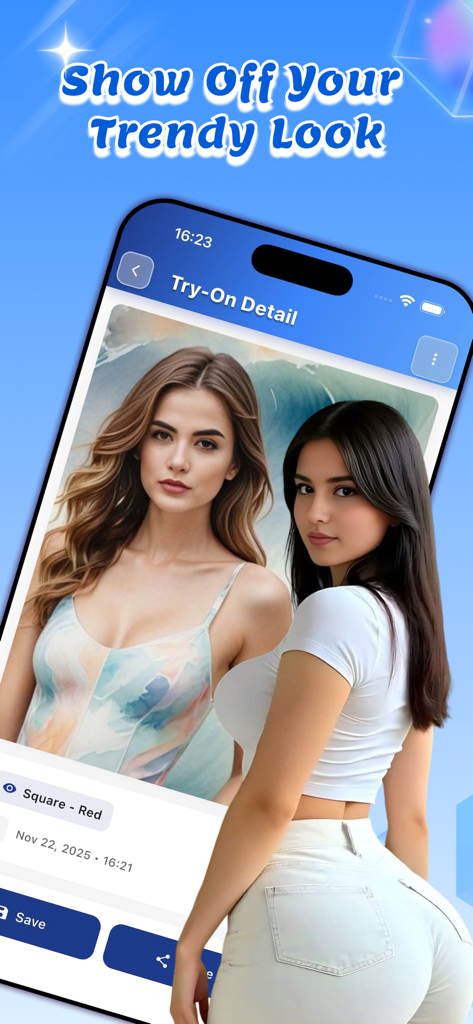
A mobile app screen showing a virtual sunglasses try-on result with options to save and share.
Find Your Perfect Frame with AI
The tools that make this app stand out, trusted by 1K+ users.
🕶️
Hyper-Realistic AI Try-On
Go beyond basic filters. Our AI creates true-to-life reflections and shadows across 10 styles and 10 colors for a perfect preview.
🔒
Private & Local Processing
Your privacy is our priority. Your photos are processed directly on your device and never uploaded to any servers.
✨
Decide with Confidence
Save your favorite looks to a clean history grid and share them with friends to get that final 'this or that' opinion before you buy.
About the app
Everything you need to know about Slick - Shade.
Description
Slick is a lightweight iOS app that lets you try on virtual sunglasses using your photos. Upload a photo, choose your preferred sunglasses style, color, and lens type, and see how different sunglasses look on you without visiting a store.
Key Features:
Virtual Try-On Experience
Upload photos from your gallery or take a new one with your camera. Select from 10 sunglasses styles including Classic, Aviator, Round, Cat Eye, Sport, Oversized, Square, Wayfarer, Butterfly, and Shield. Customize your look with 10 color options (Black, Brown, Blue, Green, Red, Gold, Silver, Pink, Purple, White) and 5 lens types (Standard, Gradient, Mirror, Polarized, Photochromic). The app uses AI image generation technology to create realistic try-on effects.
Easy Photo Management
All your generated try-on images are automatically saved to your history. View your past creations in a clean grid layout, organized by date. Each record shows the sunglasses style and creation time. Tap any image to view it in detail, save it to your photo library, share it with friends, or delete it if needed.
Save and Share
Once you're happy with your try-on result, save it directly to your photo library or share it on social media platforms. All images are processed locally for your privacy.
Flexible Pricing Options
Start with 100 free coins. Each try-on generation costs 10 coins. Purchase additional coins through in-app purchases, or subscribe to unlock unlimited free saves and no coin deduction during your subscription period. Subscription plans include monthly, 6-month, and yearly options.
Subscription Benefits
- Unlimited free saves
- No coin deduction during subscription
- Priority support
- Access to all premium features
Privacy and Security
Your photos are processed locally and never uploaded to servers. All image generation happens securely, and you maintain full control over your data. The app requires camera and photo library permissions only to enable photo selection and saving functionality.
Simple and Intuitive
The app features a clean, modern interface with easy-to-use controls. Navigate through three main sections: Home for uploading photos and starting your try-on, History to view your past creations, and Settings to manage your subscription and preferences.
How to Use
1. Upload your photo from gallery or take a new one
2. Choose your preferred sunglasses style, color, and lens type
3. Generate your virtual try-on effect
4. Save or share your favorite results
Whether you're shopping for new sunglasses or just want to experiment with different styles, Slick makes it easy to see how sunglasses look on you before making a purchase decision. Try multiple styles and colors to find your perfect match.
Note: This app uses AI image generation technology to create virtual try-on effects. Results may vary based on photo quality and lighting conditions. For best results, use clear, well-lit photos with your face clearly visible.
Our subscription options:
Subscription period: Monthly, Price: $24 / month,
Subscription period: Six Months, Price: $96 / 6 months,
Subscription period: Yearly, Price: $160 / year
User Agreement:
https://docs.google.com/document/d/1JrTboMM2r70wNnkElsMyEcQiDh8eVUgy7TNGA1ql5cQ/edit?usp=sharing
Privacy Policy:
https://docs.google.com/document/d/1d4CCFSErxSMcCzY6U_xt5CKKRa15gLXk1EPoG5v4zlQ/edit?usp=sharing
Subscription Agreement:
https://docs.google.com/document/d/1YrIHzktOqmjl7mC6djF0HIjsoCnNKi_S4sRVKSq2BN8/edit?usp=sharing
Latest Version
1.1.0
Size
27.6 MB
First Released
Nov 25, 2025
Ready to Find Your Perfect Match?
Join the style-conscious community using Slick. Download now to get 100 free credits and experience the most realistic, private AI try-on ever created.
App information, icons, screenshots, and descriptions displayed on this page are sourced from the Apple App Store and are the property of their respective developers. Download estimates and rankings are based on MWM's proprietary models and may not reflect actual figures. This page is provided for informational and analytical purposes only.
Believe this page infringes your intellectual property? File a dispute