
This page is not an official page of the app or its developer, but an independent editorial publication created for informational and commentary purposes. Unless expressly stated otherwise, neither the app nor its developer is affiliated with, endorsed by, sponsored by, authorized by, or otherwise officially connected with MWM, Apple, Google Play, the app publisher, or the app's developer, and nothing on this page implies that the app was developed using MWM's services. Any trademarks, logos, screenshots, and other content remain the property of their respective owners.


Slideshow Creator
Transform your photos and video clips into professional, music-filled movies in minutes. From baby’s first year to dream vacations, create cinematic stories that your friends and family will treasure forever.
Downloads
1M+User Rating
Total Ratings
63K+Publisher
Category
Photo & VideoLocales
19Latest Version
9.15.4Size
75.9 MBFirst Released
Dec 19, 2011Turn Every Milestone into a Cinematic Masterpiece
From baby’s first steps to dream vacations, create professional-quality videos with licensed music and designer styles tailored to your family's biggest moments.
100+ Designer Styles
Choose from a curated collection of styles for birthdays, weddings, and holidays. No editing skills required to get a polished, professional look.
Licensed Music Library
Add the perfect soundtrack from our library of licensed songs. Share your videos on social media without worrying about copyright mutes.
Frequently Asked Questions
Everything you need to know about Slideshow Creator
What is the Slideshow Creator app?
The Slideshow Creator app is a tool for creating slideshows from photos and video clips, synchronized with music. It enables users to bring their memories to life.
Is the Slideshow Creator app free to use?
Yes, the Slideshow Creator app is free to use. The free version supports adding up to 20 media files per slideshow. Subscriptions offer extended features and media limits.
How do I create a slideshow with the Slideshow Creator app?
Users create slideshows in five steps: select a style, upload media, choose music, add text/captions, then finalize and share. This process brings memories to life.
What types of events can I create slideshows for with Slideshow Creator?
Slideshow Creator supports diverse occasions like birthdays, weddings, holidays, graduations, and sports events. It offers styles suitable for party invitations, baby announcements, and school functions.
Can I add music to my slideshows in Slideshow Creator?
Yes, Slideshow Creator includes a licensed music library from which users can select songs for their slideshows. This feature enhances the emotional impact of the memories.
Does Slideshow Creator support adding text and captions?
Yes, Slideshow Creator enables users to add text and captions to their slideshows. This functionality helps in storytelling and personalizing each memory sequence.
What are the subscription options for Slideshow Creator?
Slideshow Creator offers Basic ($4.99 monthly/$29.99 yearly) for longer slideshows and video clips. Personal ($9.99 monthly/$59.99 yearly) includes Basic benefits plus HD movies and advanced desktop features.
How do I share slideshows created with the Slideshow Creator app?
Slideshow Creator enables one-tap sharing to social media and direct contacts. Users share videos via Instagram, Facebook, Vimeo, Twitter, YouTube, Message, and Email directly from the app.
Can I upload media from Facebook to Slideshow Creator?
Yes, Slideshow Creator supports uploading photos and video clips from a user's Facebook account. Users also upload media directly from their device's camera roll.
Does Slideshow Creator support HD downloads?
Yes, Slideshow Creator offers HD downloads. The SLIDESHOW CREATOR PERSONAL subscription plan includes access to HD movies and advanced desktop features.
How many media files can I use in the free version of Slideshow Creator?
The free version of Slideshow Creator supports adding up to 20 media files per slideshow. Subscriptions like Basic and Personal extend media file limits and provide additional features.
Can I edit or crop images within the Slideshow Creator app?
Yes, Slideshow Creator includes a 'Scale and Crop' feature for images. Users adjust photos to portrait, landscape, or square formats directly within the app.
What is the maximum slideshow length with a Slideshow Creator Basic subscription?
The Slideshow Creator Basic subscription permits creating slideshows up to 10 minutes in length. The final duration is contingent upon the user's song selection.
The following screenshots and description are sourced directly from the app's official store listing and are the property of the app developer.
App Store
Screenshots
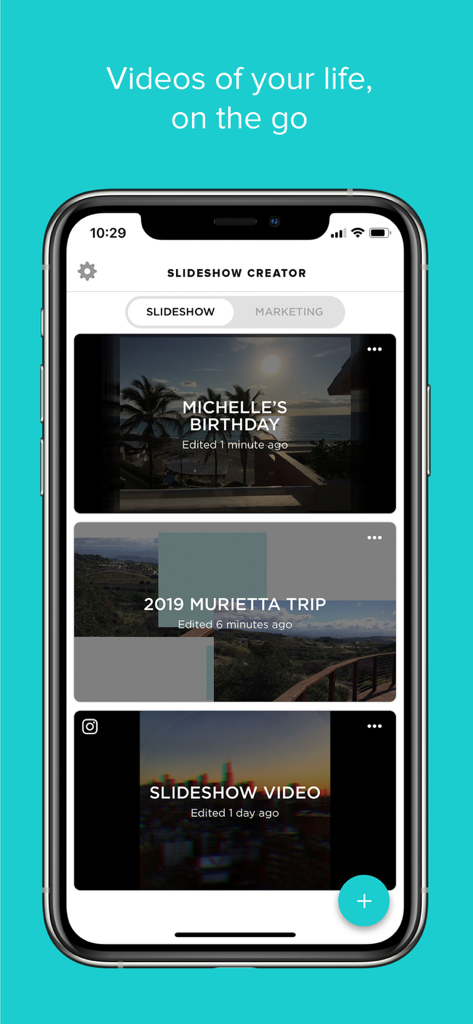
Home screen of the Slideshow Creator app showing various video projects like birthdays and vacations.
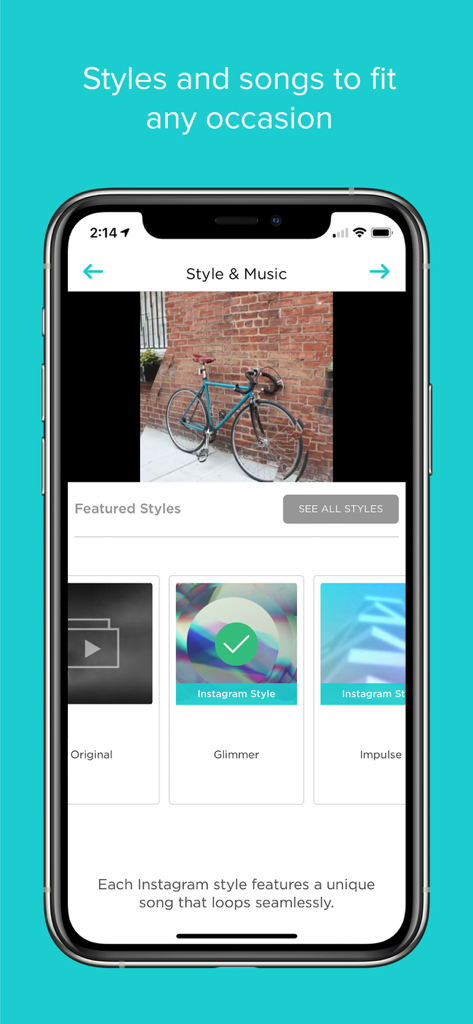
Slideshow Creator app interface showing featured styles and music options for video creation.
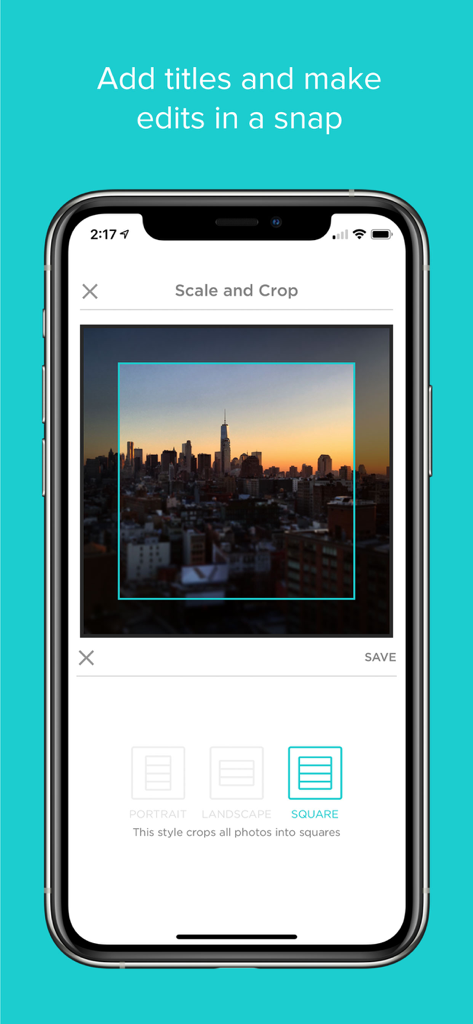
Interface of the Slideshow Creator app showing a square crop and scale tool for a city skyline photo.
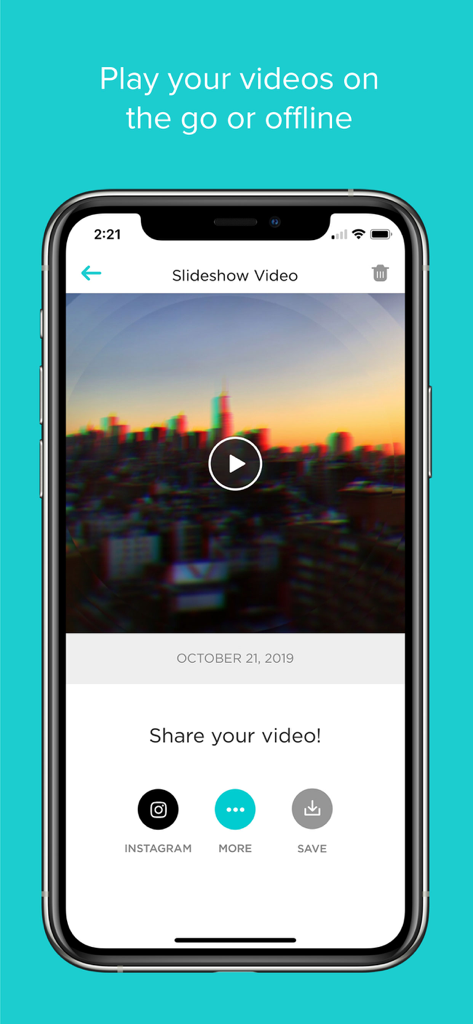
iPhone screen showing a completed slideshow video of a city skyline with options to share to Instagram or save.
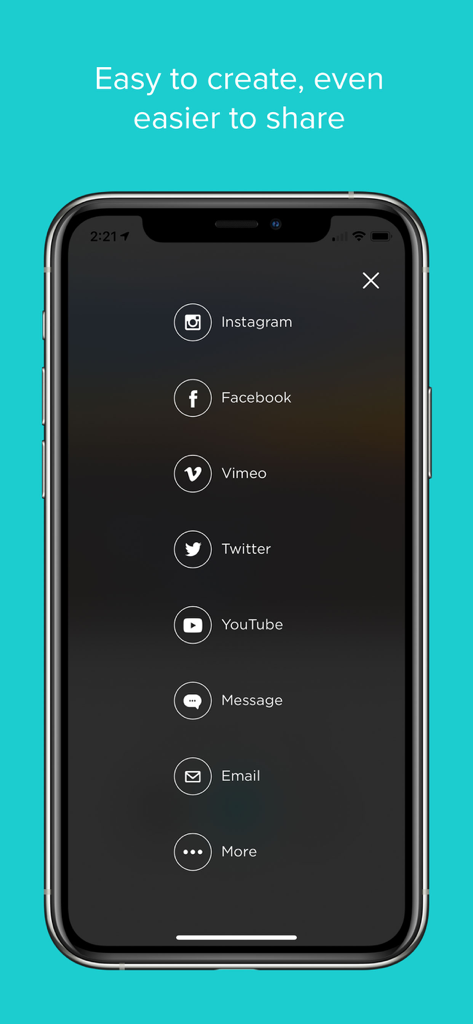
Sharing menu in the Slideshow Creator app with options for Instagram Facebook and YouTube
Description
Download
More Like This
Apps with similar features and user experience

VEED Shorts: AI videos
VEED Ltd

AI Video Maker - Renderforest
Renderforest LLC

Slideshow Creator -MovieStudio
立瑗 胡

Filmigo Video Maker & Editor
VIDEOSHOW PTE. LTD.

Slideshow Maker Video & Photo
Honk Honk Punch Pty Ltd

Quick Slideshow Maker + Music
Zipo Apps Ltd.

Salad Video -Video Editor
ChengDu PinGuo Technology Co., Ltd.

Story Swag - Quick Reels
Slider LLC

StoryWave - Video Maker
UNSTATIC LTD
This page is not an official page of the app or its developer, but an independent editorial publication created for informational and commentary purposes. Unless expressly stated otherwise, neither the app nor its developer is affiliated with, endorsed by, sponsored by, authorized by, or otherwise officially connected with MWM, Apple, Google Play, the app publisher, or the app's developer, and nothing on this page implies that the app was developed using MWM's services. Any trademarks, logos, screenshots, and other content remain the property of their respective owners.