Smart printer, Scanner, iPrint

Smart printer, Scanner, iPrint

Download on App Store
Logo of Smart printer, Scanner, iPrint

Smart printer, Scanner, iPrint: Your All-in-One Mobile Office for Instant Scanning and Printing

Turn your iPhone or iPad into a powerful workstation. Scan documents, convert files to PDF, and print wirelessly in seconds—no bulky hardware required.

Publisher

Faisal Mehmood

Category

Productivity

Downloads

14K+

User Rating

3.4/5

Total Ratings

0

Locales

20

Your Office, Visualized

Discover the interface used by 14K+ users.
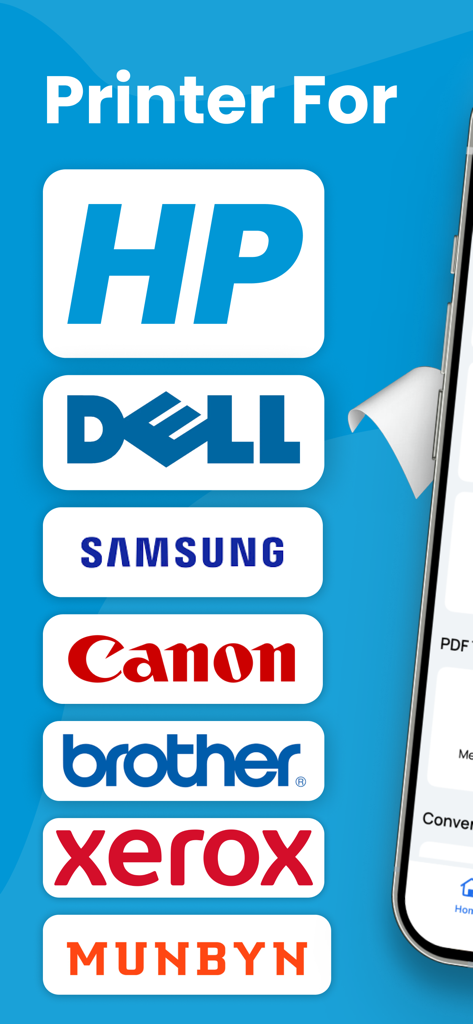
List of compatible printer brands including HP, Dell, Samsung, and Canon

List of compatible printer brands including HP, Dell, Samsung, and Canon

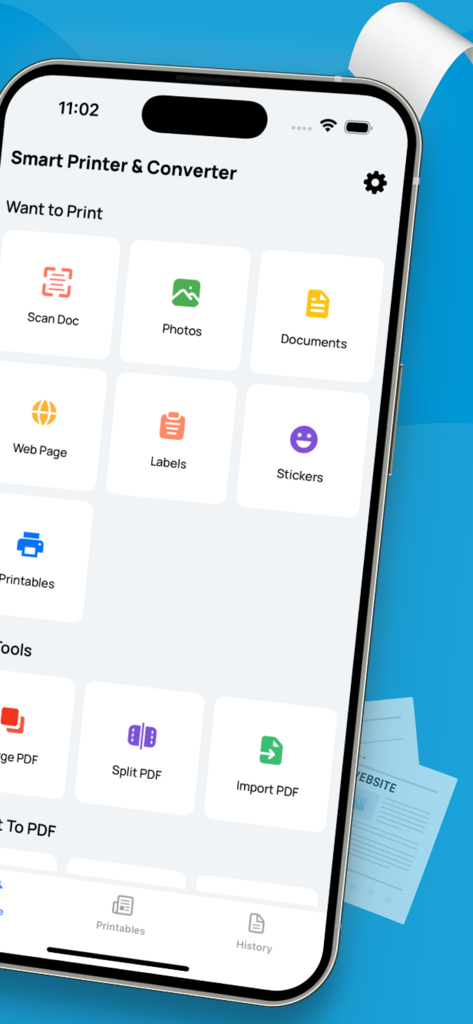
Smart Printer and Scanner app interface on an iPhone displaying features like document scanning and PDF management.

Smart Printer and Scanner app interface on an iPhone displaying features like document scanning and PDF management.

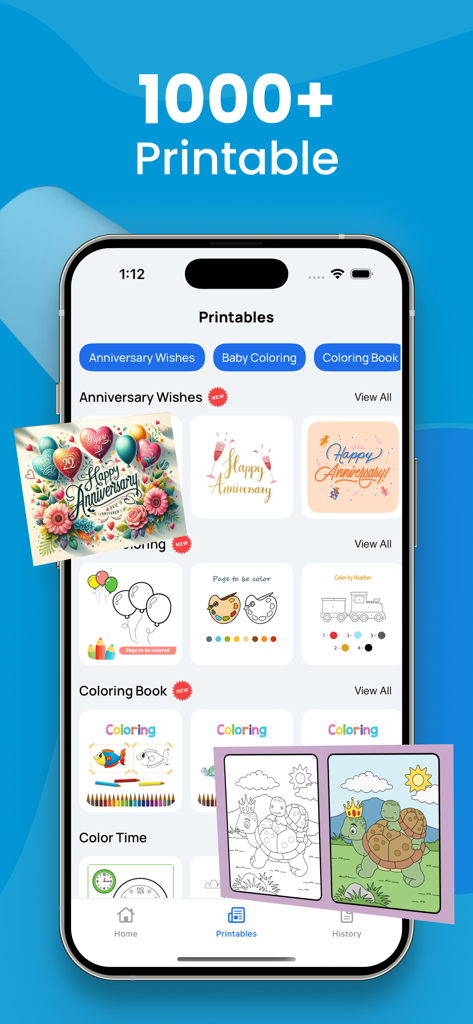
Interface of the Smart printer app showing over 1000 printable templates including anniversary cards and coloring books.

Interface of the Smart printer app showing over 1000 printable templates including anniversary cards and coloring books.

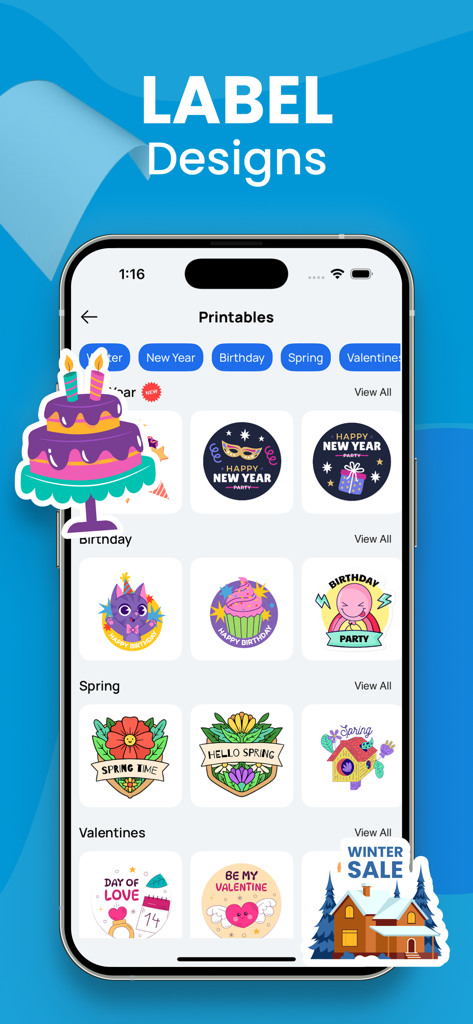
iPhone screen displaying various printable label designs for holidays birthdays and seasons in the Smart Printer app

iPhone screen displaying various printable label designs for holidays birthdays and seasons in the Smart Printer app

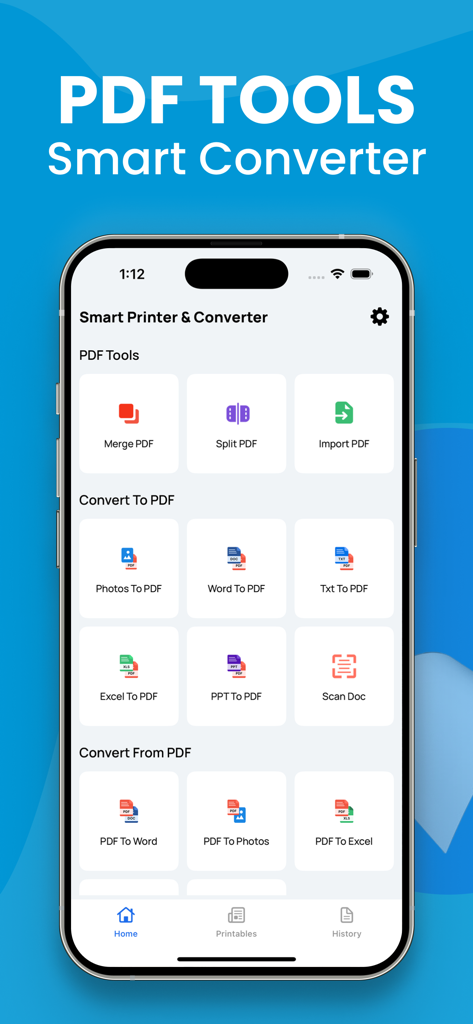
Mobile app interface displaying PDF conversion tools including Word to PDF and Scan Doc features

Mobile app interface displaying PDF conversion tools including Word to PDF and Scan Doc features

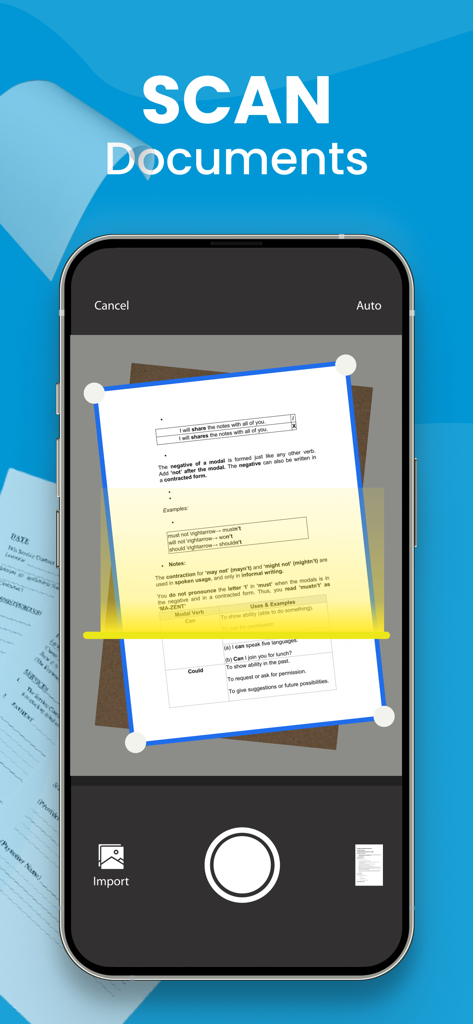
iPhone screen showing a mobile app scanning a paper document using the camera

iPhone screen showing a mobile app scanning a paper document using the camera

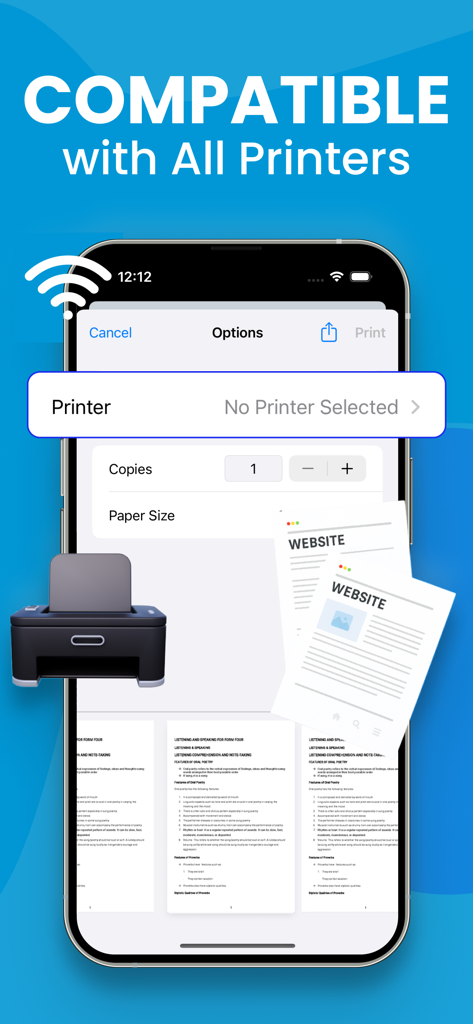
iPhone screen displaying the Smart Printer app interface showing wireless printing compatibility

iPhone screen displaying the Smart Printer app interface showing wireless printing compatibility

Complete Document Control

The tools that make this app stand out, trusted by 14K+ users.

📄

Pro-Grade Mobile Scanning

Quickly digitize contracts, IDs, and receipts with your camera. Get clean, professional scans ready for signing or sharing in seconds.

🔄

Universal PDF Converter

Turn Word, Excel, or photos into polished PDFs. Keep your documents organized and formatted perfectly for clients and colleagues.

🖨️

One-Tap Wireless Printing

Print shipping labels, reports, or tickets directly from your iPhone. No drivers, no cables—just seamless connectivity to any printer.

About the app

Everything you need to know about Smart printer, Scanner, iPrint.

Description

A PDF printer is a virtual printer that allows you to create a PDF file from any document that you can print. Instead of sending the document to a physical printer, you can use the PDF printer to create a PDF file that you can save on your computer or share with others. To use a PDF printer, you will need a PDF printer driver installed on your computer. Some popular PDF printer drivers include Adobe Acrobat, Bullzip PDF Printer, and CutePDF Writer. Here are the general steps to print a document to a PDF using a PDF printer: Open the document you want to convert to PDF in the application it was created in (e.g., Microsoft Word, Excel, etc.). Click the "File" menu and select "Print" or use the keyboard shortcut Ctrl+P (on Windows) or Command+P (on Mac). In the "Print" dialog box, select the PDF printer from the list of available printers. Click the "Print" button to create the PDF file. Depending on the PDF printer driver you are using, you may have additional options for customizing the PDF file, such as setting the page size, adding passwords, and adding watermarks. Consult the documentation for your PDF printer driver for more information. Note: Payment will be charged to your iTunes account at confirmation of purchase. Your subscription will automatically renew unless auto-renew is turned off at least 24-hours before the end of the current subscription period. Your account will be charged for renewal within 24-hours prior to the end of the current subscription period. Automatic renewals will cost the same price you were originally charged for the subscription. You can manage your subscriptions and turn off auto-renewal by going to your Account Settings on the App Store after purchase. Read our terms of service and Privacy Policy for more information. Privacy Policy: https://sites.google.com/view/smartaiapps/privacy-policy Terms and Conditions: https://sites.google.com/view/smartaiapps/terms-conditions

Latest Version

3.2

Size

6.9 MB

First Released

Jan 2, 2023

Turn Your iPhone into a High-Powered Office

Join 14,000+ professionals who scan, sign, and print documents on the go. Start your seamless mobile workflow today.

Download on App Store

App information, icons, screenshots, and descriptions displayed on this page are sourced from the Apple App Store and are the property of their respective developers. Download estimates and rankings are based on MWM's proprietary models and may not reflect actual figures. This page is provided for informational and analytical purposes only.

Believe this page infringes your intellectual property? File a dispute