
This page is not an official page of the app or its developer, but an independent editorial publication created for informational and commentary purposes. Unless expressly stated otherwise, neither the app nor its developer is affiliated with, endorsed by, sponsored by, authorized by, or otherwise officially connected with MWM, Apple, Google Play, the app publisher, or the app's developer, and nothing on this page implies that the app was developed using MWM's services. Any trademarks, logos, screenshots, and other content remain the property of their respective owners.

Smart TV Remote Control Plus
Stop hunting for lost remotes. Control over 100 brands like Samsung, LG, and Roku directly from your iPhone or iPad with seamless Wi-Fi connectivity and instant auto-detection.
Downloads
11M+User Rating
Total Ratings
117K+Publisher
Category
UtilitiesLocales
13Latest Version
1.5.7Size
192.2 MBFirst Released
Aug 27, 2021Your iPhone is Now the Ultimate Remote
Say goodbye to couch-cushion hunts and cluttered coffee tables. Experience the smartest way to control any TV in your home with one powerful app.
One App for Every Brand
From Roku and Samsung to LG and Sony, manage all your smart TVs through a single, intuitive interface without switching apps.
Zero-Config Setup
Start controlling your TV instantly with smart auto-detection that finds your devices automatically on your local Wi-Fi network.
Frequently Asked Questions
Everything you need to know about Smart TV Remote Control Plus
What is the "Smart TV Remote Control Plus" app?
The "Smart TV Remote Control Plus" app transforms your iPhone or iPad into a remote control for smart TVs. It offers universal TV control for various brands and operating systems.
What TV brands does Smart TV Remote Control Plus support?
The Smart TV Remote Control Plus app supports over 100 brands, including Samsung, LG, Sony, TCL, Roku, Panasonic, Philips, Toshiba, Hisense, Xiaomi, Vizio, and Apple TV.
Does the Smart TV Remote Control Plus app require Wi-Fi?
Yes, the Smart TV Remote Control Plus app requires a Wi-Fi connection. Both your iPhone/iPad and the TV must be connected to the same local Wi-Fi network.
Can Smart TV Remote Control Plus control Apple TV and Roku TV?
Yes, the Smart TV Remote Control Plus app supports popular smart TV operating systems, including Apple TV, Roku TV, WebOS, and Tizen.
What commands does the Smart TV Remote Control Plus app offer?
The Smart TV Remote Control Plus app offers all common TV remote commands. These include changing volume, switching channels, navigation, power off, menu, info, and tools.
Does Smart TV Remote Control Plus offer a touchpad for navigation?
Yes, the Smart TV Remote Control Plus app provides a touchpad for navigation, allowing users to easily interact with their TV screen.
Can I use a keyboard for search with Smart TV Remote Control Plus?
Yes, the Smart TV Remote Control Plus app includes a keyboard feature for searching content directly on your TV.
How much does a Pro Access subscription for Smart TV Remote Control Plus cost?
Pro Access for Smart TV Remote Control Plus offers weekly (from US$ 2.99), monthly (from US$ 4.99), and yearly (from US$ 15.99) subscription plans. Prices may vary by country.
How do I cancel my Smart TV Remote Control Plus subscription?
You can disable the automatic renewal function for your Smart TV Remote Control Plus subscription at any time by adjusting your iTunes account settings.
Is there a trial period for Smart TV Remote Control Plus Pro Access?
Yes, the Smart TV Remote Control Plus app offers trial versions for its weekly, monthly, and yearly Pro Access subscriptions.
Is the Smart TV Remote Control Plus app affiliated with TV brands like Samsung or LG?
No, the Smart TV Remote Control Plus application is not an official app of Samsung, LG, Sony, or other listed brands, nor is it affiliated with these companies.
The following screenshots and description are sourced directly from the app's official store listing and are the property of the app developer.
App Store
Screenshots
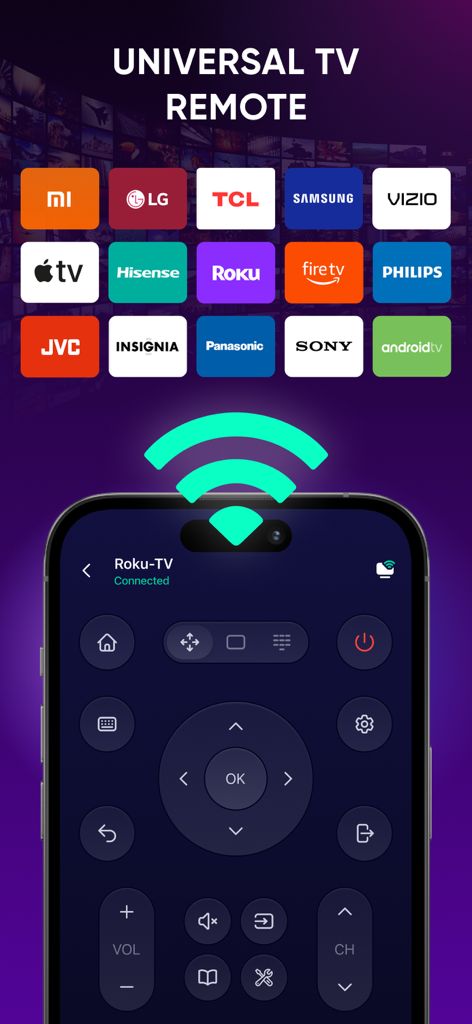
Universal smart TV remote app interface showing compatibility with multiple brands like Samsung LG Roku and Sony
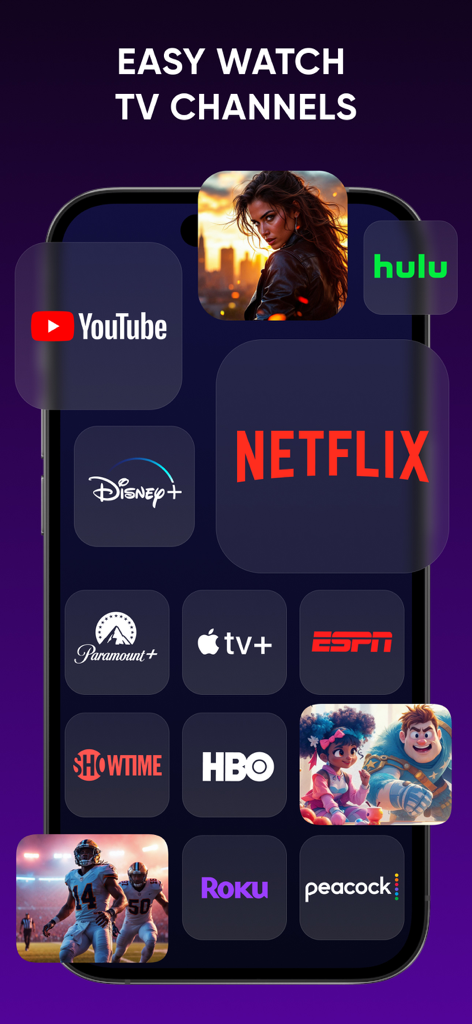
Interface of the Smart TV Remote Control Plus app displaying various streaming channel icons like Netflix and YouTube
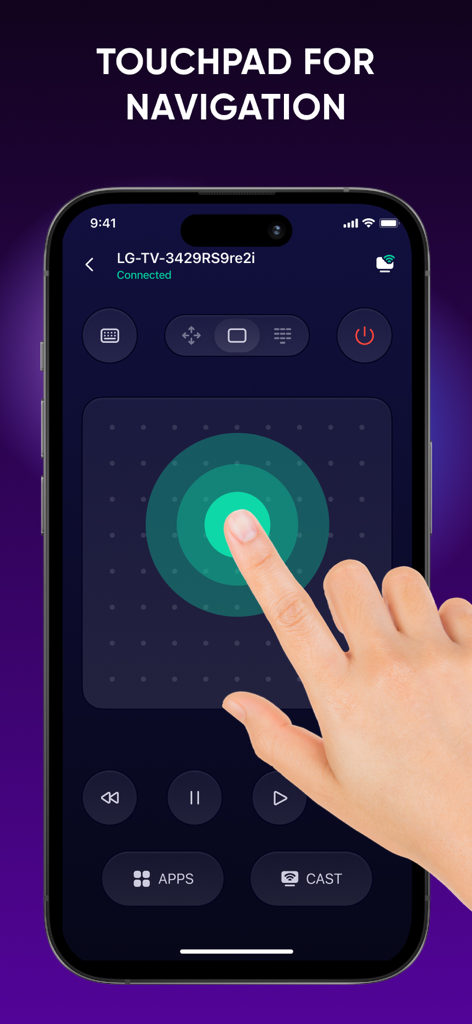
Touchpad navigation interface of the Smart TV Remote Control Plus app on an iPhone
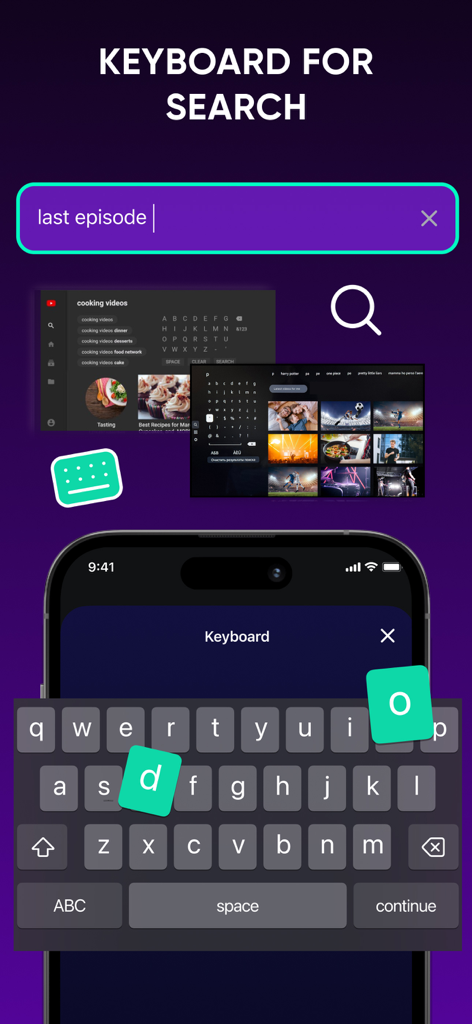
iPhone keyboard interface for searching movies and TV shows on the Smart TV Remote Control Plus app.
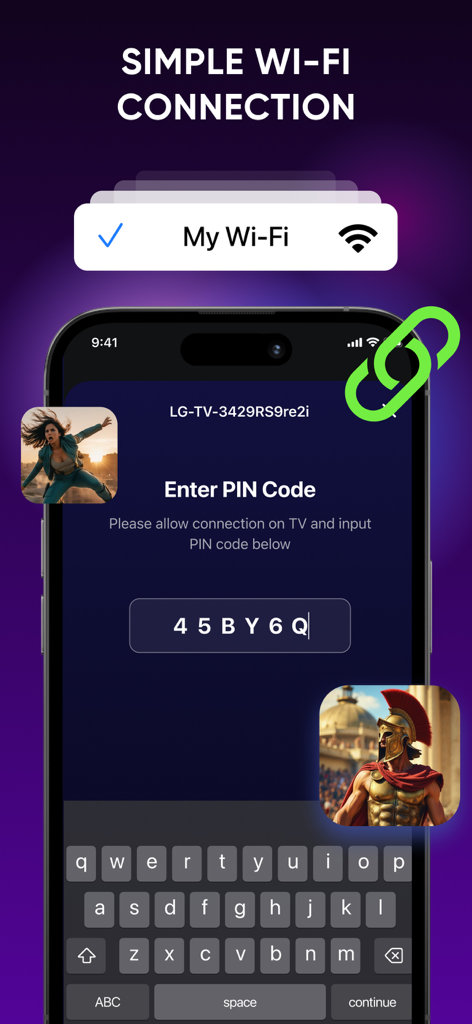
Smartphone screen showing a simple Wi-Fi connection setup with PIN code entry for a smart TV remote
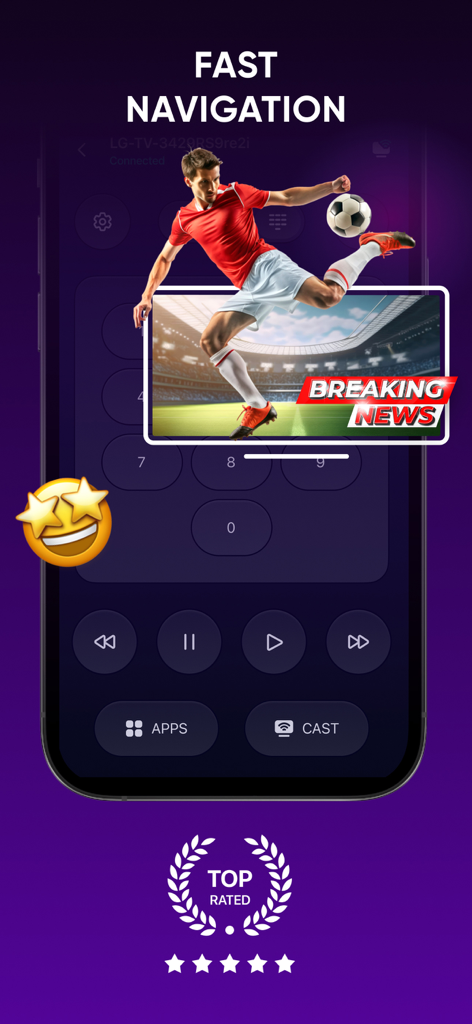
Smart TV Remote Control Plus app interface showing navigation and playback controls.
Description
Download
More Like This
Apps with similar features and user experience

The Roku App (Official)
ROKU INC

TV Remote & Smart TV Control
To Ngoc Mai

Universal TV Remote Control .
Apps Venture Inc.

TV Remote, Universal Remote
Hangzhou Yingshitong Technology Co., Ltd.

TV Remote Control “Universo”
Nemo Apps LLC

TV Remote・Universal Control #1
Mihai Turlea

Remote Smart Tv Universal
clement gasner

Remote TV Control TCL Onn App
CEMAL CAGLAR KIRICI

TV Remote Control Universal AI
Anh Ngo
This page is not an official page of the app or its developer, but an independent editorial publication created for informational and commentary purposes. Unless expressly stated otherwise, neither the app nor its developer is affiliated with, endorsed by, sponsored by, authorized by, or otherwise officially connected with MWM, Apple, Google Play, the app publisher, or the app's developer, and nothing on this page implies that the app was developed using MWM's services. Any trademarks, logos, screenshots, and other content remain the property of their respective owners.