
This page is not an official page of the app or its developer, but an independent editorial publication created for informational and commentary purposes. Unless expressly stated otherwise, neither the app nor its developer is affiliated with, endorsed by, sponsored by, authorized by, or otherwise officially connected with MWM, Apple, Google Play, the app publisher, or the app's developer, and nothing on this page implies that the app was developed using MWM's services. Any trademarks, logos, screenshots, and other content remain the property of their respective owners.

SmartLife-SmartHome
Seamlessly control all your devices, set automated schedules, and monitor security cameras in one easy-to-use app. Experience the ultimate convenience and peace of mind for you and your family.
Downloads
392K+User Rating
Total Ratings
7K+Publisher
Category
UtilitiesLocales
61Latest Version
2.1.1Size
216.1 MBFirst Released
Apr 10, 2017Master Your Modern Home
Experience seamless living with a unified platform designed to make your home more efficient, secure, and connected.
Unified Device Control
Eliminate app fatigue by managing all your smart lights, plugs, and appliances from one intuitive central hub.
Secure Home Monitoring
Gain peace of mind with integrated camera feeds that allow you to check on pets, kids, or your porch from anywhere.
Frequently Asked Questions
Everything you need to know about SmartLife-SmartHome
Can I remotely control my home appliances with SmartLife-SmartHome?
Yes, SmartLife-SmartHome allows users to control their home appliances from any location. This remote control functionality provides convenience and flexibility.
Does the SmartLife-SmartHome app support controlling multiple devices simultaneously?
Yes, the SmartLife-SmartHome app enables simultaneous control of multiple smart devices. Users manage all connected appliances from a single application interface.
Can I set timers for my smart devices using SmartLife-SmartHome?
Yes, SmartLife-SmartHome integrates a timer function. This feature allows users to set schedules and automate multiple functions for their connected smart devices.
How does device sharing work in the SmartLife-SmartHome app?
SmartLife-SmartHome facilitates device sharing with a single tap. This feature allows users to share control of their smart devices effortlessly among family members.
Is connecting devices to the SmartLife-SmartHome app a simple process?
Yes, SmartLife-SmartHome offers an easy connection process. Users quickly and simply link their smart devices to the app, ensuring rapid setup and control.
What is IPC control in SmartLife-SmartHome?
SmartLife-SmartHome provides IPC control, allowing users to manage T-Guardian devices and their Internet Protocol Cameras directly. The app integrates these functionalities for comprehensive smart living.
How do new users get started with SmartLife-SmartHome?
New users start by registering for an account within the SmartLife-SmartHome app. Existing users log in with their credentials to access the smart home control features.
What are the connection requirements for devices with SmartLife-SmartHome?
During connection, SmartLife-SmartHome requires the phone and device to be close to the router. This proximity ensures an optimal and successful setup for searching, registering, and initializing.
What types of devices does SmartLife-SmartHome manage?
SmartLife-SmartHome manages various smart home devices. For instance, the app's interface specifically shows control capabilities for "Air Conditioning" units.
Does SmartLife-SmartHome allow control over air conditioning settings?
Yes, SmartLife-SmartHome provides comprehensive control for air conditioning units. Users adjust temperature, fan speed, operating mode, and set timers directly from the app interface.
The following screenshots and description are sourced directly from the app's official store listing and are the property of the app developer.
App Store
Screenshots
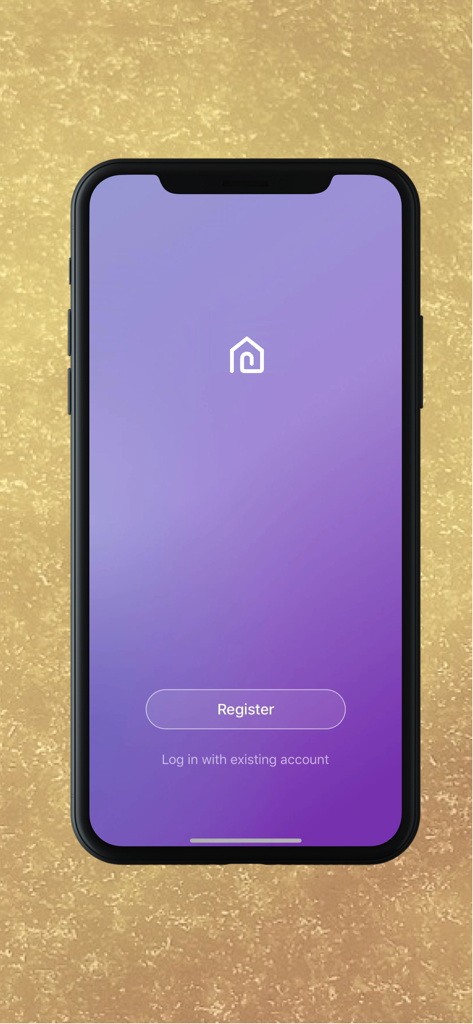
SmartLife-SmartHome app login and registration screen on a mobile device
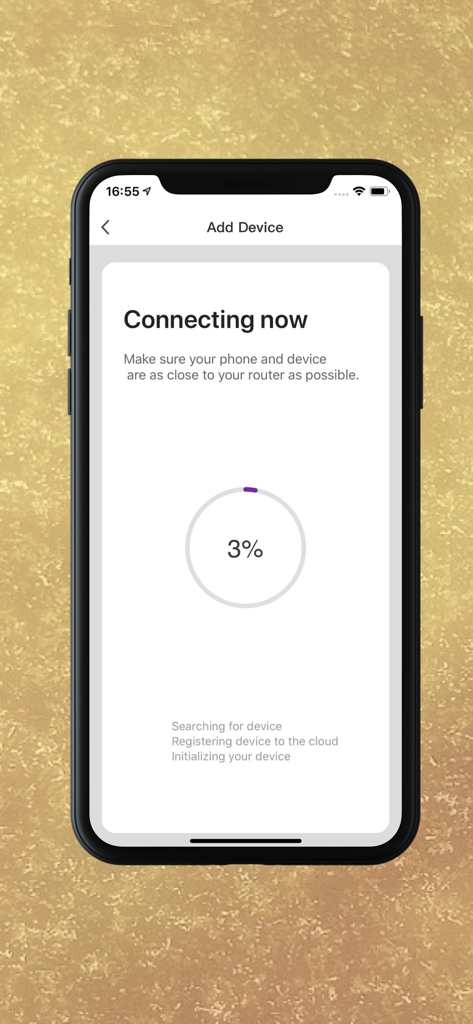
SmartLife-SmartHome app screen showing the connection progress when adding a new device
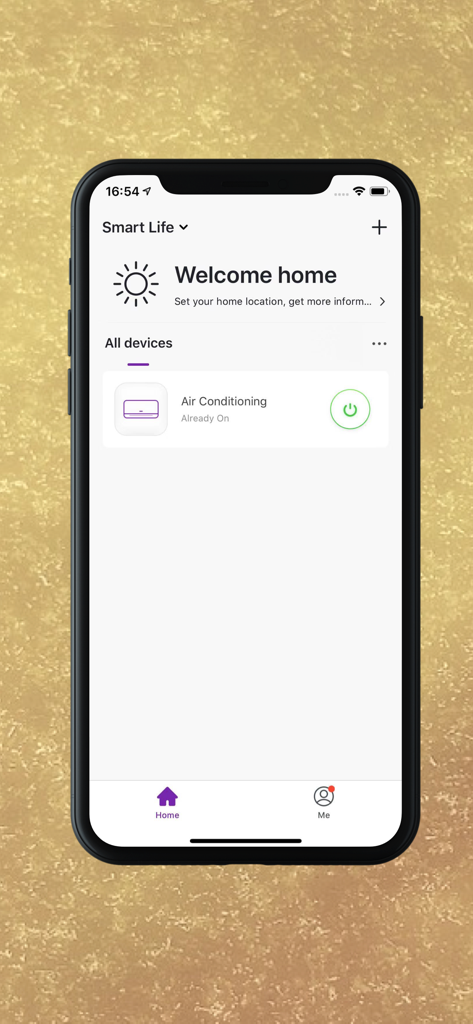
SmartLife-SmartHome app dashboard showing air conditioning remote control
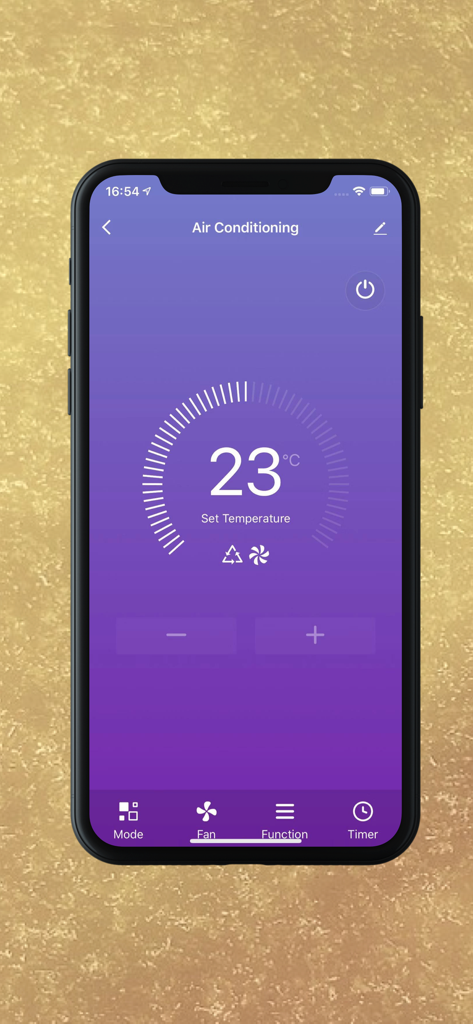
Smartphone interface for remote air conditioning control set to 23 degrees Celsius.
Description
Download
More Like This
Apps with similar features and user experience

TP-Link Tapo
TP-Link Systems Inc.

Дом с Алисой
DIRECT CURSUS COMPUTER SYSTEMS TRADING LLC

VeSync
Vesync Technology Corporation

Kasa Smart
TP-Link Systems Inc.

ecobee
ecobee Ltd.

Hubspace
Afero, Inc.

ADT Control ®
ADT LLC

First Alert by Resideo
Resideo Technologies, Inc.

Mibo Smart: Casa Inteligente
Intelbras S.A. Ind. de Telecom. Elet. Brasileira
This page is not an official page of the app or its developer, but an independent editorial publication created for informational and commentary purposes. Unless expressly stated otherwise, neither the app nor its developer is affiliated with, endorsed by, sponsored by, authorized by, or otherwise officially connected with MWM, Apple, Google Play, the app publisher, or the app's developer, and nothing on this page implies that the app was developed using MWM's services. Any trademarks, logos, screenshots, and other content remain the property of their respective owners.