Snappier IPTV
Snappier IPTV
Download on App Store

This page is not an official page of the app or its developer, but an independent editorial publication created for informational and commentary purposes. Unless expressly stated otherwise, neither the app nor its developer is affiliated with, endorsed by, sponsored by, authorized by, or otherwise officially connected with MWM, Apple, Google Play, the app publisher, or the app's developer, and nothing on this page implies that the app was developed using MWM's services. Any trademarks, logos, screenshots, and other content remain the property of their respective owners.


Logo of Snappier IPTV
Download on App Store

Snappier IPTV

Bring your own content and unlock pro-level features like 4K HDR playback, multi-screen viewing for sports fans, and seamless iCloud sync across your Apple TV, iPhone, and iPad.

Key Figures

Downloads

4K+

User Rating

3.8/5

Total Ratings

400

Publisher

Sarah Bainbridge

Category

Entertainment

Locales

12

Latest Version

5.1.3

Size

208.0 MB

First Released

Dec 17, 2022
Features

Elevate Your Home Cinema Experience

Designed exclusively for the Apple ecosystem, Snappier IPTV brings professional-grade playback, multi-game viewing, and seamless synchronization to your favorite devices.

The Ultimate Sports Bar at Home

Never miss a play with multi-screen support. Watch up to four live events simultaneously on your Apple TV 4K using our customizable 2x2 grid layout.

Seamless iCloud Ecosystem

Your settings, favorites, and custom categories sync automatically across iPhone, iPad, and Apple TV. Start your movie on the commute and finish it on the big screen.

The following screenshots and description are sourced directly from the app's official store listing and are the property of the app developer.

App Store

Screenshots
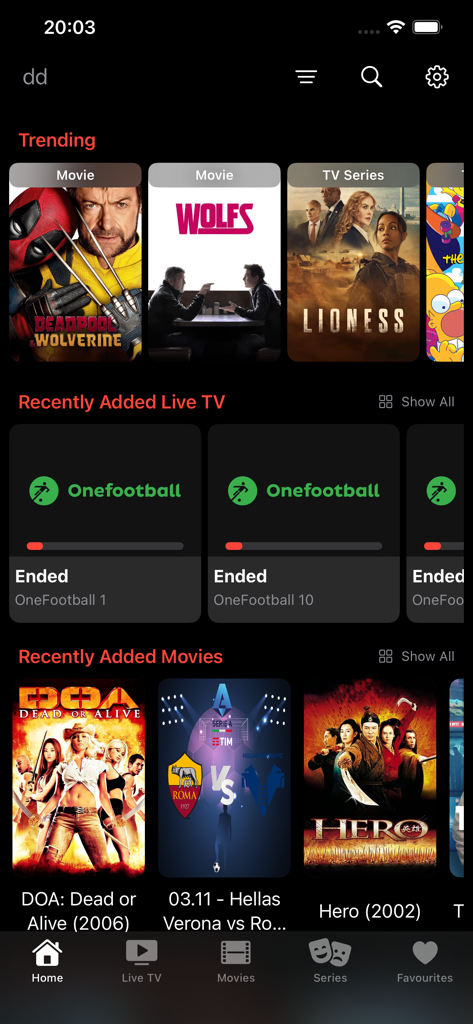
Snappier IPTV - Snappier IPTV app home screen on iPhone showing movies and live TV categories
Snappier IPTV app home screen on iPhone showing movies and live TV categories

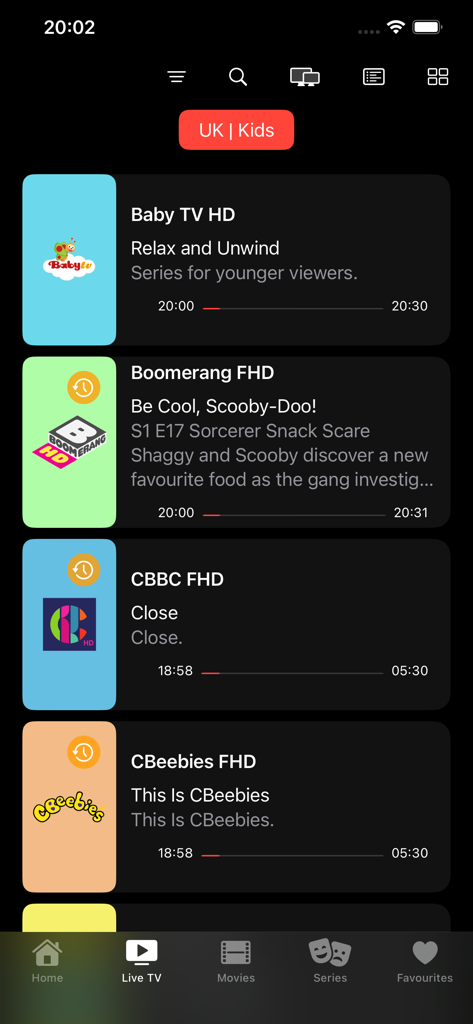
Snappier IPTV - Snappier IPTV app interface showing a list of live kids TV channels with program guides and progress bars.
Snappier IPTV app interface showing a list of live kids TV channels with program guides and progress bars.

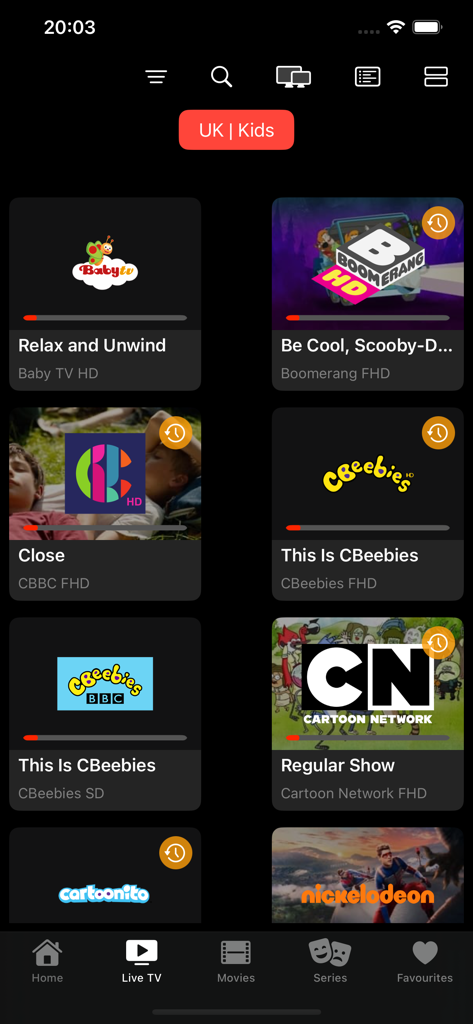
Snappier IPTV - Snappier IPTV app interface showing a grid of kids live TV channels like Cartoon Network and Nickelodeon on an iPhone
Snappier IPTV app interface showing a grid of kids live TV channels like Cartoon Network and Nickelodeon on an iPhone

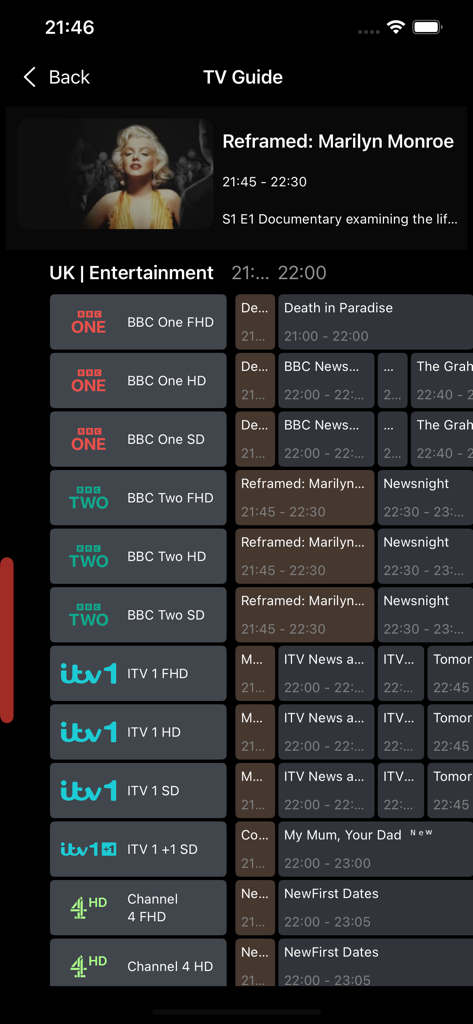
Snappier IPTV - Snappier IPTV app TV Guide interface showing channel schedules and program details on an iPhone.
Snappier IPTV app TV Guide interface showing channel schedules and program details on an iPhone.

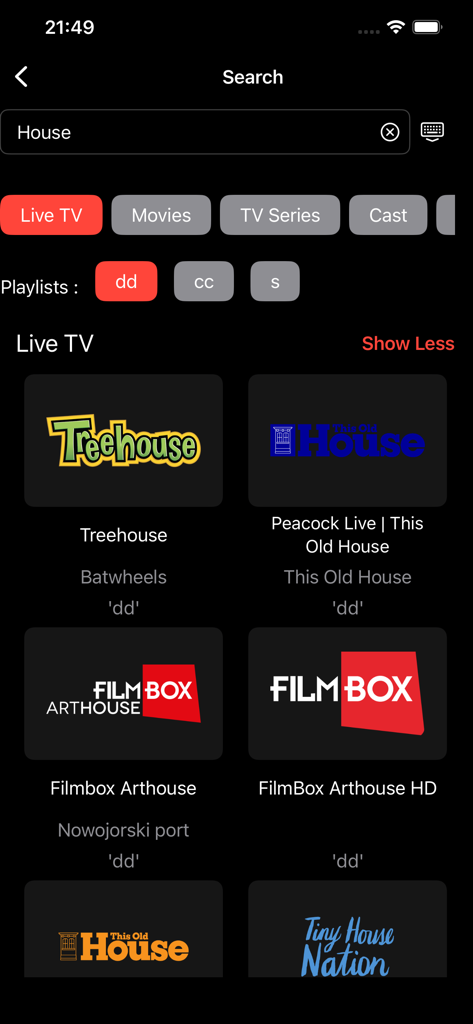
Snappier IPTV - Snappier IPTV search interface displaying live television channel results on an iPhone screen
Snappier IPTV search interface displaying live television channel results on an iPhone screen

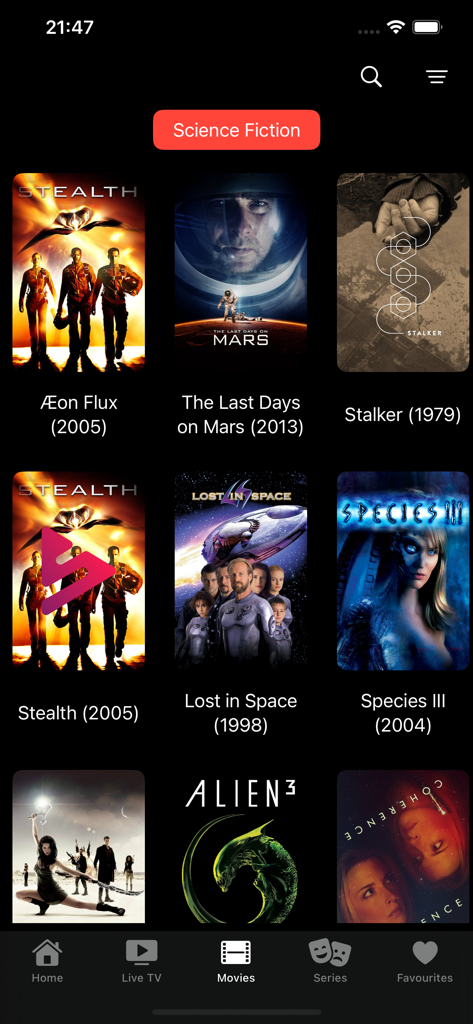
Snappier IPTV - Snappier IPTV app movie library showing science fiction films in a grid view on an iPhone
Snappier IPTV app movie library showing science fiction films in a grid view on an iPhone

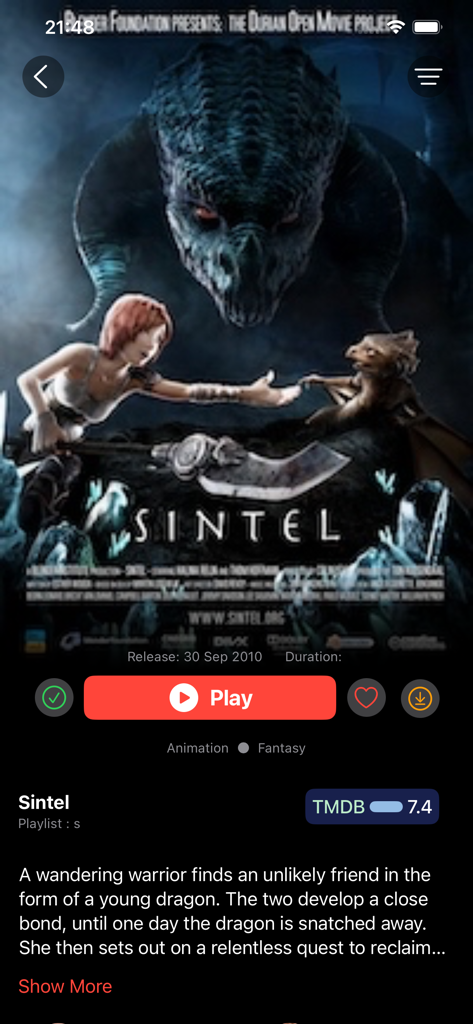
Snappier IPTV - Snappier IPTV movie information screen with playback options and metadata for the movie Sintel

Snappier IPTV movie information screen with playback options and metadata for the movie Sintel

Description

Snappier IPTV is an application available on Apple TV (4K models preferred), iPad, and iPhone. It does not provide any content, so you must have your own provider. The free version of the app will stop playback after 240 seconds. The app features 3 powerful built-in media player’s. KSPlayer, VLC and MPV. KSPlayer that supports native Picture In Picture and HDR. Snappier also has quick M3U and EPG parsing in the background and foreground, with support for 3rd party EPGs such as IPTVEditor through the External EPG URL option in settings. Snappier supports multiple playlists and the ability to update all playlists or EPG at once. You can sync your data (except playlist data and epg data) across all your devices using Snappier IPTV via iCloud Support. Snappier allows live TV, VOD Movie & TV Series streaming (depending on your provider) in SD, HD, and 4K along with TV Catchup (depending on your provider). You can also use internal subtitle support, select internal audio tracks, and auto save position when exiting playback of movie/tv series episode, with auto resume when restarting that item. Video de-interlace options in the KSPlayer media player, with the option to change the video aspect ratio and buffer (KSPlayer and VLC media player), skip forward/backward (MPV on iOS doesn’t have this support yet), and adjust audio delay (KSPlayer and VLC media player). Snappier IPTV also includes a multi-screen view (1x1, 2x1 and 2x2 format at the moment), an alternative list view for Live TV, EPG support (depending on your provider), and the ability to sort by date added, name, or original order for Live TV Channels, Movies, and TV Series. You can also sort into any order you want as well as create custom categories to group your preferred items together. Other features include favourites, parental controls, search channels, TV series, movies, EPG and actors' names, and play a one off network stream URL. Snappier IPTV also includes metadata settings that allow you to customise the information displayed for your movies and TV series. With the metadata settings, you can change the plot information for movies and TV series to different languages. Additionally, the app includes several other features, such as: Xtream Codes M3U or Xtream Codes Login option Other M3U formats are limited Tinyurl (and similar) support Parental Control for Live TV categories and Movie Categories Search All Playlists There are many more features/options in Snappier. Note that Snappier IPTV does not provide paid-for playlists, and not all paid-for providers support all features of the app. It is recommended to use an Xtream codes compatible provider for best results. You can use free to air M3U playlists, but some functions will be limited. The app uses OpenSubtitles, The Movie Internet Database (TMDB), and JustWatch (via TMDB) as data sources, with KSPlayer, VLC and MPV as the video players. Apple TV HD will work but performance is not on par with the 4K versions so is not officially supported. For further information or support, please contact us via Discord. Our server address is in the app under settings. The app's terms of use can be found at https://www.apple.com/legal/internet-services/itunes/dev/stdeula/, and the privacy policy at http://www.snappy-code.co.uk/privacy

Download

Download on App Store

This page is not an official page of the app or its developer, but an independent editorial publication created for informational and commentary purposes. Unless expressly stated otherwise, neither the app nor its developer is affiliated with, endorsed by, sponsored by, authorized by, or otherwise officially connected with MWM, Apple, Google Play, the app publisher, or the app's developer, and nothing on this page implies that the app was developed using MWM's services. Any trademarks, logos, screenshots, and other content remain the property of their respective owners.