
This page is not an official page of the app or its developer, but an independent editorial publication created for informational and commentary purposes. Unless expressly stated otherwise, neither the app nor its developer is affiliated with, endorsed by, sponsored by, authorized by, or otherwise officially connected with MWM, Apple, Google Play, the app publisher, or the app's developer, and nothing on this page implies that the app was developed using MWM's services. Any trademarks, logos, screenshots, and other content remain the property of their respective owners.


Somfit
Skip the sleep lab and record clinical-grade data securely. Somfit makes it easy to complete your prescribed sleep study and send results directly to your healthcare provider.
Downloads
28K+User Rating
Total Ratings
0Publisher
Category
MedicalLocales
11Latest Version
5.0Size
91.4 MBFirst Released
Jun 2, 2022Clinical-Grade Sleep Testing from Home
Bridge the gap between your symptoms and a diagnosis with a professional-grade sleep study designed for accuracy, comfort, and clinical trust.
Hospital-Quality Data at Home
Skip the intrusive hospital stay. Collect clinical-grade insights in your own bed to give your doctor the data they need for a definitive diagnosis.
Frictionless One-Scan Setup
No complex manual configurations. Simply scan the QR code provided by your healthcare specialist to instantly pair your device and begin.
Frequently Asked Questions
Everything you need to know about Somfit
What is the Somfit app used for?
The Somfit app records your sleep overnight when paired with the Somfit device. It uploads the collected sleep study results directly to your healthcare provider.
How does the Somfit app connect to the Somfit device?
The Somfit app connects to the Somfit device using Bluetooth technology. This connection enables secure communication and data transfer between the device and the app.
Does the Somfit app require camera or Bluetooth permissions?
Yes, the Somfit app requires camera access to scan QR codes for device setup. It also needs Bluetooth to communicate with the Somfit device for data collection.
How do I begin a sleep study with the Somfit app?
To begin, scan the QR code provided by your healthcare provider using the Somfit app. This step activates the device and prepares it for your overnight sleep study.
Where does the Somfit app store my sleep data?
The Somfit app securely stores your sleep study data on your phone's storage during use. After the study finishes, it uploads the results to your healthcare provider.
Does the Somfit app offer guidance on applying the device?
Yes, the Somfit app provides a Quickstart Guide and instructional videos. These resources demonstrate how to prepare your body and correctly apply the Somfit device and its components.
What is Respifit and its role in the Somfit study?
Respifit refers to components checked by the Somfit app during study preparation. The app searches for the Respifit device and verifies its battery and thoracic and abdominal band signals.
The following screenshots and description are sourced directly from the app's official store listing and are the property of the app developer.
App Store
Screenshots
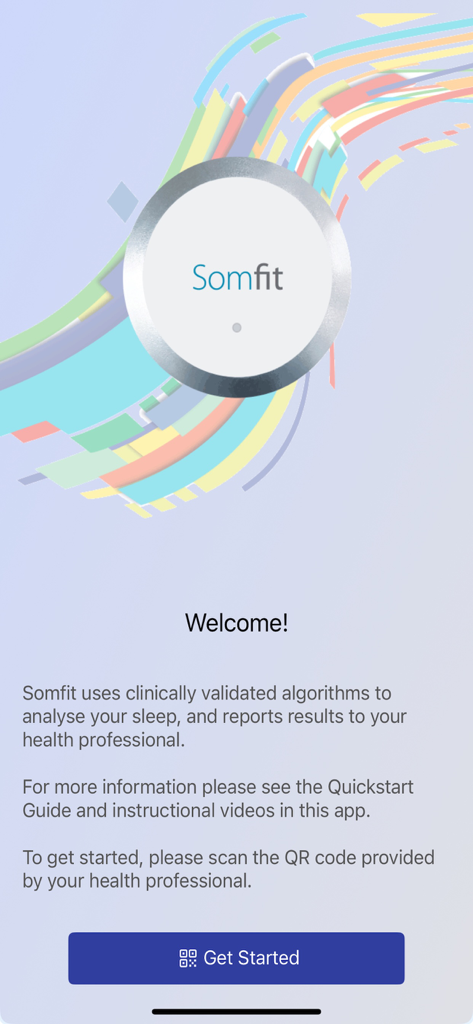
Welcome screen of the Somfit app explaining its clinical sleep analysis and diagnostic process.
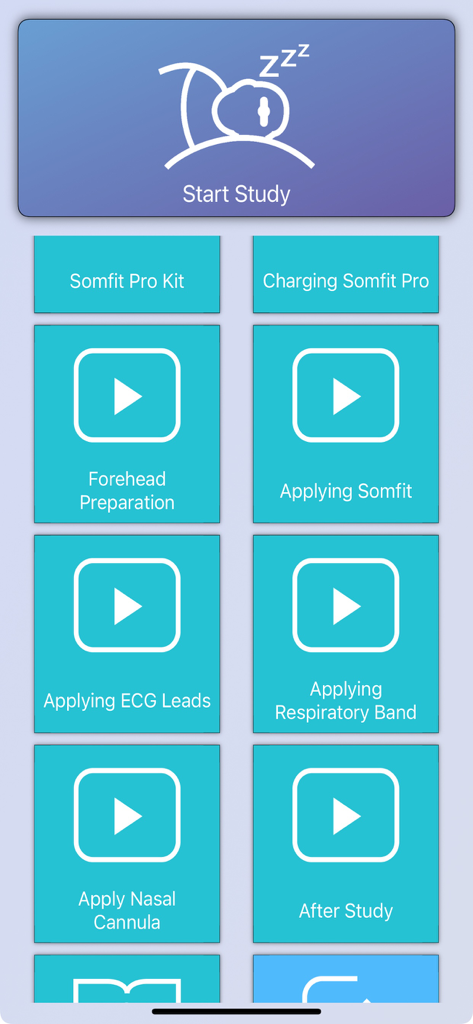
Somfit app interface showing instructional video guides for medical sensor application and a start study button
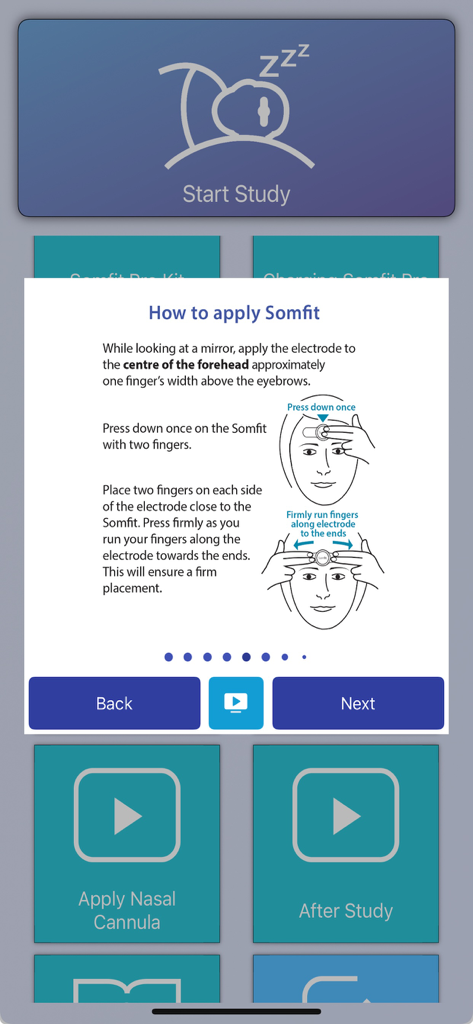
Somfit app screen showing step by step diagrams and text for applying a clinical sleep study electrode to the forehead
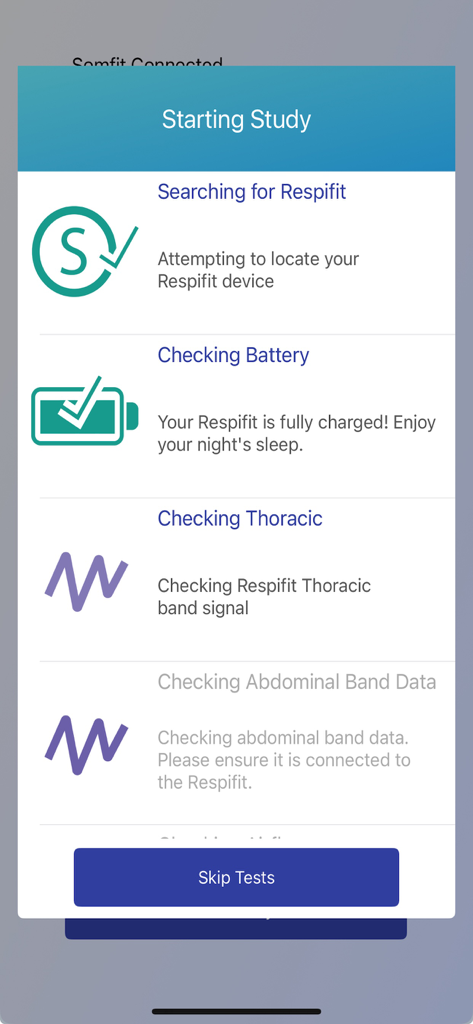
Somfit app showing a checklist for starting a sleep study including device connection and battery level.
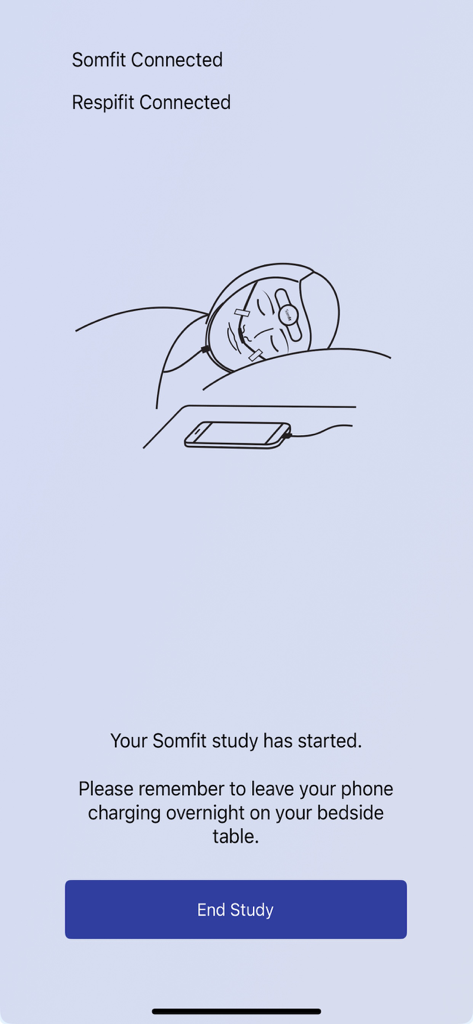
Somfit app interface showing an active clinical sleep study session with connection status for Somfit and Respifit devices.
Description
Download
More Like This
Top-ranked apps in the same category

国家医保服务平台
National Healthcare Security Administration

MyChart
Epic Systems Corporation

Doctolib - Your health partner
Doctolib

Pregnancy + | Tracker App
Philips Digital UK Limited

CVS Health
CVS Pharmacy

江苏医保云
Jiangsu Healthcare Security Bureau

UnitedHealthcare
UNITED HEALTHCARE SERVICES, INC.

京东健康
BEIJING JINGDONG 360 DU E-COMMERCE LTD.

Meu SUS Digital
Servicos e Informacoes do Brasil
This page is not an official page of the app or its developer, but an independent editorial publication created for informational and commentary purposes. Unless expressly stated otherwise, neither the app nor its developer is affiliated with, endorsed by, sponsored by, authorized by, or otherwise officially connected with MWM, Apple, Google Play, the app publisher, or the app's developer, and nothing on this page implies that the app was developed using MWM's services. Any trademarks, logos, screenshots, and other content remain the property of their respective owners.