
This page is not an official page of the app or its developer, but an independent editorial publication created for informational and commentary purposes. Unless expressly stated otherwise, neither the app nor its developer is affiliated with, endorsed by, sponsored by, authorized by, or otherwise officially connected with MWM, Apple, Google Play, the app publisher, or the app's developer, and nothing on this page implies that the app was developed using MWM's services. Any trademarks, logos, screenshots, and other content remain the property of their respective owners.

Splashtop Personal
Experience lag-free 4K streaming and bank-grade security. Turn your mobile device into a high-performance workstation or gaming console by remotely accessing your PC or Mac from anywhere.
Downloads
640K+User Rating
Total Ratings
9K+Publisher
Category
BusinessLocales
11Latest Version
3.7.6.0Size
16.2 MBFirst Released
Aug 27, 2010Desktop Power in Your Pocket
Break free from your desk. Splashtop Personal brings your full PC or Mac experience to your mobile device with professional-grade performance and security.
Lag-Free 4K Streaming
Experience silky-smooth 60fps performance. Perfect for remote gaming, high-def video editing, and seamless media playback from anywhere.
Total Remote Control
Access all your desktop apps, full-scale software, and files exactly as they are on your computer. No file transfers or syncing required.
Frequently Asked Questions
Everything you need to know about Splashtop Personal
How to get started with Splashtop Personal?
To get started with Splashtop Personal, install the app on your mobile device and the free Splashtop Streamer on your computer. Then, log in to connect instantly.
What devices does Splashtop Personal support for remote access?
Splashtop Personal supports remote access to both Mac and Windows computers. You can access these computers from iOS devices, including phones and tablets.
Is Splashtop Personal a secure remote access solution?
Yes, Splashtop Personal is a secure remote access solution. It uses bank-grade encryption to ensure your data and screen remain private during remote sessions.
Can I access my computer with Splashtop Personal from anywhere?
Yes, with the Anywhere Access upgrade, Splashtop Personal allows you to securely connect to your computer from any network, anywhere. The free version provides local network access only.
What are the main features of Splashtop Personal?
Splashtop Personal offers key features like remote access to Mac/Windows, high-quality audio/video streaming, low-latency control, blank screen mode for privacy, remote webcam access, and cross-platform support.
Is Splashtop Personal suitable for business use?
No, Splashtop Personal is designed for non-commercial use and limits access to two computers. For business or team use, Splashtop Business provides advanced features and management capabilities.
Does Splashtop Personal offer high performance for tasks like video editing or gaming?
Yes, Splashtop Personal offers supercharged performance with ultra-fast, smooth, high-resolution streaming and low latency. This makes it suitable for demanding tasks like video editing.
Can I use on-screen shortcuts with Splashtop Personal?
Yes, Splashtop Personal supports on-screen shortcuts. This feature enhances usability by providing quick access to common functions directly on your tablet or phone interface.
The following screenshots and description are sourced directly from the app's official store listing and are the property of the app developer.
App Store
Screenshots
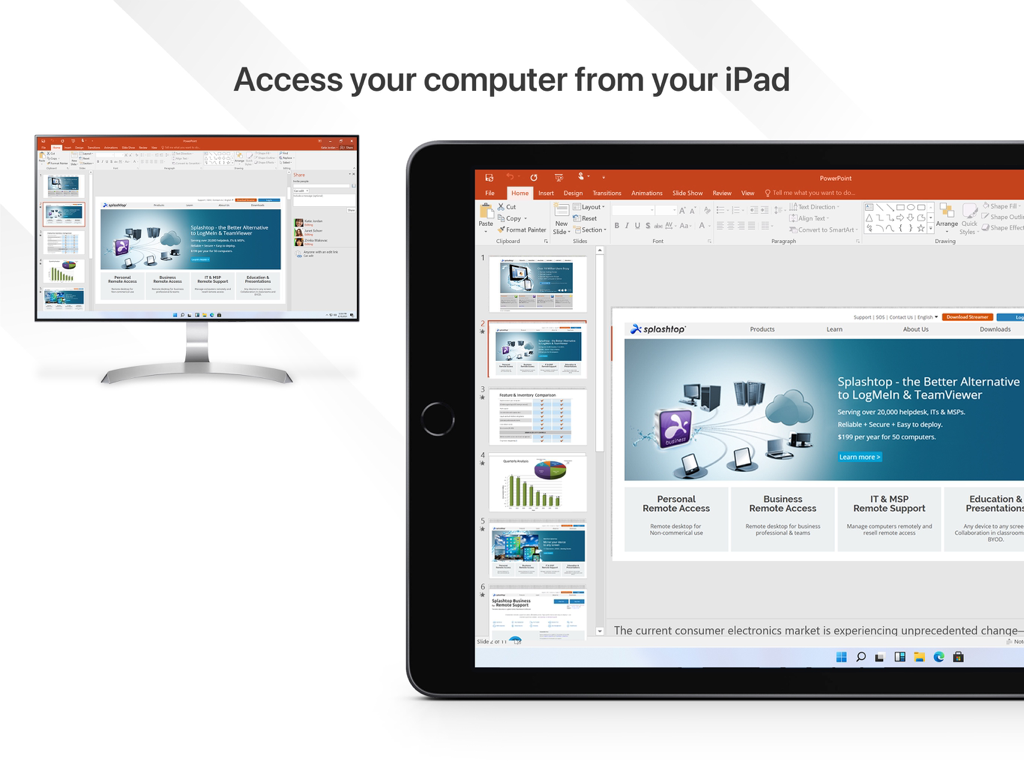
Desktop monitor and iPad displaying a Microsoft PowerPoint presentation via Splashtop remote access
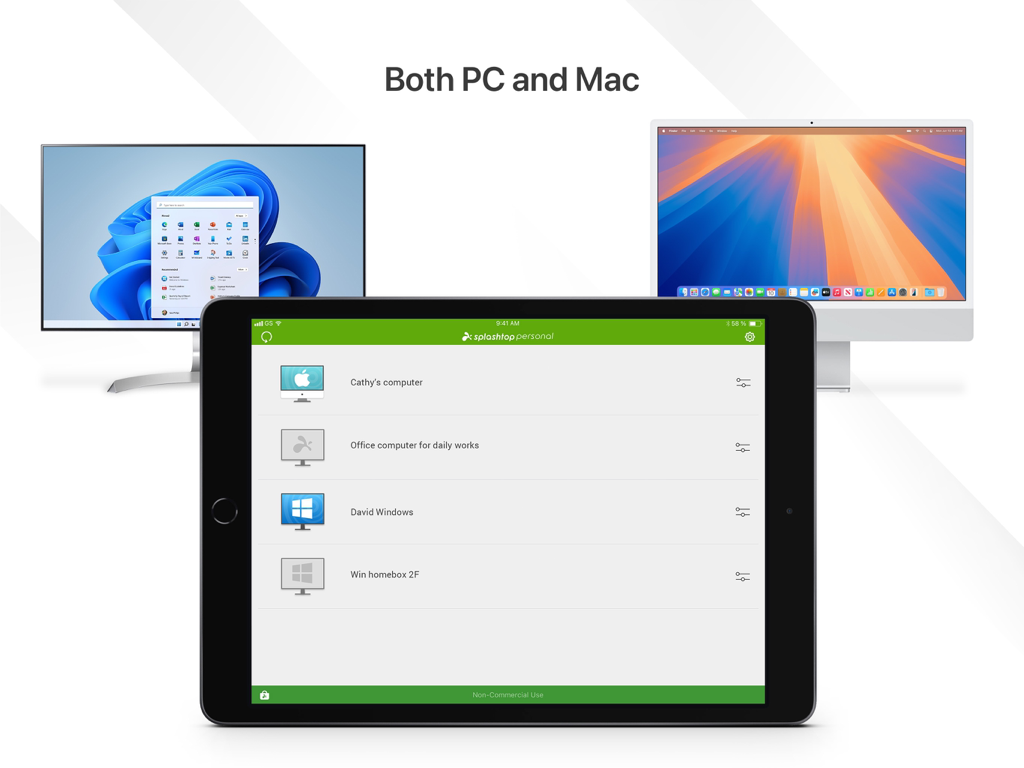
Splashtop Personal app on an iPad showing a list of remote Windows and Mac computers
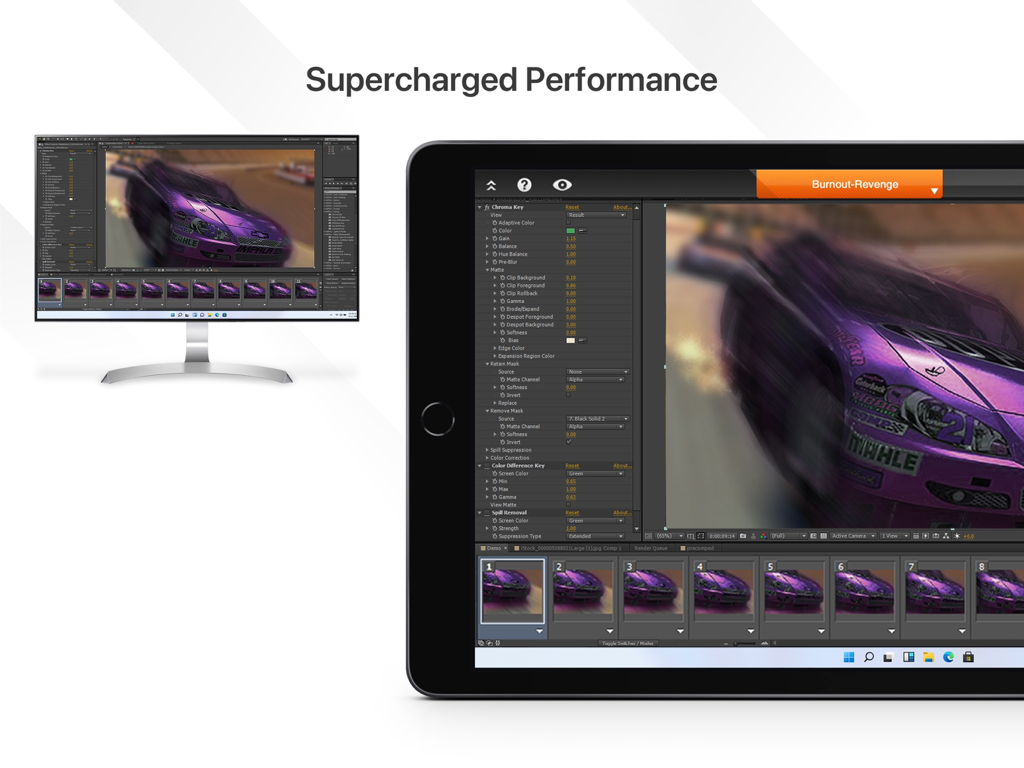
iPad and desktop monitor displaying professional video editing software via Splashtop remote access
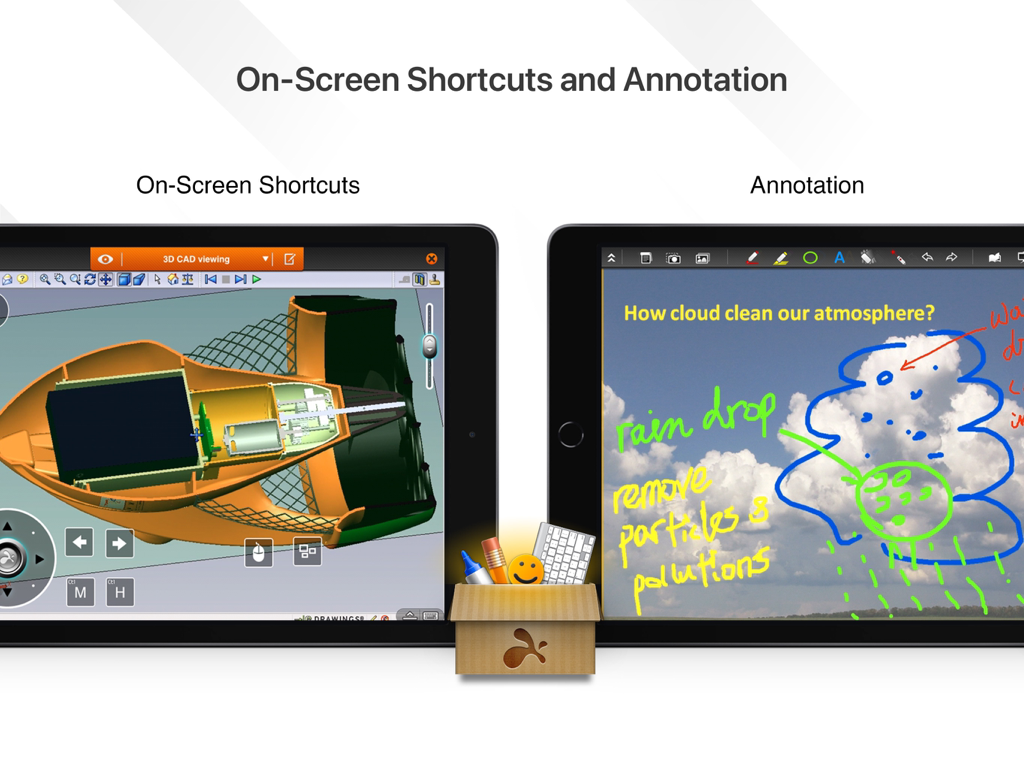
Splashtop Personal app on iPad showing on-screen shortcuts for 3D CAD and digital annotation tools
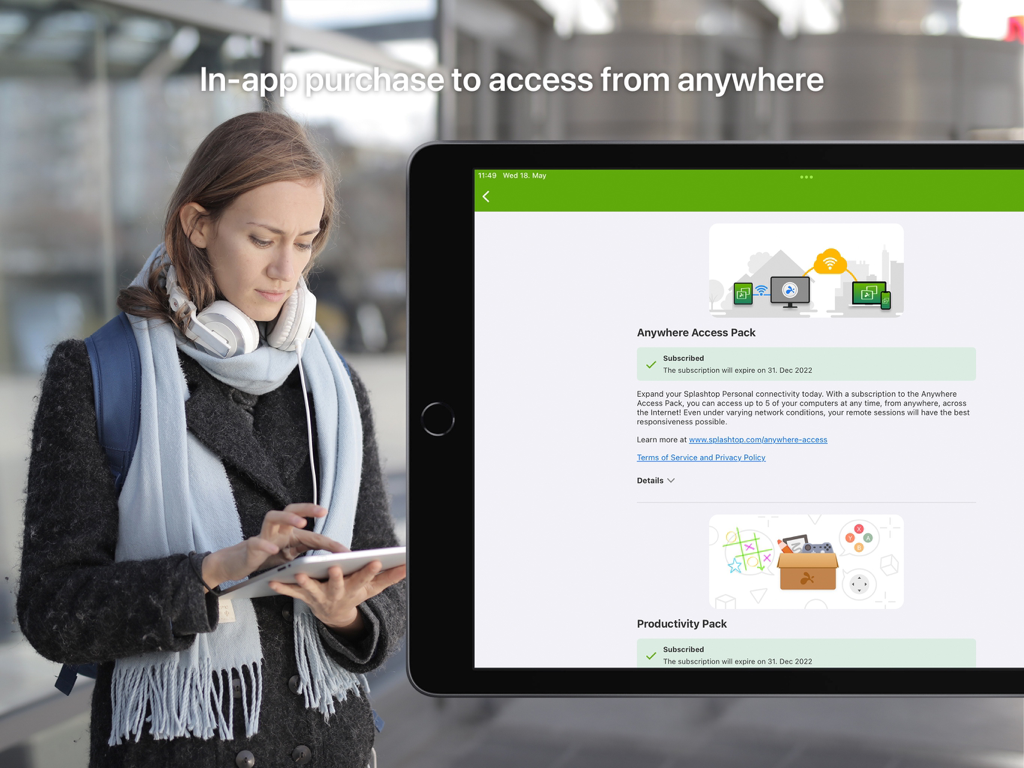
A woman using an iPad showing the Splashtop Personal app in-app purchase options for remote desktop access
Description
Download
More Like This
Apps with similar features and user experience


This page is not an official page of the app or its developer, but an independent editorial publication created for informational and commentary purposes. Unless expressly stated otherwise, neither the app nor its developer is affiliated with, endorsed by, sponsored by, authorized by, or otherwise officially connected with MWM, Apple, Google Play, the app publisher, or the app's developer, and nothing on this page implies that the app was developed using MWM's services. Any trademarks, logos, screenshots, and other content remain the property of their respective owners.