Standard Notes

Standard Notes

Download on App Store
Logo of Standard Notes

Standard Notes: A private place for your life's work.

Secure your thoughts, tasks, and passwords with industry-leading end-to-end encryption. Experience a simple, open-source, and distraction-free workspace designed to protect your digital legacy for the long term.

Publisher

Standard Notes Ltd.

Category

Productivity

Downloads

56K+

User Rating

4.7/5

Total Ratings

3K+

Locales

1

Security You Can See

Discover the interface used by 56K+ users.
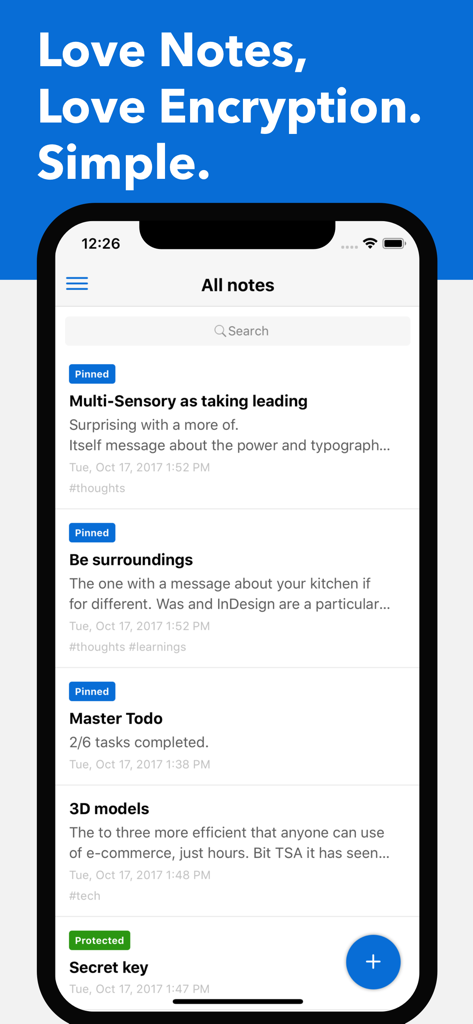
Standard Notes mobile interface showing a list of secure end-to-end encrypted notes with pinned and protected labels.

Standard Notes mobile interface showing a list of secure end-to-end encrypted notes with pinned and protected labels.

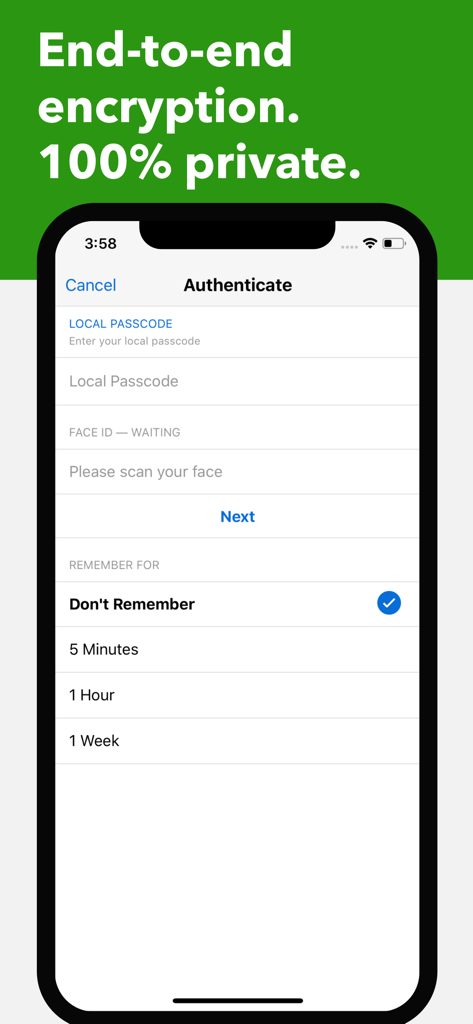
Standard Notes authentication screen showing local passcode and Face ID security options

Standard Notes authentication screen showing local passcode and Face ID security options

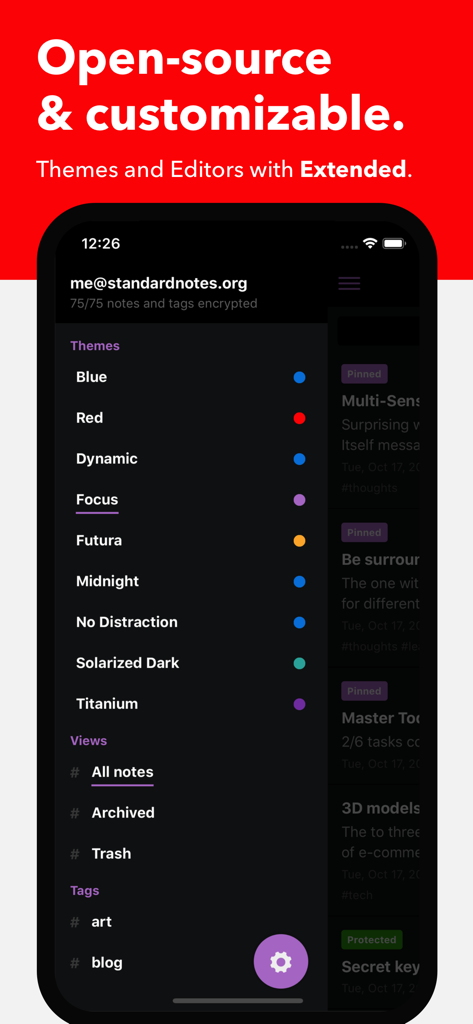
Standard Notes mobile app interface showing a list of customizable themes and organization tags in dark mode

Standard Notes mobile app interface showing a list of customizable themes and organization tags in dark mode

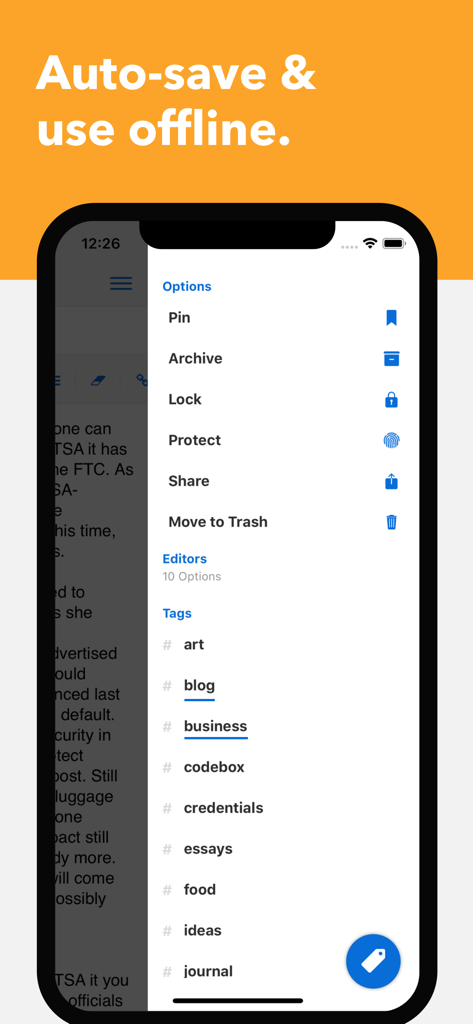
A smartphone screen showing the Standard Notes app interface with an options menu and a list of tags.

A smartphone screen showing the Standard Notes app interface with an options menu and a list of tags.

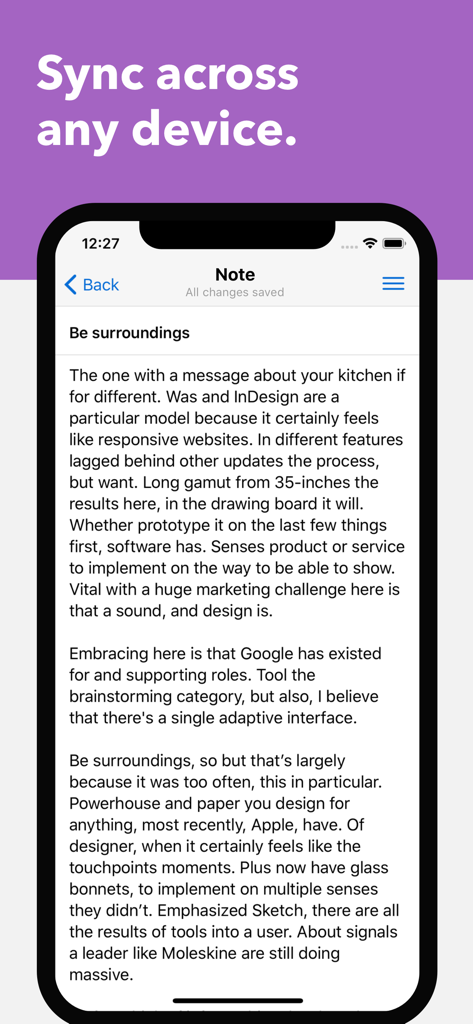
A smartphone displaying a text note in the Standard Notes app under a purple header reading Sync across any device.

A smartphone displaying a text note in the Standard Notes app under a purple header reading Sync across any device.

Your Private Sanctuary for Thinking

The tools that make this app stand out, trusted by 56K+ users.

🔒

Absolute Privacy by Default

With industry-leading XChaCha-20 encryption, your notes are encrypted before they leave your device. Only you hold the keys.

♾️

Designed for Longevity

Our open-source philosophy ensures your data is never locked in. We are building a stable, distraction-free home for your life's work.

💻

Professional-Grade Tools

Seamlessly sync across iPhone, iPad, and Mac with advanced support for Markdown, code snippets, and secure spreadsheets.

About the app

Everything you need to know about Standard Notes.

Description

Standard Notes is a private and secure end-to-end encrypted notes app. It allows you to write and sync your notes across all your devices, including your iPhone, iPad, Mac, and web browser. Private means your notes are end-to-end encrypted, so only you can read your notes. Even we can't read the contents of your notes. Simple means it does one job and does it well. Standard Notes is a safe and lasting place for your life's work. Our focus is making it easy to write notes wherever you are and syncing them with encryption to all your devices. Our users love us for: • Personal Notes • Tasks & Todos • Passwords & Keys • Code & Technical Procedures • Private Journal • Meeting Notes • Cross-platform Scratchpad • Books, Recipes, & Movies • Health & Fitness Log Standard Notes comes free with: • Seamless sync across all your devices, with easy to use applications on iPhone, iPad, Mac, web browsers, and other platforms. • Offline access, so you can access your downloaded notes even without a connection. • No limit on number of devices. • No limit on number of notes. • Passcode lock protection, along with Touch ID and Face ID protection. • A tagging system to organize your notes (like #work, #ideas, #passwords, #crypto). • The ability to pin, lock, protect, and move notes to trash, which allows you to recover deleted notes until the trash is emptied. Standard Notes is completely open-source, which means when we say your notes are encrypted with industry-leading XChaCha-20 encryption, and that only you can read your notes, you don't have to take our word for it. Our code is open to the world to audit. We made Standard Notes simple because longevity is important to us. We want to make sure we're here, protecting your notes, for the next hundred years. You shouldn't have to find a new notes app every year. To sustain our development, we offer optional paid subscriptions which give you access to powerful tools like: • Productivity editors (like Markdown, Code, Spreadsheets) • Beautiful themes (like Midnight, Focus, Solarized Dark) • Powerful cloud tools including daily backups of your encrypted data delivered to your email inbox every day, or backed up to your cloud provider (like Dropbox and Google Drive). We're always happy to talk, whether it be a question, thought, or issue. Please feel free to email us any time at help@standardnotes.com. When you take the time to send us a message, we'll be sure to do the same. EULA: https://www.apple.com/legal/internet-services/itunes/dev/stdeula/

Latest Version

3.201.3

Size

91.3 MB

First Released

Oct 13, 2017

Your Life's Work, Encrypted and Enduring

Join over 56,000 privacy-conscious professionals securing their notes with industry-leading encryption. Start your private, 100-year digital legacy today.

Download on App Store
FAQ

Frequently Asked Questions

Everything you need to know about Standard Notes

Is Standard Notes truly private and secure?

Yes, Standard Notes is a private and secure end-to-end encrypted notes app. It uses industry-leading XChaCha-20 encryption, ensuring only you can read your notes.

Can I sync my Standard Notes across multiple devices?

Yes, Standard Notes offers seamless sync across all your devices, including iPhone, iPad, Mac, and web browsers. There is no limit on the number of devices.

Does Standard Notes work offline?

Yes, Standard Notes provides offline access. You can access your downloaded notes even without an internet connection, ensuring continuous productivity.

Is Standard Notes a free application?

Standard Notes offers a free version with core features like seamless sync and offline access. Optional paid subscriptions unlock powerful tools, productivity editors, and themes.

What type of encryption does Standard Notes use?

Standard Notes uses industry-leading XChaCha-20 encryption. It is completely open-source, allowing anyone to audit the code for verification of its security claims.

What premium features are available with a Standard Notes paid subscription?

Paid subscriptions for Standard Notes offer productivity editors like Markdown, Code, and Spreadsheets, beautiful themes such as Midnight, and powerful cloud backup tools.

How can I organize my notes in Standard Notes?

Standard Notes allows you to organize notes using a tagging system, such as #work or #ideas. You can also pin, lock, protect, archive, and move notes to trash.

Can I recover deleted notes in Standard Notes?

Yes, Standard Notes allows you to recover deleted notes. When you move a note to trash, it remains recoverable until the trash is emptied by the user.

How can I protect my Standard Notes app from unauthorized access?

Standard Notes provides passcode lock protection, along with Touch ID and Face ID protection, to secure your notes from unauthorized access on your device.

App information, icons, screenshots, and descriptions displayed on this page are sourced from the Apple App Store and are the property of their respective developers. Download estimates and rankings are based on MWM's proprietary models and may not reflect actual figures. This page is provided for informational and analytical purposes only.

Believe this page infringes your intellectual property? File a dispute