
This page is not an official page of the app or its developer, but an independent editorial publication created for informational and commentary purposes. Unless expressly stated otherwise, neither the app nor its developer is affiliated with, endorsed by, sponsored by, authorized by, or otherwise officially connected with MWM, Apple, Google Play, the app publisher, or the app's developer, and nothing on this page implies that the app was developed using MWM's services. Any trademarks, logos, screenshots, and other content remain the property of their respective owners.


Status Saver Video Photo Save
Save disappearing statuses to your timeline, create viral stickers, and message anyone without cluttering your contact list. The all-in-one app designed for creators and power users.
Downloads
11M+User Rating
Total Ratings
255K+Publisher
Category
Social NetworkingLocales
1Latest Version
2.0.2Size
78.5 MBFirst Released
Sep 8, 2020Elevate Your WhatsApp Experience
The ultimate toolkit to save memories, manage your contacts, and express your creativity without the usual limitations.
Never Miss a Moment
Save and archive your favorite WhatsApp statuses permanently. Build a personal timeline of videos and photos before they disappear after 24 hours.
Chat Without the Clutter
Start conversations instantly with any number without saving it to your contact list. Keep your address book clean and professional.
Frequently Asked Questions
Everything you need to know about Status Saver Video Photo Save
What is the primary function of Status Saver Video Photo Save?
The primary function of Status Saver Video Photo Save is to view and share WhatsApp statuses. It also allows saving selected statuses and restoring them.
Can Status Saver Video Photo Save save WhatsApp statuses?
Yes, Status Saver Video Photo Save allows users to save selected WhatsApp statuses and restore them. Users can choose iCloud or App servers for storage.
How does Status Saver Video Photo Save display saved statuses?
Status Saver Video Photo Save displays saved statuses in a timeline view, ordered and grouped by time. It offers a calendar view for convenient browsing of old statuses.
Does Status Saver Video Photo Save include a status maker?
Yes, Status Saver Video Photo Save includes a Status Maker/Editor feature. This tool enables users to create personalized statuses.
Can users access pre-made statuses in Status Saver Video Photo Save?
Yes, Status Saver Video Photo Save provides an updated server-side Status Library. Users can find and utilize awesome statuses, which are compatible with the Status Maker.
Can I create stickers for WhatsApp using Status Saver Video Photo Save?
Yes, Status Saver Video Photo Save includes a Stickers Maker. This feature allows users to create sticker packs and import them to WhatsApp using images from their camera or photo library.
Does Status Saver Video Photo Save offer a stickers library?
Yes, Status Saver Video Photo Save features an updated server-side Stickers Library. Users can find and use awesome stickers, which can also be utilized with the Stickers Maker.
How can I import WhatsApp contacts to my iPhone Address Book with Status Saver Video Photo Save?
Status Saver Video Photo Save provides the ability to import WhatsApp contacts from any WhatsApp account directly into the iPhone Address Book.
Can I chat on WhatsApp with unsaved numbers using Status Saver Video Photo Save?
Yes, Status Saver Video Photo Save offers a Quick Chat tool. Users can open a WhatsApp chat-box by entering a phone number without saving it to their contacts.
Does Status Saver Video Photo Save help manage duplicate contacts?
Yes, Status Saver Video Photo Save includes a Contact Merge ability. It detects and merges duplicate or similar contacts within the iPhone Address Book.
Has the connectivity issue been resolved in Status Saver Video Photo Save?
Yes, the latest update for Status Saver Video Photo Save addresses and fixes previous connectivity issues, enhancing the overall user experience.
How can I get customer support for Status Saver Video Photo Save?
Users can access an in-app customer support section within Status Saver Video Photo Save. Premium members receive faster response times.
Is Status Saver Video Photo Save affiliated with WhatsApp Inc.?
No, Status Saver Video Photo Save is not developed by WhatsApp Inc., WhatsApp for Business, or any of its affiliates, and has no relationship with them.
The following screenshots and description are sourced directly from the app's official store listing and are the property of the app developer.
App Store
Screenshots
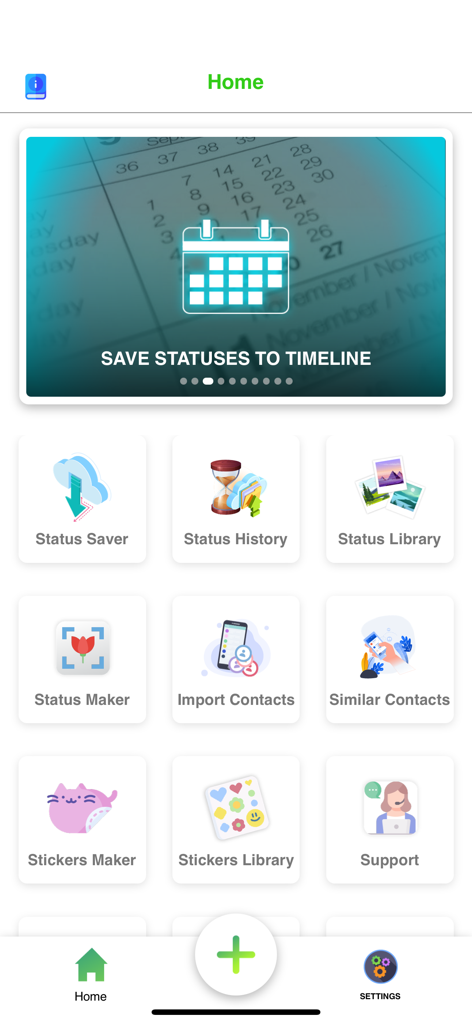
Home screen dashboard of the Status Saver app featuring tools for status saving history sticker making and contact management.
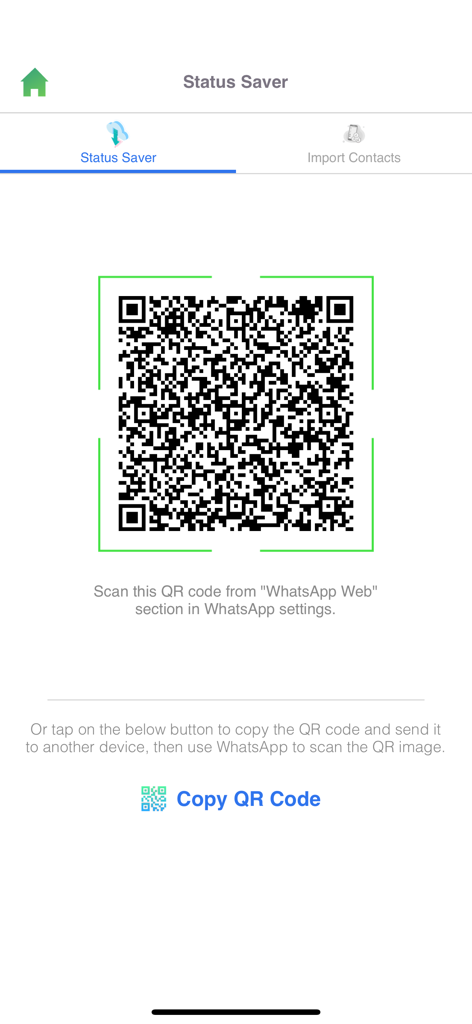
Screen displaying a QR code to link WhatsApp account with Status Saver app.
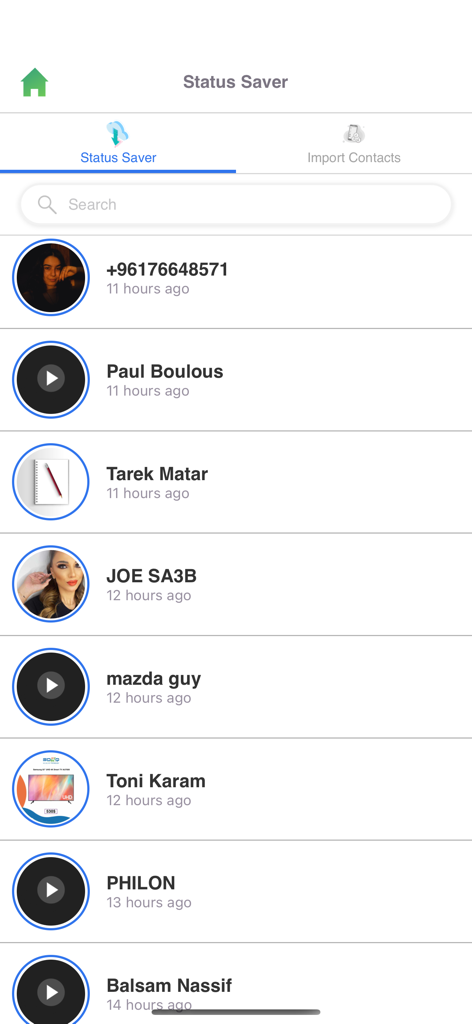
Main interface of Status Saver app displaying a list of available WhatsApp statuses to view or save
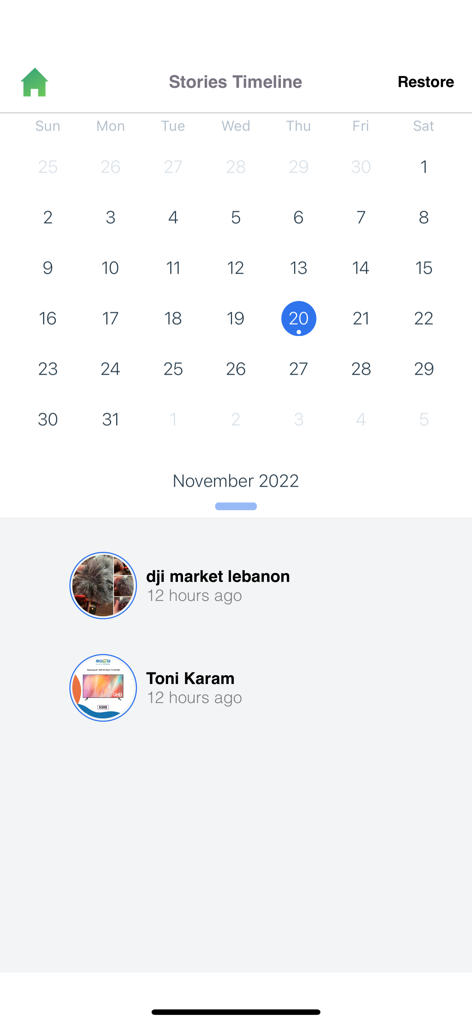
Mobile app screen showing a calendar-based history of saved WhatsApp statuses and stories.

A collection of love themed stickers featuring hearts flowers and birds in the stickers library
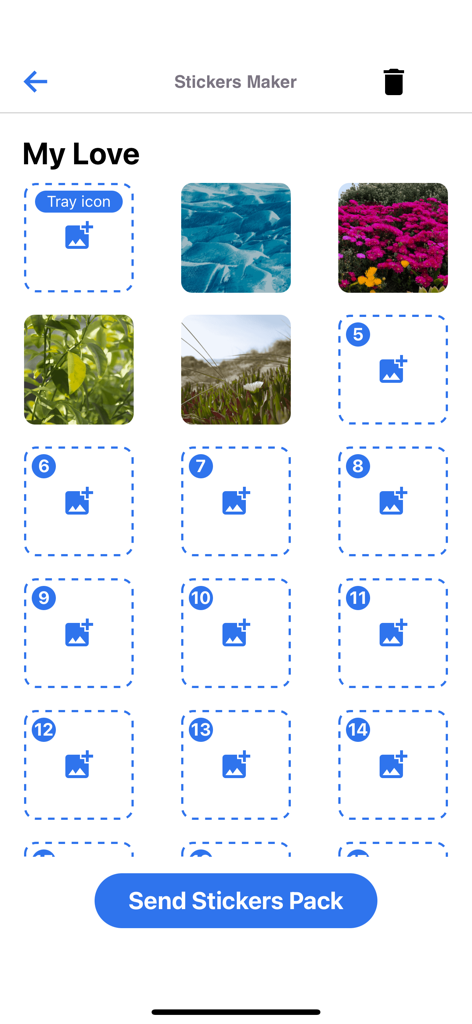
Interface for creating custom sticker packs for WhatsApp
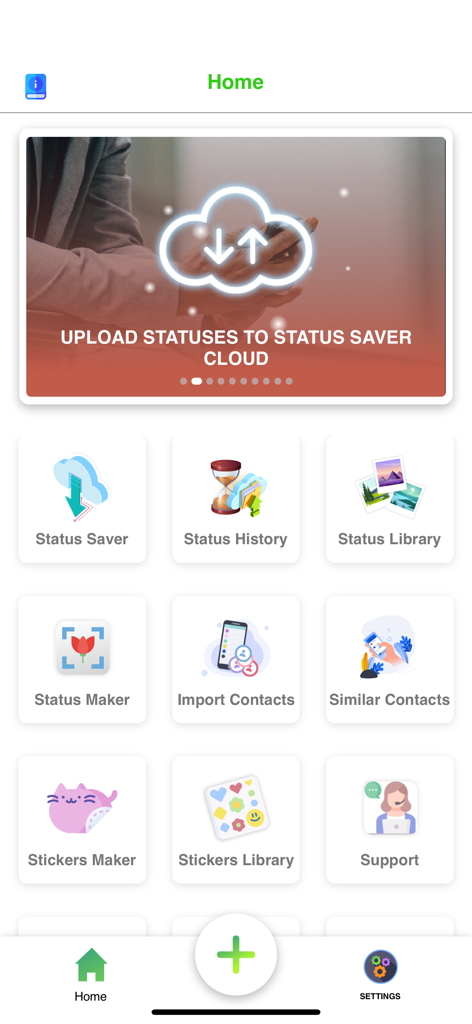
Main dashboard of Status Saver app showing icons for Status Saver, History, Library, and Sticker Maker.
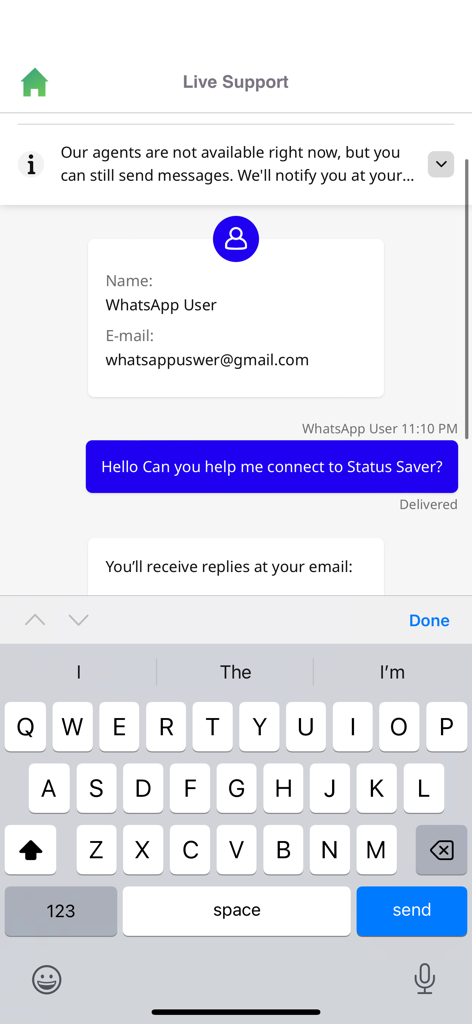
Status Saver app live support chat interface showing a user message and a virtual keyboard on an iPhone
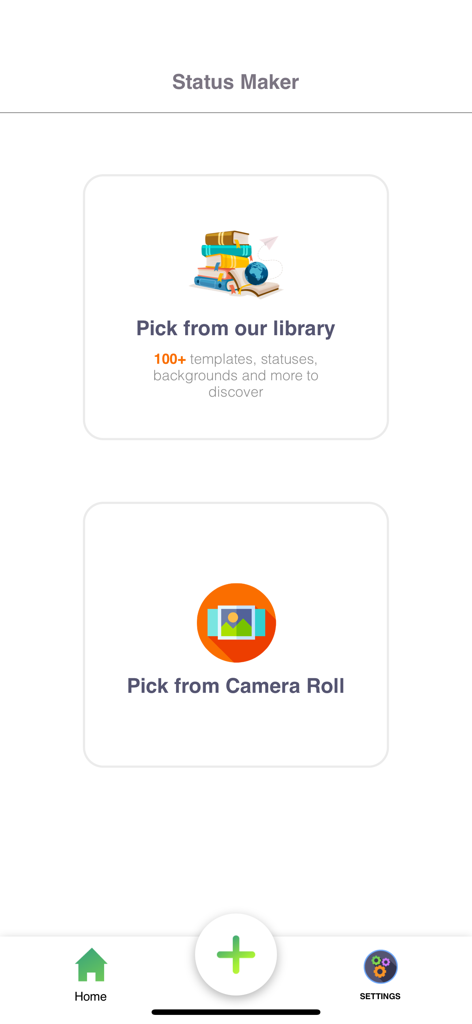
Status Maker screen with choices to pick from a template library or the device camera roll.

Status Library showing various romantic images for WhatsApp statuses
Description
Download
More Like This
Apps with similar features and user experience

WAAI: Web Messenger, Dual Chat
SEAMOBI TECH PTE LTD

WA Web - Dual Chat App
Guangdong Wuji Network Technology Co., Ltd.

Web scan 2024
Kanubhai Ukani

Whats Web - Dual App Messenger
Pravin Gondaliya

Status Saver WT - StoryBox
Pravin Gondaliya

WAMR - Undelete messages
Dweej Zalavadiya

WT Scan for Web 2026
Gaurang Radadiya

GB Version 2025
Javar Singh

Web Scan - Dual Chat
Ankur Kalkani
This page is not an official page of the app or its developer, but an independent editorial publication created for informational and commentary purposes. Unless expressly stated otherwise, neither the app nor its developer is affiliated with, endorsed by, sponsored by, authorized by, or otherwise officially connected with MWM, Apple, Google Play, the app publisher, or the app's developer, and nothing on this page implies that the app was developed using MWM's services. Any trademarks, logos, screenshots, and other content remain the property of their respective owners.