
This page is not an official page of the app or its developer, but an independent editorial publication created for informational and commentary purposes. Unless expressly stated otherwise, neither the app nor its developer is affiliated with, endorsed by, sponsored by, authorized by, or otherwise officially connected with MWM, Apple, Google Play, the app publisher, or the app's developer, and nothing on this page implies that the app was developed using MWM's services. Any trademarks, logos, screenshots, and other content remain the property of their respective owners.

WT Scan for Web 2026
Master your communication with dual chat support, direct messaging without saving contacts, and powerful tools to separate work from life on your iPhone and iPad.
Downloads
2M+User Rating
Total Ratings
31K+Publisher
Category
Social NetworkingLocales
14Latest Version
34.0Size
48.9 MBFirst Released
May 13, 2022Master Your Communication Workflow
The ultimate toolkit for WhatsApp power users. Balance work and life with advanced features designed to boost your daily productivity and connectivity.
Dual Account Management
Effortlessly run two accounts on one device or sync your personal and business chats across your iPhone and iPad.
Instant Direct Message
Reach new clients or marketplace buyers immediately. Send messages to any number without the friction of saving it to your contacts.
Frequently Asked Questions
Everything you need to know about WT Scan for Web 2026
What is WT Scan for Web 2026?
WT Scan for Web 2026 is an app enabling dual WhatsApp accounts on one device or a single account across multiple devices. It achieves this by scanning the WhatsApp web QR code, facilitating seamless multi-device chat access.
How do I use the dual chat feature in WT Scan for Web 2026?
To use the dual chat, open WT Scan for Web 2026 for a QR code. On another device, access WhatsApp web settings and scan that QR code. This links the accounts, activating the dual chat feature.
Does WT Scan for Web 2026 include a QR code scanner and generator?
Yes, WT Scan for Web 2026 offers a QR code scanning tool to convert codes into URLs. It also provides functionality to create your own QR codes directly within the application for various uses.
Can I send WhatsApp messages without saving numbers using WT Scan for Web 2026?
Yes, WT Scan for Web 2026 allows users to send direct WhatsApp messages without the need to first save the recipient's contact number. This feature streamlines quick communications.
What are the subscription prices for WT Scan for Web 2026?
WT Scan for Web 2026 offers auto-renewing subscriptions at $2.99 weekly, $4.99 for one month, and $29.49 for one year. These subscriptions unlock all app features and remove advertisements.
How do I cancel my WT Scan for Web 2026 subscription?
You can manage your WT Scan for Web 2026 subscription and turn off auto-renewal by visiting your iTunes Account Settings after purchase. Active subscriptions cannot be canceled mid-period.
Is WT Scan for Web 2026 an official WhatsApp product?
No, WT Scan for Web 2026 is developed independently. It is not an official WhatsApp application and holds no association with WhatsApp Inc., according to the app's disclaimer.
Does WT Scan for Web 2026 offer text-related utility features?
Yes, WT Scan for Web 2026 includes several text utilities such as a Text Repeater, Status Caption options, and a Text to Emoji Creator for varied communication and expression needs.
The following screenshots and description are sourced directly from the app's official store listing and are the property of the app developer.
App Store
Screenshots
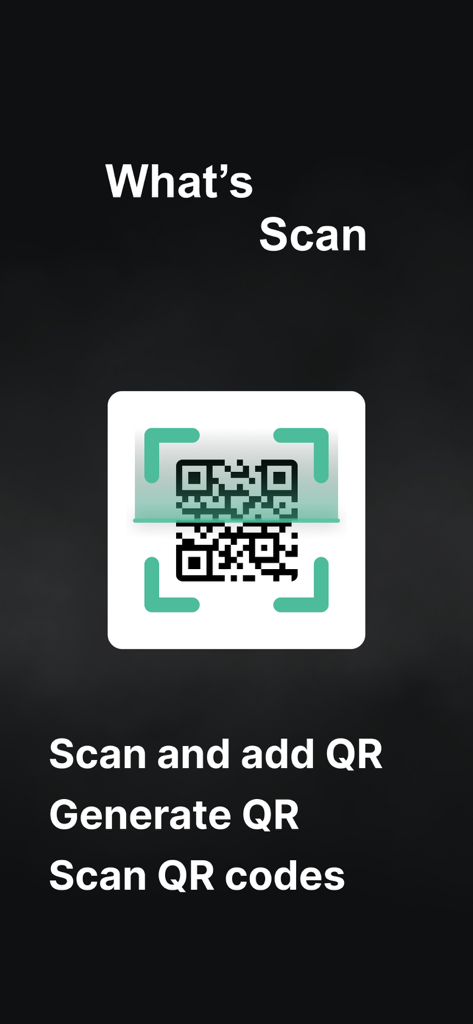
WT Scan for Web 2026 app screen showing QR code scanning and generation features
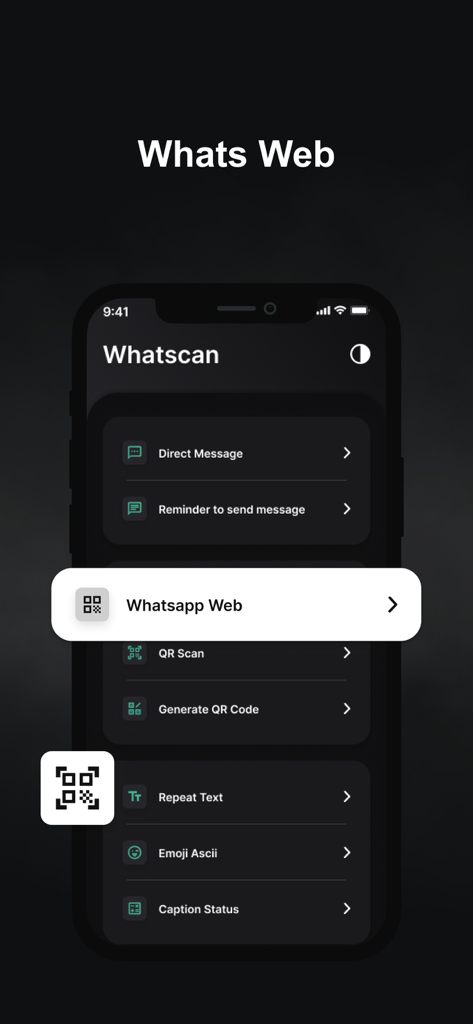
Interface of WT Scan for Web app showing features like Whatsapp Web and Direct Message in dark mode.
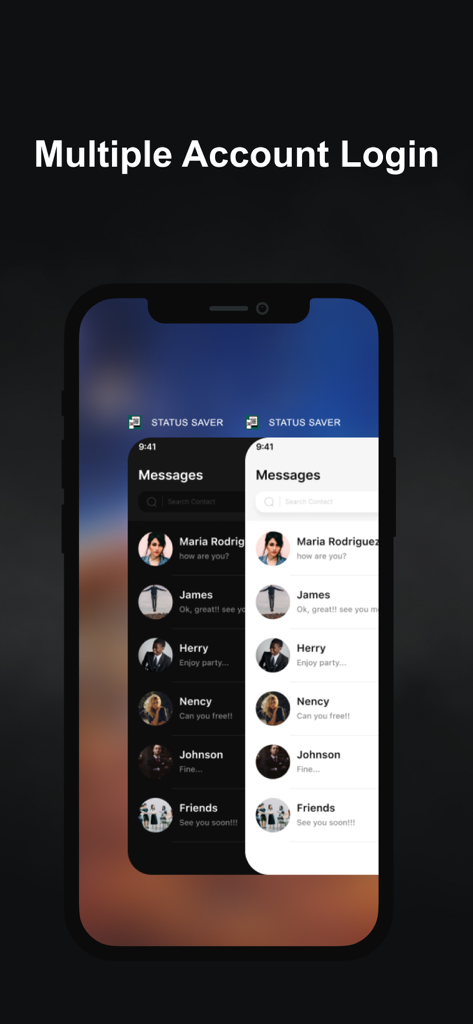
A smartphone display showing the multiple account login feature with overlapping dark and light mode chat screens.
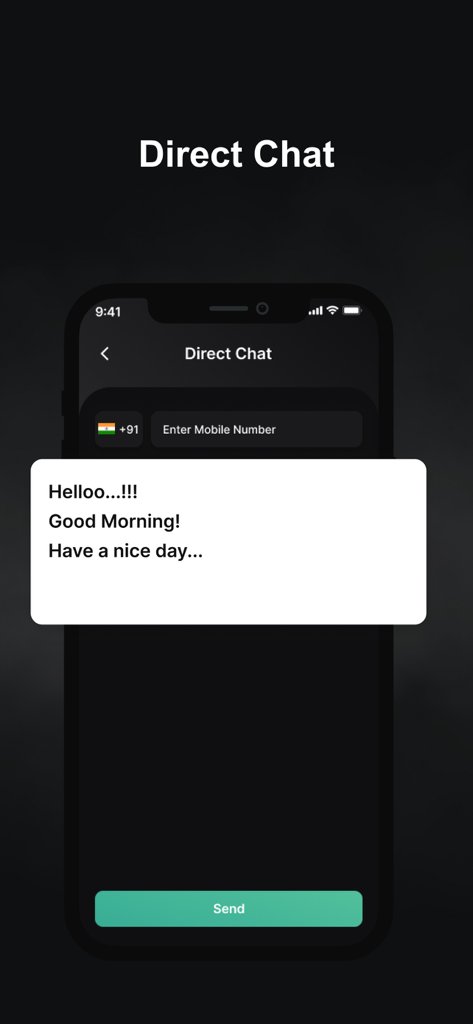
Direct Chat screen of the WT Scan for Web app showing a message box and phone number field
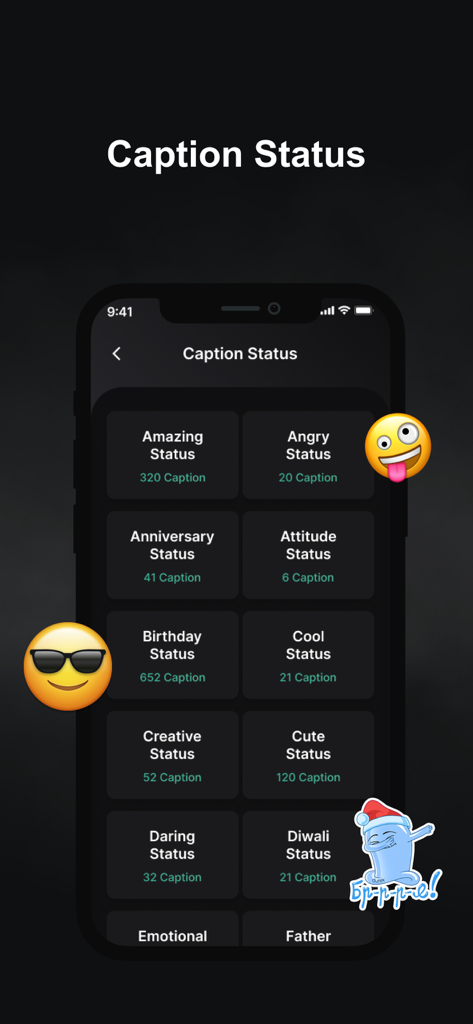
A list of caption categories for social media status within the WT Scan app including Amazing and Birthday themes.
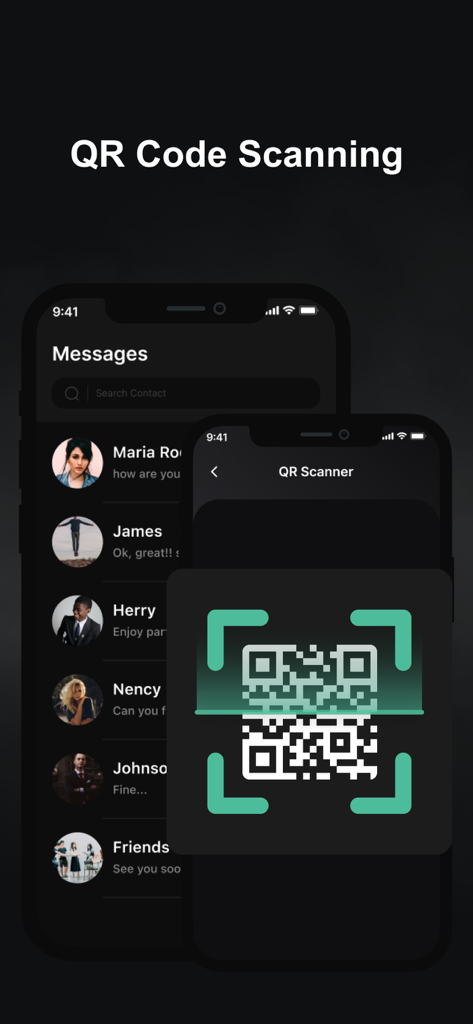
QR code scanner interface for linking accounts in the WT Scan for Web 2026 app
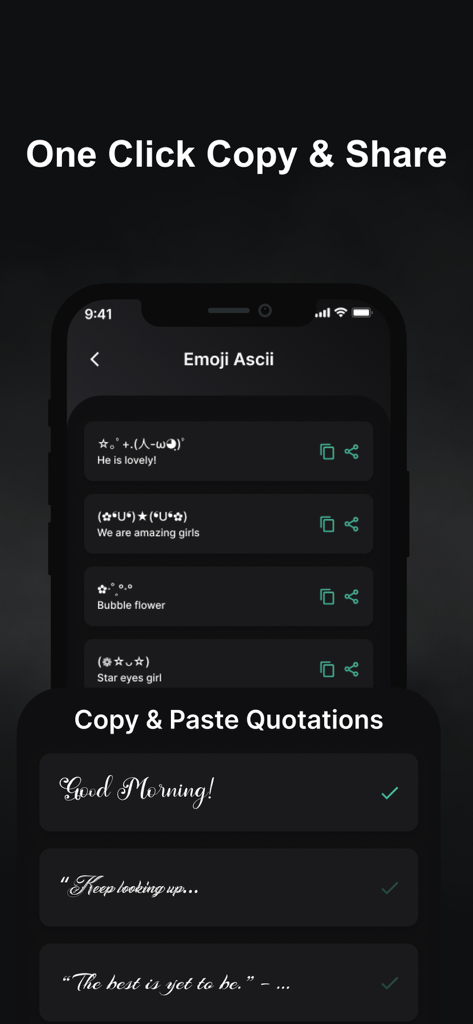
Screenshot of WT Scan for Web app showing ASCII emojis and copy-paste quotations with stylized fonts.
Description
Download
More Like This
Apps with similar features and user experience

WAAI: Web Messenger, Dual Chat
SEAMOBI TECH PTE LTD

WA Web - Dual Chat App
Guangdong Wuji Network Technology Co., Ltd.

Web scan 2024
Kanubhai Ukani

Whats Web - Dual App Messenger
Pravin Gondaliya

Status Saver WT - StoryBox
Pravin Gondaliya

WAMR - Undelete messages
Dweej Zalavadiya

GB Version 2025
Javar Singh

Web Scan - Dual Chat
Ankur Kalkani

GB What+ : Dual Messenger chat
Zineb Rafai
This page is not an official page of the app or its developer, but an independent editorial publication created for informational and commentary purposes. Unless expressly stated otherwise, neither the app nor its developer is affiliated with, endorsed by, sponsored by, authorized by, or otherwise officially connected with MWM, Apple, Google Play, the app publisher, or the app's developer, and nothing on this page implies that the app was developed using MWM's services. Any trademarks, logos, screenshots, and other content remain the property of their respective owners.