
This page is not an official page of the app or its developer, but an independent editorial publication created for informational and commentary purposes. Unless expressly stated otherwise, neither the app nor its developer is affiliated with, endorsed by, sponsored by, authorized by, or otherwise officially connected with MWM, Apple, Google Play, the app publisher, or the app's developer, and nothing on this page implies that the app was developed using MWM's services. Any trademarks, logos, screenshots, and other content remain the property of their respective owners.

Whats Web - Dual App Messenger
The ultimate productivity tool for iPhone and iPad. Seamlessly manage dual chats, message without saving numbers, and secure your conversations with professional-grade privacy.
Downloads
384K+User Rating
Total Ratings
9K+Publisher
Category
Social NetworkingLocales
1Latest Version
2.3Size
174.8 MBFirst Released
Jan 15, 2025Master Your Digital Workflow
Designed for the modern professional and side-hustler, our toolkit bridges the gap between personal privacy and business efficiency across your iPhone and iPad.
Dual-Account Mastery
Effortlessly manage your professional and personal presence on a single device, eliminating the need to carry two phones.
Clutter-Free Networking
Message new clients or marketplace sellers instantly without saving their numbers, keeping your iCloud contacts clean and organized.
Frequently Asked Questions
Everything you need to know about Whats Web - Dual App Messenger
What is Whats Web - Dual App Messenger?
Whats Web - Dual App Messenger is an application for managing multiple chat accounts, securing conversations, and handling messages efficiently with features like dual chat mode and direct chat.
Can I use Whats Web: Dual Chat Messenger to manage multiple chat accounts?
Yes, Whats Web: Dual Chat Messenger allows users to manage multiple accounts on one device or across devices. This ensures messages remain secure and private through its Dual Chat Mode feature.
How does the Direct Chat feature work in Whats Web: Dual Chat Messenger?
The Direct Chat feature in Whats Web: Dual Chat Messenger allows instant messaging to anyone without saving their number. It is ideal for quick communication with businesses or new contacts.
Does Whats Web - Dual App Messenger offer chat backup and restore functionality?
Yes, Whats Web - Dual App Messenger offers a Chat Backup and Restore feature. Users can easily back up and restore conversations, ensuring that important messages are always safe and accessible.
How can I secure my chats in Whats Web: Dual Chat Messenger?
Whats Web: Dual Chat Messenger secures chats by allowing users to set a passcode. This feature prevents unauthorized access, ensuring the privacy and safety of all conversations.
Does Whats Web: Dual Chat Messenger support web chat access?
Yes, Whats Web: Dual Chat Messenger supports web chat access. Users scan a QR code to seamlessly manage conversations from a desktop or laptop with easy connectivity.
Is the user interface of Whats Web: Dual Chat Messenger easy to navigate?
Yes, Whats Web: Dual Chat Messenger has a simple and intuitive user interface. Its design ensures easy navigation, allowing both new and experienced users to manage their chats quickly and effortlessly.
Does Whats Web - Dual App Messenger provide privacy and security features?
Yes, Whats Web - Dual App Messenger provides robust privacy and security features. It includes passcode protection and the ability to view stories discreetly, ensuring user information remains private and secure.
The following screenshots and description are sourced directly from the app's official store listing and are the property of the app developer.
App Store
Screenshots
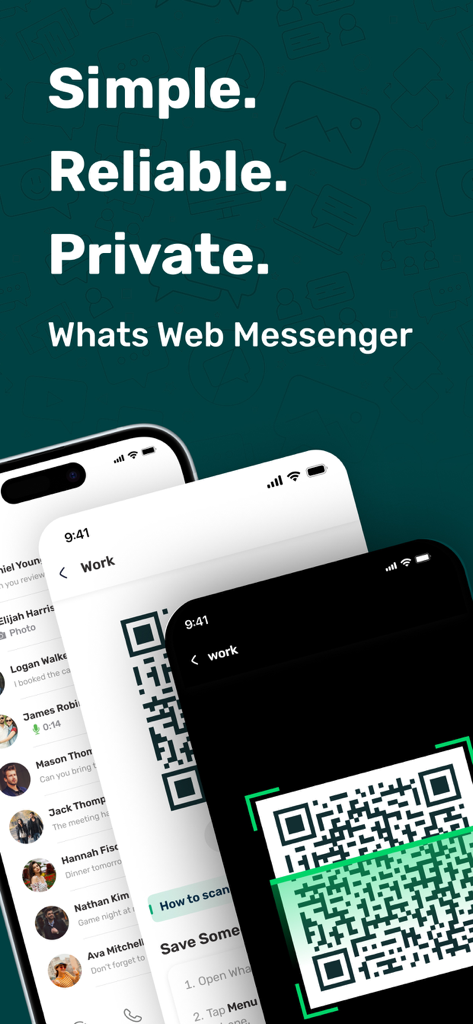
Whats Web Messenger app interface showing QR code scanning for dual accounts on multiple mobile screens
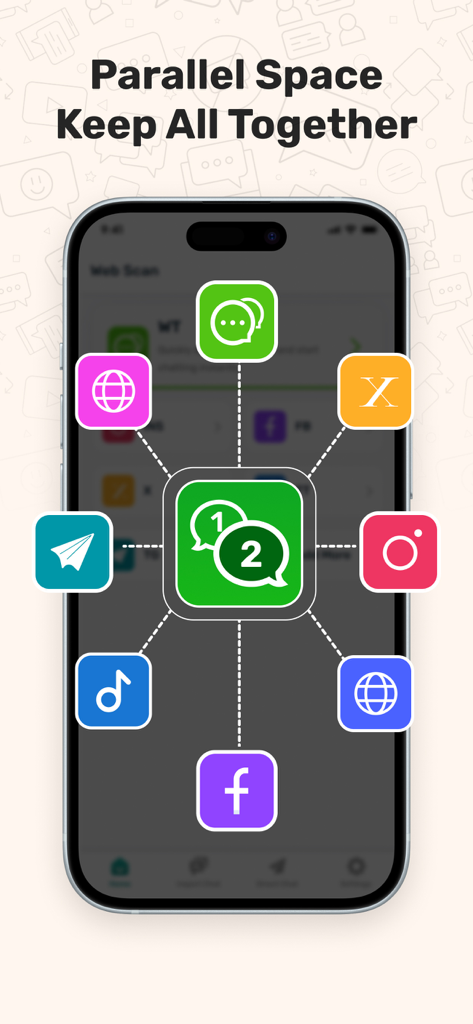
Whats Web app screen showing the parallel space feature connecting multiple social media accounts like WhatsApp Facebook and Instagram
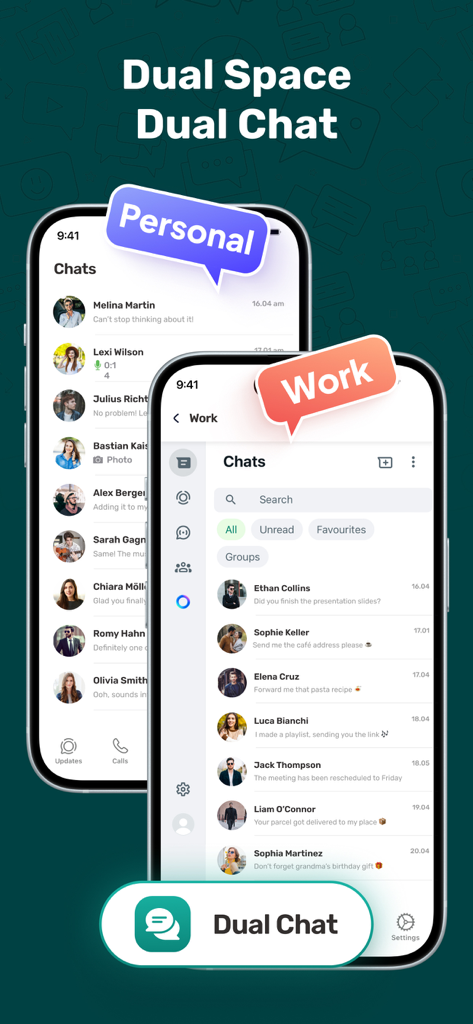
Interface of Whats Web app showing dual chat mode with separate personal and work messenger accounts
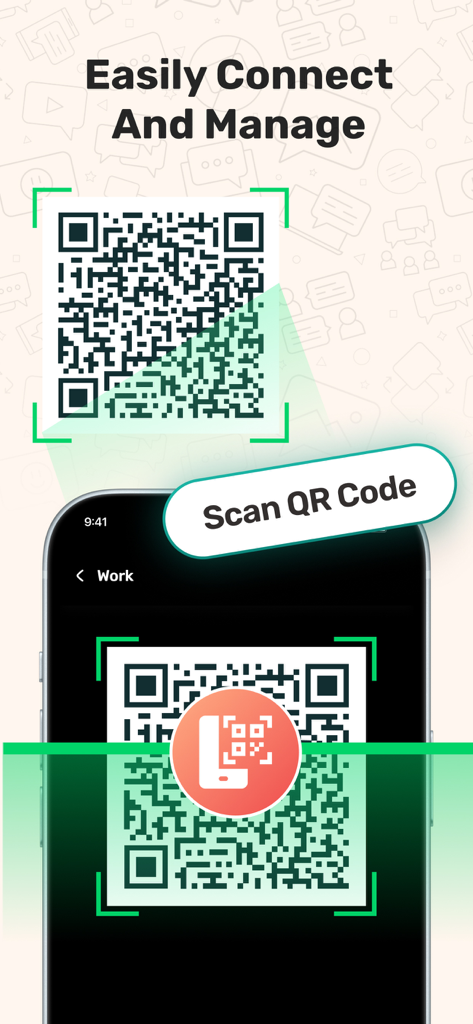
A mobile phone scanning a QR code to sync and manage dual messenger accounts
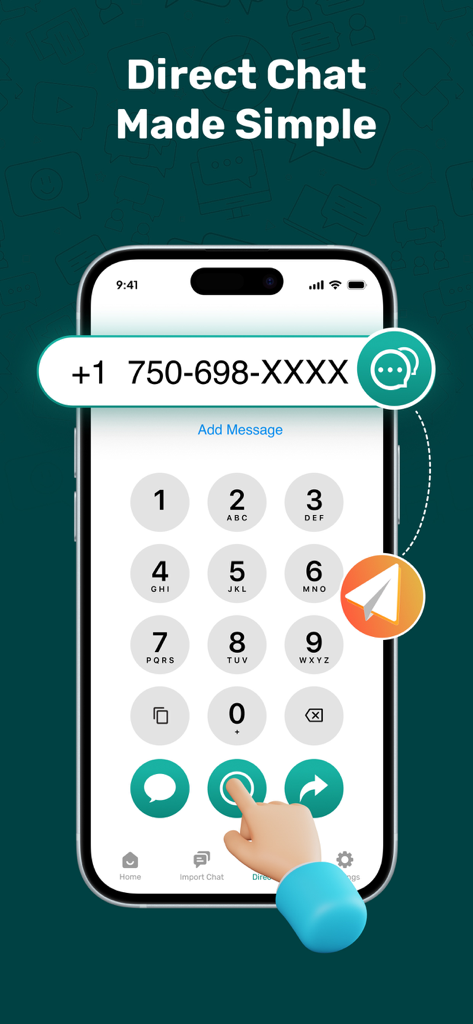
Smartphone screen showing the direct chat feature of the Whats Web app for messaging unsaved contacts
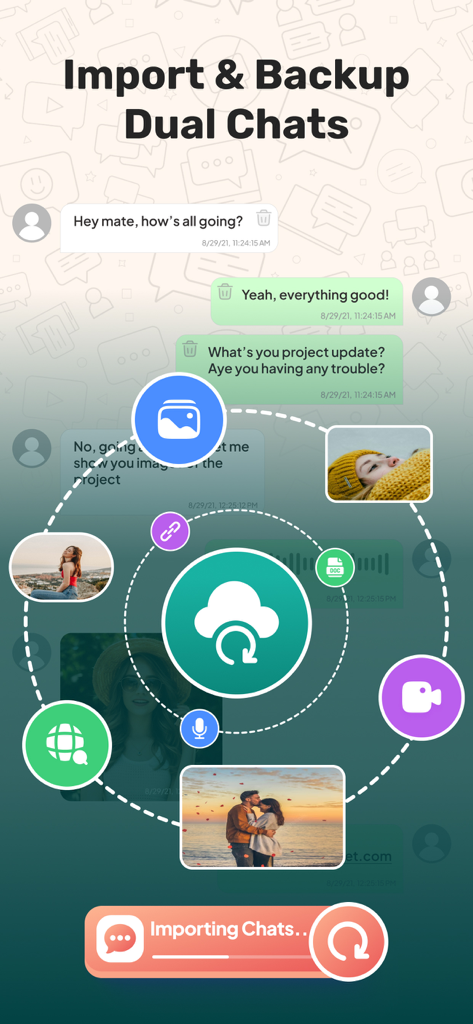
Interface for importing and backing up dual messenger chats with media sync icons
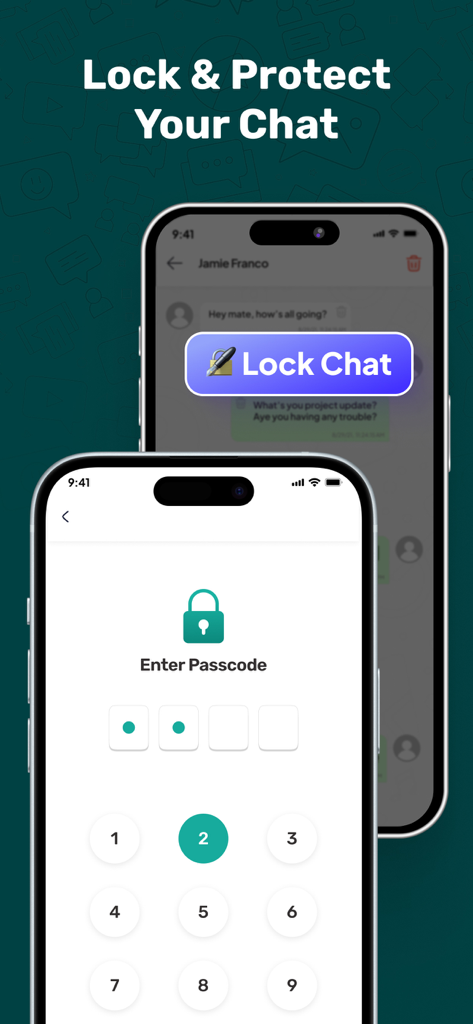
Passcode lock feature for secure private messaging in Whats Web app
Description
Download
More Like This
Apps with similar features and user experience

WAAI: Web Messenger, Dual Chat
SEAMOBI TECH PTE LTD

WA Web - Dual Chat App
Guangdong Wuji Network Technology Co., Ltd.

Web scan 2024
Kanubhai Ukani

Status Saver WT - StoryBox
Pravin Gondaliya

WAMR - Undelete messages
Dweej Zalavadiya

WT Scan for Web 2026
Gaurang Radadiya

GB Version 2025
Javar Singh

Web Scan - Dual Chat
Ankur Kalkani

GB What+ : Dual Messenger chat
Zineb Rafai
This page is not an official page of the app or its developer, but an independent editorial publication created for informational and commentary purposes. Unless expressly stated otherwise, neither the app nor its developer is affiliated with, endorsed by, sponsored by, authorized by, or otherwise officially connected with MWM, Apple, Google Play, the app publisher, or the app's developer, and nothing on this page implies that the app was developed using MWM's services. Any trademarks, logos, screenshots, and other content remain the property of their respective owners.