
This page is not an official page of the app or its developer, but an independent editorial publication created for informational and commentary purposes. Unless expressly stated otherwise, neither the app nor its developer is affiliated with, endorsed by, sponsored by, authorized by, or otherwise officially connected with MWM, Apple, Google Play, the app publisher, or the app's developer, and nothing on this page implies that the app was developed using MWM's services. Any trademarks, logos, screenshots, and other content remain the property of their respective owners.

StereoCheck
Cross-verify target coordinates and mitigate surgical risk with a portable, hardware-agnostic verification system supporting Leksell, CRW, Brainlab, and other major frames.
Downloads
38K+User Rating
Total Ratings
0Publisher
Category
MedicalLocales
1Latest Version
2.8Size
6.3 MBFirst Released
Oct 16, 2012Precision Verification for Stereotactic Planning
StereoCheck provides a portable, independent system to validate Cartesian coordinates and ensure mathematical accuracy across multiple hardware platforms.
Universal Frame Support
Seamlessly works with Leksell, CRW, Brainlab, and more, offering a single verification tool for diverse surgical hardware.
Intelligent Image Correction
Advanced algorithms correct for gantry tilt and linear distortions, providing accurate coordinates from standard axial CT or MR slices.
The following screenshots and description are sourced directly from the app's official store listing and are the property of the app developer.
App Store
Screenshots
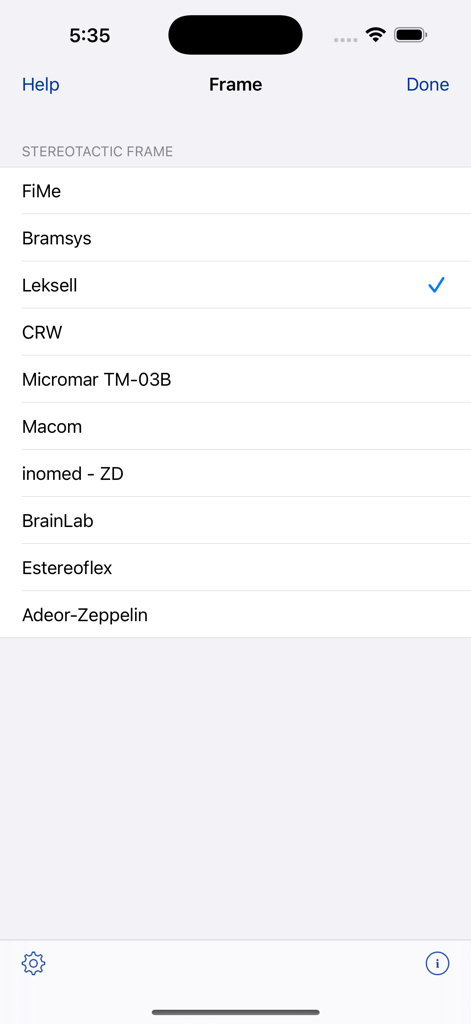
StereoCheck app screen showing a list of supported stereotactic frames for selection
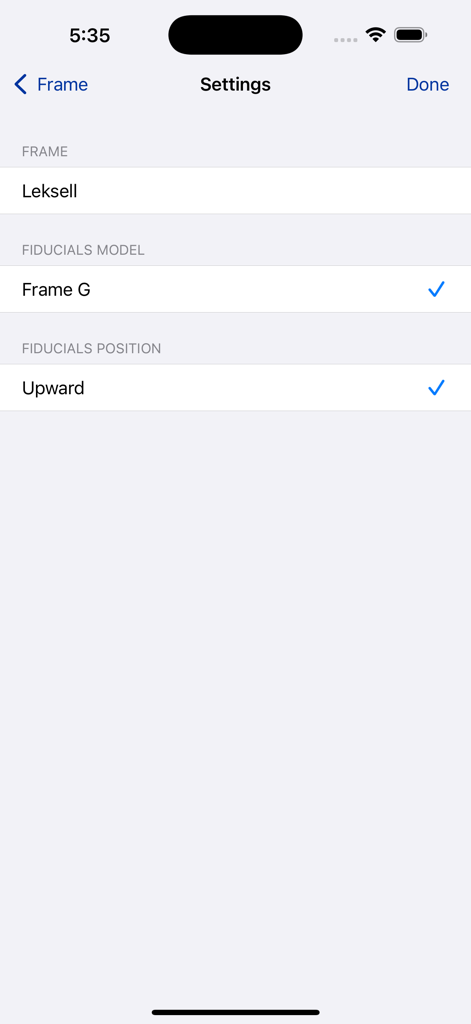
Settings screen in StereoCheck app for selecting the Leksell stereotactic frame and fiducials model
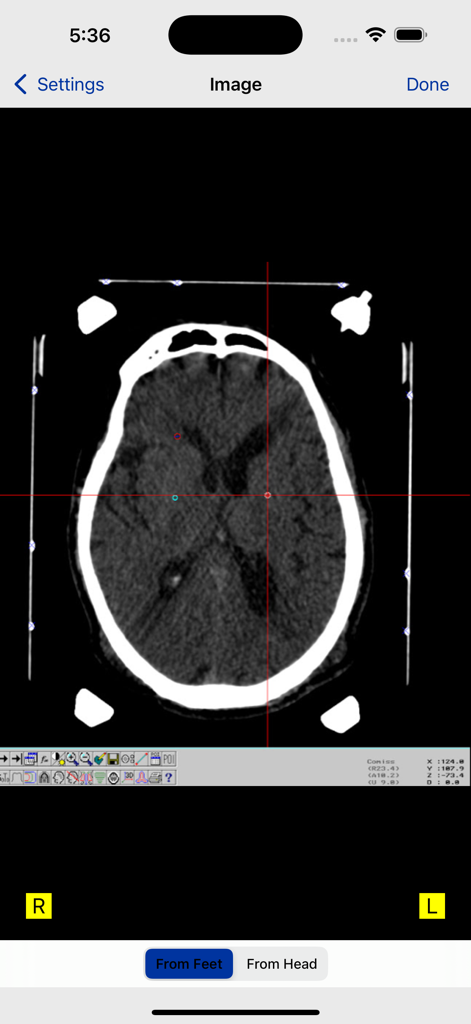
Axial brain CT scan with fiducial markers and coordinate crosshairs in the StereoCheck app interface.
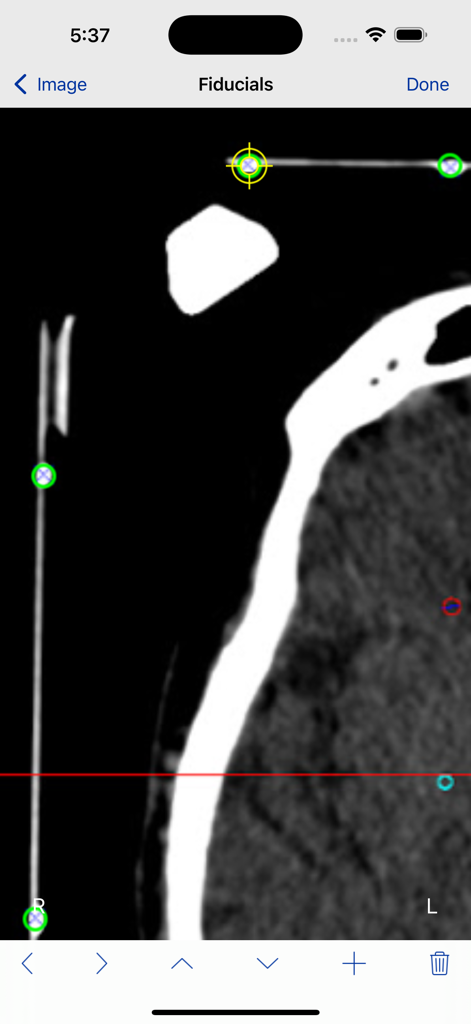
Interface of the StereoCheck app showing the identification of fiducial markers on a stereotactic CT scan slice
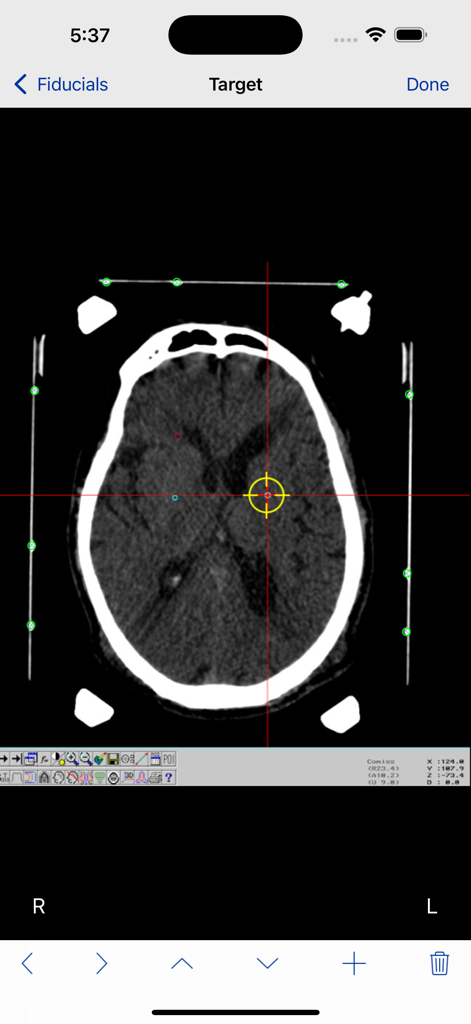
Axial brain CT scan in StereoCheck app with target crosshair and fiducial points
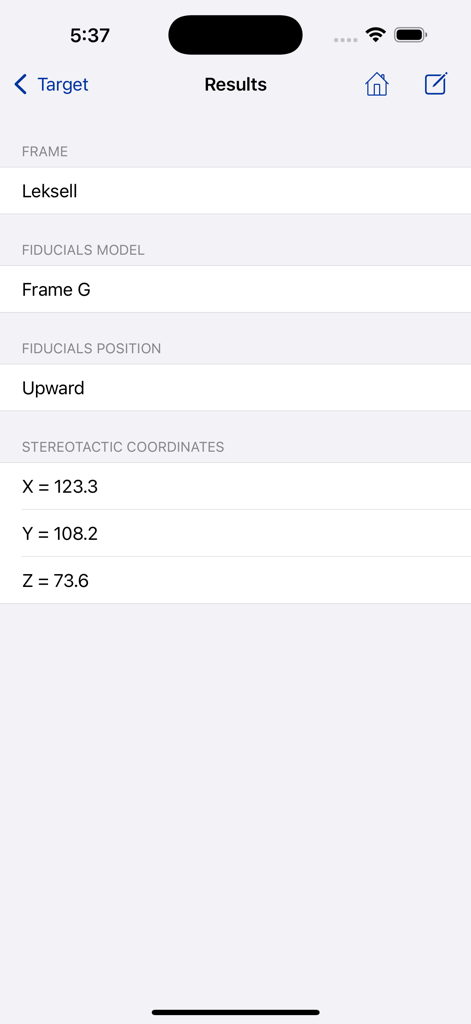
StereoCheck app results screen showing calculated stereotactic coordinates X Y and Z for a Leksell frame
Description
Download
More Like This
Top-ranked apps in the same category

国家医保服务平台
National Healthcare Security Administration

MyChart
Epic Systems Corporation

Doctolib - Your health partner
Doctolib

Pregnancy + | Tracker App
Philips Digital UK Limited

CVS Health
CVS Pharmacy

江苏医保云
Jiangsu Healthcare Security Bureau

UnitedHealthcare
UNITED HEALTHCARE SERVICES, INC.

京东健康
BEIJING JINGDONG 360 DU E-COMMERCE LTD.

Meu SUS Digital
Servicos e Informacoes do Brasil
This page is not an official page of the app or its developer, but an independent editorial publication created for informational and commentary purposes. Unless expressly stated otherwise, neither the app nor its developer is affiliated with, endorsed by, sponsored by, authorized by, or otherwise officially connected with MWM, Apple, Google Play, the app publisher, or the app's developer, and nothing on this page implies that the app was developed using MWM's services. Any trademarks, logos, screenshots, and other content remain the property of their respective owners.