
This page is not an official page of the app or its developer, but an independent editorial publication created for informational and commentary purposes. Unless expressly stated otherwise, neither the app nor its developer is affiliated with, endorsed by, sponsored by, authorized by, or otherwise officially connected with MWM, Apple, Google Play, the app publisher, or the app's developer, and nothing on this page implies that the app was developed using MWM's services. Any trademarks, logos, screenshots, and other content remain the property of their respective owners.


Sticker Maker Hub - WASticker
Instantly turn photos of your friends, pets, and favorite memes into unique stickers for WhatsApp and iMessage. Use AI-powered auto cut-out to create, animate, and share your personal digital identity in seconds.
Downloads
1M+User Rating
Total Ratings
21K+Publisher
Category
UtilitiesLocales
16Latest Version
1.4.7Size
80.5 MBFirst Released
Mar 1, 2022Level Up Your Group Chats
Turn every conversation into a masterpiece. Create custom stickers from your photos or explore thousands of trending animated designs ready for WhatsApp and iMessage.
Instant AI Cut-Out
Magically turn pets, friends, or memes into stickers. No pro editing skills needed—just tap, crop, and create your own visual slang.
Massive Animated Library
Browse thousands of trending static and moving stickers to find the perfect reaction for every vibe, from anime to funny animals.
Frequently Asked Questions
Everything you need to know about Sticker Maker Hub - WASticker
What is Sticker Maker Hub - WASticker for iPhone?
Sticker Maker Hub - WASticker is a free iPhone app. It allows users to create unlimited custom stickers and access vast collections of static and animated stickers. Users can export these sticker packs to WhatsApp and iMessage.
How do I create custom stickers using the Sticker Maker Hub app?
To create custom stickers, open Sticker Maker Hub and tap '+'. Choose an image, then cut, crop, and shape it. Add text, emojis, borders, or backgrounds. Finally, save to a new or existing sticker pack.
Can Sticker Maker Hub export stickers to WhatsApp and iMessage?
Yes, Sticker Maker Hub exports stickers to WhatsApp and iMessage. Users can add existing static or custom sticker packs directly to these messaging apps, including animated sticker packs for WhatsApp discussions.
What customization options does Sticker Maker Hub provide for stickers?
Sticker Maker Hub offers extensive customization. Users can crop, rotate, and shape photos. They can also add text, emojis, borders, and backgrounds to their stickers. The app includes auto and manual cut-out tools.
Does Sticker Maker Hub - WASticker include pre-made sticker collections?
Yes, Sticker Maker Hub includes free collections of static and animated stickers. These come from various categories, such as animals, food, music, and holidays, allowing users to explore hundreds of options.
Is the Sticker Maker Hub - WASticker app free to use?
Sticker Maker Hub is a free-to-download app offering core features and sticker collections. Unrestricted access to all features requires a subscription. Payment is charged to the iTunes Account.
How do I manage or cancel my Sticker Maker Hub subscription?
Users manage and cancel Sticker Maker Hub subscriptions through their account settings on the App Store. Cancellation must occur at least 24 hours before the end of the trial or subscription period to avoid renewal.
Can I share my created stickers with others using Sticker Maker Hub?
Yes, Sticker Maker Hub allows users to share both integrated sticker packs and self-created custom stickers with friends. This functionality enriches the overall chatting experience for all participants.
The following screenshots and description are sourced directly from the app's official store listing and are the property of the app developer.
App Store
Screenshots
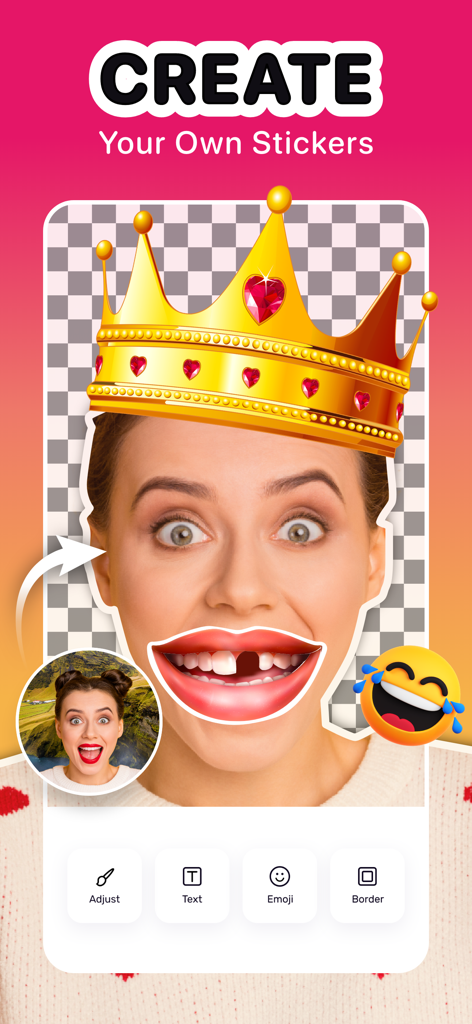
Sticker Maker Hub app interface showing a person creating a custom sticker with a crown and funny mouth overlay.
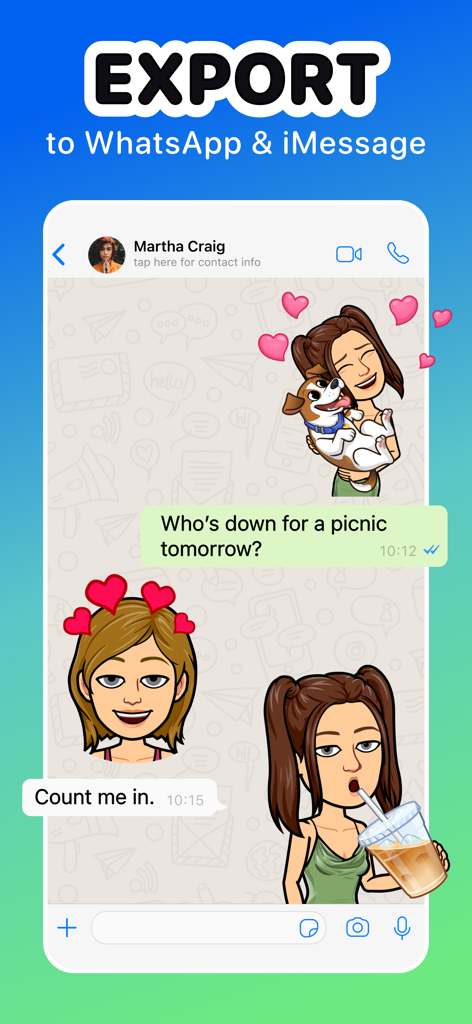
Export custom stickers to WhatsApp and iMessage chat
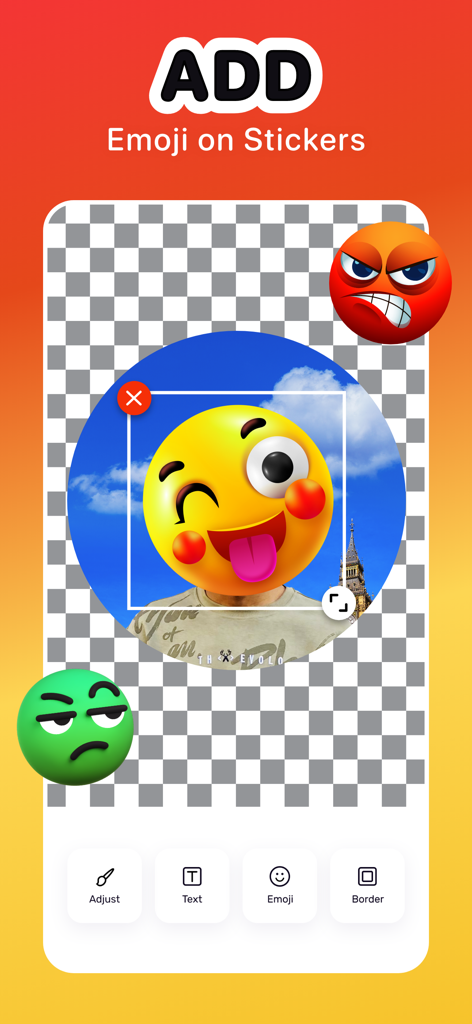
A mobile interface for adding emojis to custom stickers with editing tools like text and borders
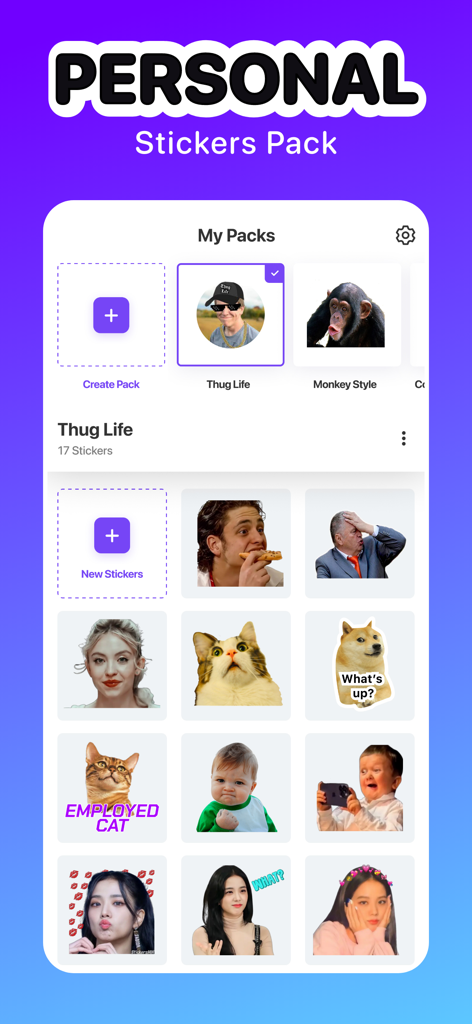
Interface of the Sticker Maker Hub app showing a collection of custom personal stickers and meme packs
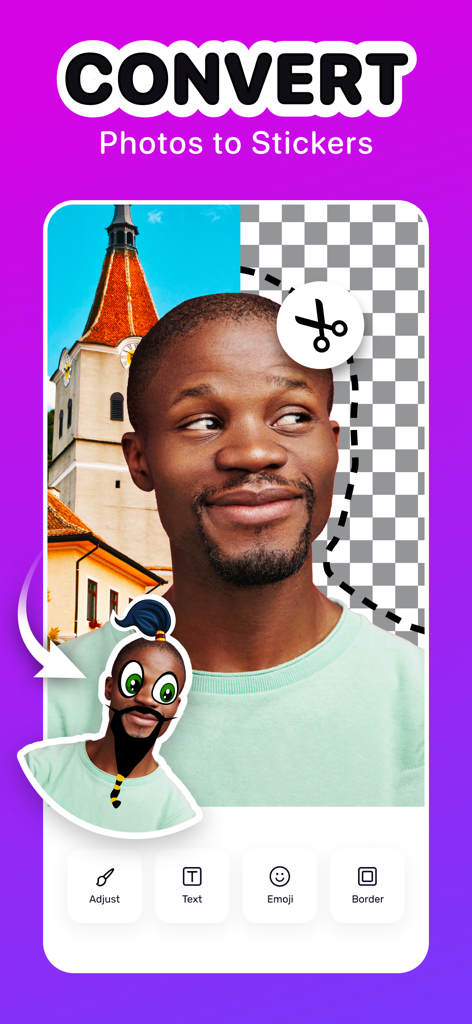
An interface of the Sticker Maker Hub app showing the conversion of a portrait photo into a custom digital sticker with cut-out and editing tools.
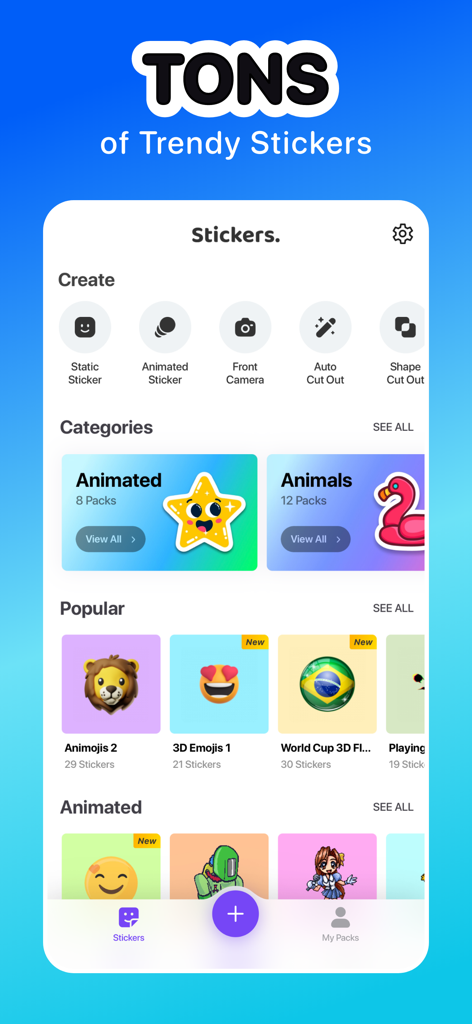
A mobile app interface showing a variety of trending sticker categories and custom creation tools like auto cut out and animated stickers
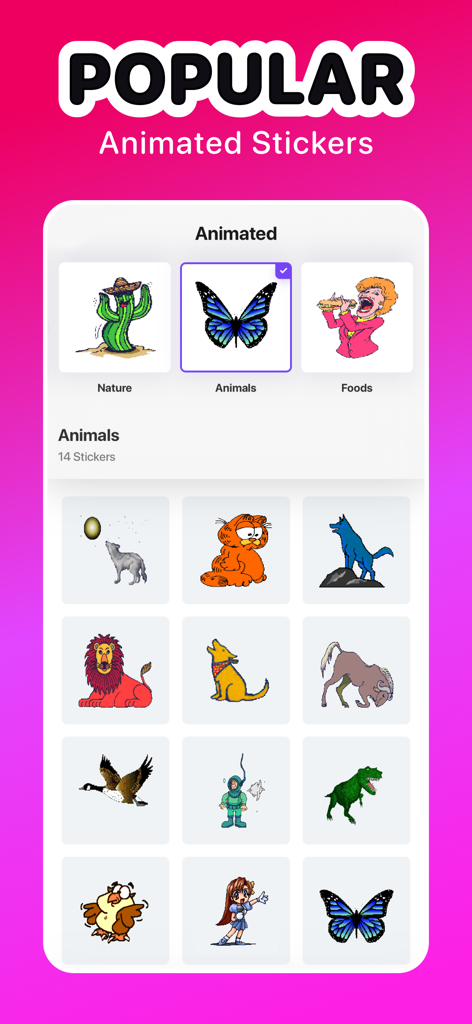
Interface of the Sticker Maker Hub app displaying a collection of popular animated animal stickers including a butterfly and a dinosaur.
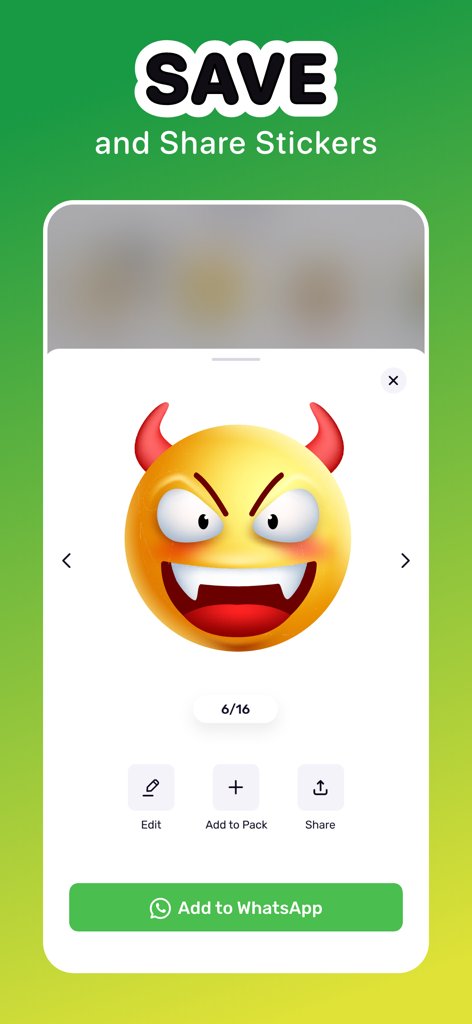
Interface showing a devil emoji sticker with options to save and share to WhatsApp
Description
Download
More Like This
Apps with similar features and user experience

Sticker.ly - Sticker Maker
NAVER Z Corporation

Emoji Maker: Emoji Up
Mobile entertainment srl
sticker maker - holos
Maxim Kartuzov
Sticker Maker Studio
Tamara Vardanyan

Gmoji: AI Emoji Maker
MASSIVE APPS SOFTWARE

WhatSticker - Sticker Maker
WHATSTICKER APPS SRL

LINE Sticker Maker
LY Corporation

Top Sticker Maker - WaSticker
Aplicativos Legais LTDA - ME

AI Sticker Maker - Funny Memes
Francesco Lopez
This page is not an official page of the app or its developer, but an independent editorial publication created for informational and commentary purposes. Unless expressly stated otherwise, neither the app nor its developer is affiliated with, endorsed by, sponsored by, authorized by, or otherwise officially connected with MWM, Apple, Google Play, the app publisher, or the app's developer, and nothing on this page implies that the app was developed using MWM's services. Any trademarks, logos, screenshots, and other content remain the property of their respective owners.