
This page is not an official page of the app or its developer, but an independent editorial publication created for informational and commentary purposes. Unless expressly stated otherwise, neither the app nor its developer is affiliated with, endorsed by, sponsored by, authorized by, or otherwise officially connected with MWM, Apple, Google Play, the app publisher, or the app's developer, and nothing on this page implies that the app was developed using MWM's services. Any trademarks, logos, screenshots, and other content remain the property of their respective owners.

Stopmotion Animation Studio
The easiest way for aspiring creators to make professional Lego shorts and claymation movies. From Ghosting mode to expert camera controls, bring your imagination to life on your iPhone or iPad.
Downloads
0User Rating
Total Ratings
0Publisher
Category
Photo & VideoLocales
1Latest Version
2.4Size
204.6 MBFirst Released
Jul 14, 2021Bring Your Imagination to Life, Frame by Frame
From Lego blockbusters to claymation classics, our intuitive studio gives young creators and hobbyists the tools to produce cinematic movies with ease.
Perfect Smoothness with Ghosting
See your previous frame as a transparent overlay to position your characters with precision, ensuring fluid and professional motion in every scene.
Drag-and-Drop Movie Editing
Easily manage your masterpiece with an intuitive timeline that lets you cut, copy, and reorder frames instantly—no technical skills required.
The following screenshots and description are sourced directly from the app's official store listing and are the property of the app developer.
App Store
Screenshots
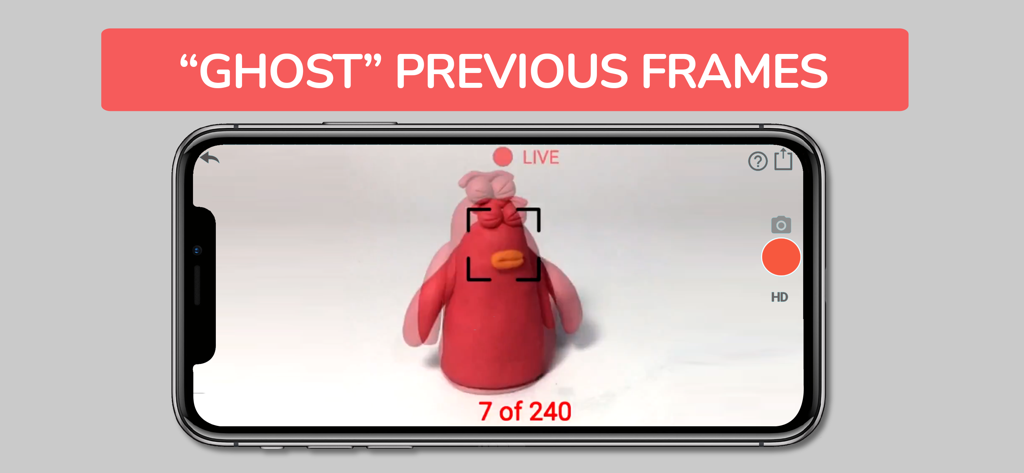
Stopmotion Animation Studio interface showing the ghosting feature to overlay previous frames for smooth animation.
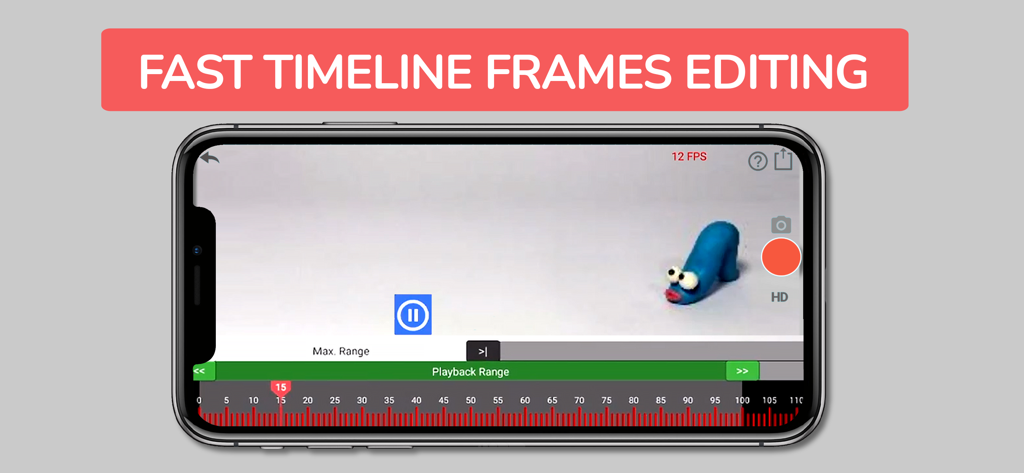
Interface of the Stopmotion Animation Studio app showing the timeline frames editing feature with a clay figure.
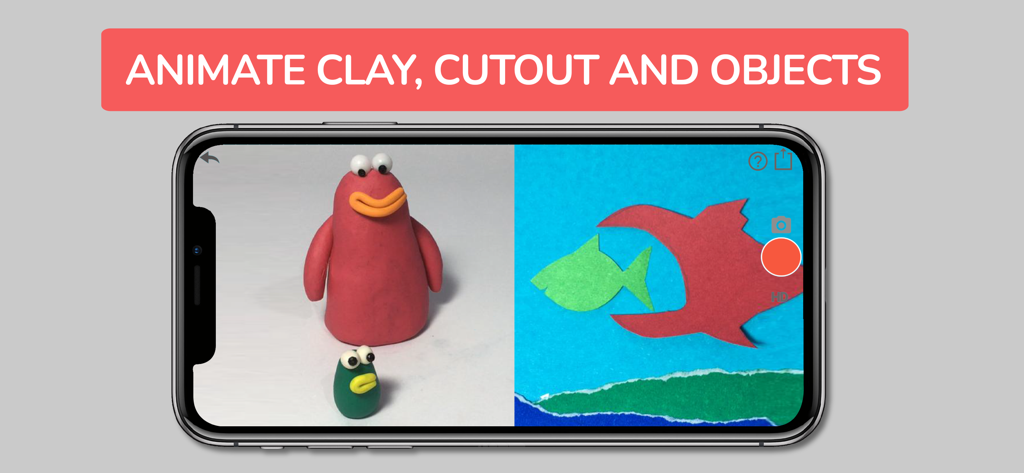
Stopmotion Animation Studio interface featuring clay and paper cutout animation examples.
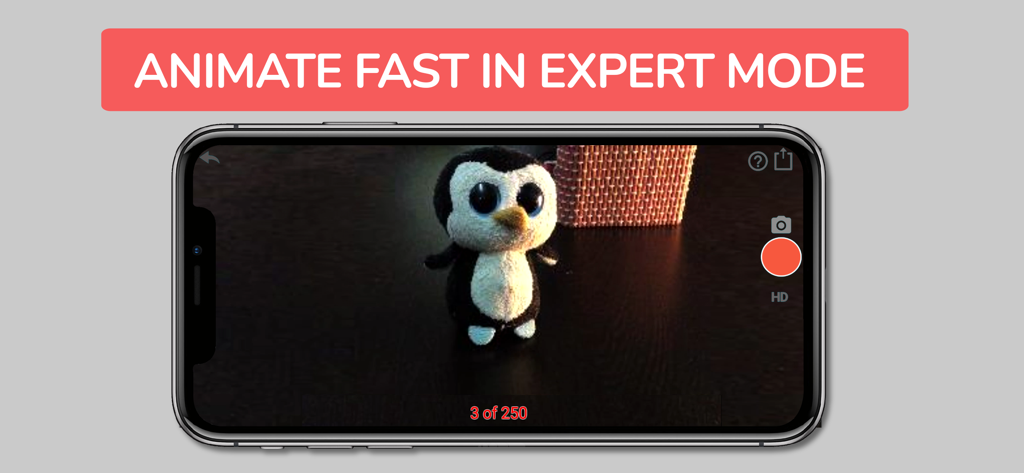
Stopmotion Animation Studio app interface showing Expert Mode with a plush penguin toy
Description
Download
More Like This
Top-ranked apps in the same category

CapCut: Photo & Video Editor
BYTEDANCE PTE. LTD.

Instagram, Inc.

YouTube
Google LLC

Canva: AI Photo & Video Editor
Canva Pty Ltd

快手
Beijing Kwai Technology Co., Ltd.

Snapchat
Snap, Inc.

Meta AI - Vibes & AI Glasses
Meta Platforms, Inc.

Edits: Video Editor
Instagram, Inc.

Meitu- AI Photo & Video Editor
Xiamen Meitu Technology Co., Ltd.
This page is not an official page of the app or its developer, but an independent editorial publication created for informational and commentary purposes. Unless expressly stated otherwise, neither the app nor its developer is affiliated with, endorsed by, sponsored by, authorized by, or otherwise officially connected with MWM, Apple, Google Play, the app publisher, or the app's developer, and nothing on this page implies that the app was developed using MWM's services. Any trademarks, logos, screenshots, and other content remain the property of their respective owners.