
Stream Studio NDI OBS Camera

Transform your iPhone into a high-definition, low-latency NDI source. Ditch the cables and upgrade your OBS setup with the pro-level camera you already own.
Publisher
Category
Photo & VideoDownloads
2K+User Rating
Total Ratings
0Locales
30Discover the interface used by 2K+ users.
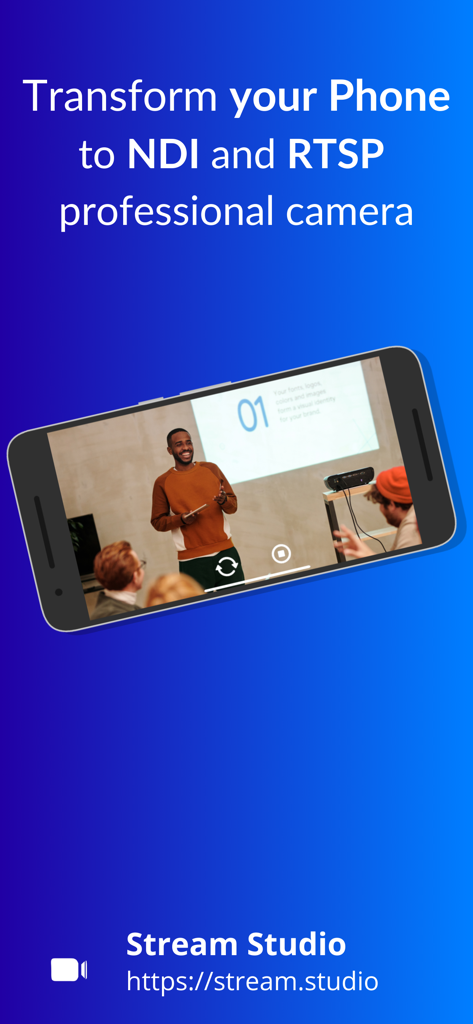
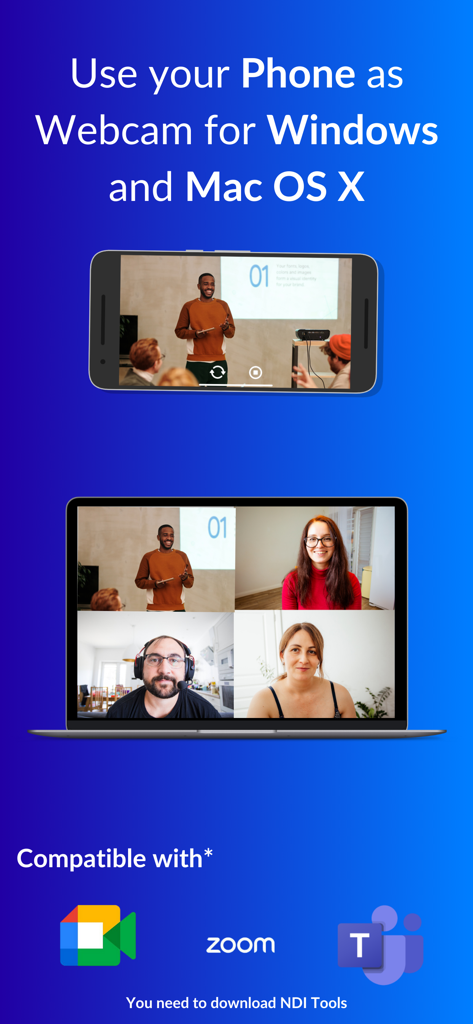
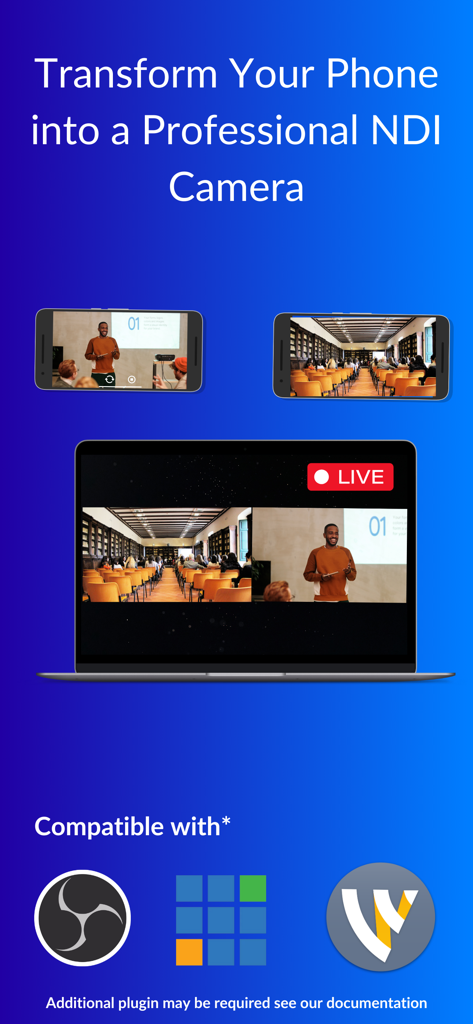
The tools that make this app stand out, trusted by 2K+ users.
Cut the cord and stream crystal-clear HD video over your Wi-Fi network. Forget messy HDMI cables and expensive capture cards—your phone is now your most powerful camera.
Stop settling for grainy laptop webcams. Harness your device's advanced optics and computational photography to deliver professional depth of field and color accuracy to your audience.
Instantly compatible with OBS Studio, Streamlabs, and vMix. Perfect for creating dynamic multi-camera setups for tutorials, unboxings, or multi-person podcasting.
Everything you need to know about Stream Studio NDI OBS Camera.
Description
Latest Version
9.7
Size
81.9 MB
First Released
Nov 30, 2023
Turn your iPhone into a professional wireless NDI camera for OBS, vMix, and more. Join thousands of creators delivering high-definition, low-latency video without the expensive gear.
Everything you need to know about Stream Studio NDI OBS Camera
Stream Studio NDI OBS Camera transforms your iPhone or iPad into an NDI and RTSP professional camera, enabling you to cast its camera feed to compatible devices on the same network.
Stream Studio NDI OBS Camera casts your iPhone or iPad camera feed using the powerful NDI (Network Device Interface) and RTSP (Real-Time Streaming Protocol) protocols.
Yes, Stream Studio NDI OBS Camera provides high-quality streaming with low-latency and high-definition video, ensuring content delivery with clarity and precision.
Yes, Stream Studio NDI OBS Camera is compatible with popular NDI and RTSP receivers, including OBS, vMix, Wirecast, Google Meet, Zoom, and Microsoft Teams.
You can use Stream Studio NDI OBS Camera on your iPhone or iPad to broadcast its camera feed to any NDI or RTSP-compatible device on the same network.
Yes, Stream Studio NDI OBS Camera offers customizable settings. Users can adjust parameters like resolution and frame rate to match their specific needs and preferences.
To start, install Stream Studio NDI OBS Camera from the App Store, connect your device to the same Wi-Fi as your receiver, launch the app, and select your target device to begin streaming.
Yes, Stream Studio NDI OBS Camera prioritizes privacy and security. Your data is secure and shared only with your chosen receivers, ensuring confidence during streaming.
Yes, Stream Studio NDI OBS Camera can transform your phone into a webcam for Windows and Mac OS X. NDI Tools may be required for full compatibility.
Top-ranked apps in the same category

BYTEDANCE PTE. LTD.

Instagram, Inc.

Google LLC

Canva Pty Ltd

Snap, Inc.

Beijing Kwai Technology Co., Ltd.

Instagram, Inc.

Xiamen Meitu Technology Co., Ltd.

Google LLC
App information, icons, screenshots, and descriptions displayed on this page are sourced from the Apple App Store and are the property of their respective developers. Download estimates and rankings are based on MWM's proprietary models and may not reflect actual figures. This page is provided for informational and analytical purposes only.
Believe this page infringes your intellectual property? File a dispute