Studio Camera

Studio Camera

Download on App Store
Logo of Studio Camera

Studio Camera: Professional Video and Advanced Audio Mixing

Transform your iPhone or iPad into a portable broadcast suite. Mix multi-channel audio in real-time, apply effects, and livestream in high definition directly to YouTube and beyond.

Download on App Store

Publisher

Rafael Guilherme Bertholdo

Category

Photo & Video

Downloads

400

User Rating

1.0/5

Total Ratings

0

Locales

3

Your Mobile Console

Discover the interface used by 400 users.
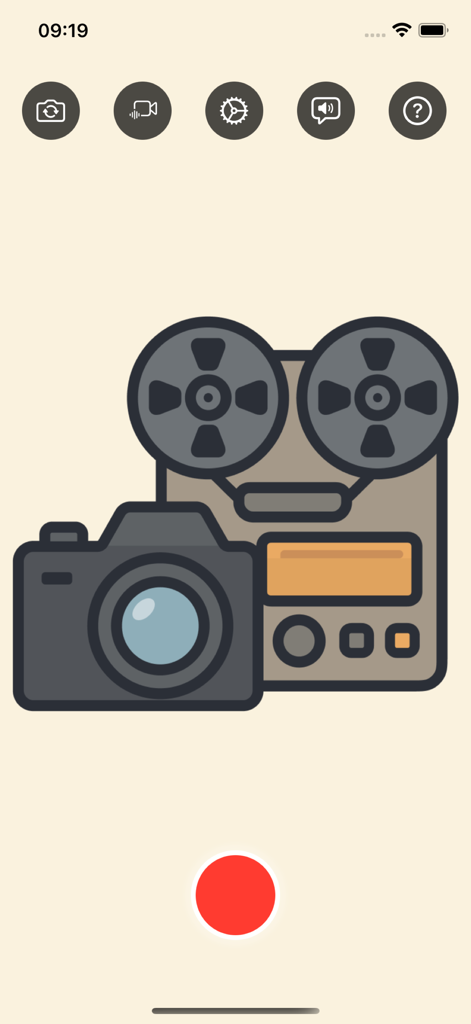
Studio Camera app home screen showing recording controls and audio video icons

Studio Camera app home screen showing recording controls and audio video icons

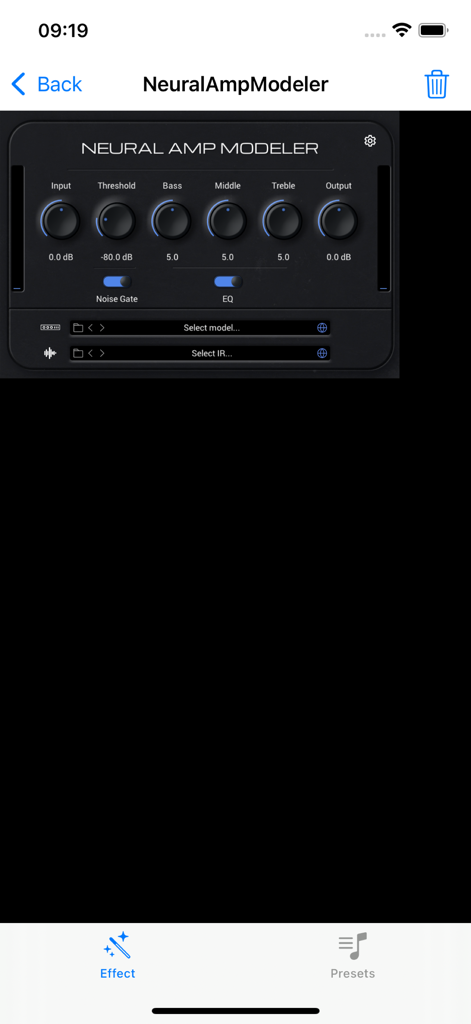
Neural Amp Modeler interface in the Studio Camera app with adjustable knobs for input EQ and noise gate

Neural Amp Modeler interface in the Studio Camera app with adjustable knobs for input EQ and noise gate

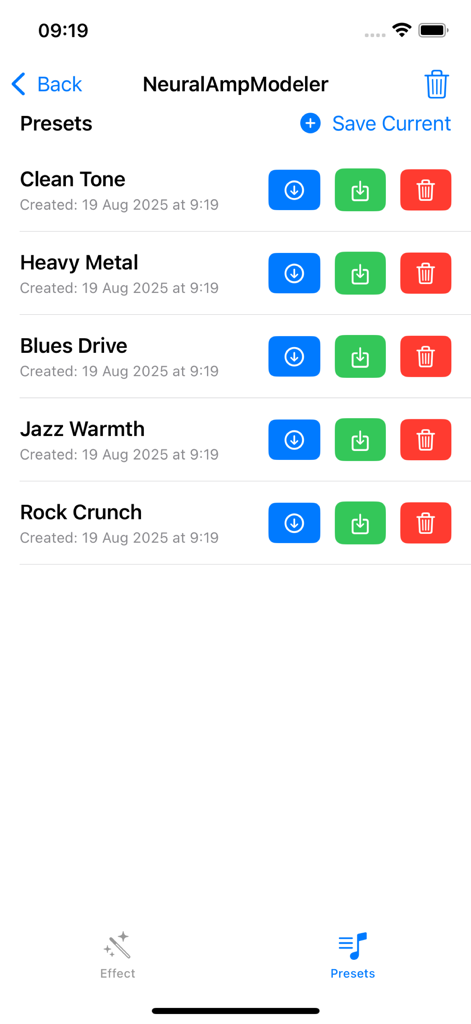
Studio Camera interface showing a list of audio amp modeling presets including Clean Tone and Heavy Metal

Studio Camera interface showing a list of audio amp modeling presets including Clean Tone and Heavy Metal

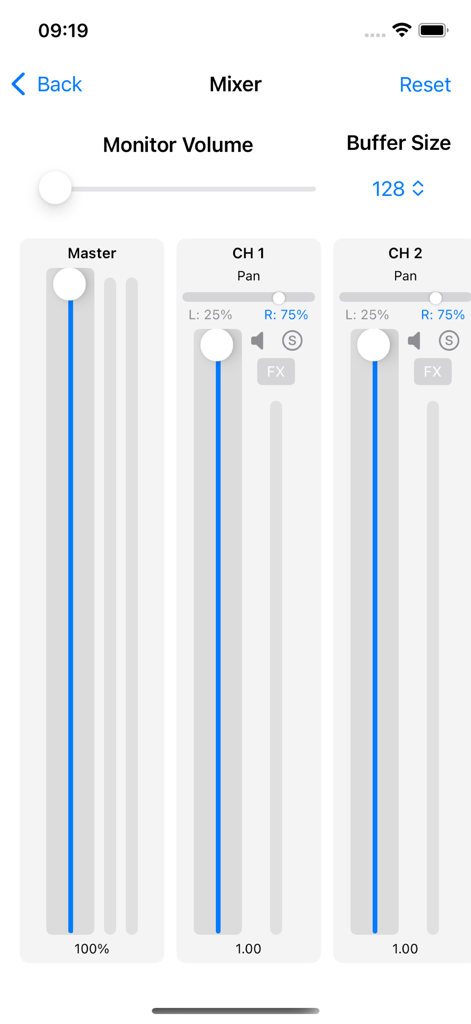
Advanced audio mixer screen with multi channel volume faders and panning controls

Advanced audio mixer screen with multi channel volume faders and panning controls

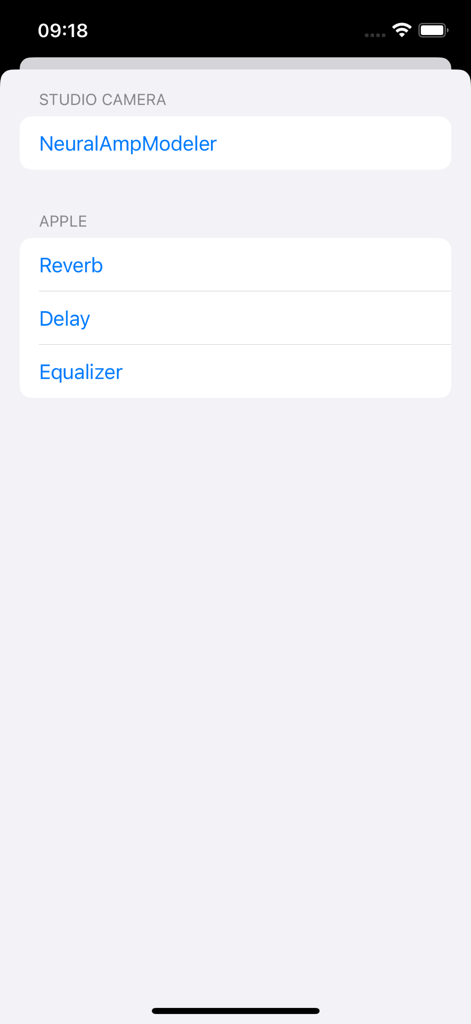
A menu in the Studio Camera app displaying various audio effect options like Reverb, Delay, and Equalizer for real-time mixing.

A menu in the Studio Camera app displaying various audio effect options like Reverb, Delay, and Equalizer for real-time mixing.

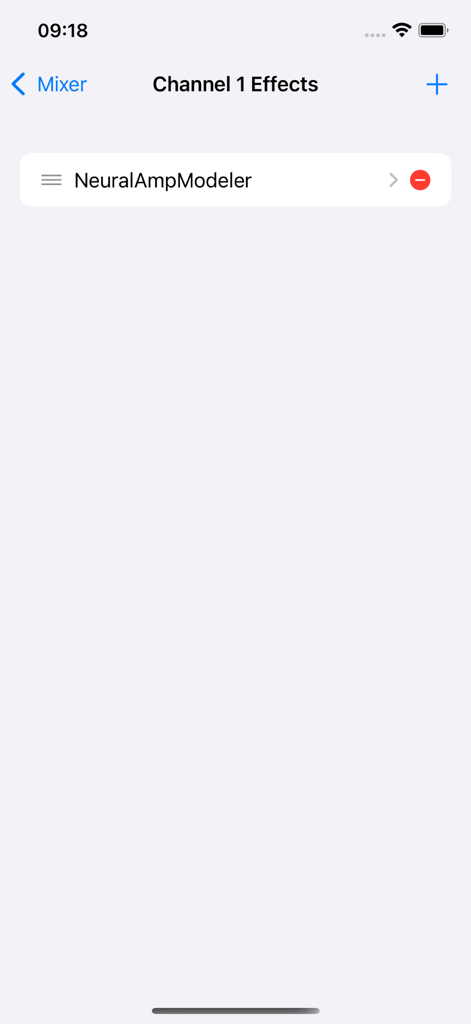
Studio Camera interface showing the audio effects management screen for a single channel with NeuralAmpModeler selected

Studio Camera interface showing the audio effects management screen for a single channel with NeuralAmpModeler selected

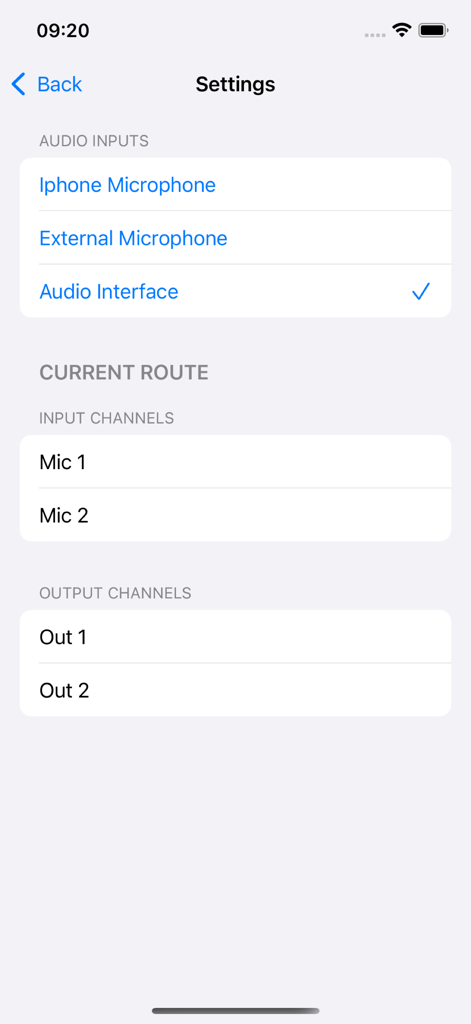
Audio input and output channel routing settings interface

Audio input and output channel routing settings interface

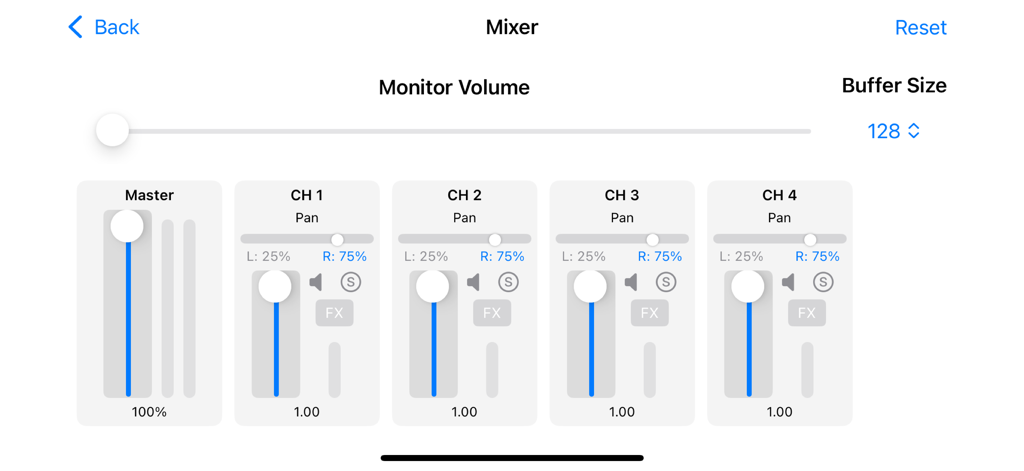
Advanced multi-channel audio mixer interface in Studio Camera app showing volume faders, pan controls, and channel settings.

Advanced multi-channel audio mixer interface in Studio Camera app showing volume faders, pan controls, and channel settings.

Professional Studio Power in Your Pocket

The tools that make this app stand out, trusted by 400 users.

🎚️

Advanced Audio Mixing

Connect your external interfaces and manage multi-channel levels, pan, and real-time effects to achieve perfect studio-grade sound for your audience.

📡

One-Tap Pro Streaming

Broadcast directly to YouTube or any platform via RTMP. Experience stable, high-bitrate streaming with a setup that takes seconds, not hours.

📱

The iPad-First Console

Leverage a clean, distraction-free UI designed for live environments. Switch inputs and resume saved sessions instantly to keep your workflow focused.

About the app

Everything you need to know about Studio Camera.

Description

Studio Camera turns your iPhone/iPad into a flexible video and livestream studio. Capture high‑quality video while precisely controlling and mixing your audio—ideal for creators, musicians, and broadcasters. Key features: - Advanced audio mixing: Connect compatible audio interfaces, mix per-channel levels and pan, and manage effects in real time - High‑quality recording: Reliable capture with clear controls for fast setup - Livestreaming made simple: Go live using a Stream Key and RTMP URL; YouTube integration streamlines setup and management - Clean, efficient UI: Focused design to switch inputs, adjust sound, and start recording or streaming in seconds - Flexible workflows: Save device choices and quickly resume live sessions Perfect for: - Live performances, podcasts, talks, tutorials, and studio sessions

Latest Version

1.5.4

Size

12.4 MB

First Released

Jul 21, 2025

Ready to Master Your Mobile Production?

Turn your iPhone or iPad into a professional broadcast suite. Download Studio Camera today and take total control of your audio mix and live streams.

Download on App Store

App information, icons, screenshots, and descriptions displayed on this page are sourced from the Apple App Store and are the property of their respective developers. Download estimates and rankings are based on MWM's proprietary models and may not reflect actual figures. This page is provided for informational and analytical purposes only.

Believe this page infringes your intellectual property? File a dispute