Super Calculator-Calculator HD: The Ultimate 4-in-1 Productivity Powerhouse
Stop switching apps. Master complex math, real-time currency, and unit conversions in one seamless workspace with history records and Split View—designed for the high-efficiency professional and student.
Publisher
Wuhan Ananta Technology Co., Ltd.
Category
Productivity
Downloads
54K+
User Rating
4.5/5
Total Ratings
4K+
Locales
12
Efficiency in Focus
Discover the interface used by 54K+ users.
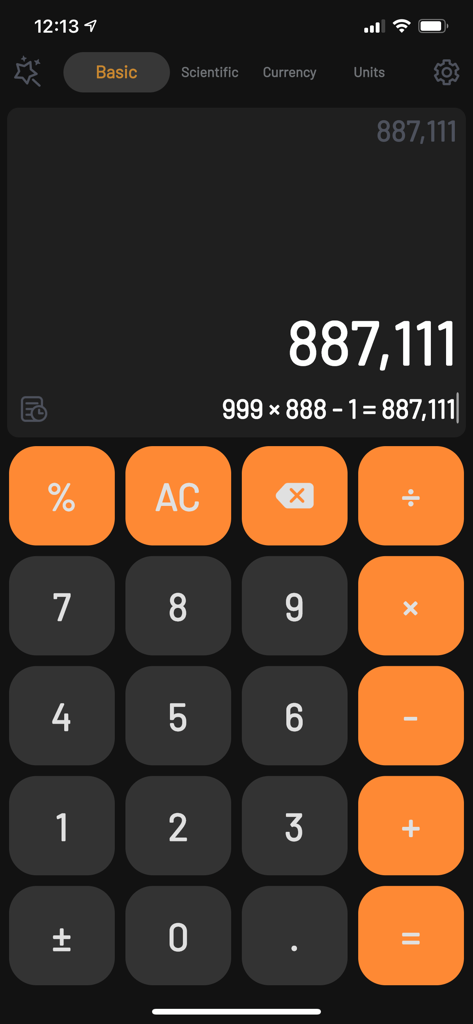
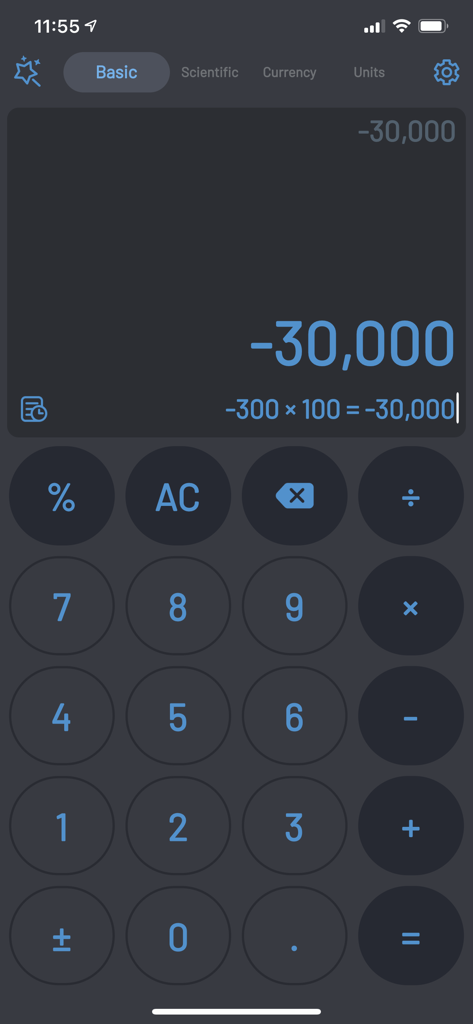
Basic interface of Super Calculator app in dark mode showing a calculation result
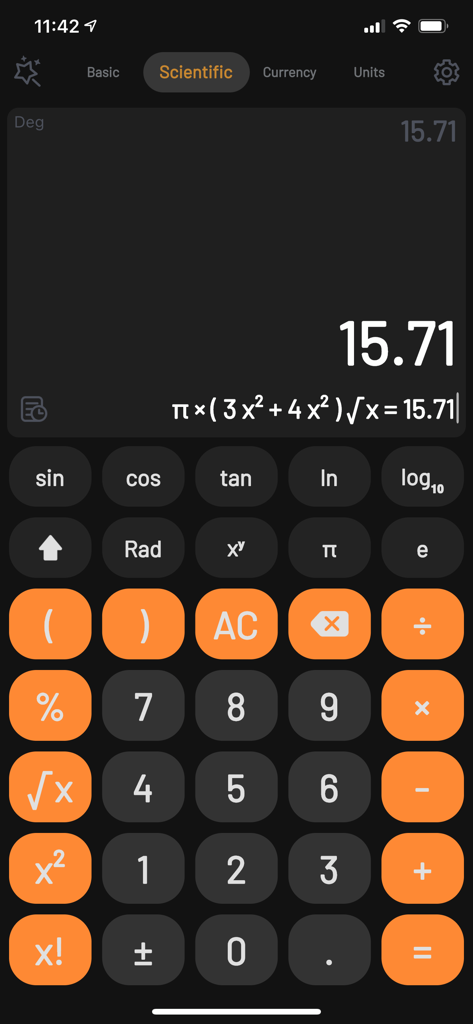
Scientific calculator interface in Super Calculator app featuring a dark theme and advanced mathematical functions
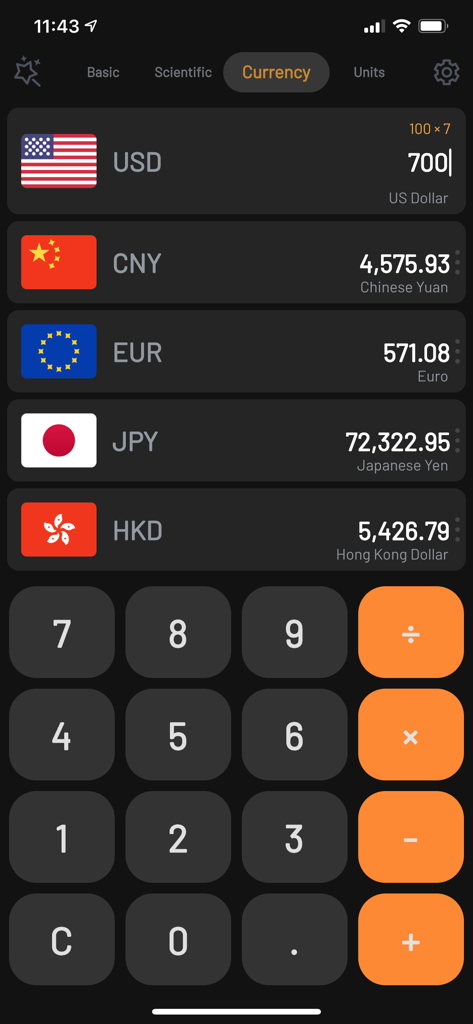
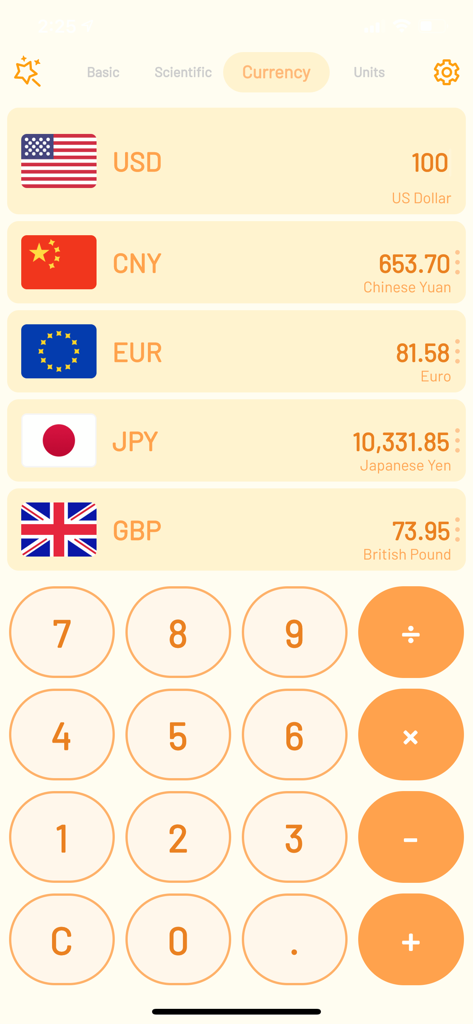
Super Calculator HD currency converter interface in dark mode showing multiple global exchange rates
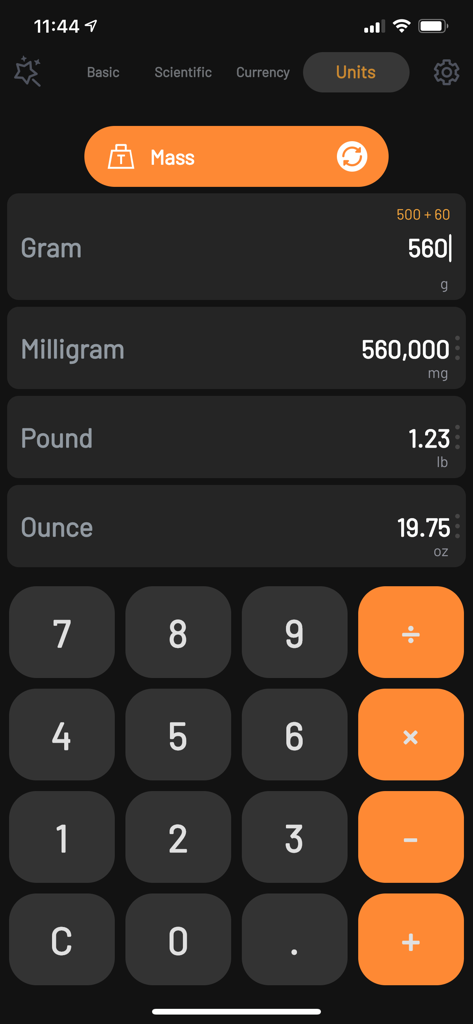
Super Calculator app interface displaying mass unit conversions for grams milligrams pounds and ounces in dark mode
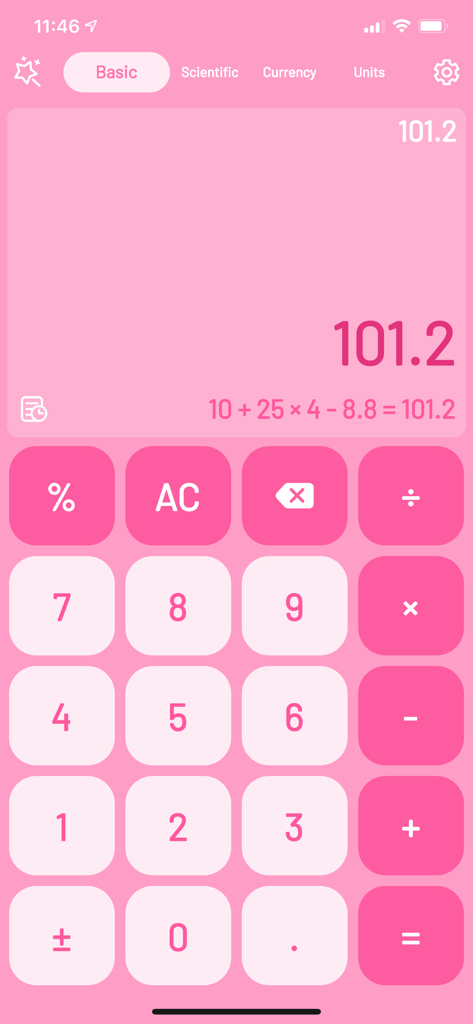
Super Calculator app in basic mode with a pink customized theme showing a math calculation
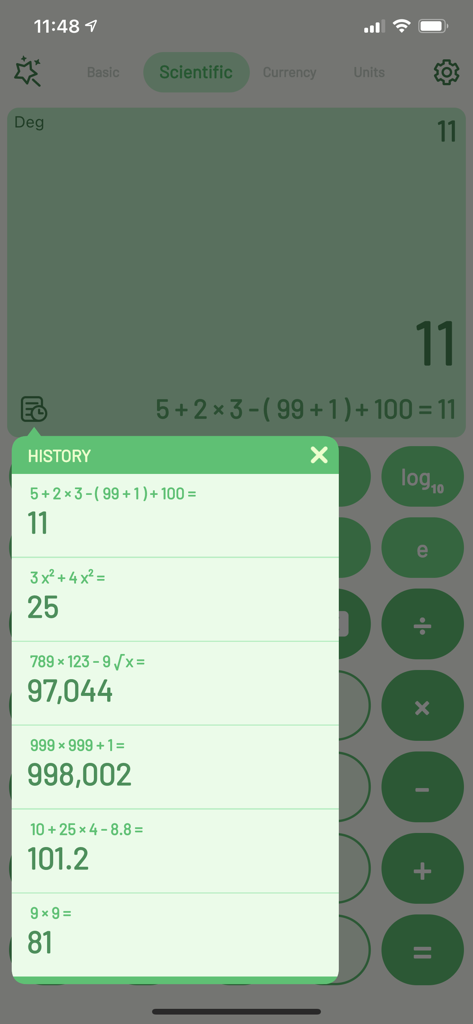
Scientific calculator interface showing a history log of recent calculations in the Super Calculator app.
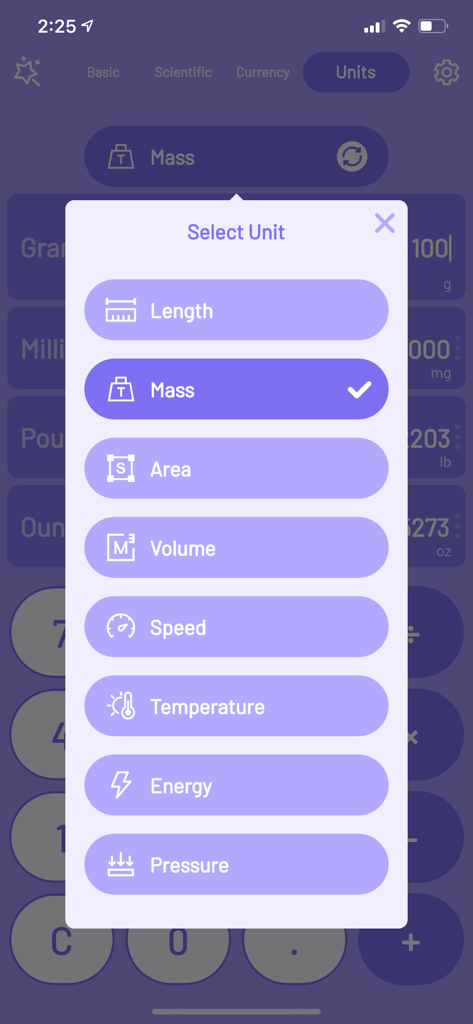
Selection menu for unit conversions in the Super Calculator app including mass, length, area, and volume
Currency converter interface in Super Calculator app showing exchange rates for USD CNY EUR JPY and GBP
The basic interface of the Super Calculator app in dark mode showing a calculation result
Everything You Need in One Powerful Tool
The tools that make this app stand out, trusted by 54K+ users.
⚡
Smart Calculation Inheritance
Eliminate manual data entry by automatically carrying your results between the basic, scientific, currency, and unit converters.
💻
Designed for iPad Productivity
Master your workflow with Split View support and iPad-optimized layouts that let you crunch numbers while taking notes or reading.
📂
Detailed History & Verification
Never lose track of your work with full history logs, copy-paste support, and text-to-speech to ensure zero typing mistakes.
About the app
Everything you need to know about Super Calculator-Calculator HD.
Description
The Super Calculator, is more functional than original calculator, consists of basic calculator, scientific calculator, currency calculator and units calculator, all calculation tools can be found in this 4-in-1 calculator.
The Super Calculator provides history records, number speech, and original function of calculation inheritance, which will synchronize calculated result to all calculators it contains, and make your workflow more effective.
FEATURES IN CALCULATOR:
[General]
- Perfectly designed for both iPad and iPhone in different orientations.
- Quick launch in 2 seconds.
- Save, Copy & Paste history records.
- Inherit calculation result, seamlessly switching result in four types of calculator.(turn on/off in Setting -> Inherit calculation result)
- Offline usage
- Varies of themes, includes dark theme for low light conditions
- Multitasking(Split View) in iPad, easily takes notes with calculator synchronously。
- Customize decimal places and notations
[Basic & Scientific Calculator]
- From basic calculation(+, -, x, ÷, %) to advanced scientific calculation(^, √, Sin, Cos, Log, x!,…)
- Calculating with text speech, to avoid any typing mistake
- Support display Complex Expression with result
- Calculate trigonometric function with degrees or radians
[Currency Converter]
- 150+ fiat currencies around the world
- Inherit number from basic or scientific calculator without extra input to check currencies
- Real-time synchronization-exchange rates are updated automatically when connected to the internet
[Units Converter]
- Support length, mass, area, Volume, speed, temperature, energy, pressure and other units
SUBSCRIPTION PRICING AND TERMS:
With Premium membership, you can remove all Ads, enjoy dynamic themes for VIP only, unlock all themes cross all your devices.
Premium Membership offers subscription service with 3-day free trial: $3.49 per month and $24.99 per year. This Price is for United States customers. Pricing in other countries may vary and actual charges may be converted to your local currency depending on the country of residence.
Payment will be charged to iTunes Account at confirmation of purchase.
Subscriptions automatically renew unless auto-renew is turned off at least 24-hours before the end of the current period.
Account will be charged for renewal within 24-hours prior to the end of the current period, and identify the cost of the renewal.
Subscriptions may be managed by the user and auto-renewal may be turned off by going to the user's Account Settings after purchase.
Any unused portion of a free trial period, if offered, will be forfeited when the user purchases a subscription to that publication, where applicable.
You can turn off the auto-renew for this subscription whenever you want to through iTunes.
Check https://support.apple.com/HT202039. You will be unsubscribed when your current trail/subscription period expires.
The current active subscription period can not be cancelled. After you subscription expires, you will no longer be able to use elements offered in your chosen subscription option.
TERMS OF USE:
https://berrymay0418.github.io/supercalculator_terms.html
PRIVACY POLICY:
https://berrymay0418.github.io/supercalculator.html
If you have any questions or comments, feel free to contact us at colorcalculator@outlook.com
Latest Version
3.1
Size
37.2 MB
First Released
Jul 3, 2020
Upgrade to the Ultimate All-in-One Calculation Powerhouse
Join over 54,000 students and professionals who have streamlined their workflow with seamless syncing, currency conversion, and iPad-optimized precision.
App information, icons, screenshots, and descriptions displayed on this page are sourced from the Apple App Store and are the property of their respective developers. Download estimates and rankings are based on MWM's proprietary models and may not reflect actual figures. This page is provided for informational and analytical purposes only.
Believe this page infringes your intellectual property? File a dispute