
This page is not an official page of the app or its developer, but an independent editorial publication created for informational and commentary purposes. Unless expressly stated otherwise, neither the app nor its developer is affiliated with, endorsed by, sponsored by, authorized by, or otherwise officially connected with MWM, Apple, Google Play, the app publisher, or the app's developer, and nothing on this page implies that the app was developed using MWM's services. Any trademarks, logos, screenshots, and other content remain the property of their respective owners.


Superimpose+:Background Eraser
Join 7 million creators using AI-powered tools to remove backgrounds in one tap, create transparent PNGs, and design stunning photo overlays effortlessly.
Downloads
7M+User Rating
Total Ratings
159K+Publisher
Category
Photo & VideoLocales
30Latest Version
3.9.3Size
230.6 MBFirst Released
Nov 12, 2013Everything You Need to Create Like a Pro
Transform your photos from ordinary to professional with powerful, mobile-first editing tools designed for social media creators and micro-entrepreneurs.
One-Tap AI Background Removal
Skip the tedious manual work. Our 'Analyze' AI instantly detects contours to remove backgrounds or create transparent PNGs in a single tap.
Multi-Layer Superimposing
Combine multiple photos and text with ease. Perfect for crafting viral memes, eye-catching YouTube thumbnails, and aesthetic Instagram layouts.
Frequently Asked Questions
Everything you need to know about Superimpose+:Background Eraser
What is Superimpose+:Background Eraser?
Superimpose+:Background Eraser is an app designed to remove photo backgrounds, overlay multiple images, and perform various photo editing tasks. It offers automatic and manual tools for background removal.
Can Superimpose+ automatically remove photo backgrounds?
Yes, Superimpose+:Background Eraser automatically removes photo backgrounds. The "Analyze" feature cuts out objects in one tap, and "AI Cutout" ensures high accuracy and pixel-level precision.
How does the Smart Eraser tool work in Superimpose+:Background Eraser?
The Superimpose+ Smart Eraser automatically detects object contours and removes unwanted background areas. It makes the removed area transparent, providing a clean cutout.
Can I change the background of a photo using Superimpose+:Background Eraser?
Yes, Superimpose+:Background Eraser allows users to change the background of photos. After removing the original background, a different background can be applied to the photo.
Does Superimpose+ allow mixing and overlaying multiple images?
Yes, Superimpose+:Background Eraser enables users to mix, overlay, and edit multiple images and photos. It also allows superimposing images and text onto compositions.
What types of images can Superimpose+:Background Eraser create?
Superimpose+:Background Eraser creates white or transparent background photos, transparent background PNG images, fun collages, and stickers for various uses.
Does Superimpose+:Background Eraser include a photo enhancer?
Yes, Superimpose+:Background Eraser includes a photo enhancer feature. This tool is designed to sharpen details within images, improving the overall visual quality of photos.
Is Superimpose+:Background Eraser considered an all-in-one photo editor?
Yes, Superimpose+:Background Eraser presents itself as an all-in-one photo editor. It offers various editing capabilities beyond just background removal, including enhancements and overlays.
The following screenshots and description are sourced directly from the app's official store listing and are the property of the app developer.
App Store
Screenshots

Superimpose+ app interface showing high-accuracy automatic background removal from a portrait photo.
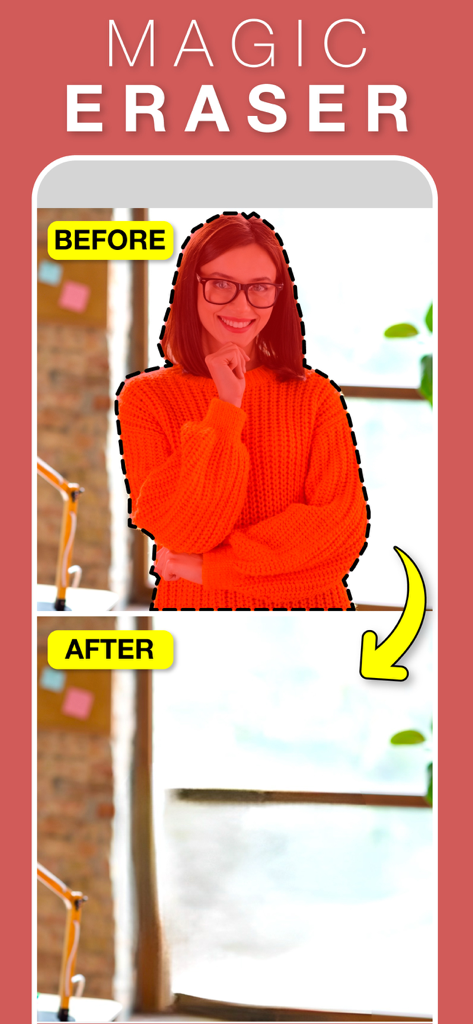
Before and after comparison of removing a person from a background using the Magic Eraser tool
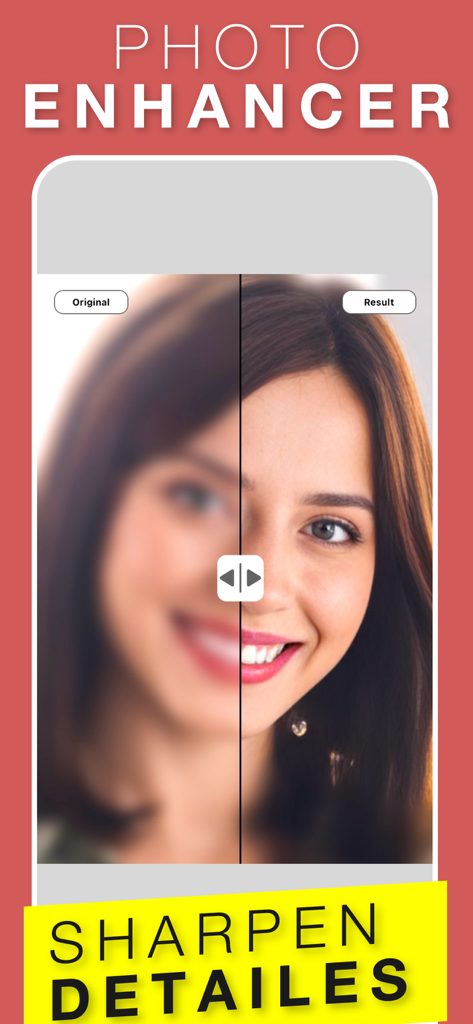
Before and after comparison of a blurry portrait sharpened using the photo enhancer tool.
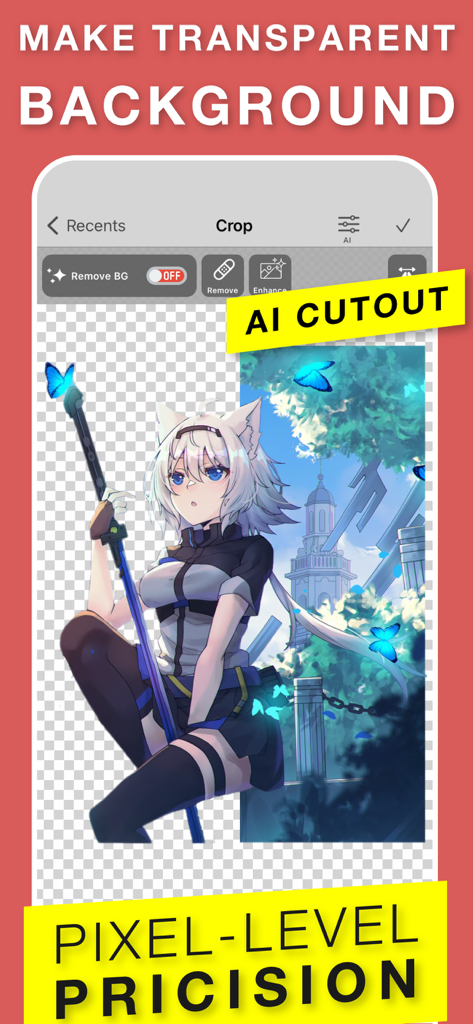
Screenshot of Superimpose plus app demonstrating AI cutout feature to make a transparent background for an anime character

App screenshot for Superimpose plus highlighting all-in-one photo editing with creative overlays and background eraser tools
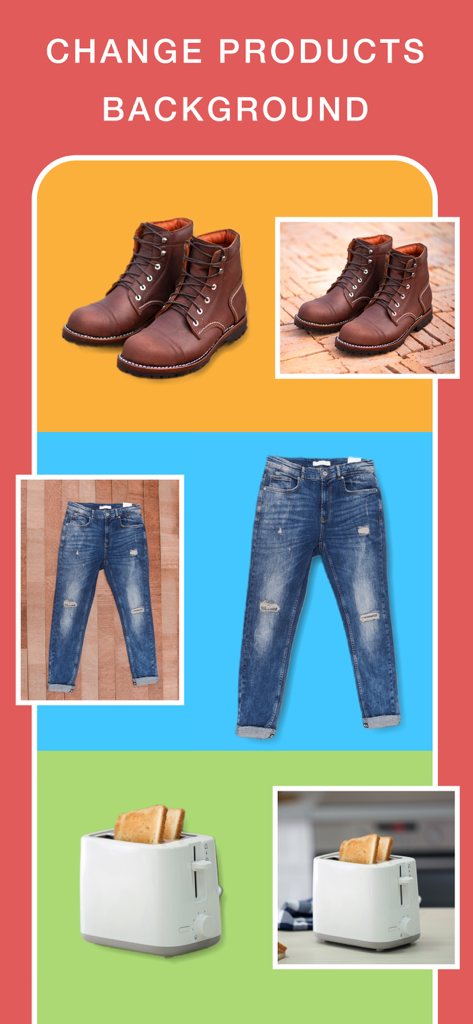
Before and after comparison of product photos like boots and jeans with backgrounds changed to solid colors for ecommerce
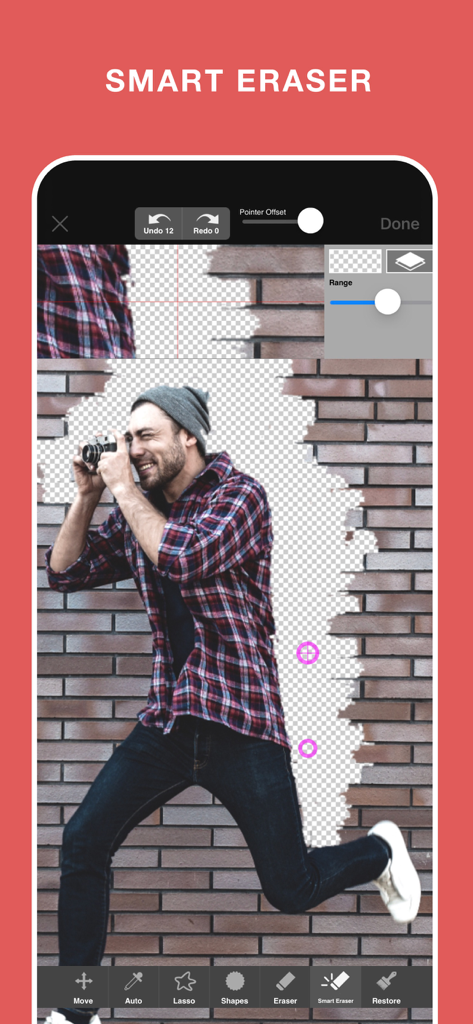
Smart Eraser tool in Superimpose plus app removing a brick wall background from a photo of a man
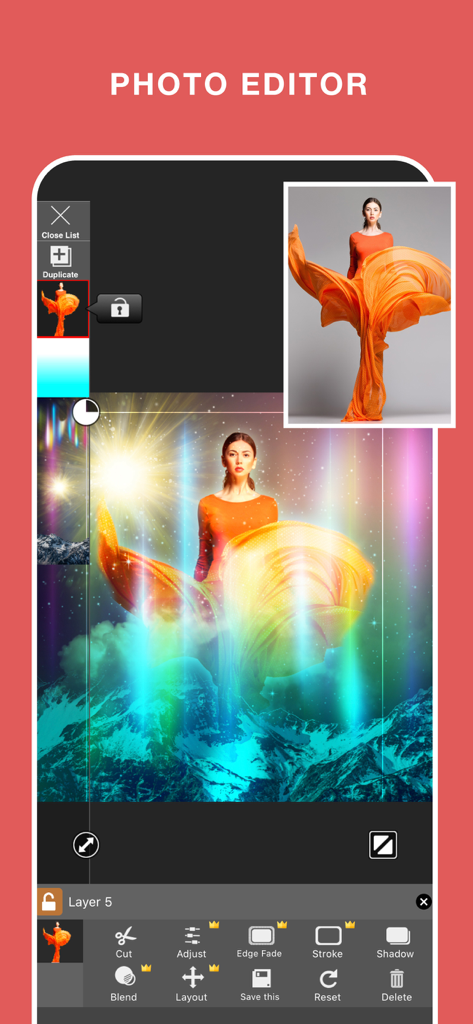
Mobile photo editor interface showing image layering and background replacement of a woman onto a mountain landscape
Description
Download
More Like This
Apps with similar features and user experience

Photoroom: AI Photo Editor
Photoroom

Blend: AI Models Logos Videos
Blendit Studios Private Limited

AI Background - Pokecut Studio
Guangzhou Guangzhuiyuan Information Technology Co., Ltd.

微脉水印相机,私域、微商必备运营工具
Beijing Help Dream Works Technology Inc.

Background Remover - PNG Maker
TAPUNIVERSE LLC

Frameit:Framed Art &Video edit
Guangzhou Jiahua Information Technology Co., Ltd.

Background Eraser AI
Yalex FZC LLC

Artrooms: Superimpose Wall Art
Art Rooms LLC

ArtStage: Preview your Artwork
ArtStage LLC
This page is not an official page of the app or its developer, but an independent editorial publication created for informational and commentary purposes. Unless expressly stated otherwise, neither the app nor its developer is affiliated with, endorsed by, sponsored by, authorized by, or otherwise officially connected with MWM, Apple, Google Play, the app publisher, or the app's developer, and nothing on this page implies that the app was developed using MWM's services. Any trademarks, logos, screenshots, and other content remain the property of their respective owners.