Supermicro IPMIView

Supermicro IPMIView

Download on App Store
Logo of Supermicro IPMIView

Supermicro IPMIView: Professional Server Management in Your Pocket

Take command of your data center with enterprise-grade remote control. Monitor system health, access KVM consoles, and manage power cycles across all your Supermicro nodes—anytime, anywhere.

Download on App Store

Publisher

SUPER MICRO COMPUTER, Inc. TAIWAN

Category

Utilities

Downloads

0

User Rating

3.3/5

Total Ratings

0

Locales

1

Your Data Center at a Glance

Discover the interface used by 0 users.
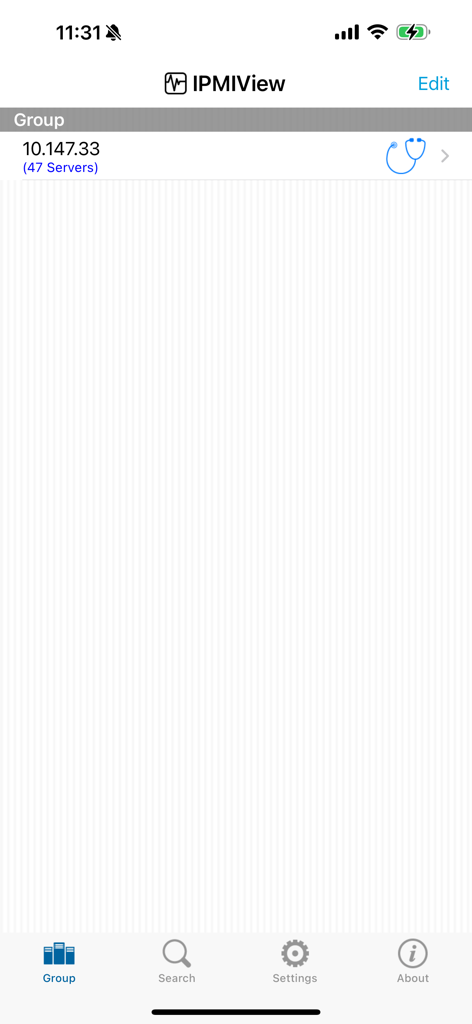
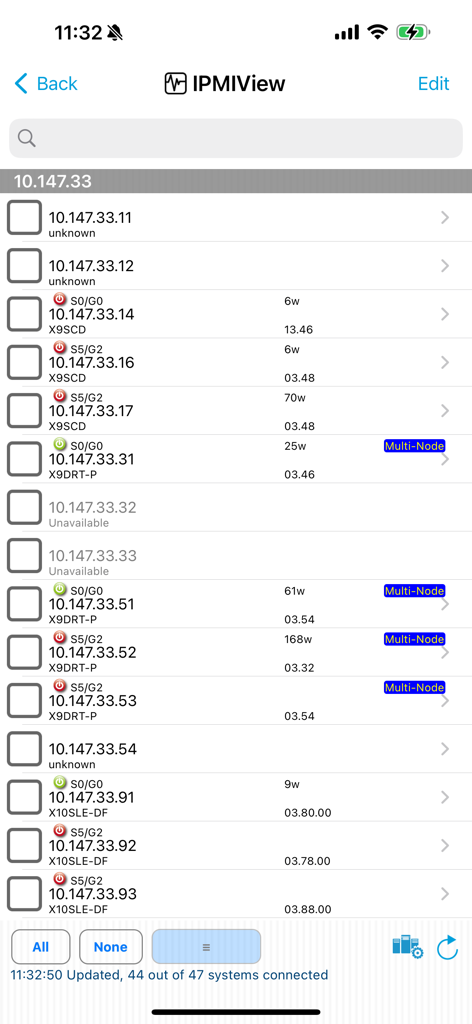
Supermicro IPMIView app interface showing the server group management screen with 47 connected servers and navigation menu.

Supermicro IPMIView app interface showing the server group management screen with 47 connected servers and navigation menu.

Supermicro IPMIView mobile app interface showing a list of servers with their IP addresses and power status

Supermicro IPMIView mobile app interface showing a list of servers with their IP addresses and power status

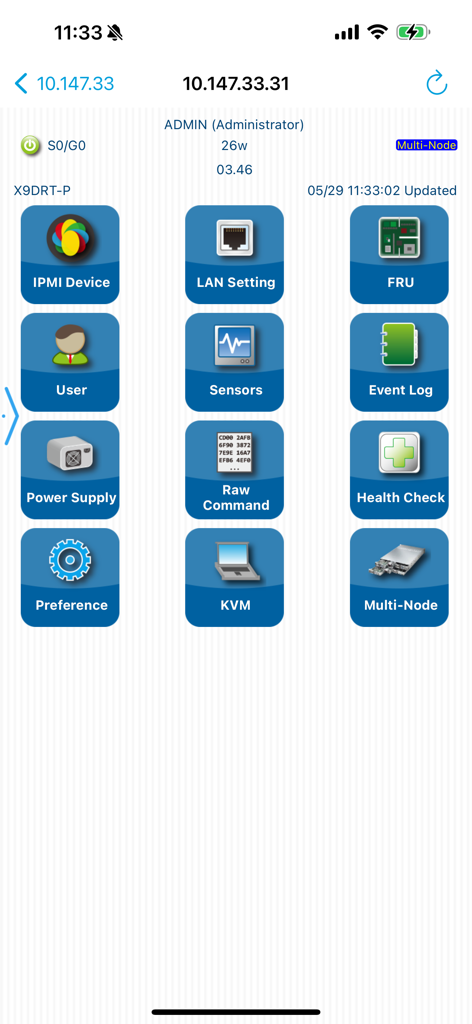
Supermicro IPMIView mobile app dashboard displaying remote server management icons like KVM sensors and health check

Supermicro IPMIView mobile app dashboard displaying remote server management icons like KVM sensors and health check

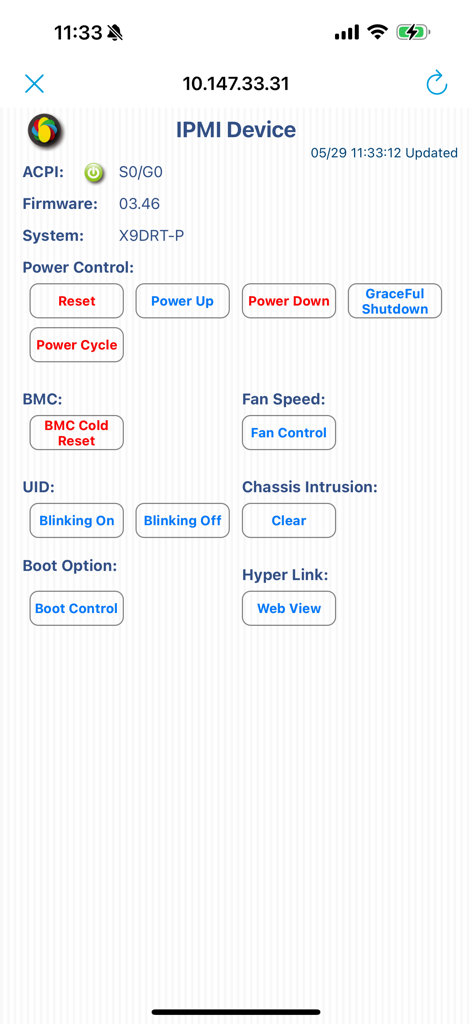
Supermicro IPMIView device management screen showing server power control and hardware status

Supermicro IPMIView device management screen showing server power control and hardware status

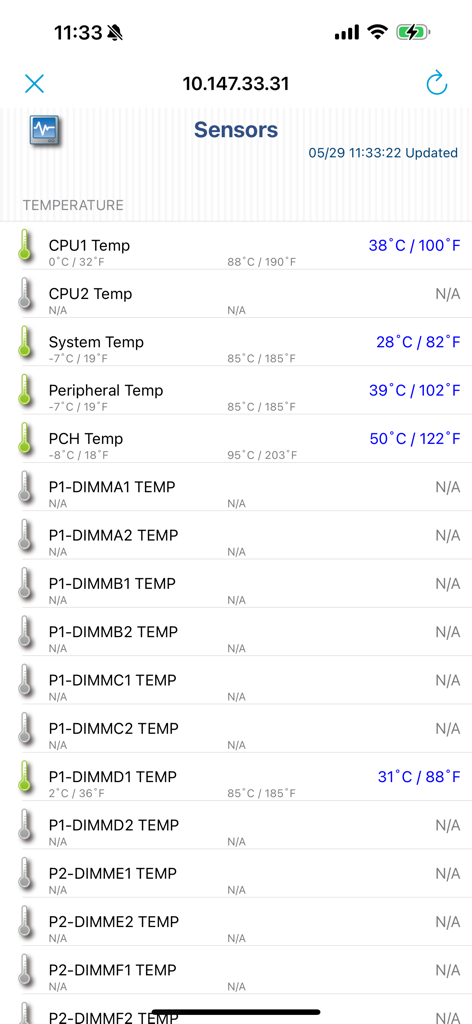
Dashboard of the Supermicro IPMIView app displaying real time server hardware temperature sensor data for CPU and system components

Dashboard of the Supermicro IPMIView app displaying real time server hardware temperature sensor data for CPU and system components

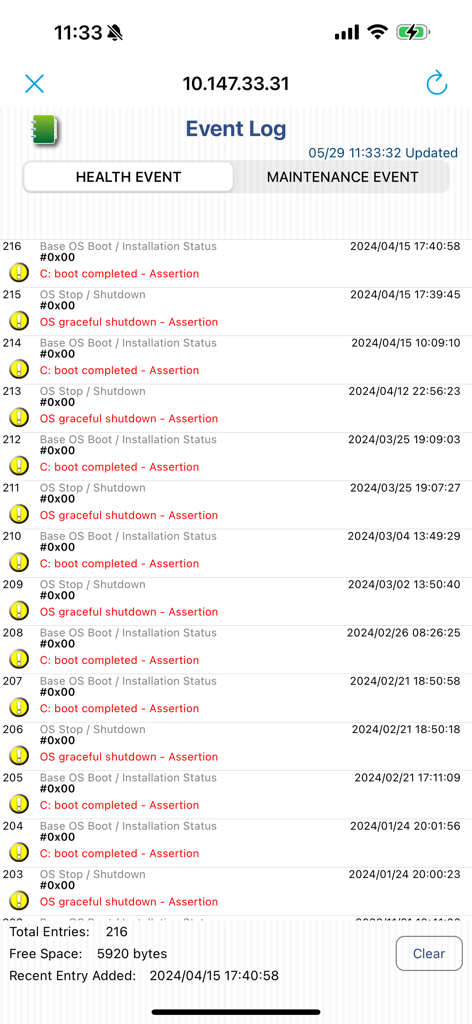
Supermicro IPMIView app event log screen showing server health status and system boot logs

Supermicro IPMIView app event log screen showing server health status and system boot logs

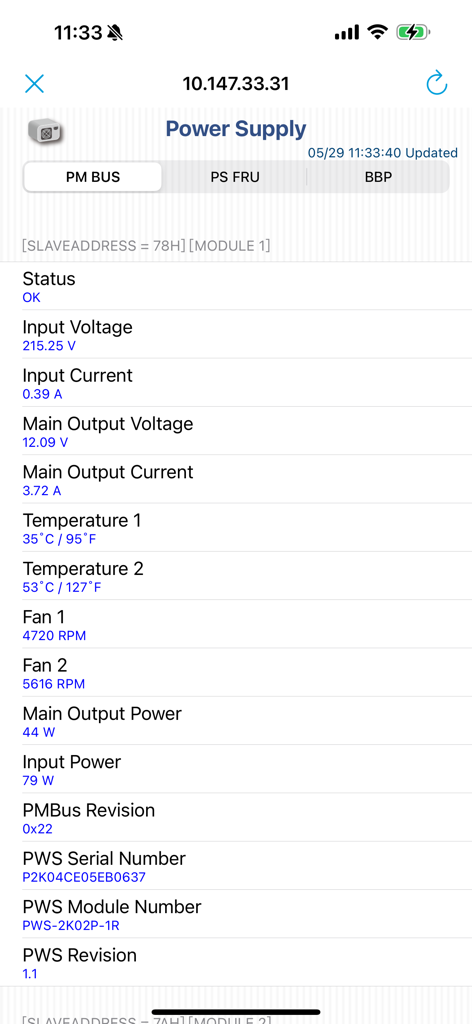
Supermicro IPMIView power supply status screen showing real-time server voltage temperature and fan speed data

Supermicro IPMIView power supply status screen showing real-time server voltage temperature and fan speed data

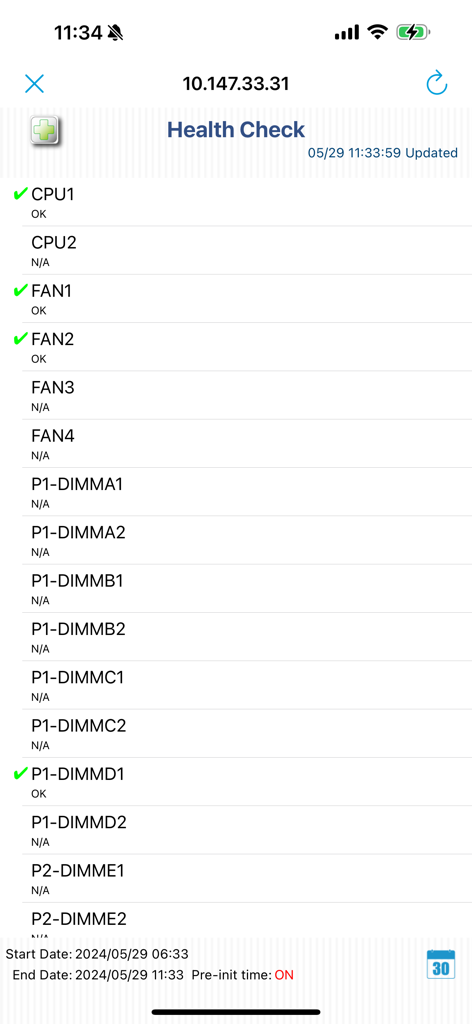
Supermicro IPMIView app interface showing a health check report for server hardware components including CPU fans and memory slots

Supermicro IPMIView app interface showing a health check report for server hardware components including CPU fans and memory slots

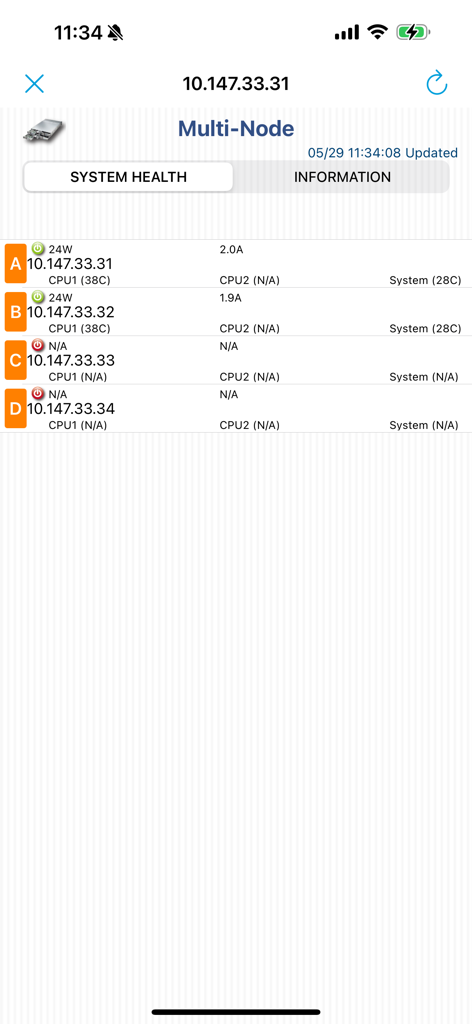
Supermicro IPMIView multi-node system health dashboard displaying server status and power consumption.

Supermicro IPMIView multi-node system health dashboard displaying server status and power consumption.

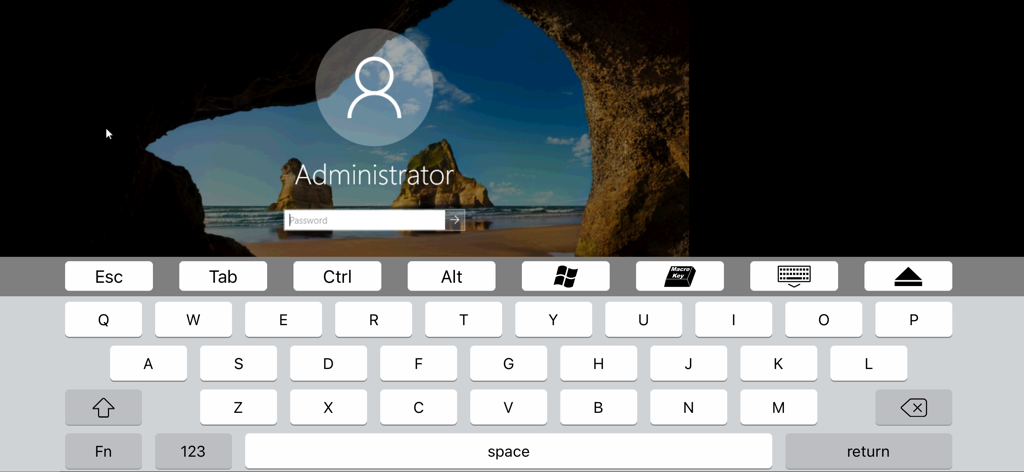
Supermicro IPMIView KVM console showing a remote Windows administrator login screen with integrated virtual keyboard

Supermicro IPMIView KVM console showing a remote Windows administrator login screen with integrated virtual keyboard

Complete Infrastructure Control, Anywhere

The tools that make this app stand out, trusted by 0 users.

🖥️

Remote KVM Console

Gain hardware-level access to BIOS and OS desktop in real-time to resolve critical system crashes without ever stepping into the server room.

📈

Real-Time Health Monitoring

Proactively monitor sensor data, power supply status, and NVMe health to detect hardware issues before they cause costly downtime.

🏢

Scalable Group Management

Efficiently organize hundreds of server nodes into logical groups with powerful search and diagnostic settings for massive enterprise deployments.

About the app

Everything you need to know about Supermicro IPMIView.

Description

Supermicro IPMIView is a perfect application for companies who want to manage servers. You can easily manage Supermicro's server products with few steps. It supports standard IPMI command and KVM. FEATURES 1. Group Management, Search, Diagnosis and Setting 2. BMC information 3. BMC function *IPMI device *LAN setting *FRU *User management *Sensor Data Record *Event Log *Power supply *Raw command *Health Check *License *KVM console *Multi-Node *Hard Disk Drive *Summary *NVME management 4. Preference for specify BMC IPMIView for iOS User's Guide, please visit https://www.supermicro.com/support/manuals/

Latest Version

1.11.0

Size

33.5 MB

First Released

Jun 17, 2015

Secure Your Uptime with Mobile Server Management

Access KVM consoles, monitor health sensors, and manage power states on the go. Turn your iPhone into a mission-critical tool for your Supermicro infrastructure.

Download on App Store

App information, icons, screenshots, and descriptions displayed on this page are sourced from the Apple App Store and are the property of their respective developers. Download estimates and rankings are based on MWM's proprietary models and may not reflect actual figures. This page is provided for informational and analytical purposes only.

Believe this page infringes your intellectual property? File a dispute