SwiftyTerminal : Terminal

SwiftyTerminal : Terminal


Download on App Store
Logo of SwiftyTerminal : Terminal

SwiftyTerminal: A Professional Terminal and Scripting Environment for iOS

Empower your iPhone and iPad with desktop-class CLI tools. Run Python scripts, manage remote servers via SSH, and master your mobile workflow within a secure, high-performance sandbox.

Download on App Store

Publisher

Hemal Modi

Category

Developer Tools

Downloads

100

User Rating

1.0/5

Total Ratings

0

Locales

1

The Command Center in Focus

Discover the interface used by 100 users.
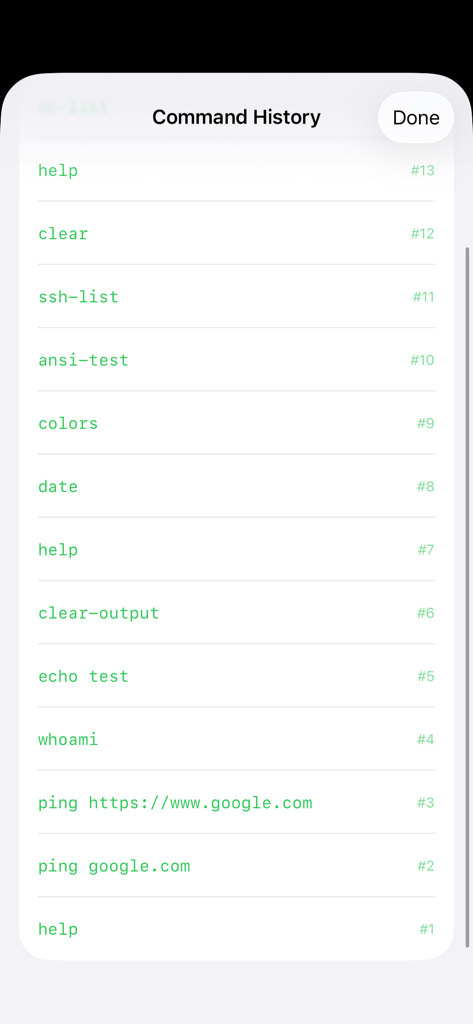
SwiftyTerminal command history screen showing a list of executed terminal commands

SwiftyTerminal command history screen showing a list of executed terminal commands

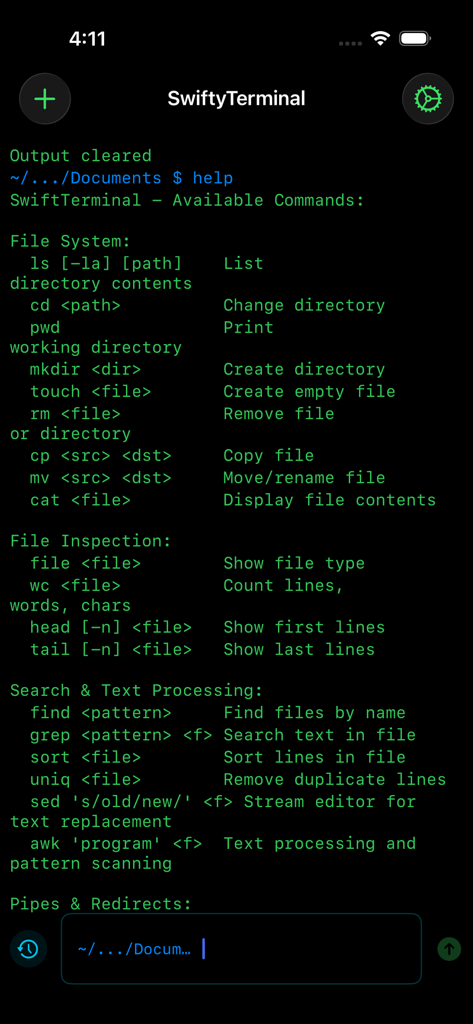
Terminal interface displaying available commands for file system management and text processing in SwiftyTerminal.

Terminal interface displaying available commands for file system management and text processing in SwiftyTerminal.

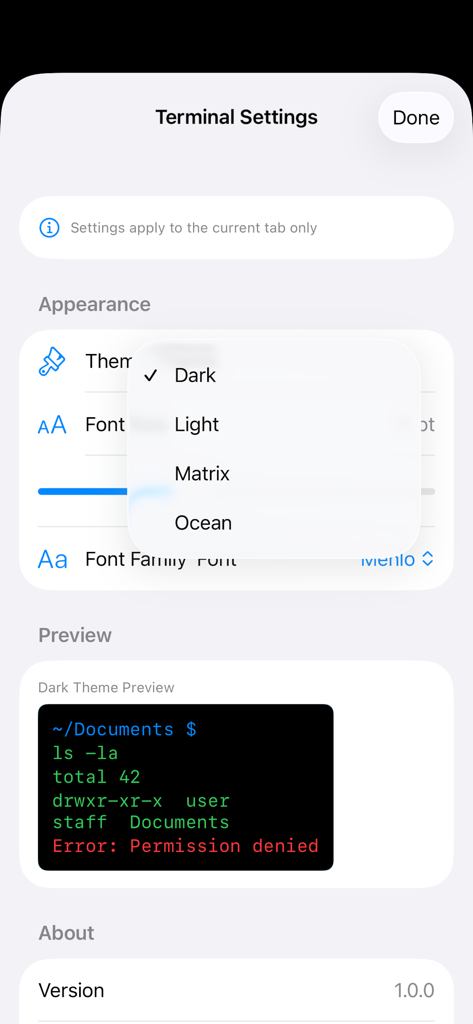
Terminal settings screen with theme selection dropdown and appearance preview

Terminal settings screen with theme selection dropdown and appearance preview

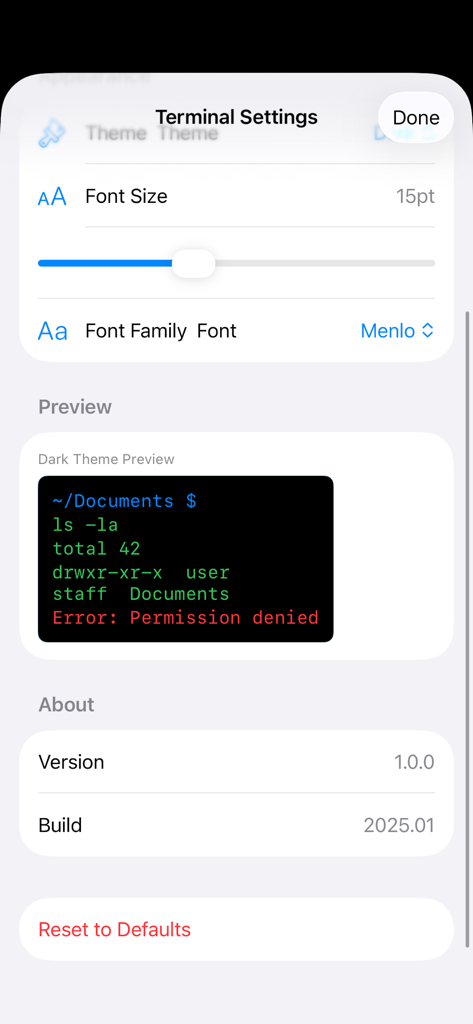
SwiftyTerminal settings screen showing font size and font family options with a terminal preview window.

SwiftyTerminal settings screen showing font size and font family options with a terminal preview window.

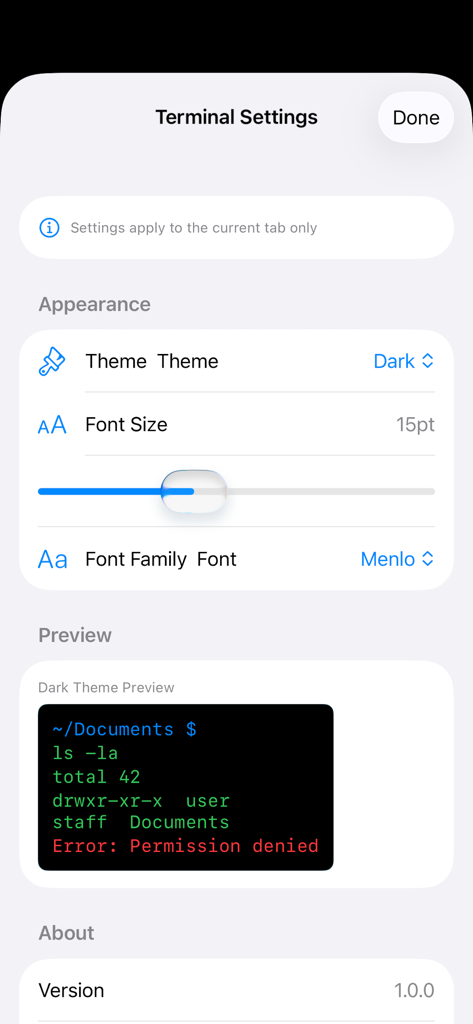
SwiftyTerminal settings screen showing options for theme, font size, and font family with a terminal preview.

SwiftyTerminal settings screen showing options for theme, font size, and font family with a terminal preview.

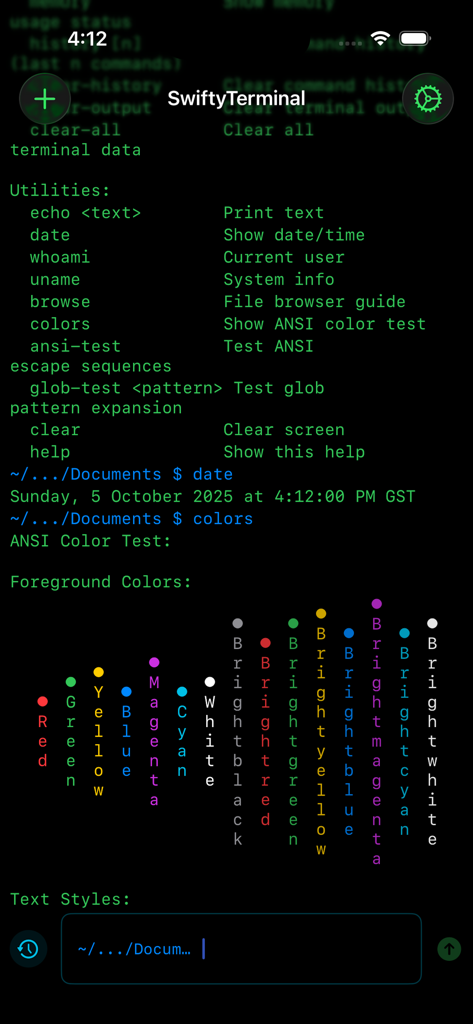
Mobile terminal interface on iPhone showing command utilities and ANSI color test output.

Mobile terminal interface on iPhone showing command utilities and ANSI color test output.

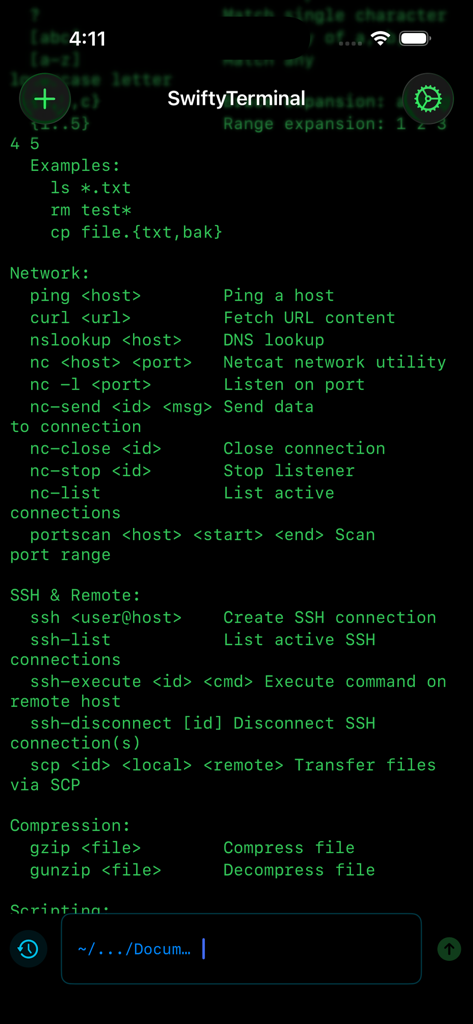
SwiftyTerminal interface displaying network and SSH terminal commands on iOS.

SwiftyTerminal interface displaying network and SSH terminal commands on iOS.

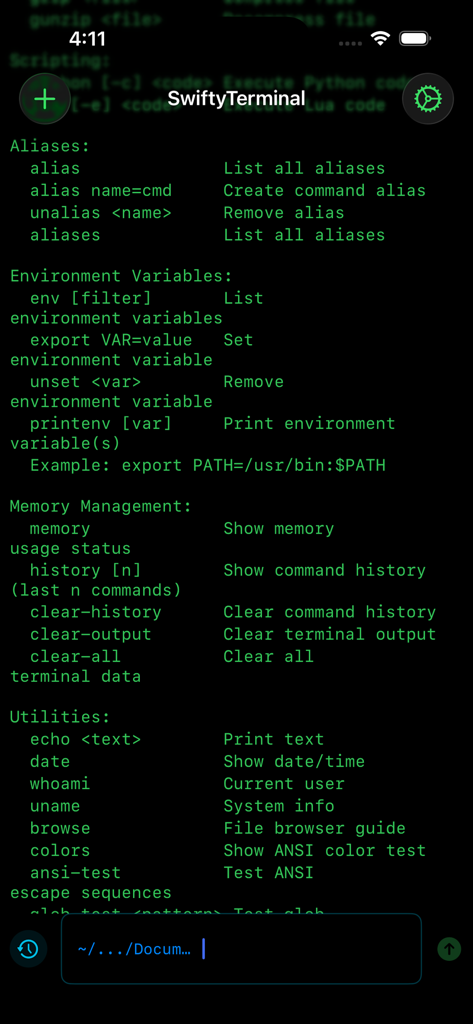
SwiftyTerminal app screen displaying a command line interface with a list of available commands for aliases environment variables and system utilities

SwiftyTerminal app screen displaying a command line interface with a list of available commands for aliases environment variables and system utilities

Unleash Desktop Power on iOS

The tools that make this app stand out, trusted by 100 users.

🌐

Secure Remote Access

Connect to your servers via SSH and manage files with SCP, allowing you to handle infrastructure emergencies from anywhere.

🐍

On-the-Go Scripting

Run Python and Lua scripts directly on your device to automate workflows or test code logic without needing a laptop.

🛠️

Full Developer Toolset

Leverage grep, curl, netcat, and find to diagnose networks and process data using the industry-standard commands you already know.

About the app

Everything you need to know about SwiftyTerminal : Terminal.

Description

SwiftyTerminal offers a robust terminal and scripting environment for your iPhone and iPad. Designed with developers, learners, and tech professionals in mind, it provides a secure and efficient command-line experience tailored for iOS. Unlock a comprehensive suite of commands for file system management. Easily list, create, rename, move, copy, and delete files or directories with powerful tools like ls, cd, mkdir, rm, and more. Stay informed with key system commands. Instantly access date, system details, environment variables, and command history using commands such as help, date, whoami, uname, and env. Effortlessly search and process data. Filter and analyze files with effective tools like find, grep, sort, and uniq, ensuring you have the information you need at your fingertips. Conduct thorough network diagnostics with ease. Utilize ping, curl, nslookup, and portscan to test network connections, and manage TCP connections with netcat, all from your device. Manage files efficiently with compression tools. Seamlessly compress or extract files using gzip and gunzip, while inspecting file types and contents directly within the terminal. Streamline your workflow with scripting support. Execute Python and Lua scripts directly from the app, making quick testing and automation tasks straightforward. Securely connect to remote servers with SSH. Execute commands remotely and transfer files with SCP, while managing multiple SSH sessions effortlessly. Customize your command-line environment for maximum efficiency. Personalize with aliases, environment variables, and themes, giving you full control over your workspace. Enjoy peace of mind with our secure sandbox. Every command runs in an isolated environment, guaranteeing your privacy and the safety of your data. Who Benefits from SwiftyTerminal - iOS and Swift developers - Students learning programming or scripting - Engineers and IT professionals - Anyone needing a mobile terminal environment Experience the power of a full terminal, the safety of iOS sandboxing, and the ease of a native mobile interface. Download SwiftyTerminal today and take command-line tools on the go.

Latest Version

1.1

Size

1.5 MB

First Released

Oct 6, 2025

Your Desktop-Class Terminal, Anywhere

Join the community of developers and power users turning their iPad and iPhone into a portable workstation. Secure, customizable, and ready for work.

Download on App Store

App information, icons, screenshots, and descriptions displayed on this page are sourced from the Apple App Store and are the property of their respective developers. Download estimates and rankings are based on MWM's proprietary models and may not reflect actual figures. This page is provided for informational and analytical purposes only.

Believe this page infringes your intellectual property? File a dispute