
Sync - File Backup and Restore


Consolidate your cloud storage, local drives, and Amazon S3 into one professional workflow. Automate complex sync tasks and manage files across all your platforms with a built-in web server designed for power users.
Publisher
Category
ProductivityDownloads
2K+User Rating
Total Ratings
0Locales
1Discover the interface used by 2K+ users.
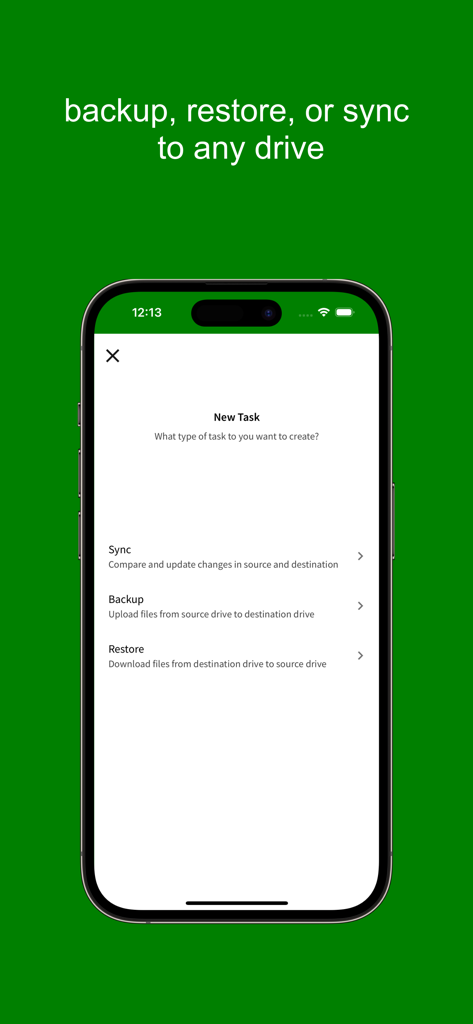
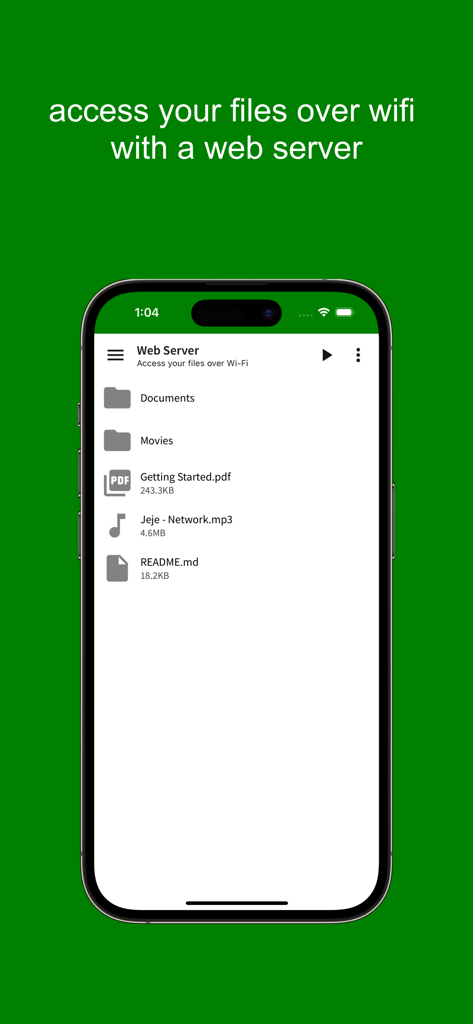
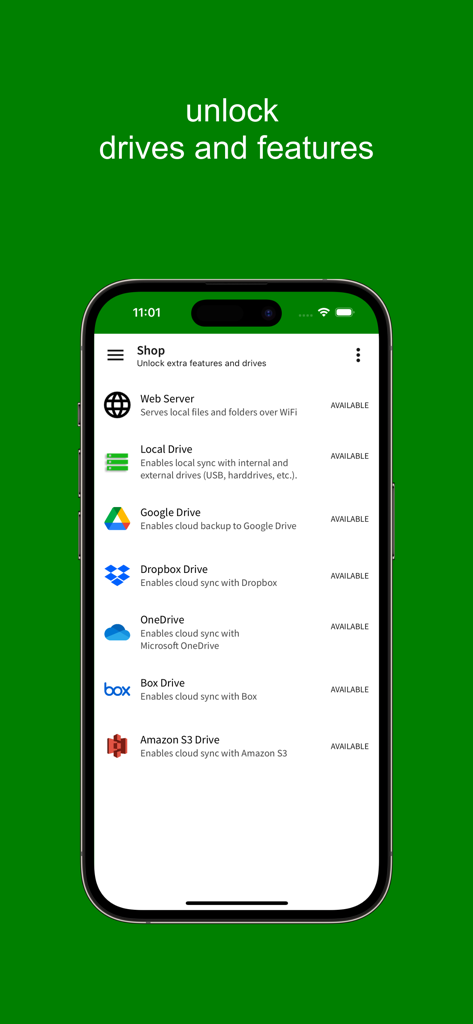
The tools that make this app stand out, trusted by 2K+ users.
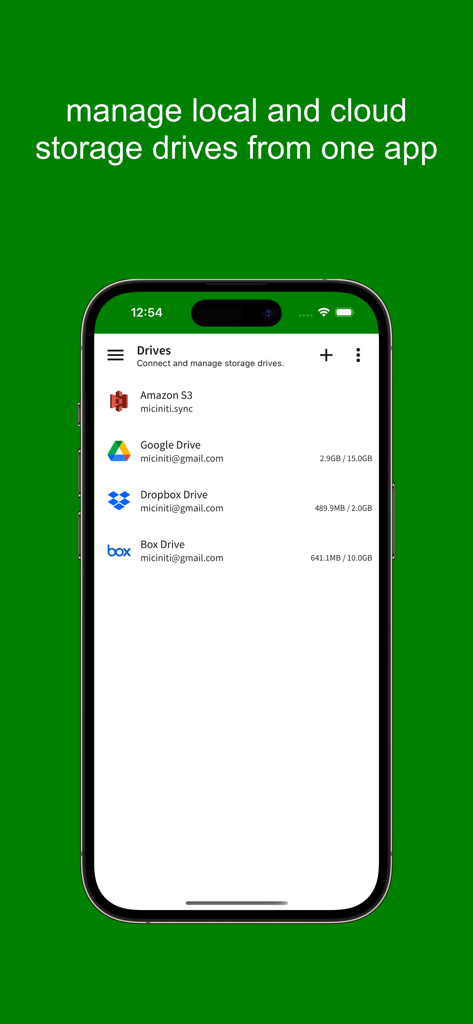
Connect Dropbox, Google Drive, OneDrive, and Amazon S3 in one place. Stop app-switching and manage your entire cloud ecosystem from a single interface.
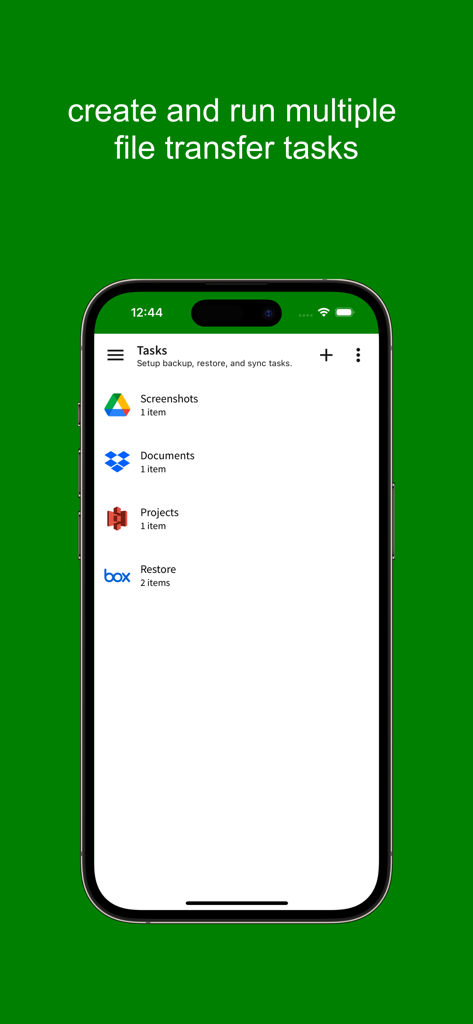
Configure custom workflows for Full Sync, Delta Backups, or Restores. Ensure your data redundancy is automated, efficient, and perfectly organized.
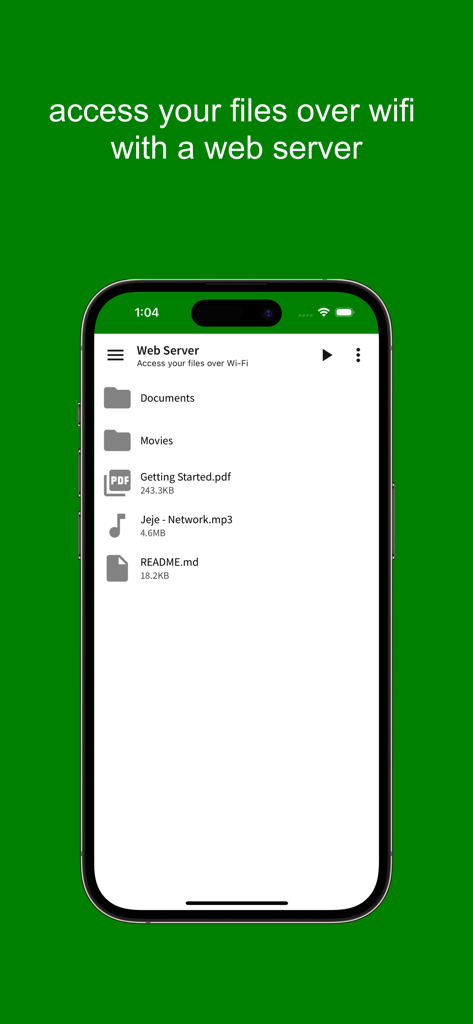
Bypass the internet with a built-in Web Server and USB drive support. Move large files over local Wi-Fi or physical media at maximum hardware speeds.
Everything you need to know about Sync - File Backup and Restore.
Description
Latest Version
1.0.8
Size
17.7 MB
First Released
Aug 23, 2019
Break free from storage silos. Join thousands of power users who unify their cloud, local, and S3 storage into one seamless, professional workflow.
Everything you need to know about Sync - File Backup and Restore
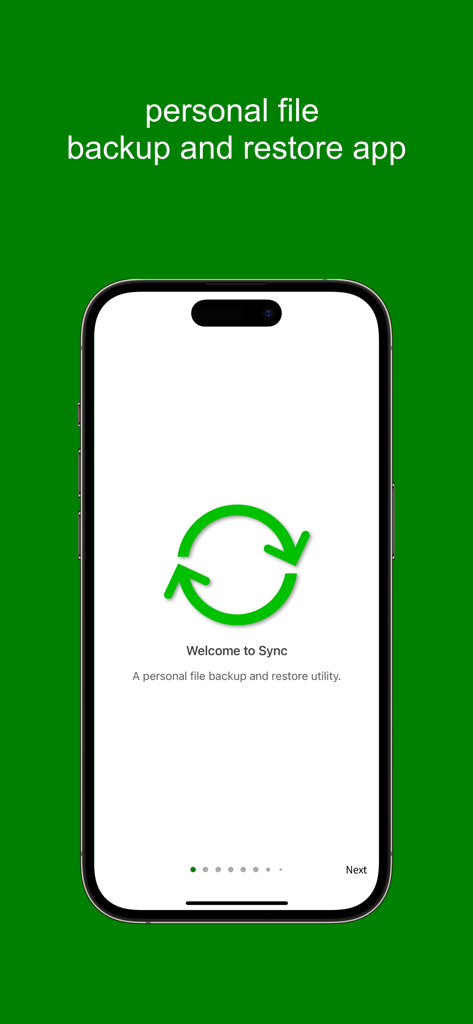
Sync is a personal file sync app that includes a built-in file manager and web server. It allows users to sync, backup, and restore files to and from local drives and various cloud storage services.
Sync supports popular cloud storage services such as Amazon S3, Dropbox, Box, Microsoft OneDrive, and Google Drive. These are available as supported drives within the application.
Yes, Sync includes a built-in file manager. This feature allows users to browse, upload, download, rename, and delete files and folders across all connected drives.
Yes, Sync provides a built-in web server feature that enables sharing of local files and folders over Wi-Fi. This includes folder listing and custom document root options.
Sync organizes file transfers into tasks. Each task consists of one or more sources and a target drive, enabling sync, backup, or restore operations. Multiple tasks can be created.
Sync offers Full Sync, Backup, Restore, Backup Sync, and Restore Sync operations. These allow for comprehensive file management, including synchronizing, uploading, and downloading files.
Yes, Sync offers a free tier. Users can start with any drive for free, though this version includes ads. Additional drives and features are unlocked via in-app purchases.
In-app purchases unlock additional drives and features, including Local Drive, Public Drive, External Drive, Amazon S3, Google Drive, Dropbox, Box, OneDrive, and the built-in Web Server.
Yes, Sync performs file synchronization between two locations using its "Full Sync" operation. This includes comparing files, copying new ones, and removing deleted files from both sides.
In Sync, a drive is either a local storage unit or a cloud storage service where files and data are stored. Examples include Private Drive, External Drive, Amazon S3, and Google Drive.
A source in Sync is a local storage unit that supplies files for upload to other drives and receives downloaded files. Supported sources include Private Drive, Public Drive, and External Drive.
Yes, Sync performs file backup to cloud storage drives. The "Backup" operation uploads files directly from a local storage unit (source) to a designated cloud storage drive.
Yes, Sync allows restoring files from cloud storage. The "Restore" operation specifically downloads files from a cloud storage drive back to a selected local drive.
Top-ranked apps in the same category

OpenAI OpCo, LLC

Google LLC

X.AI Corporation

Google LLC

Shanghai Zhixin Puhui Technology Co., Ltd.

Google LLC

Microsoft Corporation

Google LLC

Google LLC
App information, icons, screenshots, and descriptions displayed on this page are sourced from the Apple App Store and are the property of their respective developers. Download estimates and rankings are based on MWM's proprietary models and may not reflect actual figures. This page is provided for informational and analytical purposes only.
Believe this page infringes your intellectual property? File a dispute