Sync2 Outlook Google & iCloud

Sync2 Outlook Google & iCloud


Download on App Store
Logo of Sync2 Outlook Google & iCloud

Sync2 Outlook Google & iCloud: The Professional Bridge for Your Data

Seamlessly sync Outlook, Google, and iCloud to keep your calendars, contacts, and tasks updated across all devices. Finally, access your Exchange Public Folders and business data directly from your iPhone or iPad with zero effort.

Download on App Store

Publisher

Alittera Ltd inc.

Category

Productivity

Downloads

128K+

User Rating

4.0/5

Total Ratings

200

Locales

3

Efficiency in Focus

Discover the interface used by 128K+ users.
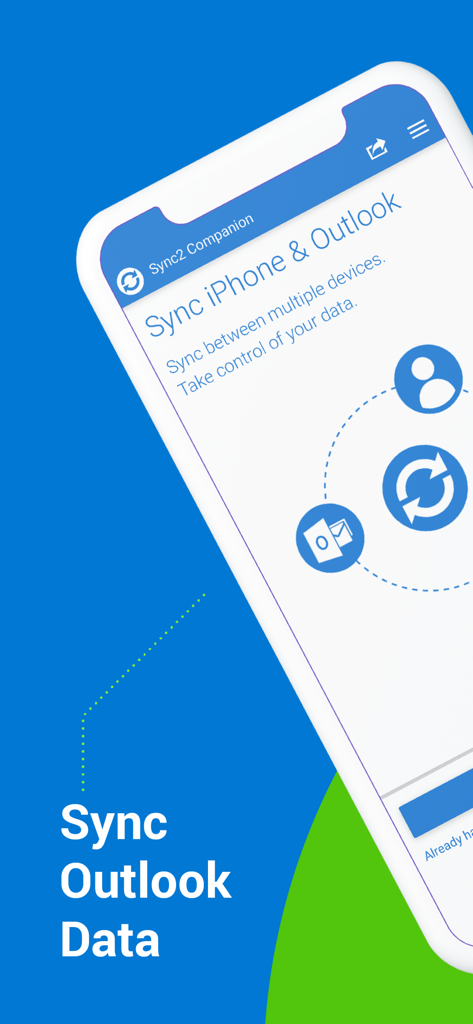
Sync2 Companion app interface showing the option to sync iPhone and Outlook data.

Sync2 Companion app interface showing the option to sync iPhone and Outlook data.

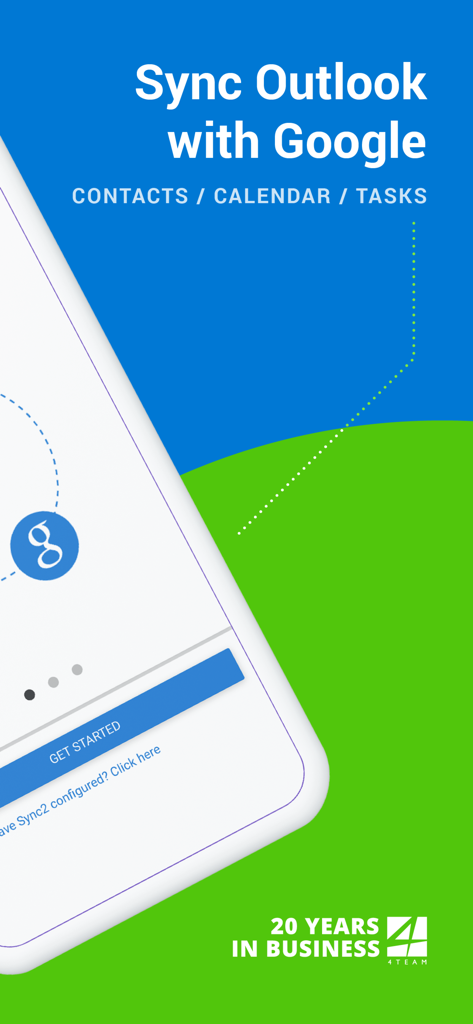
Sync2 app splash screen showing Outlook synchronization with Google for contacts, calendar, and tasks

Sync2 app splash screen showing Outlook synchronization with Google for contacts, calendar, and tasks

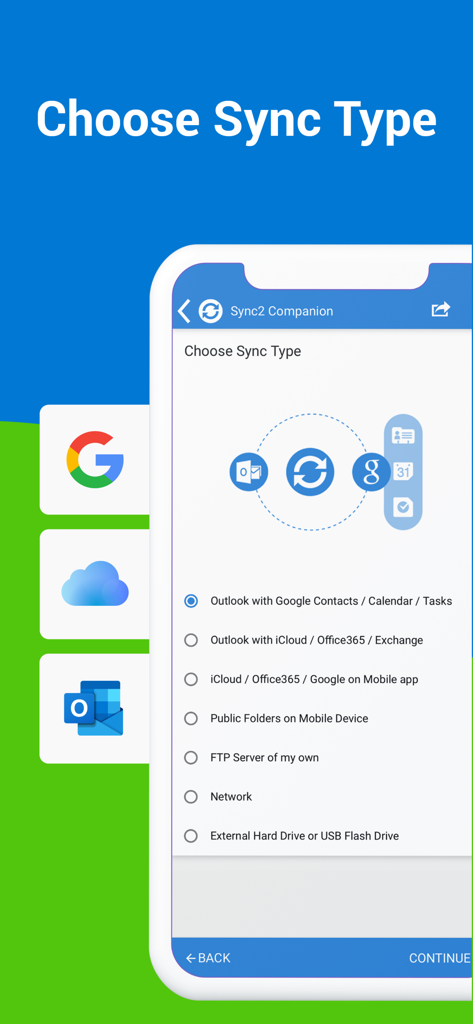
Choose sync type screen in Sync2 app for Outlook Google and iCloud synchronization

Choose sync type screen in Sync2 app for Outlook Google and iCloud synchronization

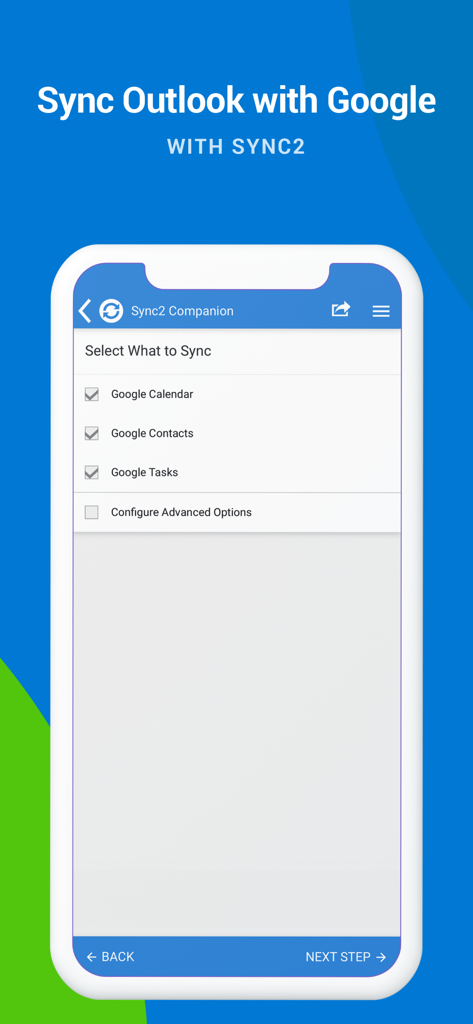
Sync2 app screen showing checkboxes to sync Google Calendar Contacts and Tasks with Outlook

Sync2 app screen showing checkboxes to sync Google Calendar Contacts and Tasks with Outlook

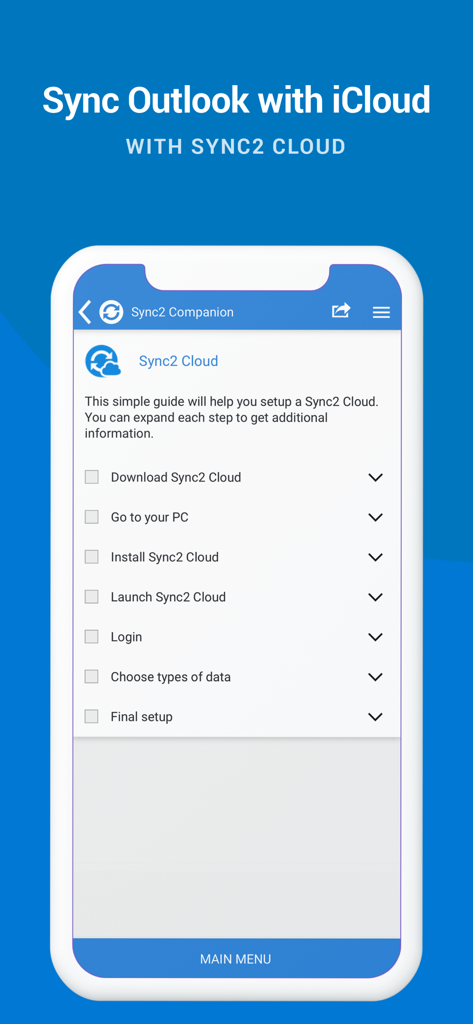
A smartphone screen displaying a checklist for setting up Outlook and iCloud synchronization using Sync2 Cloud.

A smartphone screen displaying a checklist for setting up Outlook and iCloud synchronization using Sync2 Cloud.

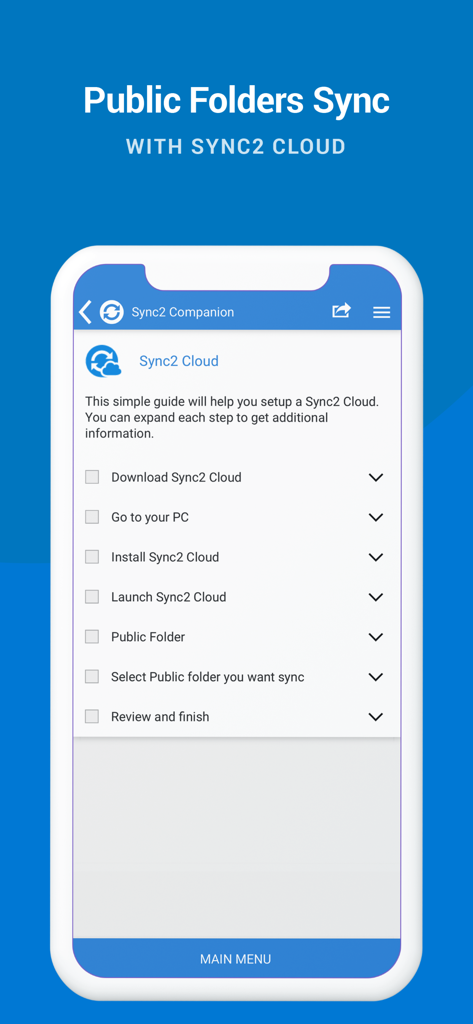
Setup guide for syncing Outlook public folders with Sync2 Cloud

Setup guide for syncing Outlook public folders with Sync2 Cloud

Unified Productivity Across All Your Platforms

The tools that make this app stand out, trusted by 128K+ users.

📂

Native Public Folder Access

View shared Exchange calendars and contacts directly on your iPhone or iPad, solving the most common corporate mobile sync gap.

🔄

Seamless Ecosystem Integration

Unite your work Outlook, personal Google account, and Apple devices into one synchronized hub with two-way data flow.

Set-and-Forget Automation

Enjoy instant background updates and automatic backups, ensuring your schedule is always current without manual intervention.

About the app

Everything you need to know about Sync2 Outlook Google & iCloud.

Description

This is a Complimentary Companion that helps you set up synchronization for Outlook with iCloud, Google, Office 365, Exchange and iPhone/iPad sync with iCloud and other cloud services. With Sync2 you will be able to synchronize your iPhone/iPad with Microsoft Outlook using your Google Account. PLEASE NOTE: THE SOFTWARE DOES NOT SUPPORT MICROSOFT OUTLOOK FOR MAC. Public Folder Sync to smartphones Public Folders sync solution. Microsoft Exchange Public Folders are not displayed natively on smartphones. Choose sync type “Public Folders on Mobile Device" and you will be guided to set up Sync2 Cloud. The new Sync2 Cloud helps to sync Public Folders. Sync & Share Public Folders on multiple platforms or smartphones (iPhone, iPad). Sync any type of Public folders (calendars, contacts, tasks, emails, notes). Sync Microsoft Outlook with your iPhone/iPad using Google account. Use Sync2 to set up synchronization of your Google account and Microsoft Outlook. Set up the Google account on your iPhone or iPad and have your data synchronized both ways. Set up the Sync2 PC application for Microsoft Outlook with Sync2 Companion in a few simple steps. Go through all the necessary settings to set up Sync2 on your PC. Get familiar with Sync2 functionality easily and without any trouble. About the Sync2 desktop app: The PC Microsoft Outlook synchronization software keeps your Emails, Calendar, Contacts and Tasks in sync between your Outlook, Google, iPhone, iPad and any other smartphone, tablet or PC. You can schedule automatic Outlook synchronization, perform manual sync on demand, or use an instant sync feature for changes made in Outlook to be moved immediately. Sync2 is the right tool for you if you are looking for a way to: - Sync Outlook with your iPhone or iPad using your Google account; - Sync your Outlook Contacts, Calendars and/or Tasks using one-way or two-way synchronization; - Easily sync your Outlook data, such as emails, calendars, contacts, tasks, notes, Outlook journals, between multiple PCs without the Microsoft Exchange server; - Synchronize specific Outlook folders with different workgroups. Main Sync2 features: - Sync Outlook with iPhone or iPad using a Google account. - Sync Outlook Calendar with Google Calendars. - Sync Microsoft Outlook between PC‘s without a server. - Instant synchronization of changes made in Microsoft Outlook. - Synchronize Microsoft Outlook Contacts with Google Contacts. - Sync Outlook Tasks with Google Tasks Lists. - Back up Contacts and Calendar folders automatically before each synchronization. - Synchronize data even when Microsoft Outlook is closed. - Manual or scheduled synchronization. - Sync Exchange folders.

Latest Version

2.2

Size

3.2 MB

First Released

Jul 18, 2016

Bring Your Outlook Workflow to Your iPhone & iPad

Join 128,000+ professionals who trust Sync2 to keep their calendars, contacts, and public folders perfectly in sync across every device.

Download on App Store

App information, icons, screenshots, and descriptions displayed on this page are sourced from the Apple App Store and are the property of their respective developers. Download estimates and rankings are based on MWM's proprietary models and may not reflect actual figures. This page is provided for informational and analytical purposes only.

Believe this page infringes your intellectual property? File a dispute