
This page is not an official page of the app or its developer, but an independent editorial publication created for informational and commentary purposes. Unless expressly stated otherwise, neither the app nor its developer is affiliated with, endorsed by, sponsored by, authorized by, or otherwise officially connected with MWM, Apple, Google Play, the app publisher, or the app's developer, and nothing on this page implies that the app was developed using MWM's services. Any trademarks, logos, screenshots, and other content remain the property of their respective owners.


TapHome Official Smart Home
Stop paying for service calls and take command of your home. Integrate every device, automate with precision, and enjoy the freedom of a truly open system designed for the DIY expert.
Downloads
4K+User Rating
Total Ratings
0Publisher
Category
LifestyleLocales
20Latest Version
2025.2.32307Size
226.0 MBFirst Released
Apr 10, 2016Your Home, Your Rules
Take command with a professional-grade ecosystem designed for those who demand total control without the need for expensive service technicians.
Total DIY Freedom
Never call a technician again. Easily adjust your own automation scripts, smart rules, and schedules directly within the app's interface.
True Universal Integration
Stop switching between dozen of apps. Our open system unifies your blinds, heating, and lighting into one seamless control center.
The following screenshots and description are sourced directly from the app's official store listing and are the property of the app developer.
App Store
Screenshots
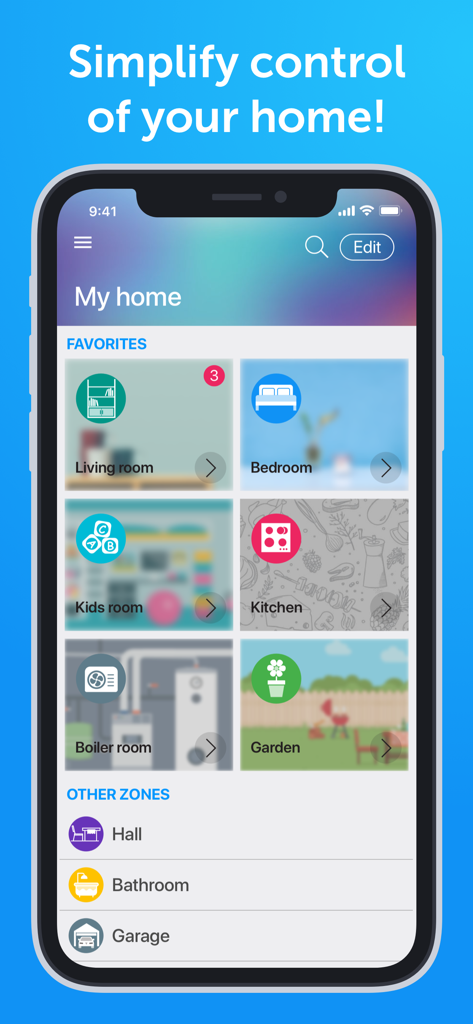
TapHome app interface showing a dashboard for home automation with tiles for various rooms like living room kitchen and garden
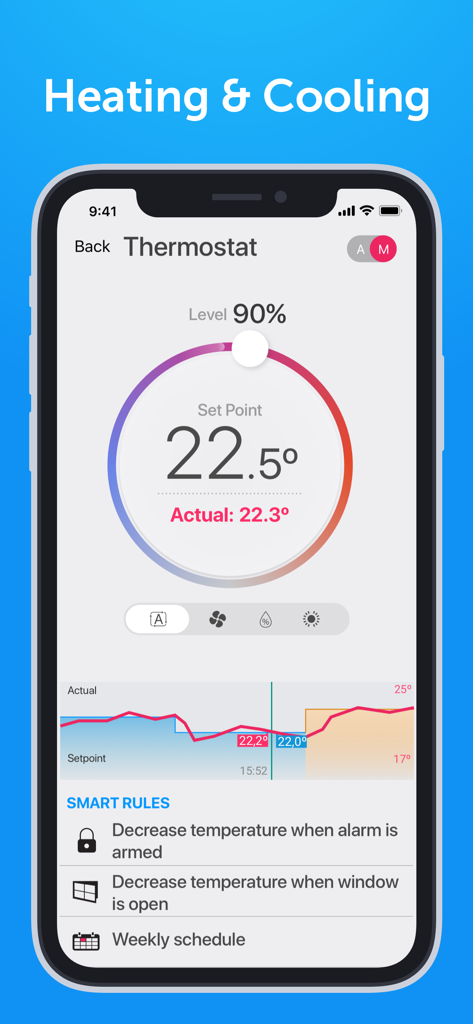
TapHome smart home app thermostat screen with heating and cooling settings and automated rules
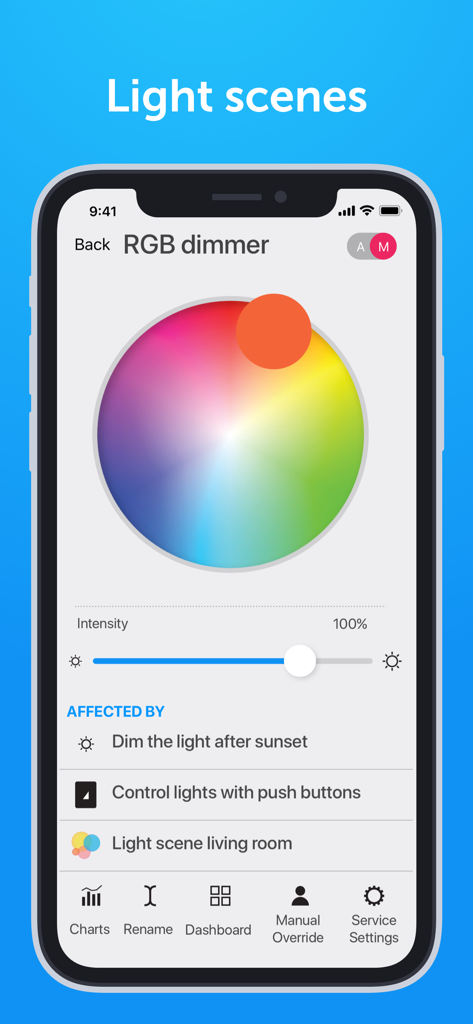
TapHome smart home app RGB dimmer screen showing a color wheel intensity slider and active smart rules for light scenes
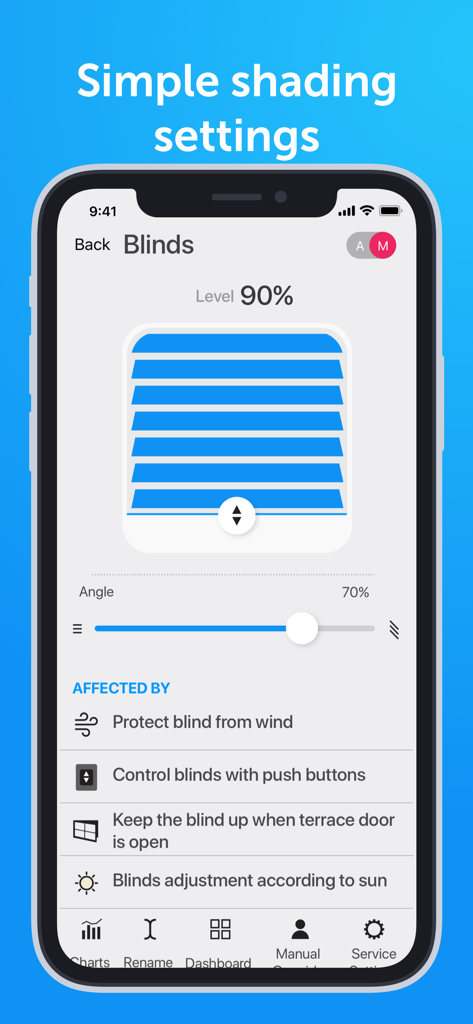
TapHome app interface for manual and automatic control of smart blinds and shading
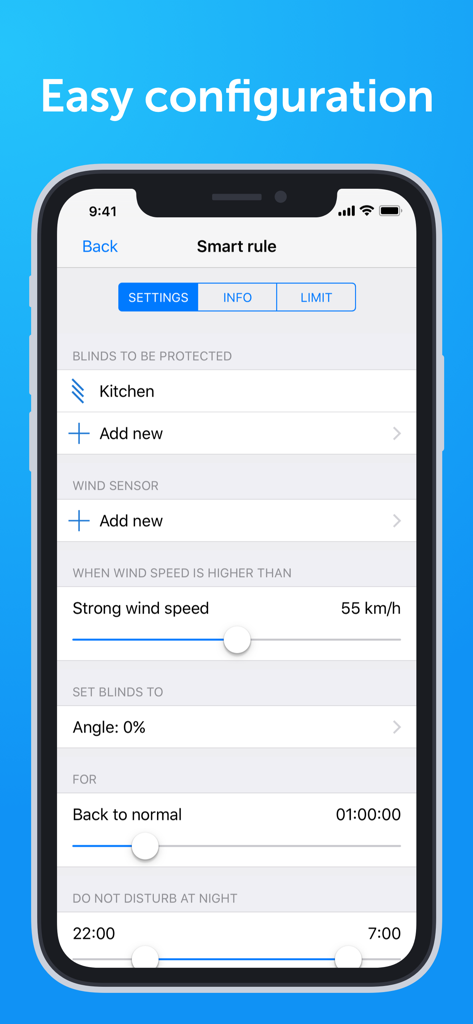
TapHome app interface showing smart rule configuration for wind protection and blind automation
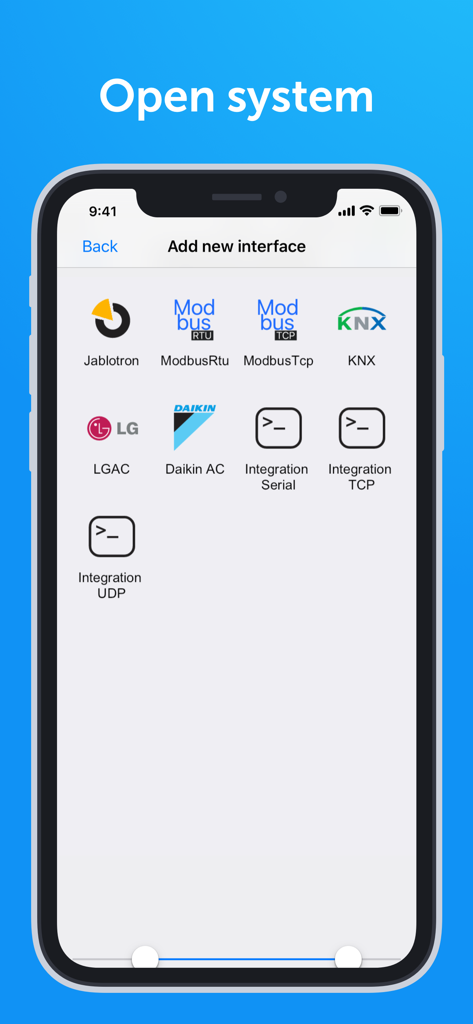
TapHome smart home app interface showing integration options for Modbus KNX LG and Daikin systems
Description
Download
More Like This
Top-ranked apps in the same category

Pinterest, Inc.

Alipay - Simplify Your Life
Alipay (Hangzhou) Technology Co., Ltd.

Dianping: Discover Good Places
Hanhai Information Technology (Shanghai) Co.Ltd

美团-美好生活小帮手
Sankuai Technology Co., Ltd.

Lemon8 - Lifestyle Community
TIKTOK PTE. LTD.

Xiaomi Home
Beijing Xiaomi Co., Ltd

Tinder Dating App: Date & Chat
Tinder LLC

SmartThings
Samsung Electronics Co., Ltd.

VNeTraffic
GLOBAL TECHNOLOGY - TELECOMMUNICATIONS CORPORATION
This page is not an official page of the app or its developer, but an independent editorial publication created for informational and commentary purposes. Unless expressly stated otherwise, neither the app nor its developer is affiliated with, endorsed by, sponsored by, authorized by, or otherwise officially connected with MWM, Apple, Google Play, the app publisher, or the app's developer, and nothing on this page implies that the app was developed using MWM's services. Any trademarks, logos, screenshots, and other content remain the property of their respective owners.