Teaching Graphs
Teaching Graphs
Download on App Store

This page is not an official page of the app or its developer, but an independent editorial publication created for informational and commentary purposes. Unless expressly stated otherwise, neither the app nor its developer is affiliated with, endorsed by, sponsored by, authorized by, or otherwise officially connected with MWM, Apple, Google Play, the app publisher, or the app's developer, and nothing on this page implies that the app was developed using MWM's services. Any trademarks, logos, screenshots, and other content remain the property of their respective owners.

Logo of Teaching Graphs
Download on App Store

Teaching Graphs

Empower your students to visualize their world. From Venn diagrams to pie charts, Teaching Graphs makes data literacy fun and accessible for young learners without the complexity of spreadsheets.

Key Figures

Downloads

87K+

User Rating

3.2/5

Total Ratings

0

Publisher

Aleesha Kondys

Category

Education

Locales

1

Latest Version

1.43

Size

18.4 MB

First Released

Aug 23, 2012
Features

Empower Young Minds with Data Literacy

A distraction-free environment where students focus on the logic of graphs rather than the complexity of professional software.

Effortless Graph Making

Skip the spreadsheets. Students create colorful Venn, Carroll, and Pie charts with intuitive drag-and-drop tools.

Real-World Data Reading

Develop critical thinking by interpreting live weather data and relatable datasets designed for early learners.

The following screenshots and description are sourced directly from the app's official store listing and are the property of the app developer.

App Store

Screenshots
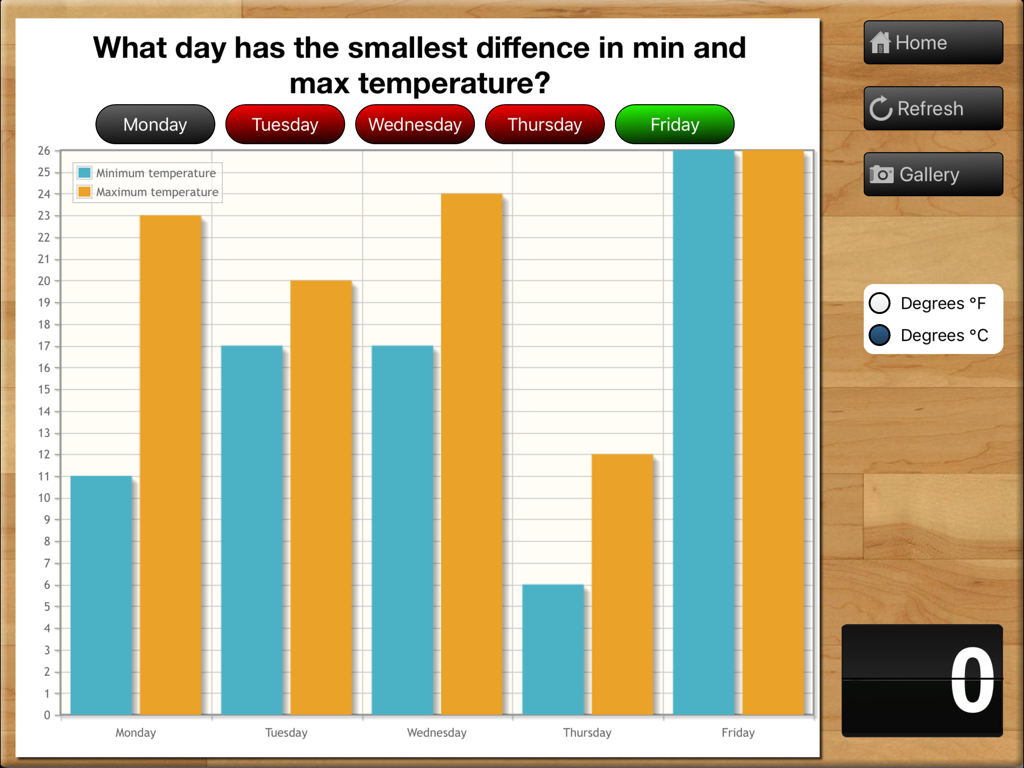
Teaching Graphs - An educational bar chart showing minimum and maximum temperature comparisons for a five day school week.
An educational bar chart showing minimum and maximum temperature comparisons for a five day school week.

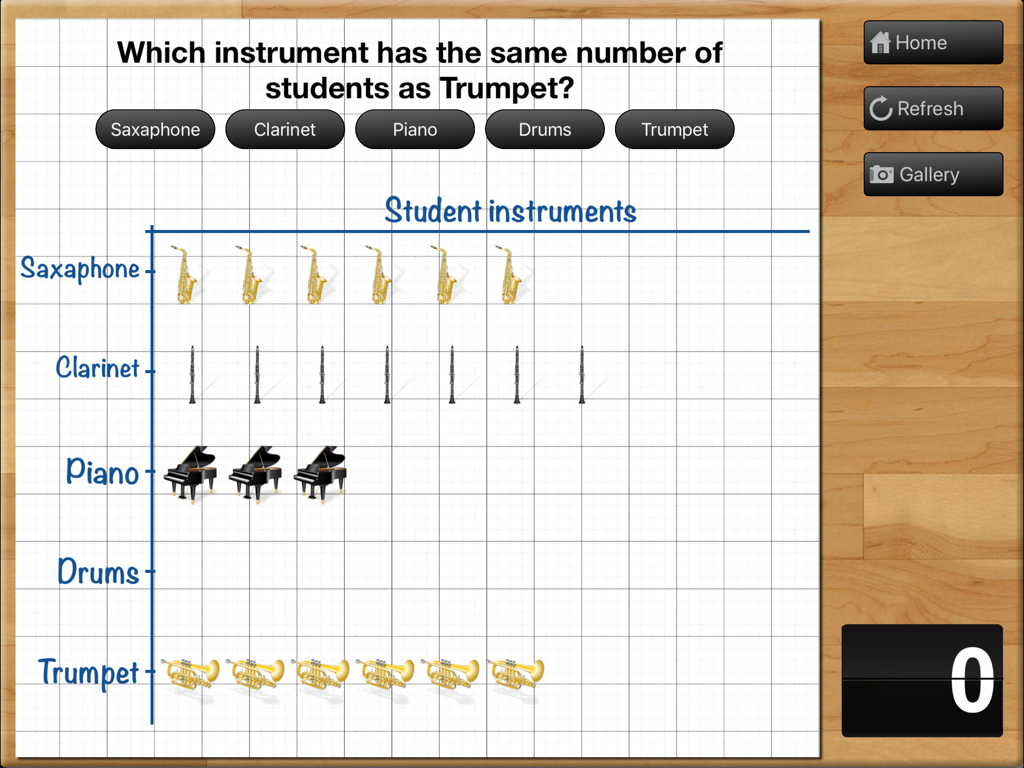
Teaching Graphs - A picture graph showing student instruments data on a grid within the Teaching Graphs iPad app
A picture graph showing student instruments data on a grid within the Teaching Graphs iPad app

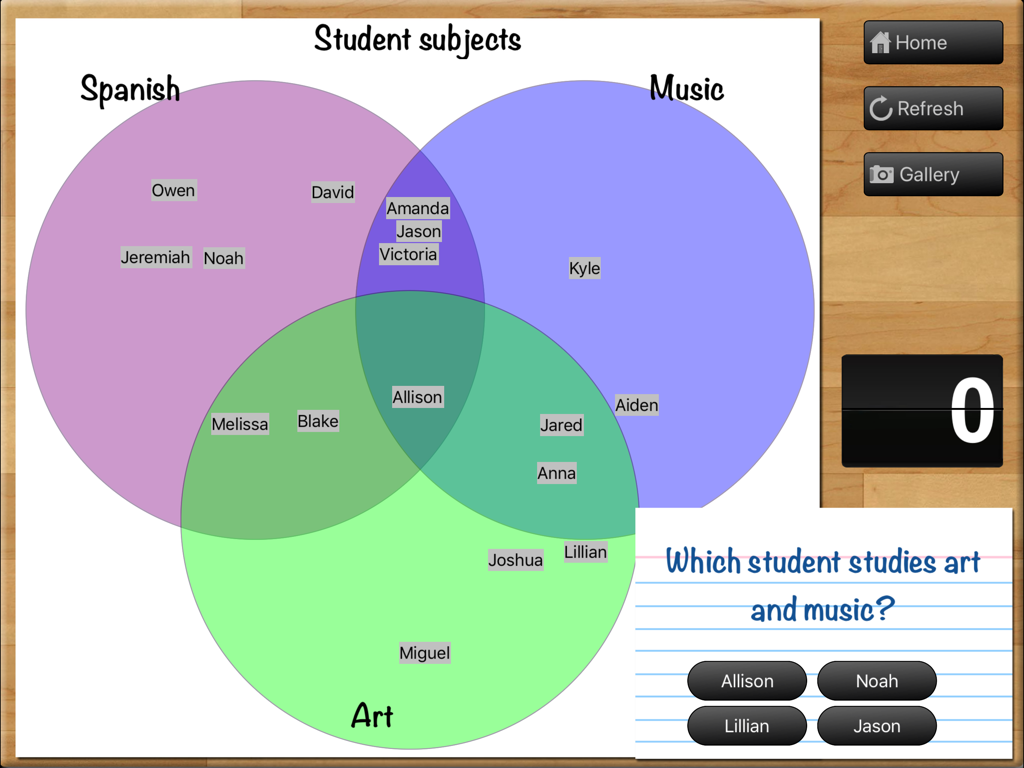
Teaching Graphs - A three-circle Venn diagram in the Teaching Graphs app used to quiz students on overlapping categories for Spanish, Music, and Art.
A three-circle Venn diagram in the Teaching Graphs app used to quiz students on overlapping categories for Spanish, Music, and Art.

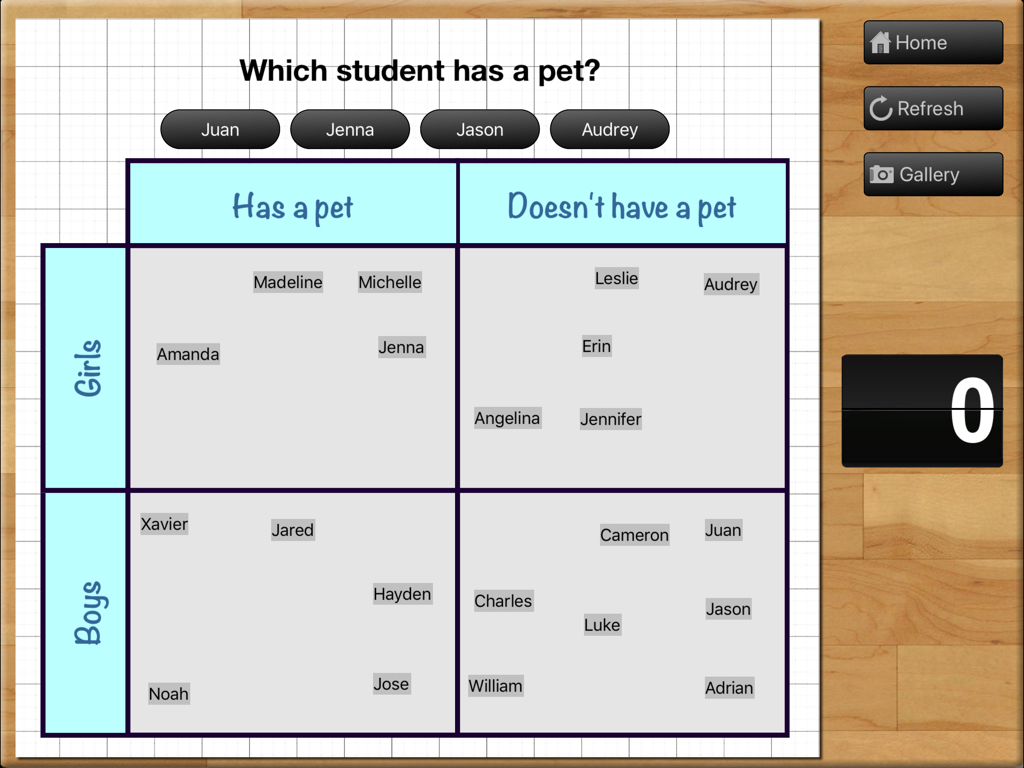
Teaching Graphs - A Carroll diagram activity in the Teaching Graphs app showing a grid to sort boys and girls by pet ownership.
A Carroll diagram activity in the Teaching Graphs app showing a grid to sort boys and girls by pet ownership.

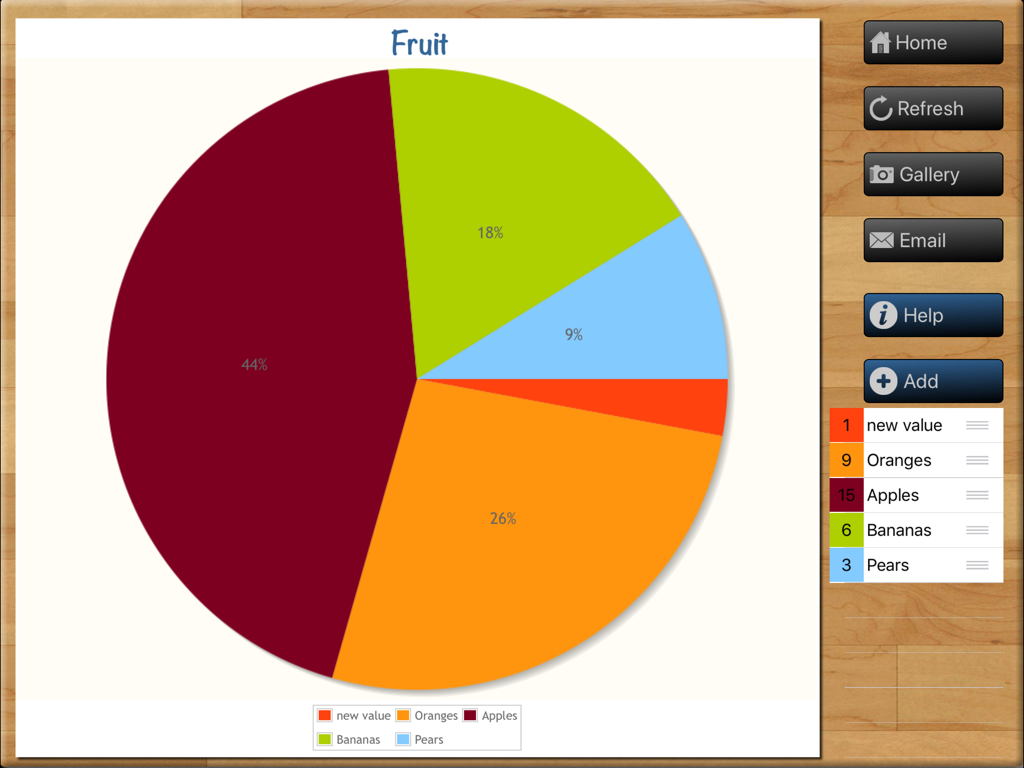
Teaching Graphs - A fruit-themed pie chart being created in the Teaching Graphs educational iPad app showing data for apples, oranges, and bananas.
A fruit-themed pie chart being created in the Teaching Graphs educational iPad app showing data for apples, oranges, and bananas.

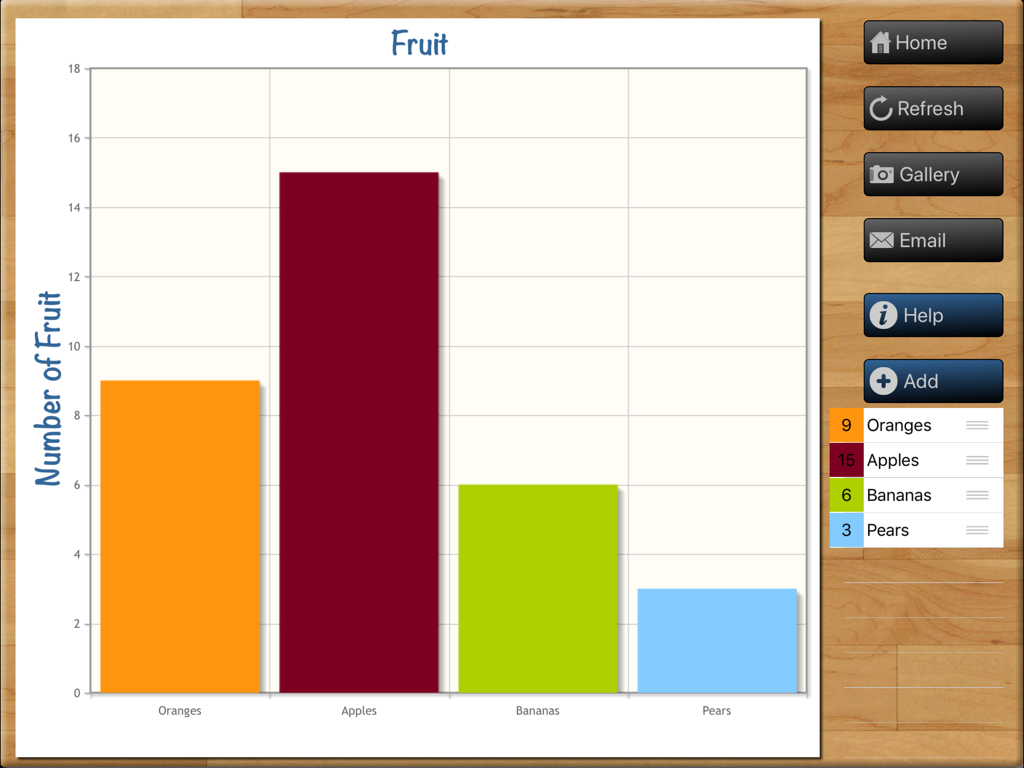
Teaching Graphs - A colorful bar chart titled Fruit within the Teaching Graphs app interface on an iPad
A colorful bar chart titled Fruit within the Teaching Graphs app interface on an iPad

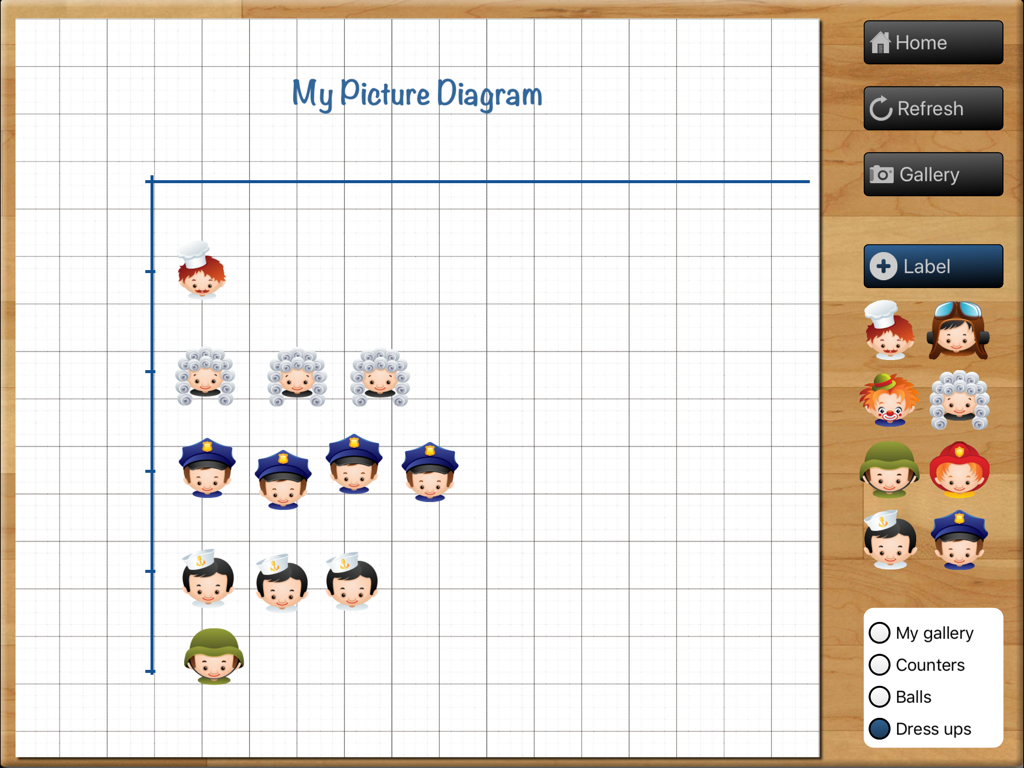
Teaching Graphs - Interface of the Teaching Graphs app showing a picture diagram creator with character icons on a grid
Interface of the Teaching Graphs app showing a picture diagram creator with character icons on a grid

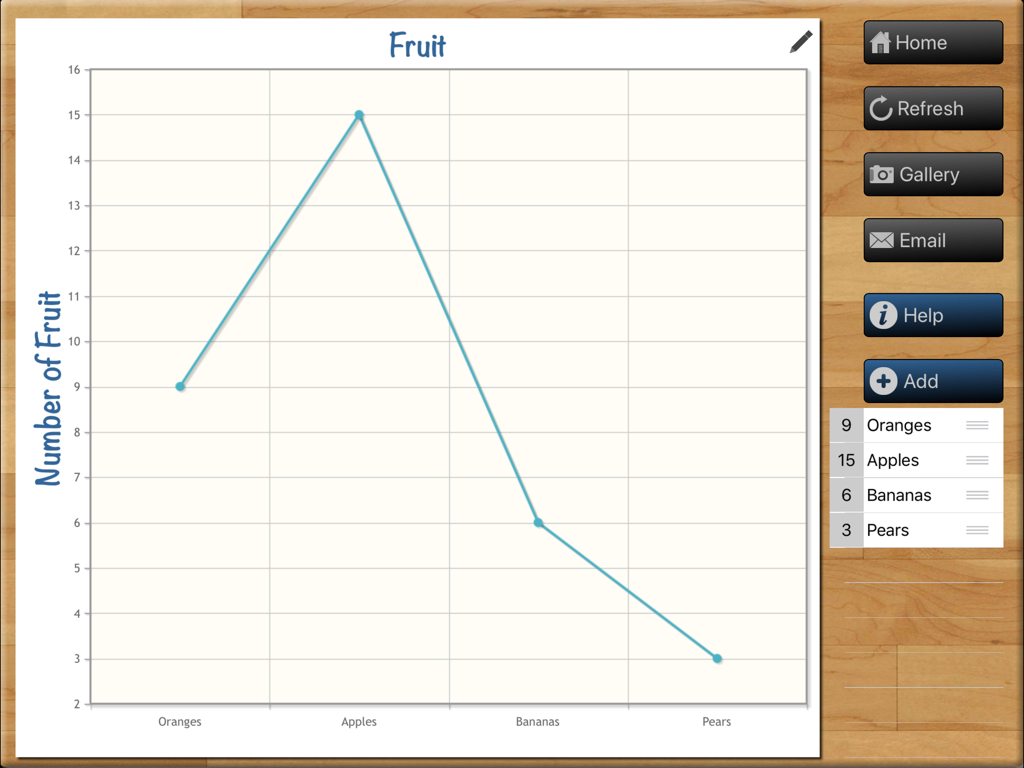
Teaching Graphs - A line chart showing fruit counts in the Teaching Graphs iPad app interface
A line chart showing fruit counts in the Teaching Graphs iPad app interface

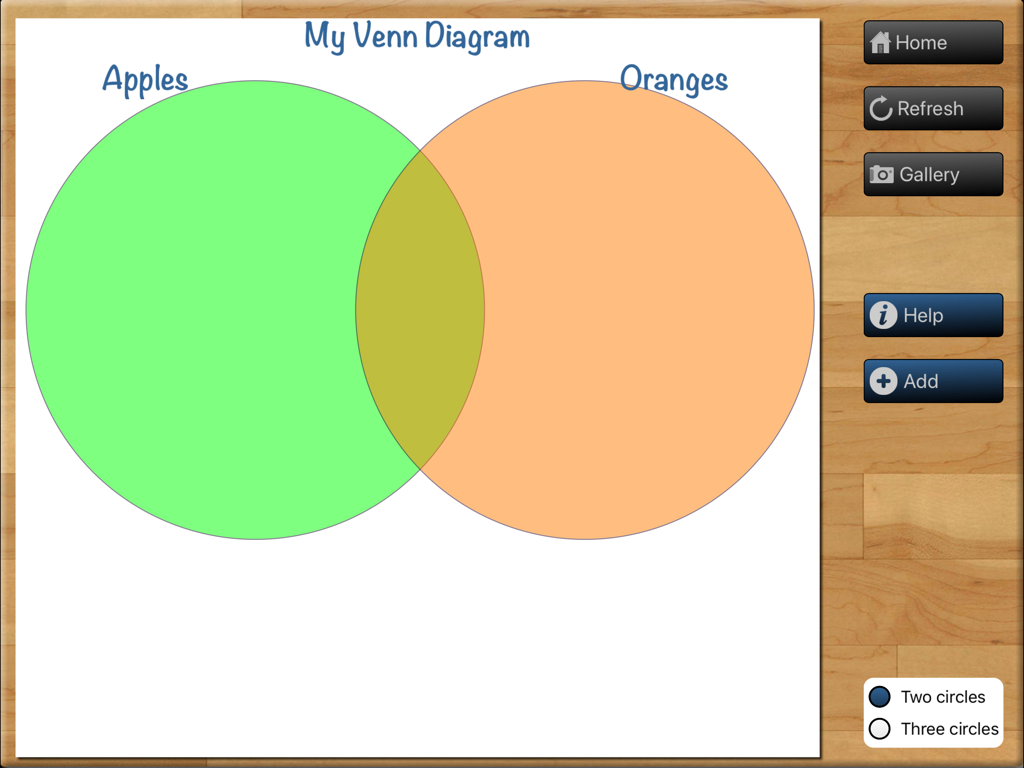
Teaching Graphs - Teaching Graphs app interface for creating a Venn diagram with two overlapping circles labeled Apples and Oranges.
Teaching Graphs app interface for creating a Venn diagram with two overlapping circles labeled Apples and Oranges.

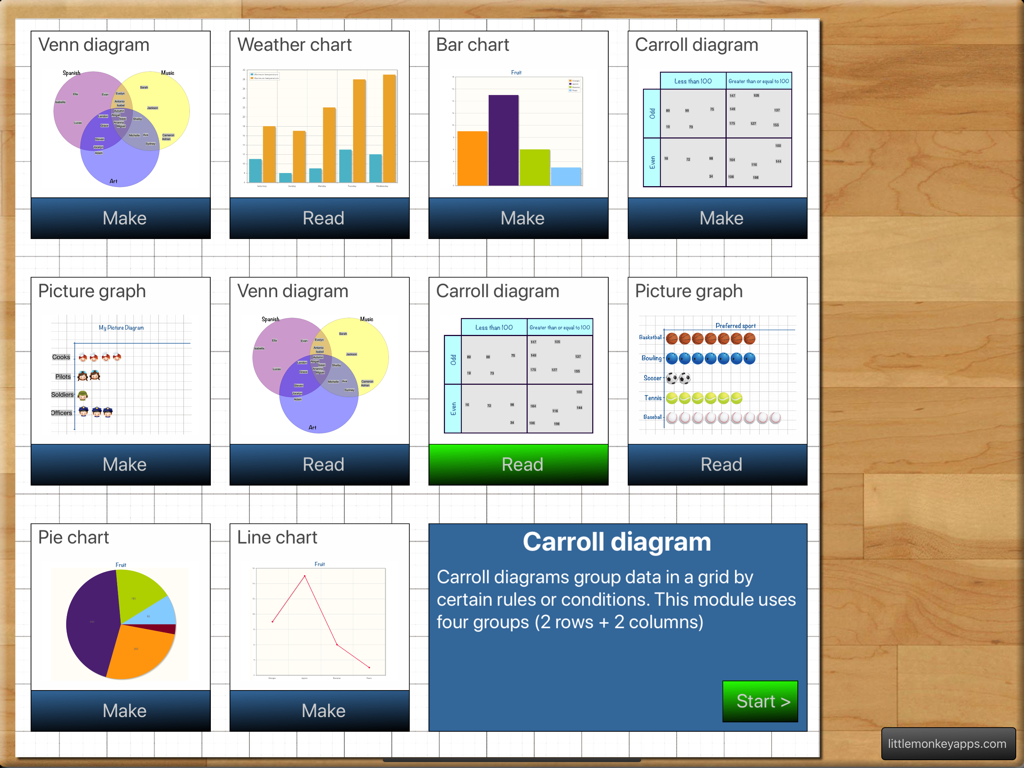
Teaching Graphs - The main menu of the Teaching Graphs app featuring various types of charts and diagrams for students to read or create.

The main menu of the Teaching Graphs app featuring various types of charts and diagrams for students to read or create.

Description

Don't know the difference between a Venn and a Carroll Diagram? Don't know how to use one? Find that using Spreadsheet programs to be a lesson in everything but Graphs and interpretation? Spreadsheet Programs can be complex and distracting with too many features.... Teaching graphs is a simple introduction to basic graphs and interpretation of data. Teaching graphs includes two types of activities, 'Read' and 'Make' including picture graphs, Venn & Carroll diagrams, bar, pie and line charts. Students are asked to read and interpret data from four types of graphs, coming to recognise the features and purposes of each graph type. Students are also able to collect their own data and create their own graphs (4 different types of graphs) They can set labels, colours and adding values. Students can email a graph or save the graph to photo gallery. READ GRAPHS There are four types of graphs that have various questions asked. =Venn diagram= The most overused type of diagram in early years education! Little Johnny likes apples and pears, but Sara likes apples and bananas! Although we have included that type of question in the App, this is just the beginning of what a Venn diagram is REALLY used for. Once students have the basics, a Venn diagram can also be used to show more complex ideas in a visual and logical manner, helping children to make links between the similarities and differences of a particular set one example is comparing sets (or traits) such as motorbikes vs bicycles. =Carroll diagram= A Carroll diagram is used to sort information in a 'Yes / No' manner . This type of diagram aids students to organise information in a systematic manner. In the App, we have used two attributes (a 2 x 2 grid). =Weather graph (bar chart)= This module creates a minimum and maximum bar chart for the next five days of weather in your location. You can switch between Fahrenheit and Celsius. The module asks recall questions about the weather, I.e. 'What is the hottest day?' =Picture graph= Picture graphs are often the first introduction to graphing. It is important to note that the pictures are the SAME size and spaced evenly. Instead of traditional bar shapes each value is incremented using pictures. We've included marbles, sports balls, musical instruments and student dress-ups. MAKE GRAPHS There are 4 types of graphs that can be created. Students can email or save graphs to the photo gallery which allows record keeping for later instruction or comparison between appropriate graph types for a particular purpose. (You probably wouldn't use a venn diagram to show temperature across a week, a bar or line graph is more suited...but what a good teaching point.) =Venn diagram= Create a Venn diagram with 2 or 3 intersecting circles. Students can label each circle and set the colour. Items can be added and dragged in to place. =Line/bar graph maker= Create a single series bar or line graph. Switch between the two types of graph depending on the type of data. The line colour and bar colour can be set and items can be labelled. Line graphs are more appropriate for accumulative data sets such as temperature over one day whereas bar graphs can be used for temperature across a week. =Carroll diagram= A 2 row by 2 column Carroll diagram can be created. Labels and items can be customised. =Pie chart maker= Pie chart creation can be difficult without the assistance of IT devices as young children aren't able to understand the mathematics behind its creation (angles, using a protractor,) Students are able to create their pie chart by inputting data sets, change the colour and value for each slice. Great introduction to percentages for more advanced students..work backwards and complete the task on the App and (oh my goodness, yes, I'll say it...) by HAND!

Download

Download on App Store

This page is not an official page of the app or its developer, but an independent editorial publication created for informational and commentary purposes. Unless expressly stated otherwise, neither the app nor its developer is affiliated with, endorsed by, sponsored by, authorized by, or otherwise officially connected with MWM, Apple, Google Play, the app publisher, or the app's developer, and nothing on this page implies that the app was developed using MWM's services. Any trademarks, logos, screenshots, and other content remain the property of their respective owners.








