
This page is not an official page of the app or its developer, but an independent editorial publication created for informational and commentary purposes. Unless expressly stated otherwise, neither the app nor its developer is affiliated with, endorsed by, sponsored by, authorized by, or otherwise officially connected with MWM, Apple, Google Play, the app publisher, or the app's developer, and nothing on this page implies that the app was developed using MWM's services. Any trademarks, logos, screenshots, and other content remain the property of their respective owners.


Telehealth by SimplePractice
Join your clinician instantly with no login or password required. Experience 100% HIPAA-compliant video appointments from your car, office, or anywhere you find privacy.
Downloads
4M+User Rating
Total Ratings
335K+Publisher
Category
MedicalLocales
1Latest Version
4.1.8Size
61.2 MBFirst Released
May 24, 2018Care that fits your busy life
Skip the commute and the waiting room. Telehealth by SimplePractice allows you to join 100% secure, HIPAA-compliant therapy sessions from any private space with just one click.
Instant, Password-Free Access
Join your appointments directly from your unique link. No login credentials or account setups required—just tap and connect to your provider.
Medical-Grade Privacy
Rest easy knowing your sessions are 100% HIPAA-compliant. We use top-tier encryption to ensure your sensitive conversations remain strictly confidential.
Frequently Asked Questions
Everything you need to know about Telehealth by SimplePractice
What is Telehealth by SimplePractice?
Telehealth by SimplePractice is an app for secure, HIPAA-compliant therapy video sessions. It allows clients and clinicians to attend appointments from anywhere instantly, without a login or password.
Is Telehealth by SimplePractice secure and HIPAA compliant?
Yes, Telehealth by SimplePractice provides 100% secure and HIPAA-compliant therapy sessions. It ensures privacy and security for health information during video appointments for both clinicians and clients.
How do users join a Telehealth by SimplePractice appointment?
Users join a Telehealth by SimplePractice video appointment by clicking the link in their appointment reminder or confirmation email. A login or password is not necessary.
Can both clinicians and clients use the Telehealth by SimplePractice app?
Yes, Telehealth by SimplePractice supports both clinicians and clients. They both can participate in secure, HIPAA-compliant therapy sessions directly through the application.
What is the maximum number of participants in a Telehealth by SimplePractice session?
A Telehealth by SimplePractice session supports up to three participants total. The app allows syncing with up to two other people, facilitating group or multi-party interactions.
What customization options are available in Telehealth by SimplePractice sessions?
Telehealth by SimplePractice offers session customization options to toggle view, pin specific participants, hide yourself to focus on others, or hide other participants to focus.
Is a login or password required for Telehealth by SimplePractice?
No, Telehealth by SimplePractice does not require a login or password. It enables instant access to video appointments for both clients and clinicians, streamlining the process.
The following screenshots and description are sourced directly from the app's official store listing and are the property of the app developer.
App Store
Screenshots
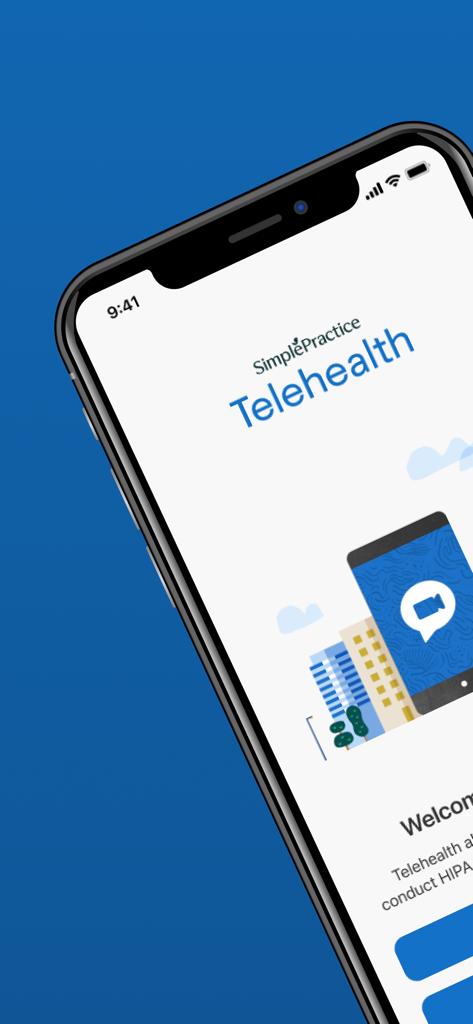
Welcome screen of the Telehealth by SimplePractice app on an iPhone displaying a video call illustration
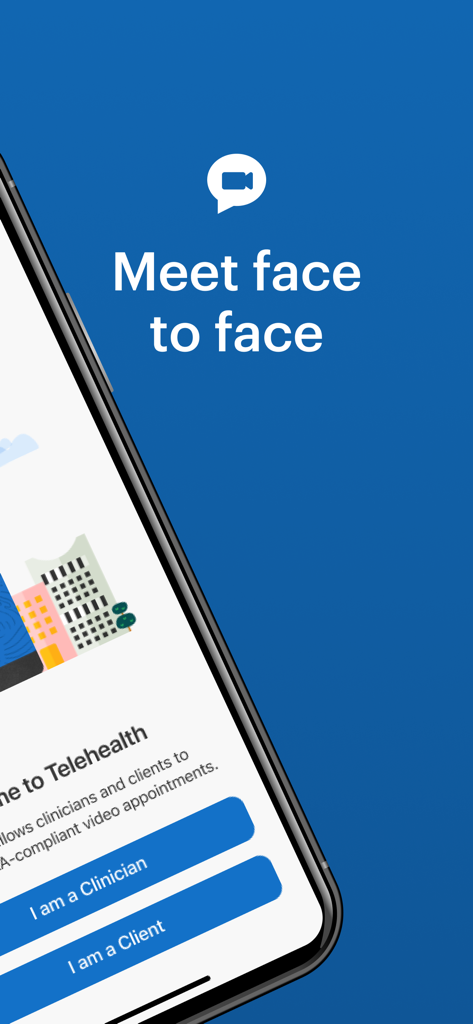
A smartphone displaying the Telehealth by SimplePractice app interface with options for clinicians and clients to join secure video appointments.
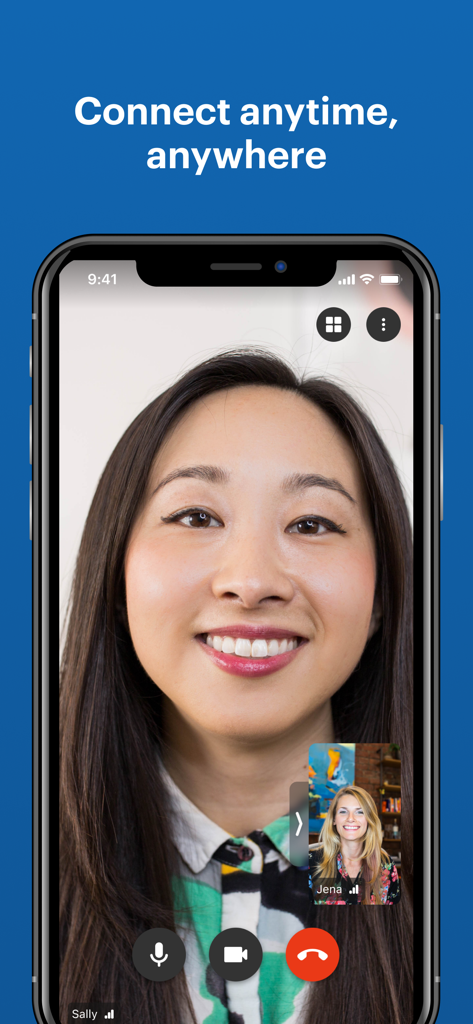
Interface of the Telehealth app showing a secure video therapy session between a client and a clinician
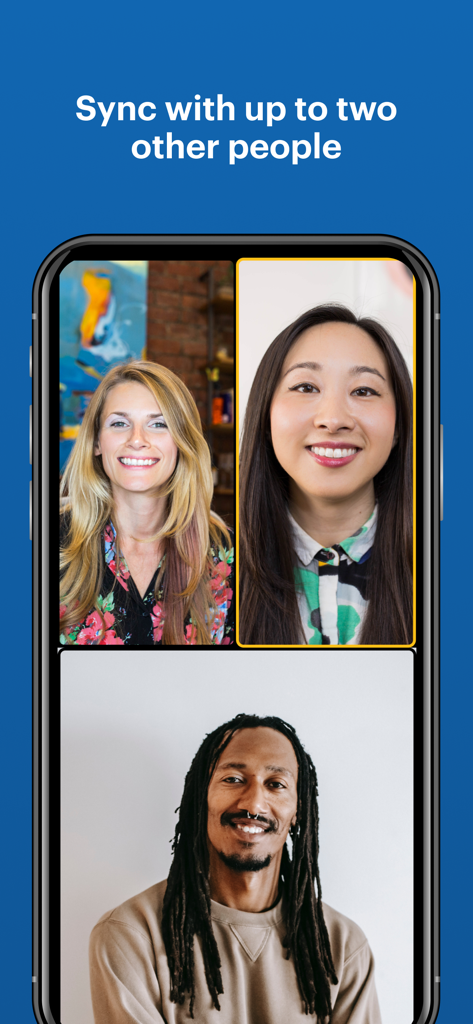
Mobile screen showing a three-way group video session on the Telehealth by SimplePractice app interface
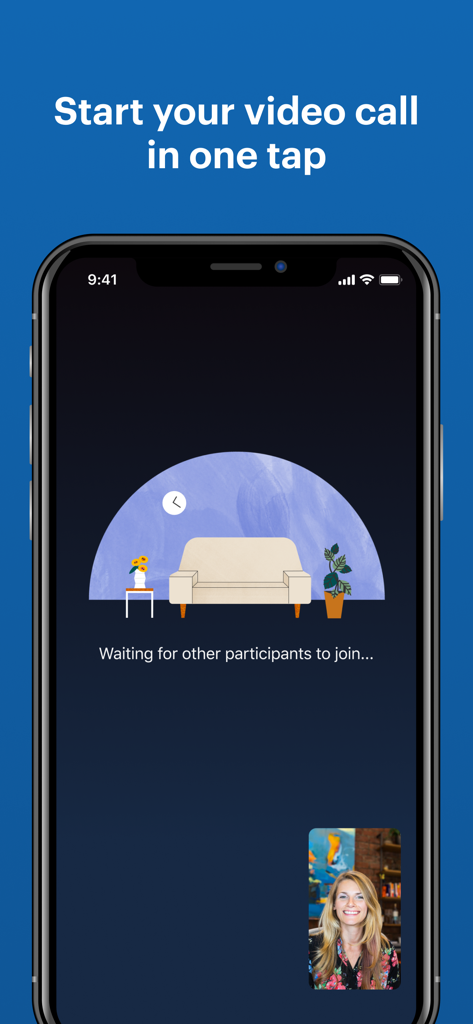
Telehealth app interface on an iPhone showing a one tap video call feature for secure therapy sessions
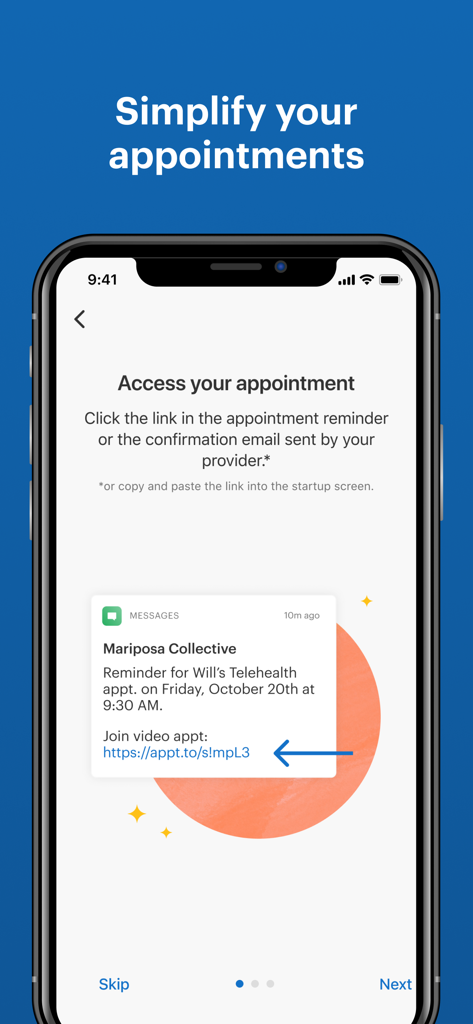
Onboarding screen of Telehealth by SimplePractice showing an appointment reminder message with a join link
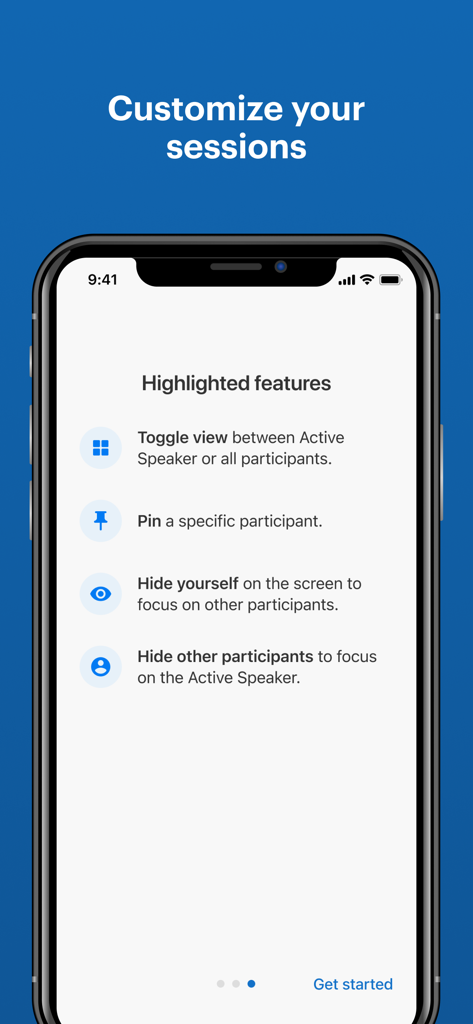
Interface showing video session customization features like toggling views and pinning participants in the Telehealth by SimplePractice app.
Description
Download
More Like This
Apps with similar features and user experience

BetterHelp - Therapy
Compile, Inc.

Grow Therapy
Grow Care, Inc.

Lyra Health
Lyra Health, Inc.

NOCD: OCD Therapy and Tools
NOCD INC

Spring Health Mobile
Spring Care, Inc

Estenarh - استنارة
Khalid Alshaer (SA)

壹心理-15年心理咨询品牌
Renxin Network & Technology Co., Ltd

Hiwell Therapy & Mental Health
Hiwell Teknoloji Anonim Sirketi

Психолог онлайн & саморазвитие
YASNO.LAIV, OOO
This page is not an official page of the app or its developer, but an independent editorial publication created for informational and commentary purposes. Unless expressly stated otherwise, neither the app nor its developer is affiliated with, endorsed by, sponsored by, authorized by, or otherwise officially connected with MWM, Apple, Google Play, the app publisher, or the app's developer, and nothing on this page implies that the app was developed using MWM's services. Any trademarks, logos, screenshots, and other content remain the property of their respective owners.