
The Authenticator App


Protect your financial, professional, and personal accounts with high-grade 2FA. Experience peace of mind with encrypted cloud backups and seamless multi-device sync designed for your Apple ecosystem.
Publisher
Category
ProductivityDownloads
554K+User Rating
Total Ratings
7K+Locales
21Discover the interface used by 554K+ users.
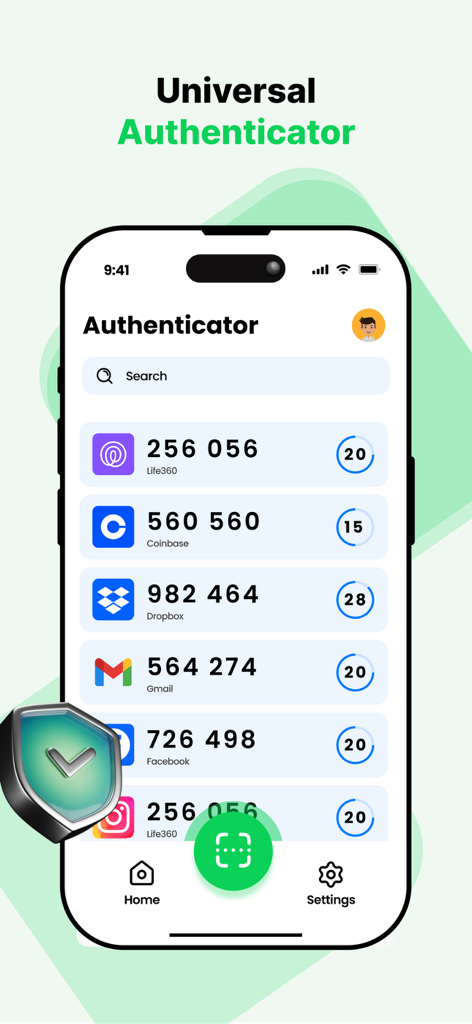
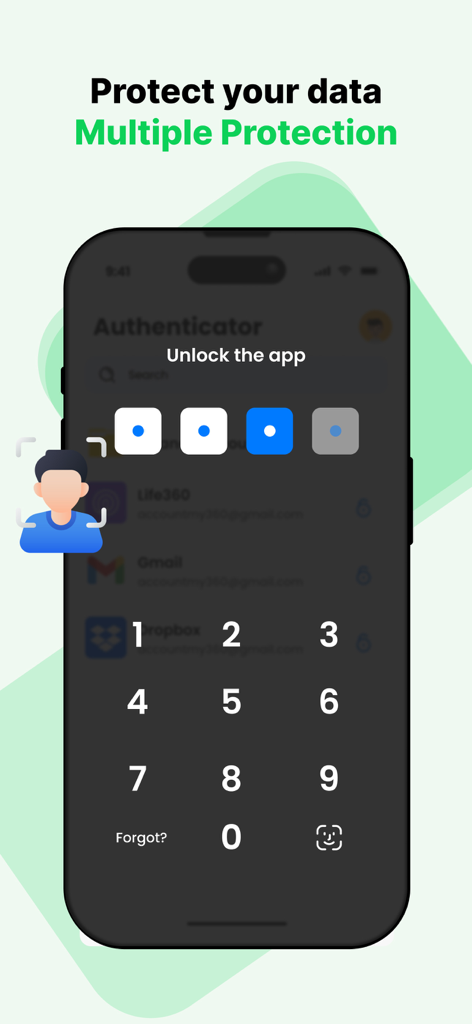
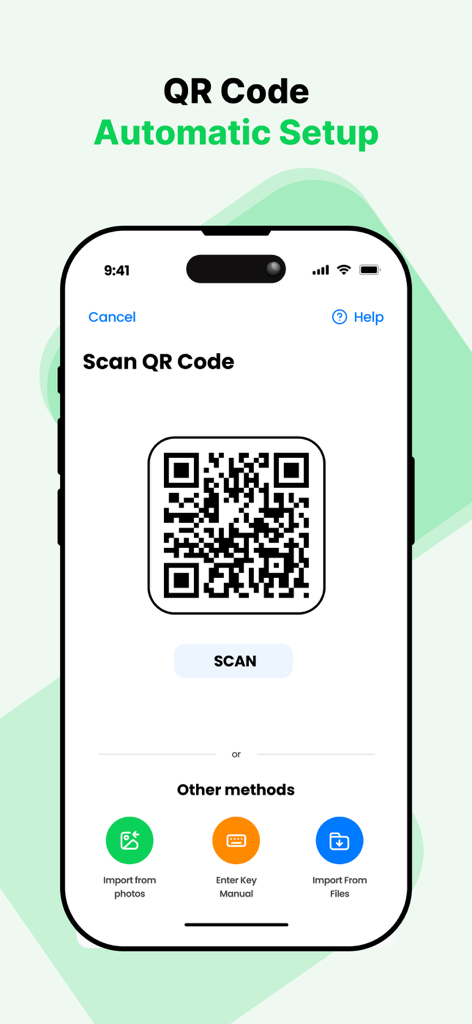
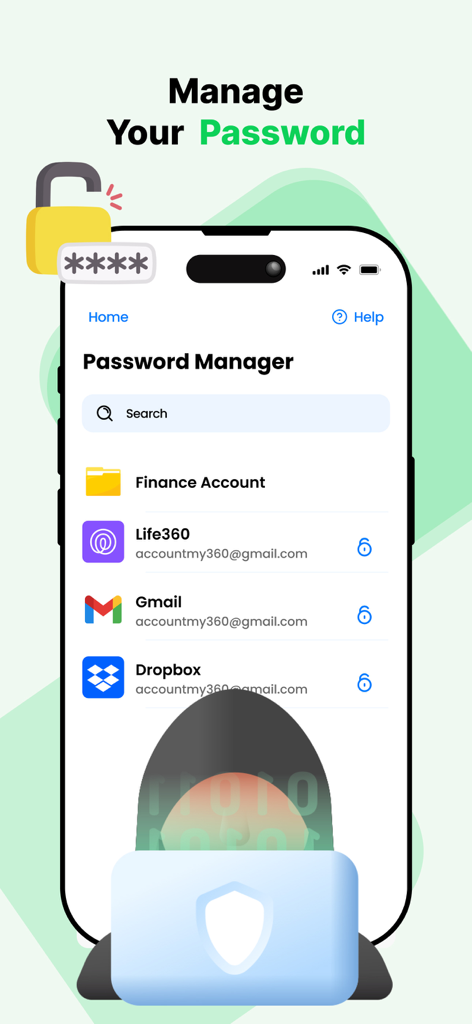
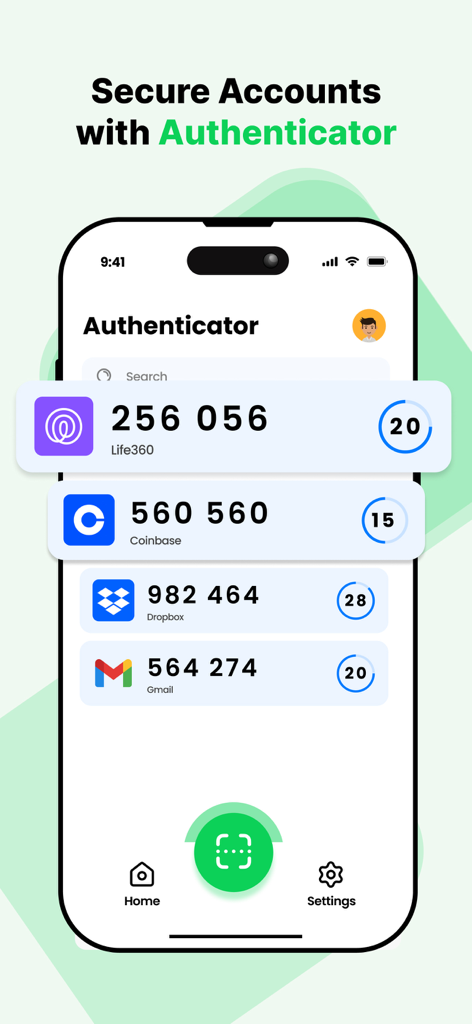
The tools that make this app stand out, trusted by 554K+ users.
Stay one step ahead of identity thieves with dynamic one-time passwords that keep your sensitive financial and personal accounts untouchable.
Eliminate the fear of digital lockout. Your encrypted keys are safely backed up to the cloud for seamless access across all your Apple devices.
Onboard new accounts in seconds with our high-speed scanner. A streamlined interface designed to save you time without compromising on safety.
Insights from user reviews.
Sentiment Score
Summary
This app garners overwhelmingly negative feedback, primarily due to its perceived scam-like subscription model and critical data loss issues following updates. Many users report being unexpectedly charged high fees for an app they expected to be free, frequently encountering excessive and unskippable advertisements. A significant number of reviews highlight that updates cause the loss of all saved authentication codes, effectively locking users out of their accounts. Additionally, the app is criticized for misrepresenting itself as official authenticators for services like Steam or Microsoft, and for general poor functionality, though a small number of users found it easy to use.
Common Themes
Everything you need to know about The Authenticator App.
Description
Latest Version
2.3.0
Size
145.2 MB
First Released
Aug 7, 2022
Join 550,000+ professionals who trust our professional-grade 2FA to protect their most sensitive assets. Secure your accounts with encrypted cloud backup and never risk a lockout again.
Apps with similar features and user experience

Google LLC

Duo Security LLC

APPLY DIJITAL HIZMETLER TICARET LIMITED SIRKETI

Mustafa Uz

Thales DIS (Singapore) Pte Ltd

Tatra banka, a.s.

Brilliant App Limited

UNIVERSE DIJITAL HIZMETLER LIMITED SIRKETI

XSOFT GLOBAL LIMITED
App information, icons, screenshots, and descriptions displayed on this page are sourced from the Apple App Store and are the property of their respective developers. Download estimates and rankings are based on MWM's proprietary models and may not reflect actual figures. This page is provided for informational and analytical purposes only.
Believe this page infringes your intellectual property? File a dispute