The Ebook Converter

The Ebook Converter

Download on App Store
Logo of The Ebook Converter

The Ebook Converter: Read Any Book on Any Device in Seconds

Break free from format restrictions. Seamlessly convert PDFs, EPUBs, and MOBI files for your Kindle, iPad, or iPhone with our secure and lightning-fast technology.

Publisher

Float Tech, LLC

Category

Utilities

Downloads

133K+

User Rating

4.4/5

Total Ratings

11K+

Locales

23

Reading Without Limits

Discover the interface used by 133K+ users.
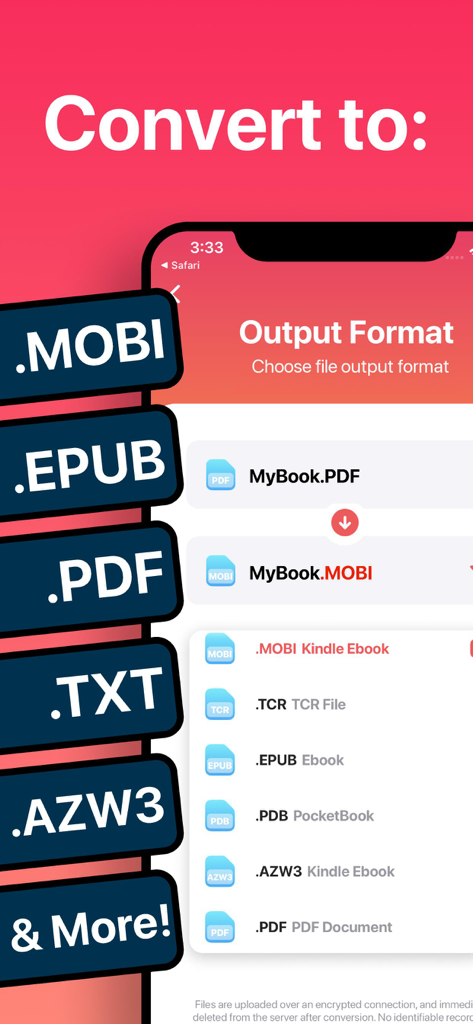
Screenshot of The Ebook Converter app showing a list of supported output formats including MOBI EPUB and PDF

Screenshot of The Ebook Converter app showing a list of supported output formats including MOBI EPUB and PDF

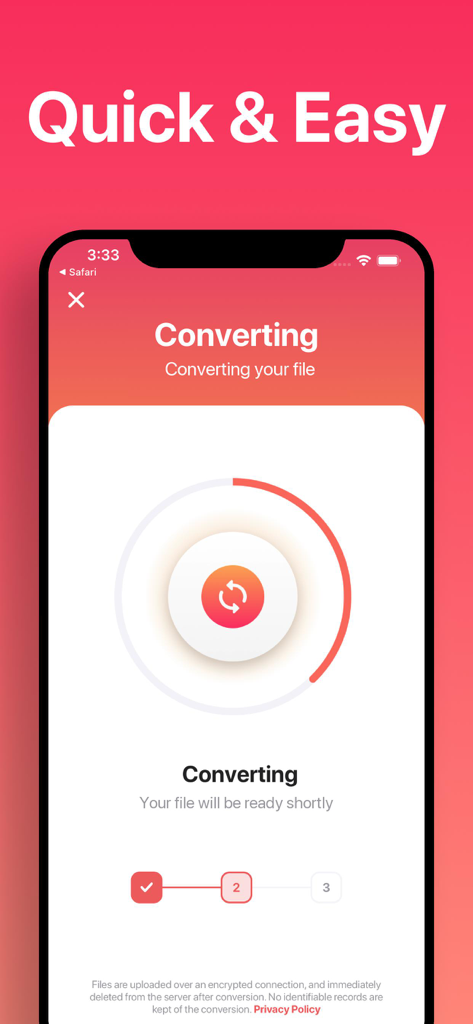
Interface of The Ebook Converter app showing the progress of an ebook file conversion on a mobile device.

Interface of The Ebook Converter app showing the progress of an ebook file conversion on a mobile device.

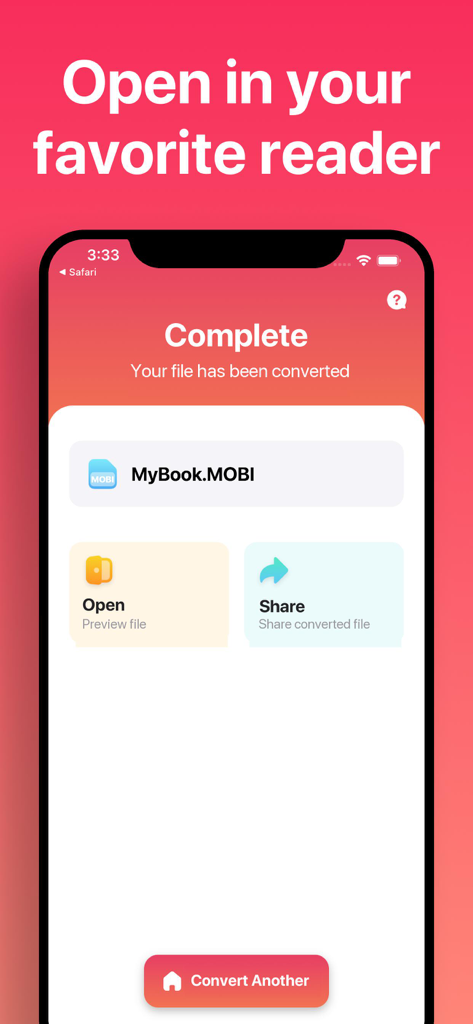
Screenshot of The Ebook Converter app showing a successful file conversion to MOBI format with options to open or share the file.

Screenshot of The Ebook Converter app showing a successful file conversion to MOBI format with options to open or share the file.

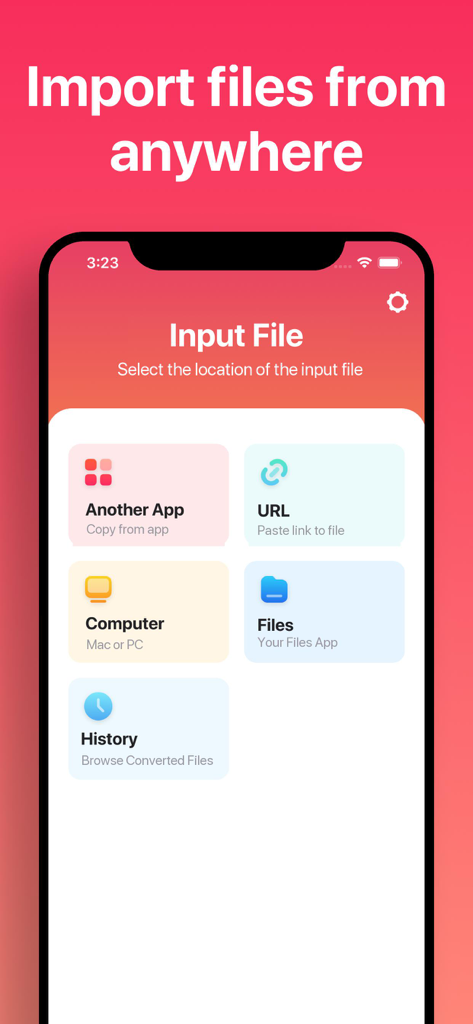
A mobile screen from The Ebook Converter app showing options to import files from sources like other apps, URLs, computers, and internal files.

A mobile screen from The Ebook Converter app showing options to import files from sources like other apps, URLs, computers, and internal files.

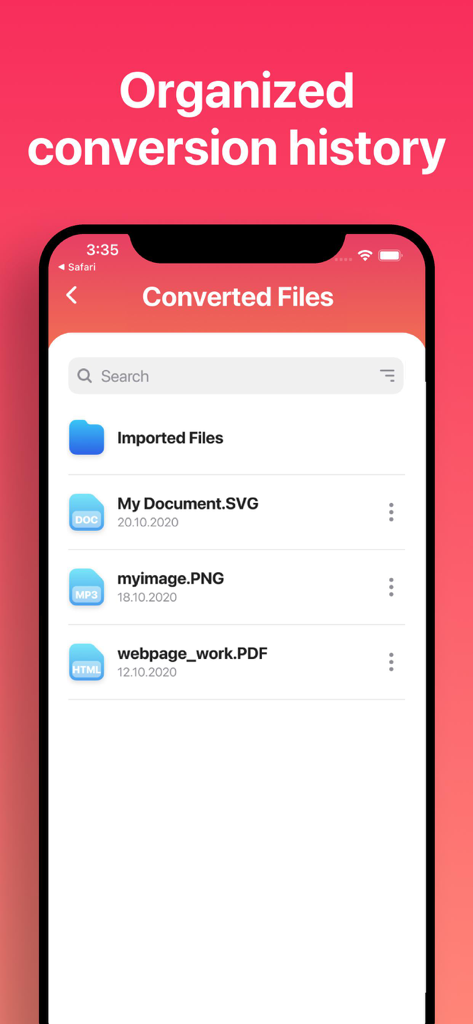
A list of converted files in The Ebook Converter app showing organized history and file types

A list of converted files in The Ebook Converter app showing organized history and file types

Read Without Limits

The tools that make this app stand out, trusted by 133K+ users.

🔄

Total Format Freedom

Seamlessly convert between EPUB, MOBI, PDF, and 20+ other formats to bridge the gap between your Kindle and Apple ecosystems.

Instant & Battery Friendly

Get results in under 15 seconds. Our secure cloud processing does the heavy lifting, ensuring fast conversions without draining your battery.

📱

Optimized for Your Workflow

Perfectly tailored for iPhone and iPad users, allowing you to open converted files directly in your favorite reading apps like Apple Books or Kindle.

Review Analysis

Insights from user reviews.

Sentiment Score

17%
Negative

Summary

This app receives overwhelmingly negative feedback, primarily due to severe issues with its core conversion functionality, which frequently fails or produces unusable files, especially for formats like EPUB and Kindle. Users are highly critical of the opaque pricing model, reporting unexpected charges despite advertised free trials and a general requirement for paid subscriptions to access basic features. While a few users appreciate its clean design and quick conversion speeds when it operates correctly, these positives are largely overshadowed by widespread complaints regarding its unreliability, deceptive practices, and poor customer service. Many express frustration over being scammed and unable to secure refunds for a non-functional product.

Common Themes

App Functionality(7)
Conversion Speed(2)
Subscription Value(2)
Format Support(2)
User Interface(1)
Kindle Conversion(1)

About the app

Everything you need to know about The Ebook Converter.

Description

Easily convert your ebooks between nearly any major formats! 1. Select your input file 2. Choose your output format ( MOBI, EPUB, PDF, TXT, AZW3 etc. ) 3. Convert! It will only take a few seconds. 4. Save your file, or open it in your favorite app! Choose from any of these output formats: MOBI, EPUB, TCR, PDB, PDF, AZW3, LRF, FB2, LIT, TXT, RTF, OEB You can convert from dozens of input formats, here are some of the most popular formats we support converting your ebooks from: EPUB, MOBI, PDF, TXT, FB2, DOCX, AZW3, ZIP, DOC, HTML and more! Save, Share or Open your converted ebooks in your favorite reader apps immediately. You can even browse your previously converted files with our in-app file browser. Conversions usually take less than 15 seconds! Conversion is done on a secure cloud server, which makes conversion easier, faster and much more battery-friendly. You must have an internet connection to use this app. Files are immediately deleted from the server after conversion. While the files are immediately deleted after conversion or cancellation, you should be aware that by using this app, you agree that your files will be sent over to internet from the app to the conversion server. We've also recently added support for local conversions for many popular conversion types. These conversions don't require a server, and are usually done almost instantly! We are continuing to add support for more local conversions with each update. This app includes an optional auto-renewable subscription (Premium Pass): Premium Pass beings with a free trial period, then an auto-renewable monthly subscription when trial ends. Payment will be charged to your Apple account at confirmation of purchase and will automatically renew (at the duration/price selected) unless auto-renew is turned off at least 24 hrs before the end of the current period. Account will be charged for renewal within 24-hours prior to the end of the current period. Current subscription may not be cancelled during the active subscription period; however, you can manage your subscription and/or turn off auto-renewal by visiting your Apple Account Settings after purchase. Any unused portion of the free initial period will be forfeited when you purchase a subscription. Privacy Policy: https://float.support/the-ebook-converter/privacy Terms of Use: https://float.support/the-ebook-converter/terms

Latest Version

26.0.2

Size

44.6 MB

First Released

Jun 22, 2014

Unlock Your Library Today

Join over 133,000 readers and bridge the gap between your devices. Convert any file in 15 seconds and start reading on your own terms.

Download on App Store

App information, icons, screenshots, and descriptions displayed on this page are sourced from the Apple App Store and are the property of their respective developers. Download estimates and rankings are based on MWM's proprietary models and may not reflect actual figures. This page is provided for informational and analytical purposes only.

Believe this page infringes your intellectual property? File a dispute