
This page is not an official page of the app or its developer, but an independent editorial publication created for informational and commentary purposes. Unless expressly stated otherwise, neither the app nor its developer is affiliated with, endorsed by, sponsored by, authorized by, or otherwise officially connected with MWM, Apple, Google Play, the app publisher, or the app's developer, and nothing on this page implies that the app was developed using MWM's services. Any trademarks, logos, screenshots, and other content remain the property of their respective owners.


Thermomix® Cookidoo® App
Join a global universe of 100,000+ guided recipes tailored to your lifestyle. Plan your week, customize your favorites, and sync seamlessly with your Thermomix® for perfect results, every time.
Downloads
77K+User Rating
Total Ratings
32K+Publisher
Category
Food & DrinkLocales
15Latest Version
25.12.2Size
156.1 MBFirst Released
Jul 11, 2019Master the Art of Smart Cooking
Integrate the world's largest recipe library into your daily routine and transform your Thermomix® into a culinary powerhouse that fits your high-performance lifestyle.
Seamless Device Sync
Eliminate friction by sending recipes directly from your phone to your TM6 screen for a perfectly guided cooking experience.
Intelligent Meal Planning
Reduce decision fatigue and optimize your week with professional scheduling tools designed for busy, health-conscious households.
The following screenshots and description are sourced directly from the app's official store listing and are the property of the app developer.
App Store
Screenshots
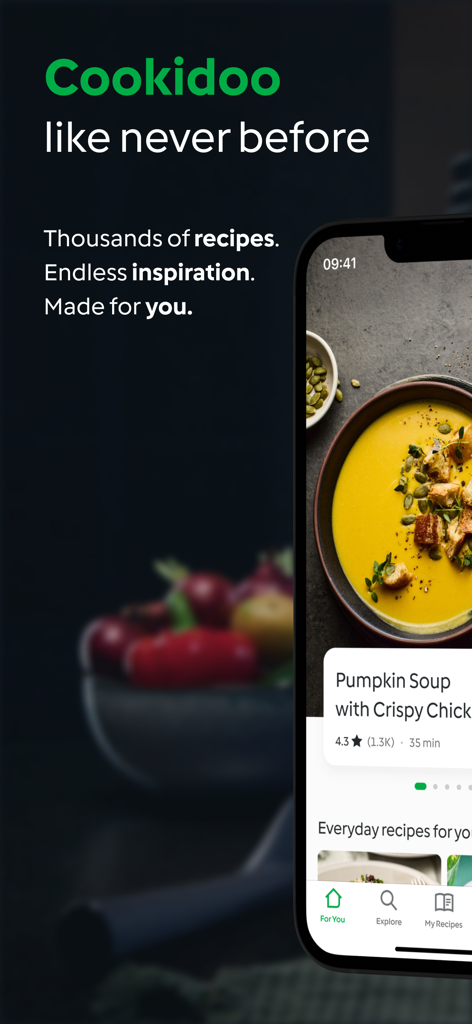
The Thermomix Cookidoo app displayed on a smartphone featuring a pumpkin soup recipe with professional food photography
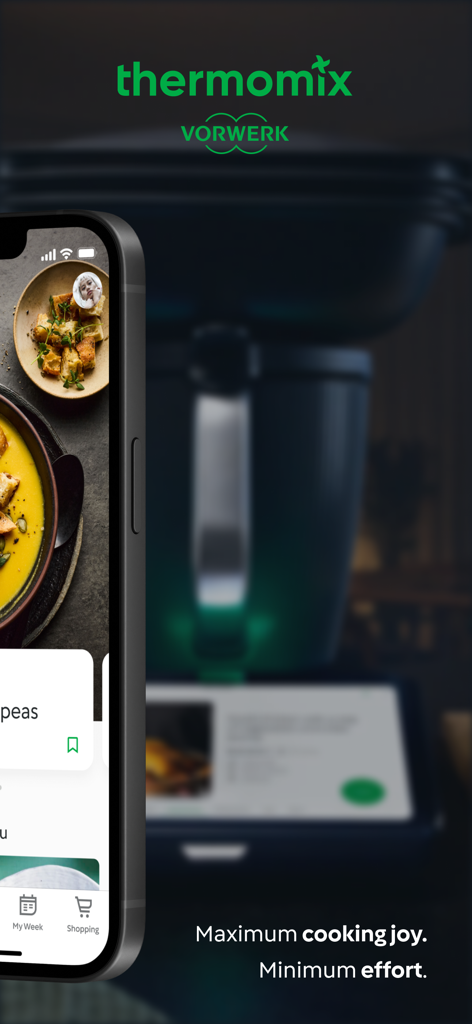
Smartphone showing the Thermomix Cookidoo app interface next to the TM6 appliance
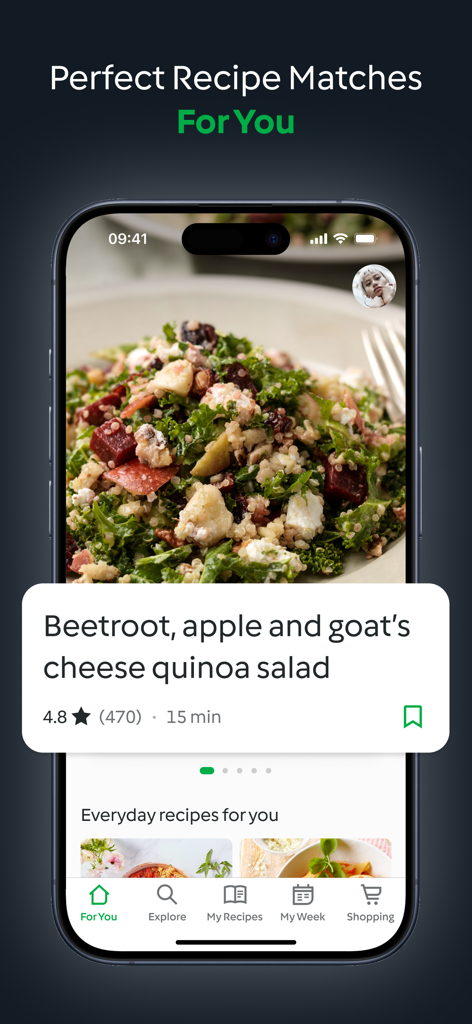
Thermomix Cookidoo app interface showing personalized recipe recommendations and a healthy quinoa salad recipe.
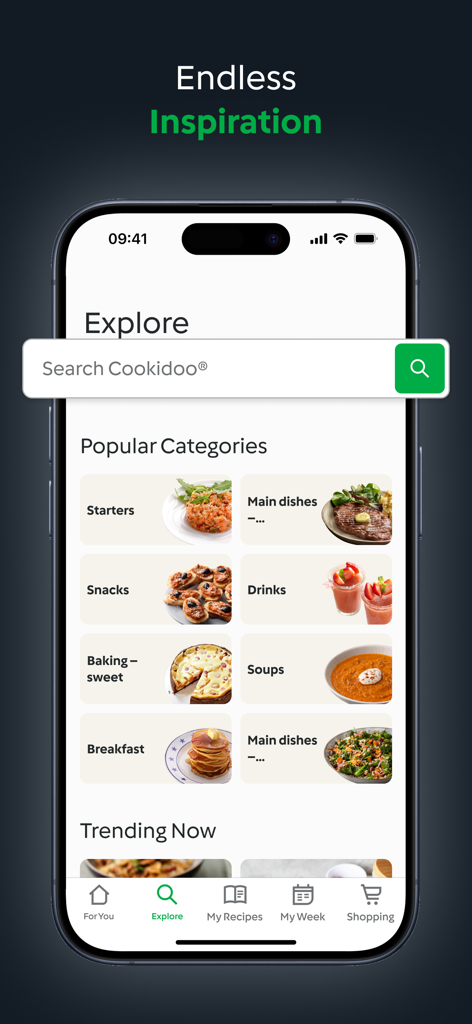
Explore screen of the Thermomix Cookidoo app showing popular food categories and a search bar
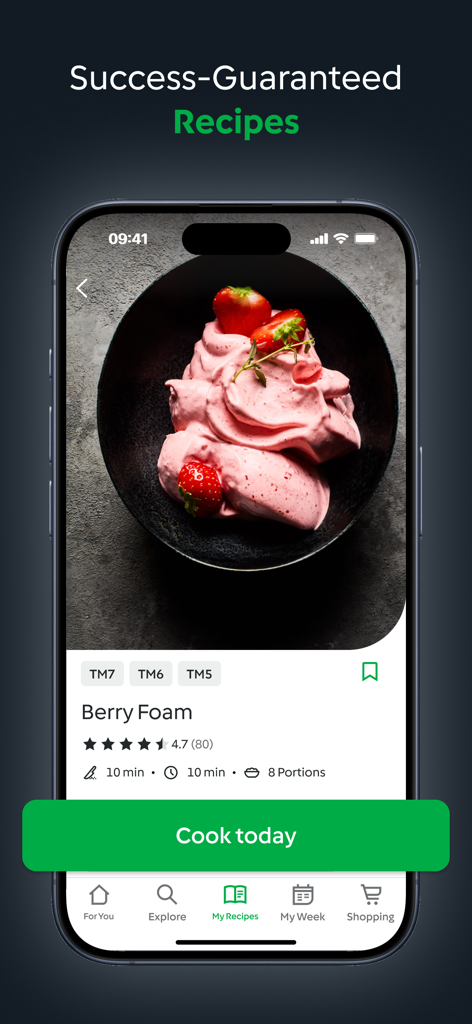
Thermomix Cookidoo app interface showing a Berry Foam recipe with guided cooking features and professional food photography.
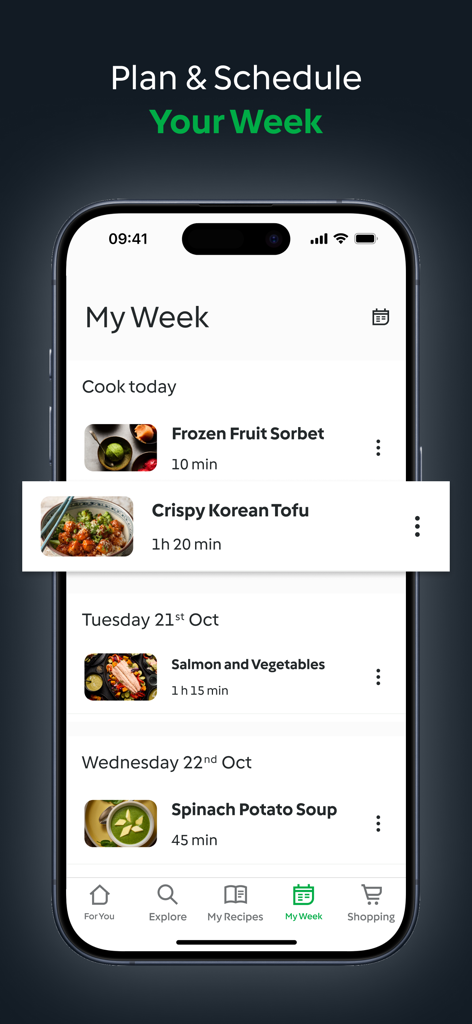
Interface of the Cookidoo app showing a weekly meal plan with recipes for Korean Tofu and Salmon
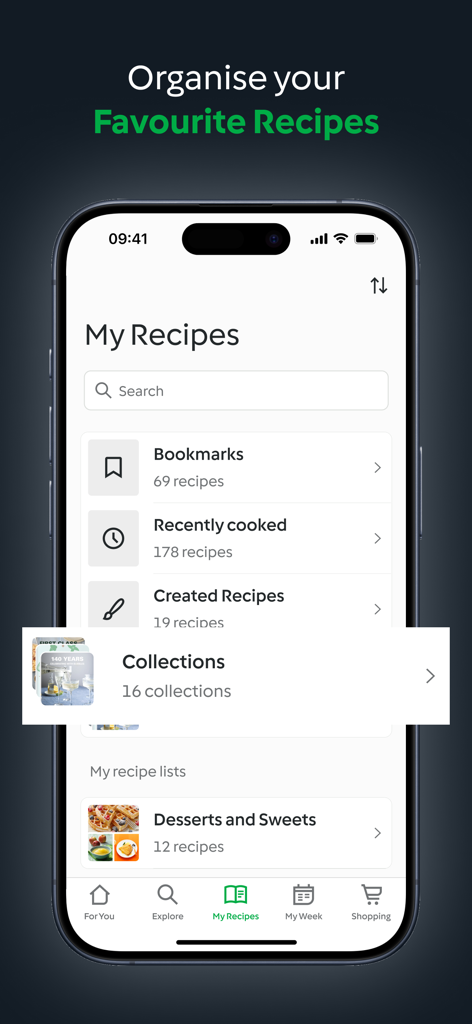
Interface of the Cookidoo app showing organized recipe lists including bookmarks and custom collections
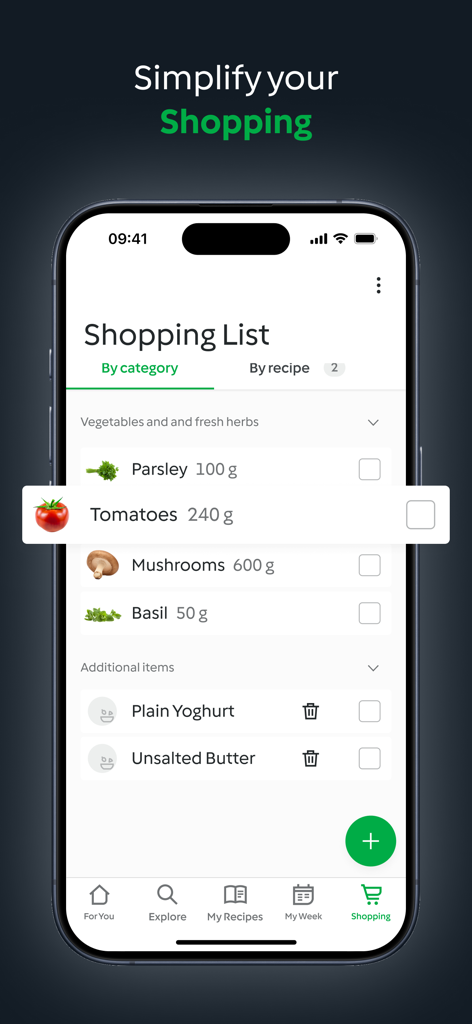
A smartphone displaying the shopping list feature of the Cookidoo app with categorized grocery items like vegetables and herbs.
Description
Download
More Like This
Apps with similar features and user experience

Traeger
Traeger Pellet Grills, LLC

Cookomix
Cooknet

ZauberTopf Rezepte
falkemedia digital GmbH

HomeID (Kitchen+)
Versuni Netherlands B.V

MEATER® Smart Meat Thermometer
Apption Labs Limited

CHEF iQ
RJ Brands, LLC

Starbucks-Inspired Secret Menu
Anthem Ventures LLC

Instant Connect ™
IB Appliances US Holdings, LLC

TempSpike
iTronics Co., Limited
This page is not an official page of the app or its developer, but an independent editorial publication created for informational and commentary purposes. Unless expressly stated otherwise, neither the app nor its developer is affiliated with, endorsed by, sponsored by, authorized by, or otherwise officially connected with MWM, Apple, Google Play, the app publisher, or the app's developer, and nothing on this page implies that the app was developed using MWM's services. Any trademarks, logos, screenshots, and other content remain the property of their respective owners.