Timetable & Schedule Maker

Timetable & Schedule Maker

Download on App Store
Logo of Timetable & Schedule Maker

Timetable & Schedule Maker: Visualize Your Success, One Block at a Time

Transform your daily routine into an aesthetic, color-coded masterpiece. Perfect for students and professionals, our effortless planner lets you design, customize, and export your perfect schedule in seconds.

Download on App Store

Publisher

FUTURECRAFT APPS LLP

Category

Productivity

Downloads

800

User Rating

4.7/5

Total Ratings

0

Locales

1

Your Day, Visualized

Discover the interface used by 800 users.
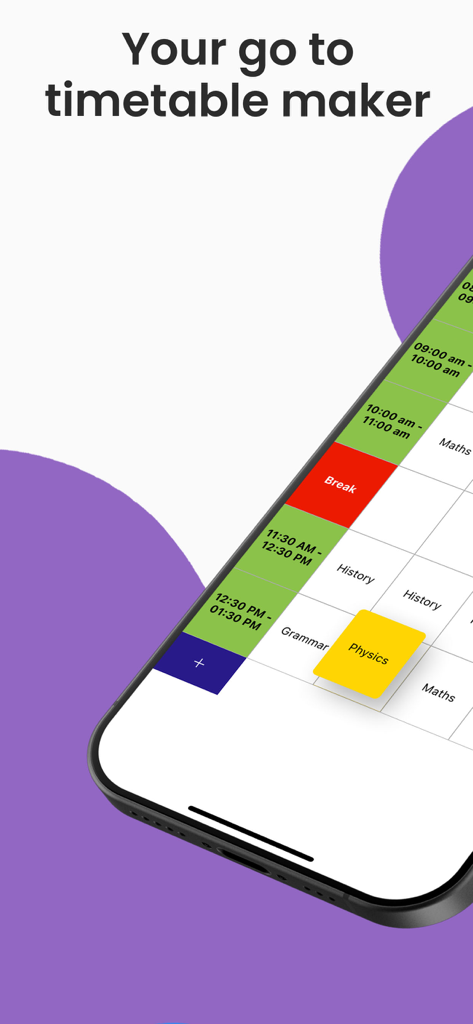
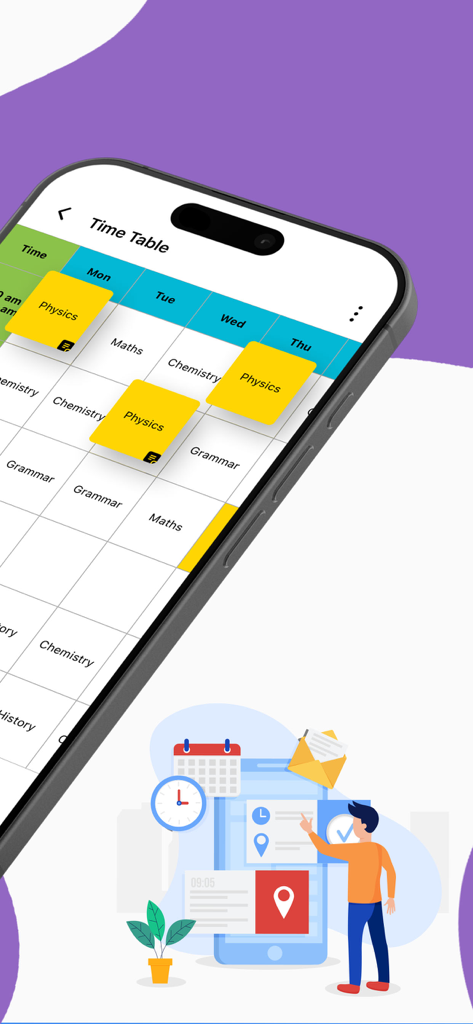
A smartphone displaying a colorful and organized weekly schedule with time blocks for classes and breaks.

A smartphone displaying a colorful and organized weekly schedule with time blocks for classes and breaks.

A color coded school class timetable displayed on a smartphone screen

A color coded school class timetable displayed on a smartphone screen

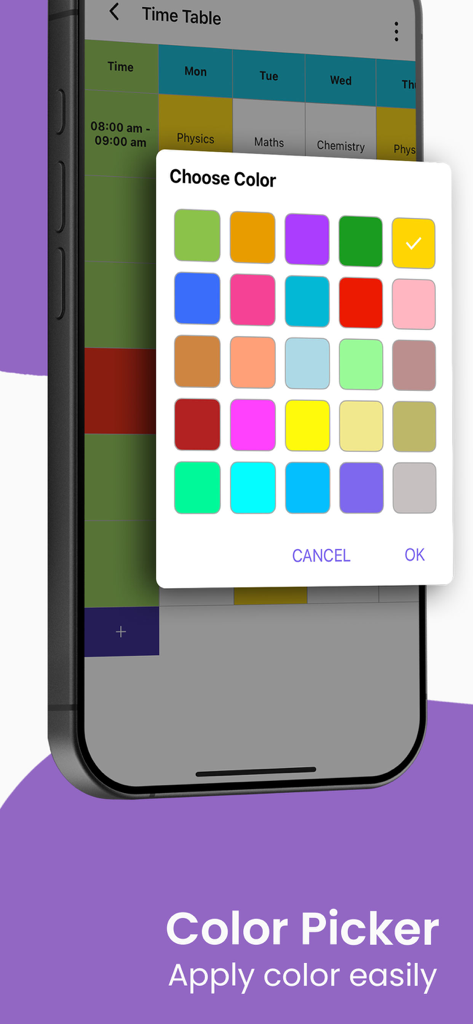
A mobile interface showing the color picker palette for color coding a weekly class schedule

A mobile interface showing the color picker palette for color coding a weekly class schedule

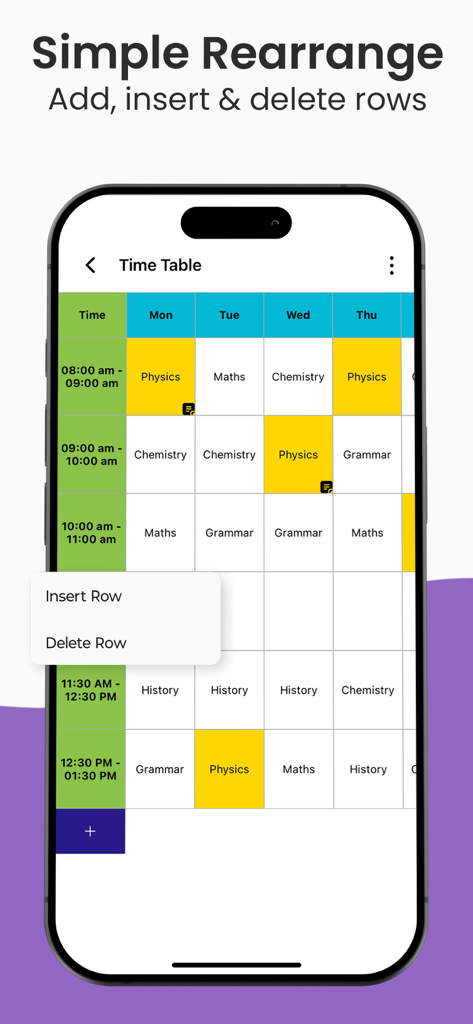
A screenshot of the Timetable and Schedule Maker app showing a color coded weekly class schedule with a menu to insert or delete rows

A screenshot of the Timetable and Schedule Maker app showing a color coded weekly class schedule with a menu to insert or delete rows

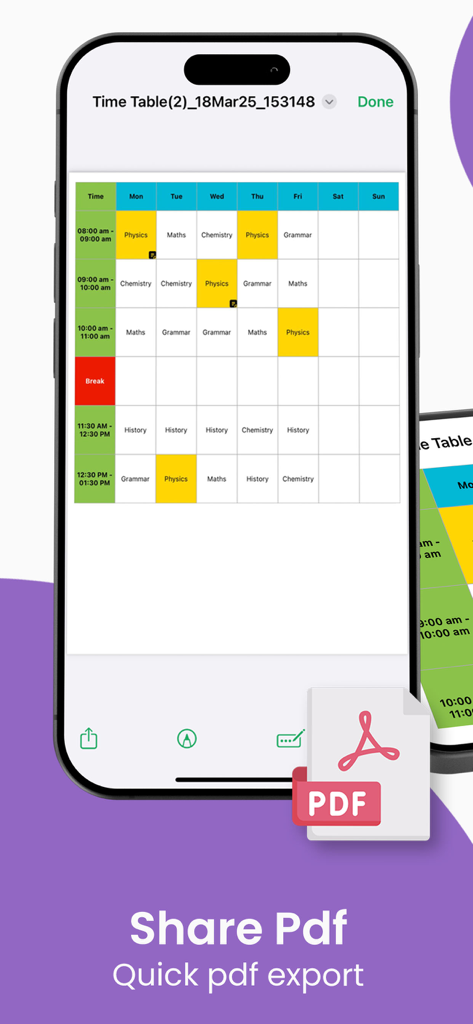
iPhone displaying a color coded weekly schedule with a PDF export option

iPhone displaying a color coded weekly schedule with a PDF export option

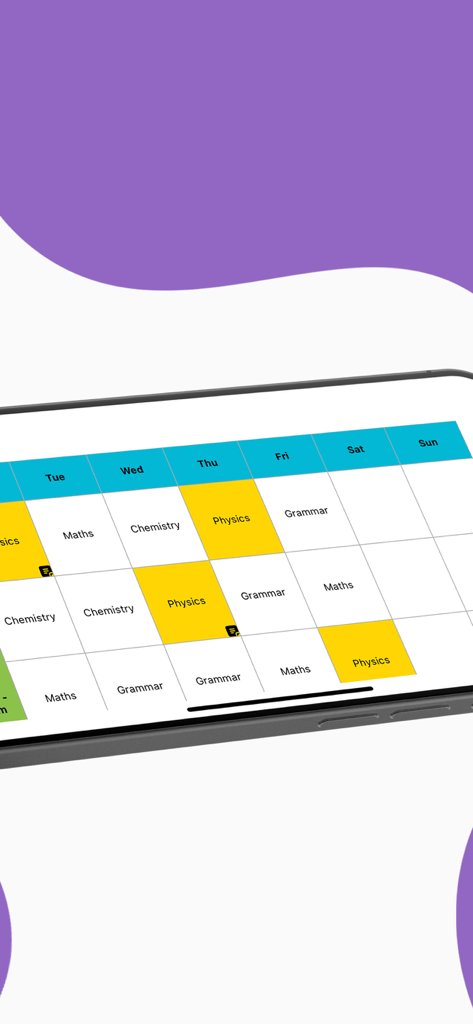
A visually organized color-coded weekly timetable grid on a mobile device showing various school subjects like Maths and Physics

A visually organized color-coded weekly timetable grid on a mobile device showing various school subjects like Maths and Physics

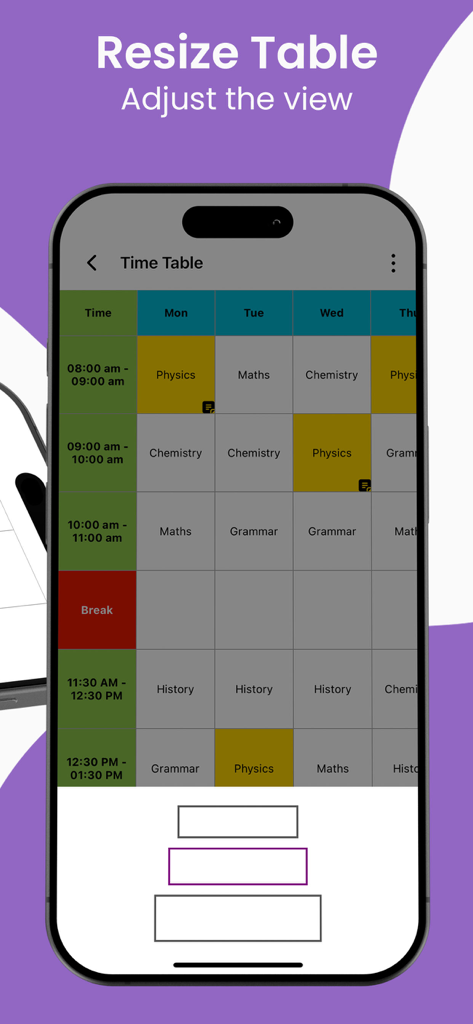
A mobile app interface showing a color coded weekly class schedule with options to resize the table view.

A mobile app interface showing a color coded weekly class schedule with options to resize the table view.

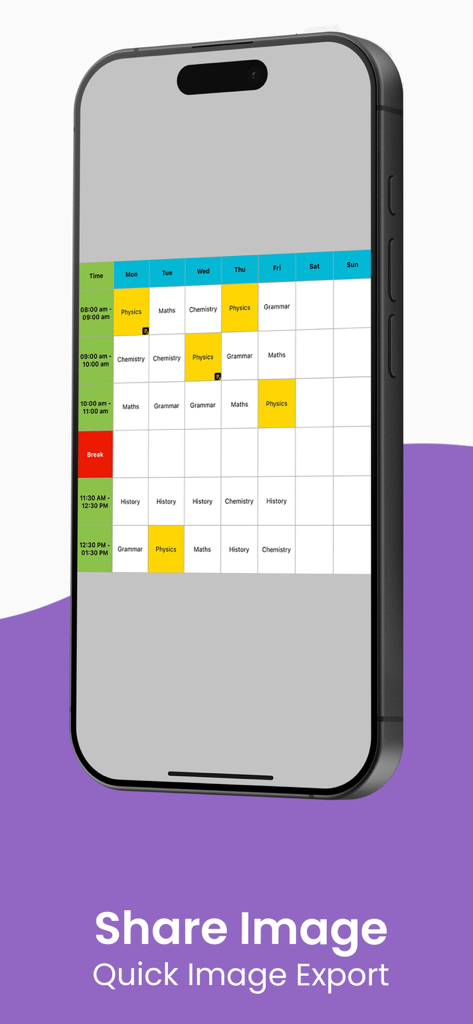
iPhone displaying a color-coded weekly class timetable with quick image export option

iPhone displaying a color-coded weekly class timetable with quick image export option

Designed for Your Daily Flow

The tools that make this app stand out, trusted by 800 users.

🎨

Vibrant Color-Coding

Assign unique colors to subjects and tasks for a beautiful, easy-to-read overview of your entire week at a single glance.

Full Creative Control

Personalize your planner with custom fonts, row heights, and layouts that match your personal style and professional needs.

📄

Pro PDF Exports

Instantly generate high-quality PDFs to print for your workspace or share seamlessly with your team and classmates.

About the app

Everything you need to know about Timetable & Schedule Maker.

Description

Timetable & Schedule Maker – Plan, Organize & Stay on Track! Timetable & Schedule Maker is your ultimate all-in-one planner for organizing daily routines, school classes, work shifts, or personal tasks. Whether you're a student juggling multiple subjects, a teacher planning lessons, or a busy professional managing meetings and projects—this app simplifies your scheduling life. Key Features: Effortless Timetable Creation – Design custom weekly or monthly schedules with just a few taps. Add subjects, tasks, or events and organize them visually into clear, structured timetables. Multiple Templates – Choose from flexible formats like Weekly Planner, Monthly Planner, Class Timetable, or Custom Table to suit your workflow. PDF Export & Sharing – Instantly save your schedule as a PDF to print or share with classmates, colleagues, or family. Color-Coded Organization – Assign unique colors to each subject, meeting, or task to make your planner visually appealing and easy to follow. Fully Customizable – Adjust text size, font style, row height, and cell colors to create a personalized schedule that fits your preferences. Ad-Free Premium Option – Unlock the full experience with distraction-free planning and exclusive premium features. This app is perfect for: Students managing class timetables and study plans Teachers creating weekly lesson schedules Freelancers and professionals tracking projects and client meetings Anyone who loves staying organized with a beautiful, editable planner Trusted by thousands of users worldwide, Timetable & Schedule Maker is the simplest way to stay focused, productive, and on track—every day. Download now and experience the power of planning made easy! Pricing Details Autorenewal plan Monthly Plan: $3.99 (USD)/ month Yearly Plan: $14.99 (USD)/ year Lifetime plan (One-time payment) $29.29 (USD) Payments and Renewal: • Payment will be charged to iTunes Account at confirmation of purchase. Subscription automatically renews unless auto-renew is turned off at least 24-hours before the end of the current period. • Account will be charged for renewal within 24-hours prior to the end of the current period. • You can manage or turn off auto-renew in your Account settings at any time after purchase • No cancellation of the current subscription is allowed during the active period. Privacy policy - https://futurecraftapps.com/easytable/privacy_policy Terms of use - https://futurecraftapps.com/easytable/termsofuse Download Timetable & Schedule Maker now and take control of your time!

Latest Version

1.2

Size

35.9 MB

First Released

Mar 28, 2025

Ready to Master Your Most Productive Week?

Join thousands of students and professionals who have swapped schedule stress for visual clarity. Download Timetable & Schedule Maker now and start designing your perfect routine.

Download on App Store
FAQ

Frequently Asked Questions

Everything you need to know about Timetable & Schedule Maker

What is the Timetable & Schedule Maker app?

The Timetable & Schedule Maker app is an all-in-one planner designed to organize daily routines, school classes, work shifts, or personal tasks, simplifying scheduling for various users.

Can users customize their schedules in the Timetable & Schedule Maker app?

Yes, users can fully customize schedules in the Timetable & Schedule Maker app. They can assign unique colors to subjects or tasks and adjust text size, font style, row height, and cell colors.

Does Timetable & Schedule Maker allow exporting and sharing schedules?

Yes, the Timetable & Schedule Maker app allows users to instantly save their schedules as a PDF for printing or sharing. It also supports quick image export for sharing.

What is the monthly subscription cost for Timetable & Schedule Maker?

The monthly subscription for the Timetable & Schedule Maker app costs $3.99 USD per month. This is an autorenewal plan charged to the iTunes Account.

Is there a one-time purchase option for the Timetable & Schedule Maker app?

Yes, the Timetable & Schedule Maker app offers a lifetime plan as a one-time payment option. This costs $29.29 USD, providing permanent access to features.

Who is the Timetable & Schedule Maker app designed for?

The Timetable & Schedule Maker app is designed for students managing class timetables, teachers creating lesson schedules, freelancers tracking projects, and anyone needing an organized, editable planner.

What types of templates are available in Timetable & Schedule Maker?

The Timetable & Schedule Maker app offers multiple flexible templates including Weekly Planner, Monthly Planner, Class Timetable, and Custom Table to suit various scheduling needs.

Does Timetable & Schedule Maker offer an ad-free experience?

Yes, the Timetable & Schedule Maker app provides an Ad-Free Premium Option. Users can unlock the full experience with distraction-free planning and exclusive premium features.

How do users manage or cancel auto-renewal for Timetable & Schedule Maker subscriptions?

Users can manage or turn off auto-renewal for their Timetable & Schedule Maker subscription in their Account settings at any time after purchase. Auto-renewal must be off 24-hours before the current period ends.

Where can I find the Privacy Policy for the Timetable & Schedule Maker app?

The Privacy Policy for the Timetable & Schedule Maker app is available at https://futurecraftapps.com/easytable/privacy_policy. This link provides details on data handling.

App information, icons, screenshots, and descriptions displayed on this page are sourced from the Apple App Store and are the property of their respective developers. Download estimates and rankings are based on MWM's proprietary models and may not reflect actual figures. This page is provided for informational and analytical purposes only.

Believe this page infringes your intellectual property? File a dispute