
This page is not an official page of the app or its developer, but an independent editorial publication created for informational and commentary purposes. Unless expressly stated otherwise, neither the app nor its developer is affiliated with, endorsed by, sponsored by, authorized by, or otherwise officially connected with MWM, Apple, Google Play, the app publisher, or the app's developer, and nothing on this page implies that the app was developed using MWM's services. Any trademarks, logos, screenshots, and other content remain the property of their respective owners.


TNMaker - Multiple Choice Test
Turn your smartphone into a portable Scantron. Scan answer sheets in seconds, eliminate manual grading errors, and reclaim your weekends with the ultimate tool for modern educators.
Downloads
74K+User Rating
Total Ratings
1K+Publisher
Category
EducationLocales
16Latest Version
4.43.89Size
19.6 MBFirst Released
Oct 13, 2017Reclaim Your Time with Instant Grading
Turn your smartphone into a high-speed, professional-grade test scanner. TNMaker helps you eliminate manual grading errors and get back to what matters most: teaching.
Lightning-Fast Camera Scanning
Grade an entire class in minutes. Simply point your camera at the answer sheets to get instant scores, eliminating the need for expensive and bulky Scantron hardware.
Total Exam Customization
Design tests that fit your lesson plan. Customize answer keys for 20, 40, or 50 questions and assign specific point values to match your grading scale perfectly.
The following screenshots and description are sourced directly from the app's official store listing and are the property of the app developer.
App Store
Screenshots
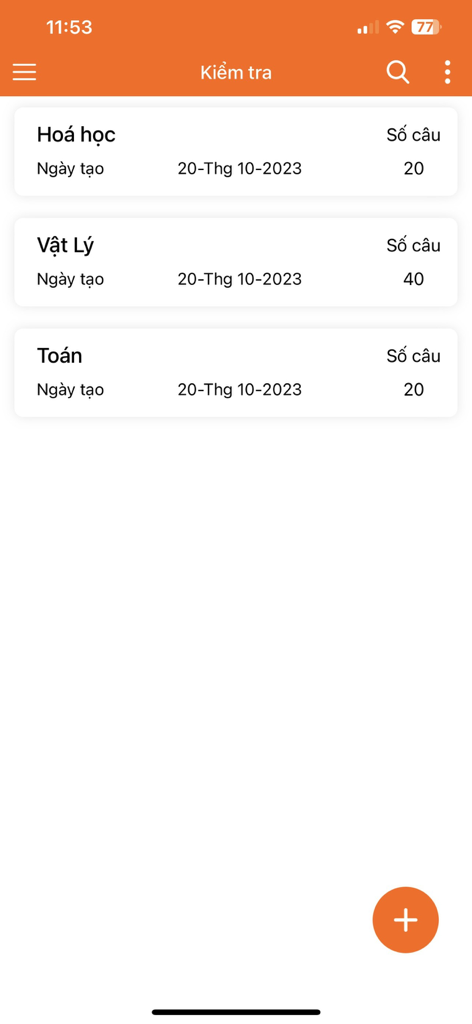
A mobile app screen showing a list of multiple choice tests for Chemistry Physics and Mathematics with their respective question counts
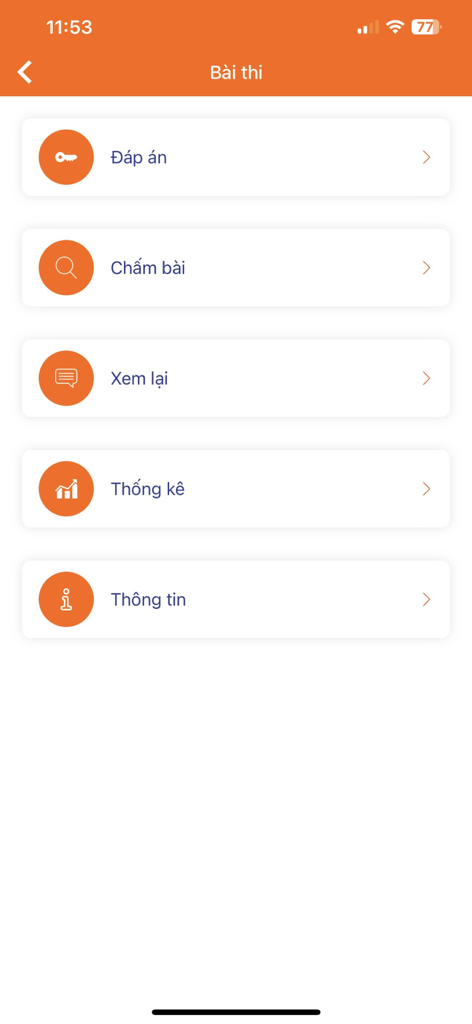
Main menu of the TNMaker app showing options for answer key grading review and statistics
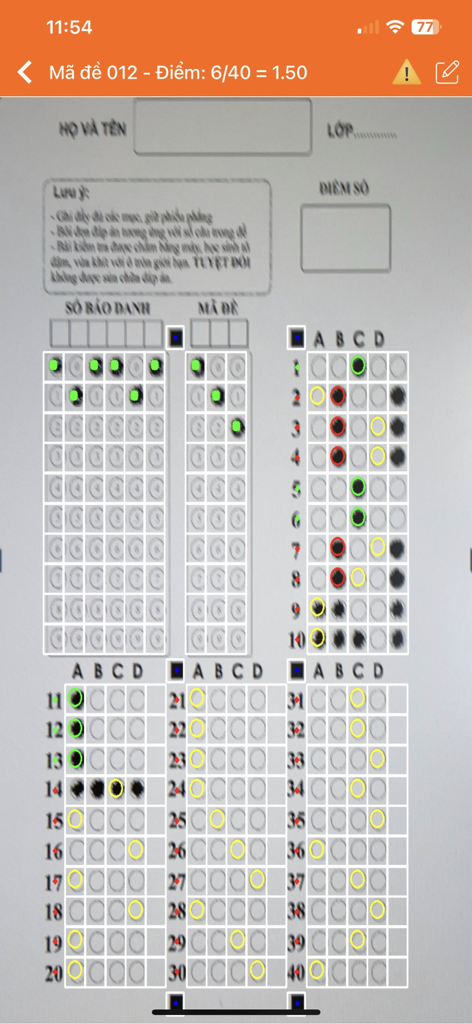
A smartphone interface using the TNMaker app to scan and automatically grade a multiple choice bubble sheet test.
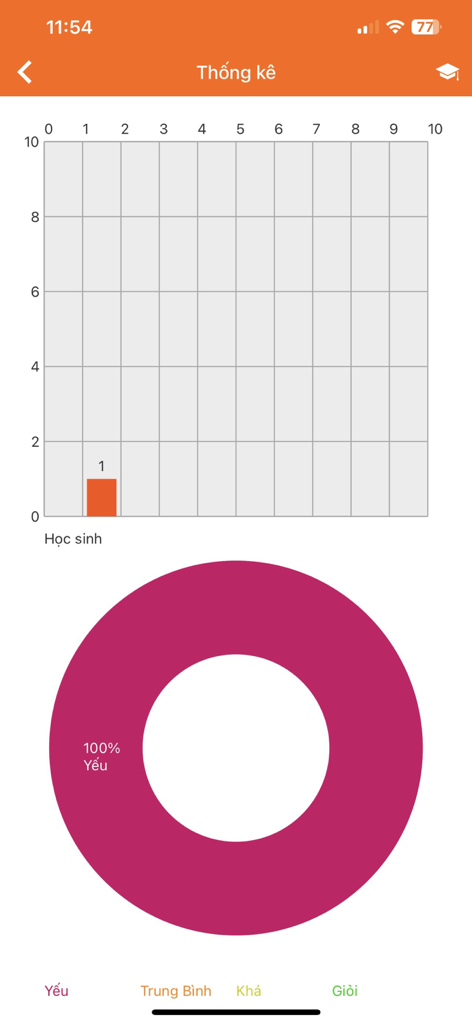
TNMaker app statistics screen displaying a student score bar chart and performance donut chart.
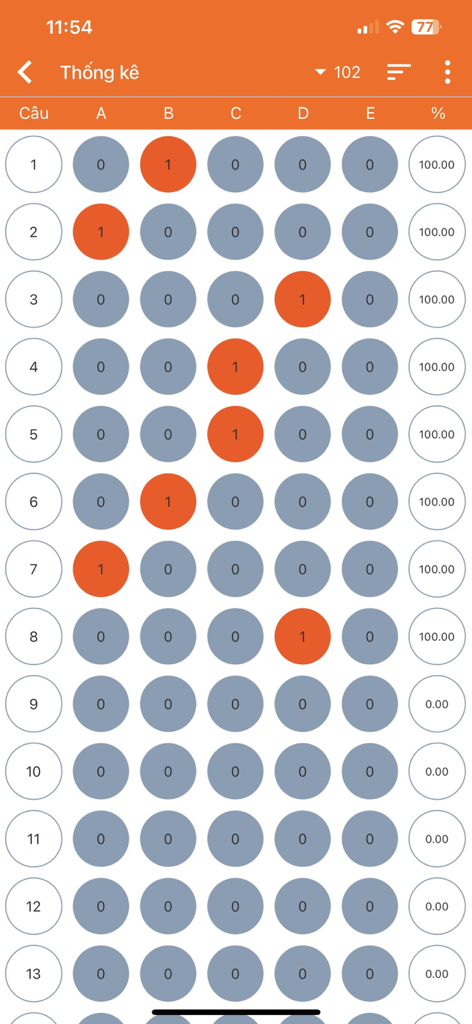
A digital report view showing multiple choice answer bubbles and percentage scores for a test
Description
Download
More Like This
Apps with similar features and user experience

组卷-中小学智能题库
XKW(Beijing)CO.,LTD.

Twinkl USA
Twinkl Limited

ZipGrade
ZipGrade LLC

Учи.ру для учителей
Uchi.ru, OOO

JustTeacher
Igor Furmanenko

TeacherKit Classroom Manager
ITWorx Egypt SAE

智学网教师端
Anhui Zhixue Technology Co.,Ltd.

七天网络
Anhui Septnet Co.,Ltd.

Showbie
Showbie Inc.
This page is not an official page of the app or its developer, but an independent editorial publication created for informational and commentary purposes. Unless expressly stated otherwise, neither the app nor its developer is affiliated with, endorsed by, sponsored by, authorized by, or otherwise officially connected with MWM, Apple, Google Play, the app publisher, or the app's developer, and nothing on this page implies that the app was developed using MWM's services. Any trademarks, logos, screenshots, and other content remain the property of their respective owners.